Overview
The Yodeck Black Friday 2026 offer gives you 20% off in one of two ways, depending on your account. Existing paying customers get 20% off the new screens they add to their subscription. New customers get 20% off the Enterprise plan. Each offer has its own coupon code, which you enter at checkout in the Yodeck Portal.
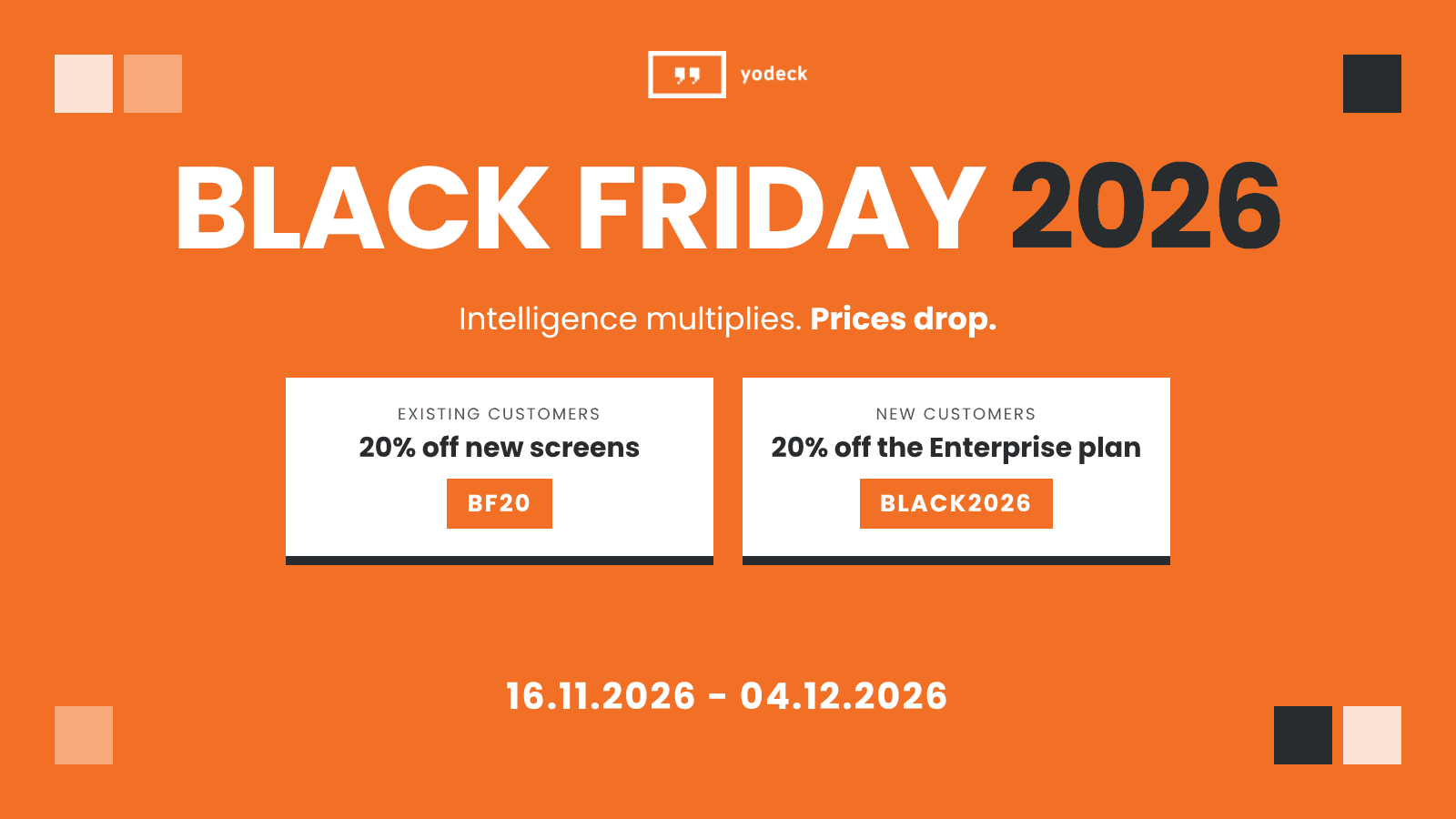
The offers at a glance
| Existing customers | New customers | |
|---|---|---|
| Who | Accounts with an active paid subscription, on any plan | Accounts without a paid subscription, including accounts on the Free plan or a free trial |
| Discount | 20% off the new screens you add | 20% off the Enterprise plan |
| Coupon code | BF20 | BLACK2026 |
| Billing | Annual subscriptions only | Annual or monthly subscriptions |
| Terms | Terms and Conditions for existing customers | Terms and Conditions for new customers |
Existing customers: 20% off new screens
If you already pay for Yodeck, you get 20% off every new screen you add during the offer period. The offer applies to all paid plans, but only to annual subscriptions.
Redeem BF20
- Sign in to the Yodeck Portal with an account that can manage the subscription.
- Add the number of new screens you need to your subscription. For details, see How can I add more screens to my Subscription?
- Before you complete checkout, enter BF20 in the Payment Details section.
- Check that the order total shows the discount, then complete checkout.
How the discount is billed
The discount applies only to the new screens, never to the screens you already have. Your new screens follow your current billing cycle, so you pay the discounted price for them until your next renewal date. For example, if your subscription renews in 3 months, you pay the discounted price for the new screens for those 3 months.
From your renewal date onwards, the new screens renew at the standard price of your plan.
New customers: 20% off the Enterprise plan
If you do not pay for Yodeck yet, you get 20% off the Enterprise plan when you subscribe during the offer period. This includes accounts on the Free plan and accounts on a free trial. The code works only with the Enterprise plan.
Redeem BLACK2026
- Sign in to the Yodeck Portal, or create a free account.
- Start your subscription and select the Enterprise plan.
- Before you complete checkout, enter BLACK2026 in the Payment Details section.
- Check that the order total shows the discount, then complete checkout.
How the discount is billed
- Annual subscription: you get 20% off the first 12 months. After 12 months, the subscription renews at the standard Enterprise price.
- Monthly subscription: you get 20% off the first monthly payment only. From the second month, you pay the standard Enterprise price.
If you pay by invoice
Coupon codes do not apply automatically to accounts that pay by invoice. Contact your Customer Success Manager, who applies the Black Friday discount to your order.
Rules and limitations
- You must enter the coupon code at checkout within the offer period. Nobody can apply it after checkout or to purchases you already made.
- Neither offer applies to hardware, including Yodeck Players, or to any other product or service.
- You cannot combine either offer with another promotion or discount.
- BLACK2026 works once per account.
- The coupon codes have no cash value and you cannot transfer them.
- The offers apply to customers who subscribe directly with Yodeck.
Troubleshooting
BLACK2026 works only with the Enterprise plan. Select the Enterprise plan and enter the code again.
- BF20 works only for accounts that already have a paid subscription. If your account is on the Free plan or a free trial, use BLACK2026 with the Enterprise plan instead.
- BF20 works only with annual subscriptions. It does not apply to monthly billing.
- BF20 applies only to new screens. Add screens to your subscription before you enter the code.
The code cannot be applied after checkout or to purchases you already made. Enter it before you complete checkout on your next purchase within the offer period.
F.A.Q.s
Got questions? We’ve got answers! This section addresses common questions about the Black Friday 2026 offer.
Which code do I use?
Use BF20 if your account already has a paid subscription and you want to add screens. Use BLACK2026 if you do not pay for Yodeck yet and want to subscribe to the Enterprise plan.
I am on the Free plan. Can I use BF20?
No. Accounts on the Free plan count as new customers, so you can use BLACK2026 to get 20% off the Enterprise plan.
Can I use BLACK2026 on the Basic or Premium plan?
No. BLACK2026 works only with the Enterprise plan.
Does BF20 lower the price of my current screens?
No. The discount applies only to the new screens you add during the offer period.
What happens when my subscription renews?
With BF20, the new screens renew at the standard price of your plan on your next renewal date. With BLACK2026 on an annual subscription, the Enterprise plan renews at the standard price after the first 12 months.
Do Yodeck Players get the discount?
No. Neither offer applies to hardware, including Yodeck Players.
Where can I read the full terms?
Need Help?
The Yodeck Support Team can help you out! Log in to your Yodeck account and send us a message from the bottom right corner!
