Overview
Display the weather forecast in three or six-hour increments using data from OpenWeather. The app will automatically reload the data every 10 minutes.
Creating an Hourly Weather app
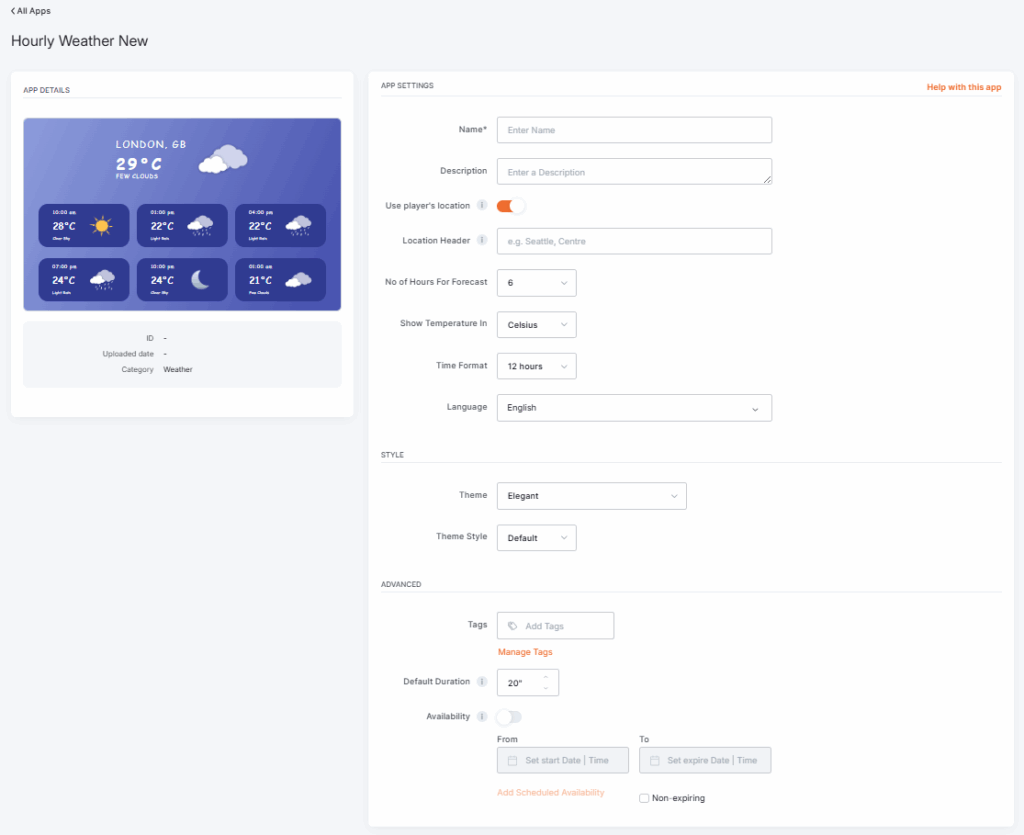
Click on the Hourly Weather app within your app gallery to add it, and fill in the app details as follows:
- A Name is required for the app and, optionally, a Description.
- Choose to use the player’s physical location or disable it and choose a location on the map.
- Type a Location Header for your weather app, if you wish.
- Select the Number of Hours for the forecast, between 3 and 6.
- Select Temperature units (Celsius, Fahrenheit, or Kelvin).
- Select the Time Format, which should be between 12 and 24 hours.
- Choose the Language from the drop-down list.
- Set the preferred app Theme, from the following options:
- Elegant: A polished theme with refined styling and smooth visual accents.
- Minimal: A clean, simple layout that focuses on essential weather details.
- Playful: A colorful, lively theme with friendly icons and cheerful visuals.
- Classic: A straightforward, traditional layout that mirrors familiar forecast designs.
- Set the Theme style to either the Default one or a Custom one (where you get to select the colors, text fonts, and background type color).
- Then, you can set a distinct Tag for this app to manage it better in the future.
- Set the Default Duration so that the app will appear in a playlist.
- You can set the Availability. More details can be found in the Media Availability guide.
- Click Save, and your app is ready to use.
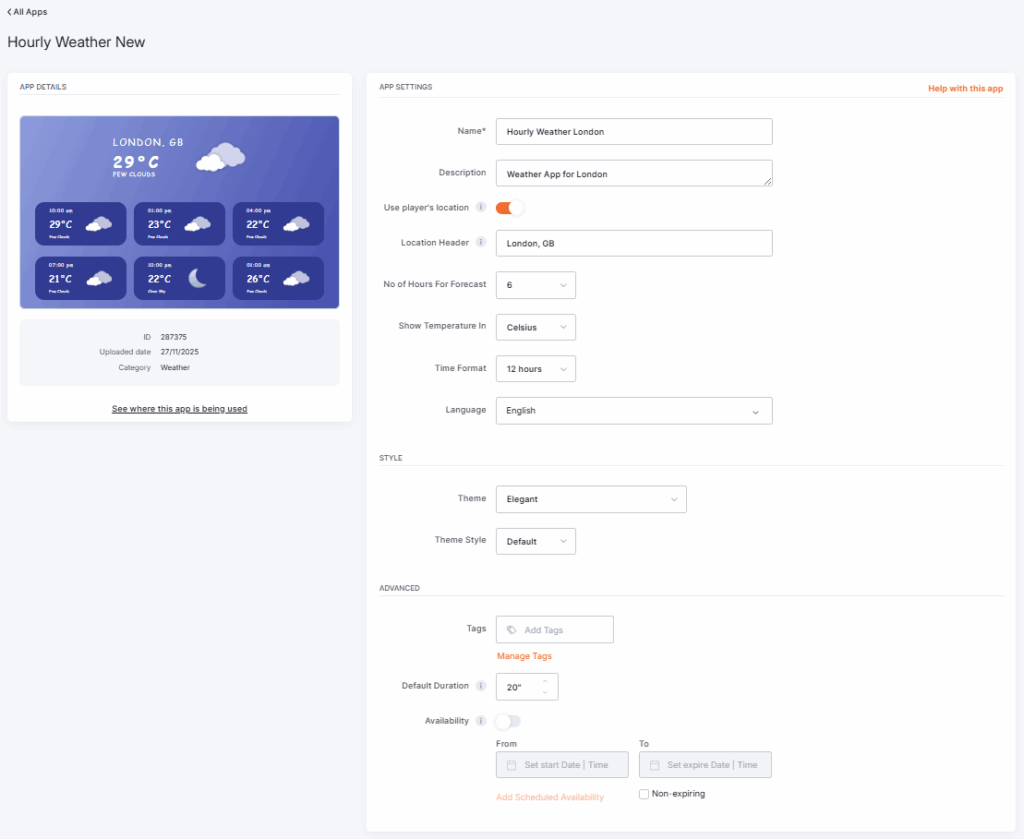
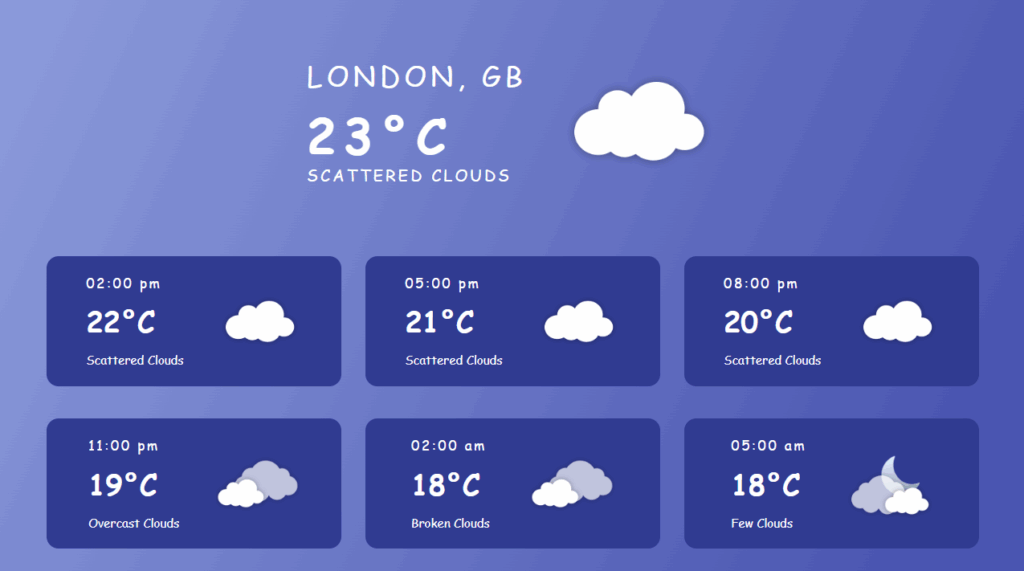
Hourly Weather app Example
F.A.Q.s
Got questions? We’ve got answers! This section addresses common questions about the Hourly Weather app.
The location on the screen is not correct.
If the auto-detect location doesn’t agree with the exact location, disable the auto-detection and manually set your location in the app settings.
How can I change the temperature from Celsius to Fahrenheit?
You can change the temperature in the app’s settings.
I updated the temperature format, but the screen does not display the correct temperature.
Press the Push to Players button after every change you make to your account.
Need Help?
The Yodeck Support Team can help you out! Log in to your Yodeck account and send us a message from the bottom right corner!

