Step-by-step procedure
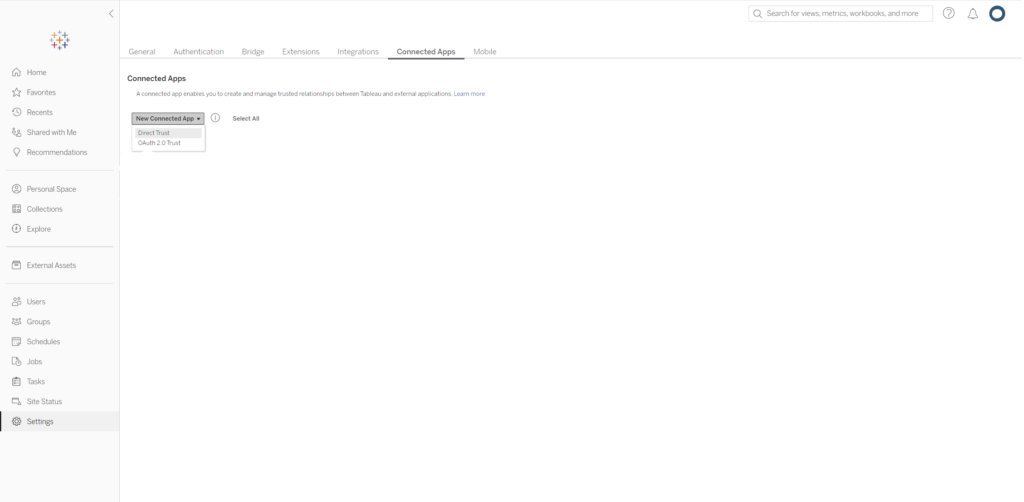
- Login to your Tableau account and go to Settings -> Connected Apps.
- Create a new Connected App with ‘Direct Trust‘.
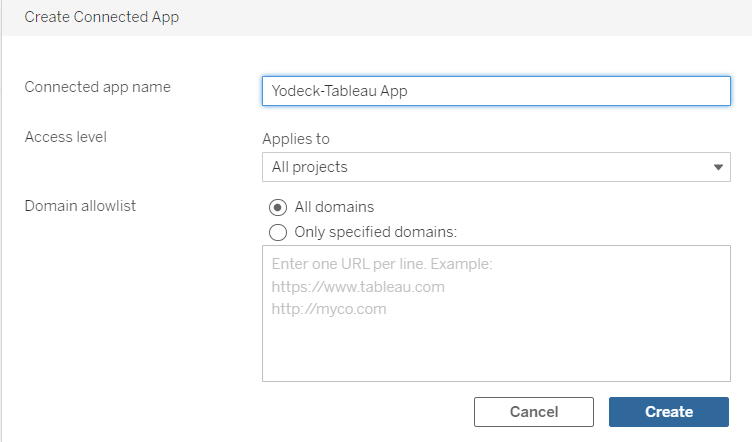
- Enter your preferred name (so you can tell which one is which) and the project(s) you want to display. Click Create.
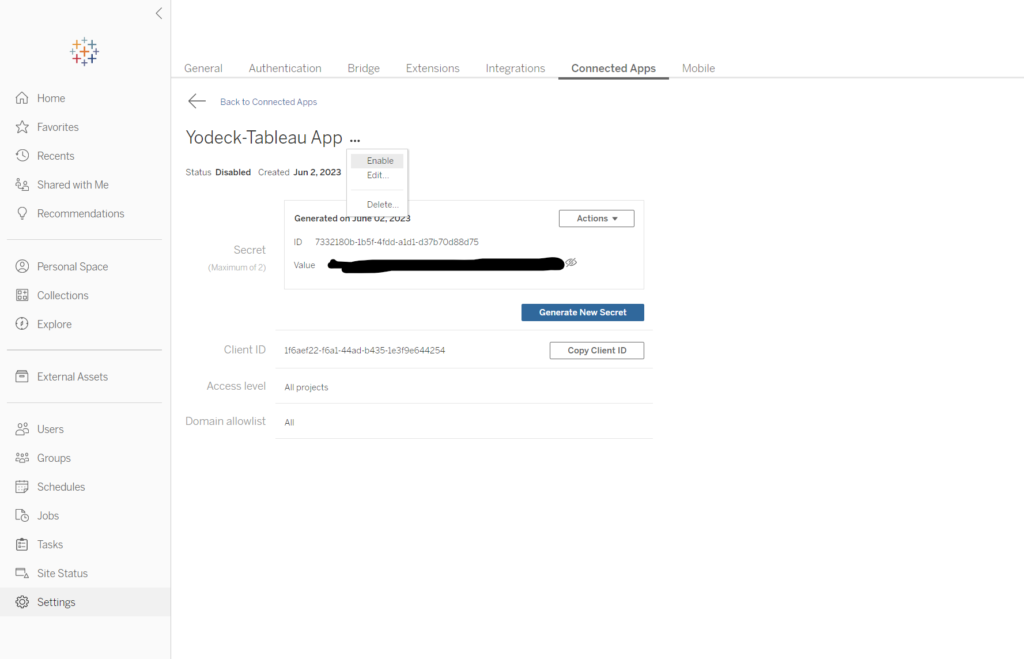
- Click ‘Generate New Secret‘.
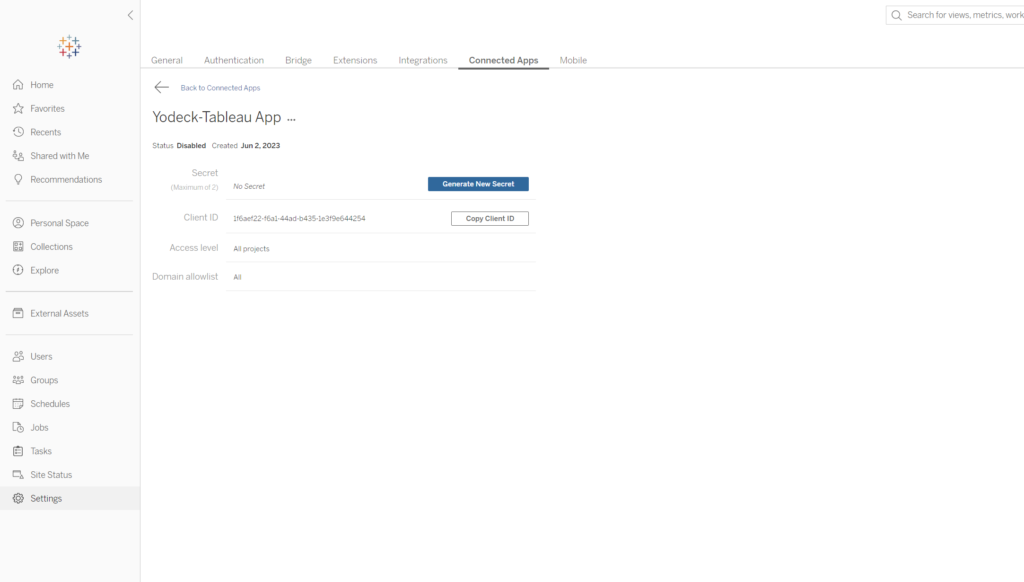
- From the three dots at the end of your app’s title, ‘Enable‘ the app.
- Copy the Client ID, Secret ID and Secret Value.
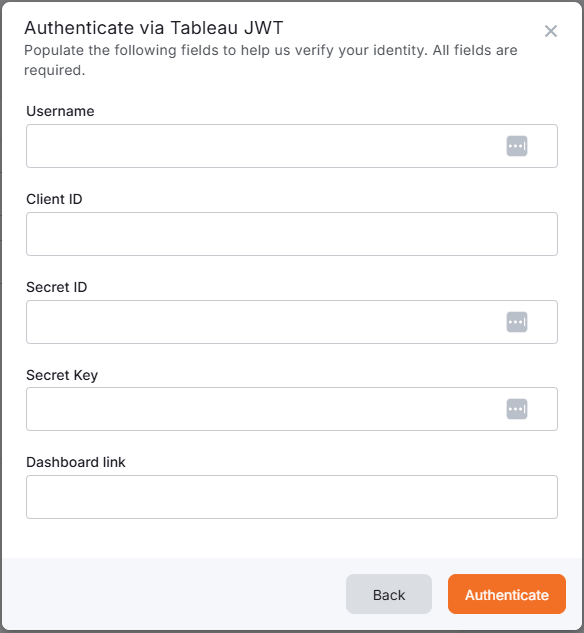
- Paste these values in our Tableau (JWT) app, along with your accounts Username/email.