Table of Contents
Overview

The Bonusly App for Yodeck lets you display employee recognition, peer-to-peer shoutouts, and appreciation from Bonusly directly on your screens. It is a simple way to make recognition more visible across the workplace and reinforce company culture in shared spaces.
Instead of keeping recognition inside a browser tab or chat tool, you can bring it into office lobbies, break rooms, reception areas, and common spaces where more people can see it. Once the app is connected, the content updates automatically, helping you keep your screens fresh with minimal effort.
Before you begin
Before creating the app in Yodeck, you need to generate an API token in Bonusly.
Make sure that:
- you have a Bonusly account
- your Bonusly account already has at least one recognition post
- you have successfully copied your API token
To generate your token:
- Sign in to your Bonusly account.
- Go to your personal settings page:
https://bonus.ly/users/edit#services - Open the Services tab.
- Click Create New API Access Token.
- Give your token a label.
- Click Create API Key.
- Copy the token before closing the window.
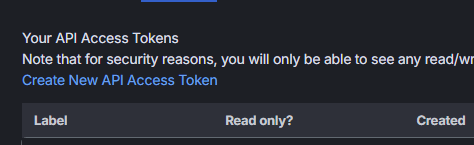
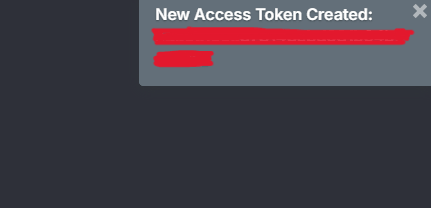
⚠️Important Note: If you lose your API token, you will need to generate a new one.
Creating a Bonusly app
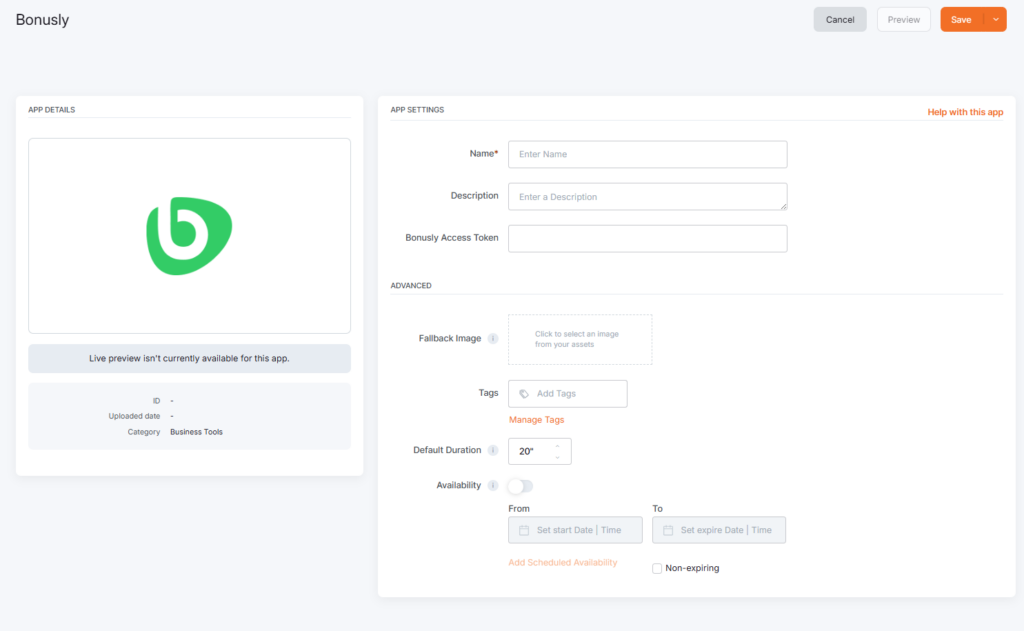
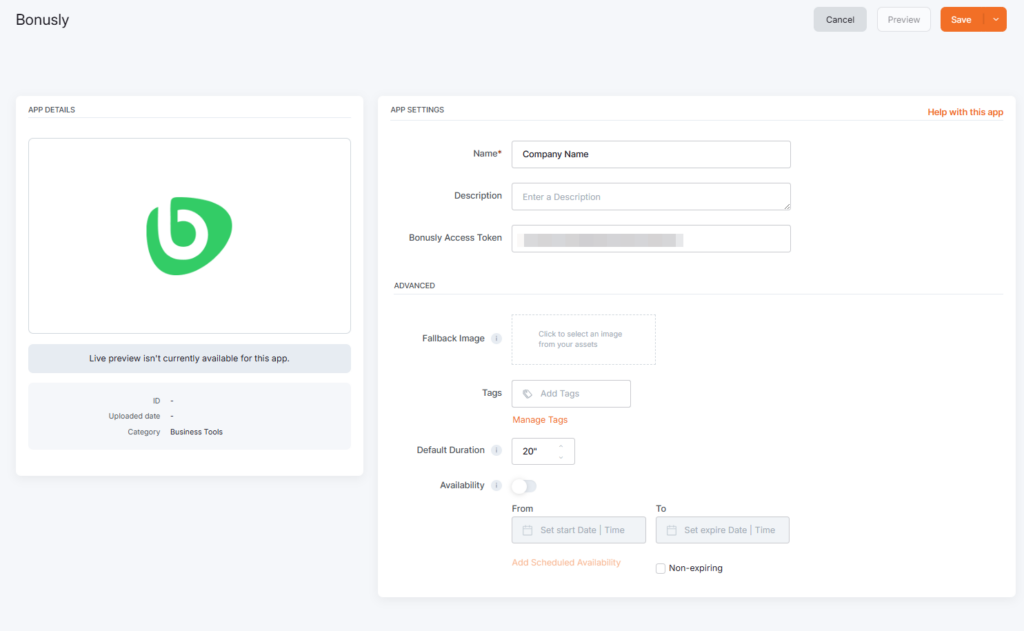
Click on the Bonusly App within your App Gallery to add it, and fill in the app details as follows:
- A Name is required for the app, and you can also add an optional Description.
- Paste your Bonusly API token into the relevant field.
- Of course, you can upload an image to the Fallback Image button to display if the app fails to load.
- You can also provide a tag for this app to manage it better.
- Set the Default Duration so that the app can appear in a playlist.
- You can also set Availability if you want the app to appear only during specific dates or times.
- Click Save, and your app is ready to use.
You can now assign it to your player or add it to a playlist, and the player will display the Bonusly recognition feed.
Final Result
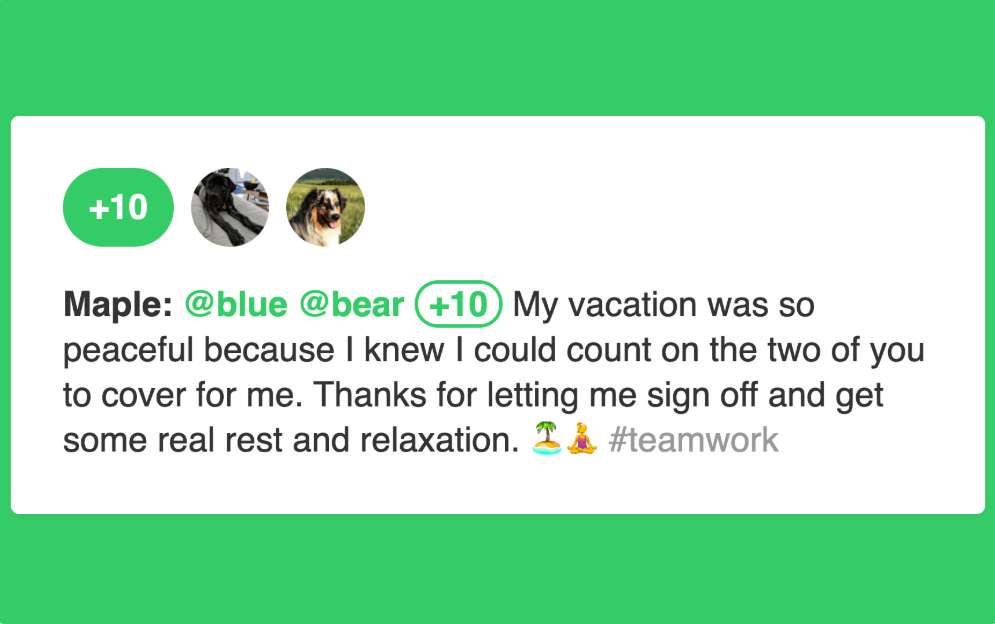
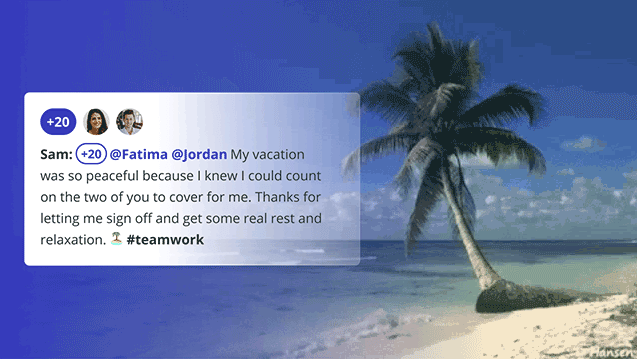
Once the app is connected and assigned to a player, your screen will automatically display recognition content from Bonusly, just like the examples below.
Best Practices
To get the best results from the Bonusly App:
- Place it on screens in shared spaces where recognition will be noticed.
- Add it to internal communications playlists.
- Encourage teams to use Bonusly regularly so the feed stays active.
- Use it as part of culture-building, engagement, or employee appreciation campaigns.
Troubleshooting
- I created the app, but nothing appears on screen. Check the following:
- the app has been assigned to a player or playlist
- the Bonusly API token was pasted correctly
- the token is still valid
- your Bonusly account has recognition activity to display
- the player has synced successfully
- I lost my API token: Create a new one from the Services tab in your Bonusly settings.
- The app looks empty or limited: If there are very few recent recognition posts in Bonusly, the feed may appear sparse. More Bonusly activity generally results in a fuller display.
F.A.Q.s
Got questions? We’ve got answers! This section addresses common questions about the Bonusly app.
Yes. Once connected, the app pulls recognition content from Bonusly automatically, so your screens stay up to date.
It works best in lobbies, reception areas, break rooms, common areas, and internal communication screens.
Yes. Set a Default Duration, save the app, and then add it to a playlist like any other app in Yodeck.
Need Help?
The Yodeck Support Team can help you out! Log in to your Yodeck account and send us a message from the bottom right corner!