


Library digital signage for calm & focused learning spaces
Informative library digital signage that supports campus culture and education while helping students move around and use the space properly
No credit card required
Trusted by over 65,000 companies of every size, across 135+ countries












60%
REPORT IMPROVED LEARNING
58%
REPORT HIGHER RETENTION
71%
REPORT STRONGER ATTENTION
Ways library digital signage improves communication
Navigation
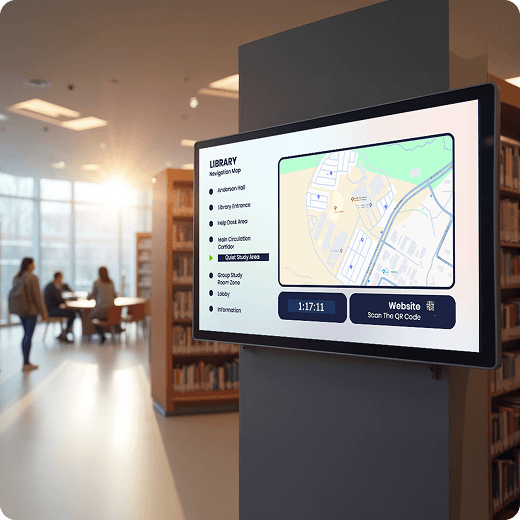
Provide confident library navigation
Help students and visitors understand where to go and how to use library spaces.
Share clear guidance using library Templates
Support Wayfinding with directional screens and maps
Offer Interactive Kiosks for information sharing
Announcements & Events
Foster a connected library culture
Ensure that events, talks, and academic announcements are clearly communicated.
Schedule announcements with Screen Takeovers
Display events using calendar Apps & Digital Bulletin Boards
Share updates through custom RSS feeds
Availability & Guidance
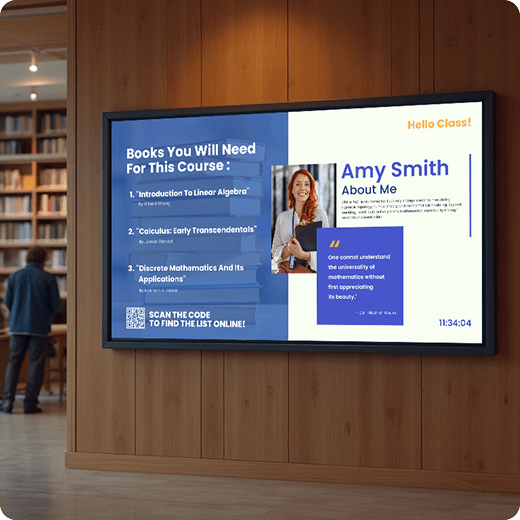
Display rules and space availability
Help students understand library do’s and don’ts, availability, and ways to use each area respectfully.
Display library policies using Layouts
Enable booking availability via Interactive Kiosks
Use a Ticker app for quick reminders and quiet zones
Campus updates
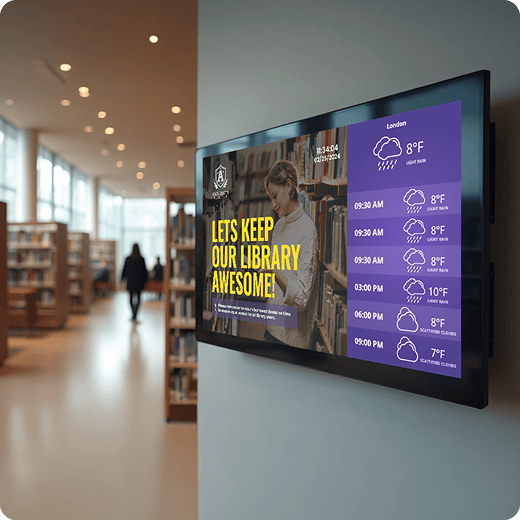
Communicate relevant campus announcements
Ensure important information is seen and not missed on crowded bulletin boards
Share safety alerts and updates immediately
Display announcements with a Digital Notice Board
Show notices using Google Slides or PowerPoint
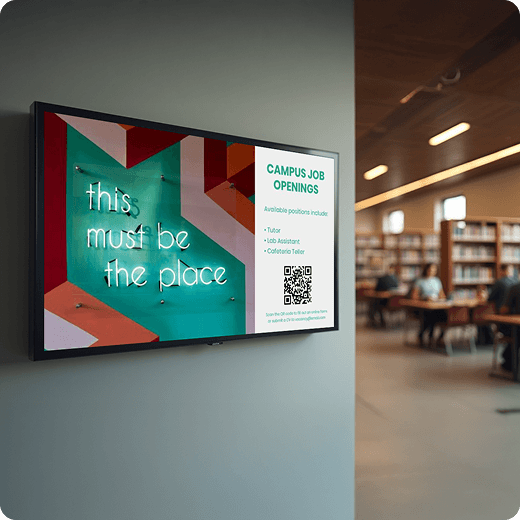
Library digital signage benefits for everyday communication
Clear guidance
Help students and visitors find spaces and services
Always current
Keep library information accurate and up to date
Less paper
Reduce posters and printed notices across the library
Self-service
Answer common questions without staff involvement
Calm spaces
Maintain a focused, distraction-free environment
Campus connection
Share academic and campus-wide updates
Library signage changes. Your screens should keep up.
Without Yodeck
Posters become outdated.
Paper notices overload.
Updates are slow and easy to miss.
Staff repeat information.
With Yodeck
Information stays current across library screens.
Clean, modern displays reduce visual chaos.
Content updates quickly without re-posting.
Fewer repetitive questions for library staff.
Get Started for FreeNo credit card required
The best library digital signage solution
65,000+
Customers
#1
on G2 & Capterra
7,500+
5-star reviews

Paul Levinsen
Team Lead of the AV Department
 Pricing is one of the biggest things we like about Yodeck.
For this price – which is very good – it has a lot of robust features that we were able to implement and utilize.


The top digital signage solution for museums
Team Lead of the AV Department
 Pricing is one of the biggest things we like about Yodeck
For this price – which is very good – it has a lot of robust features that we were able to implement and utilize.
How Yodeck works
1. Connect
2. Create
3. Push to screen
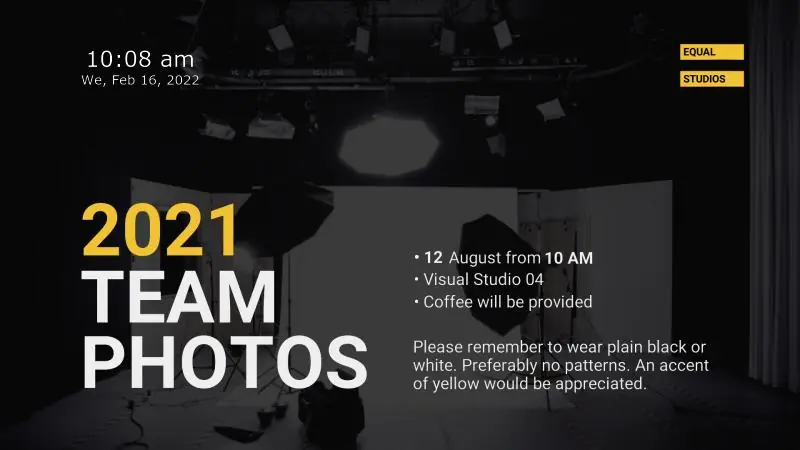
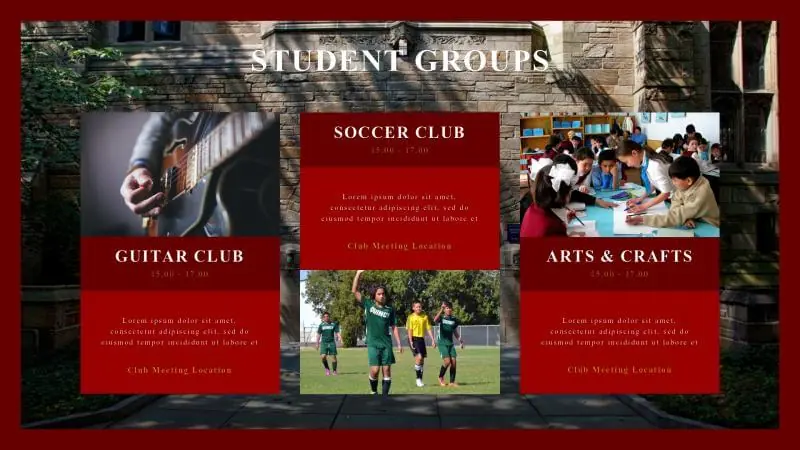
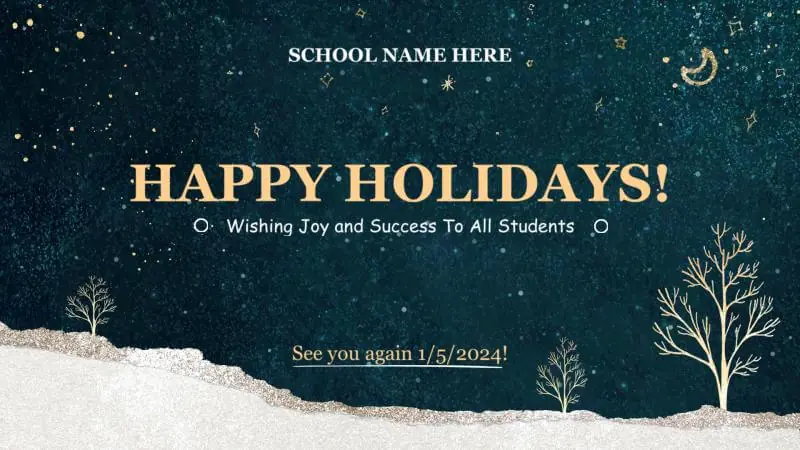
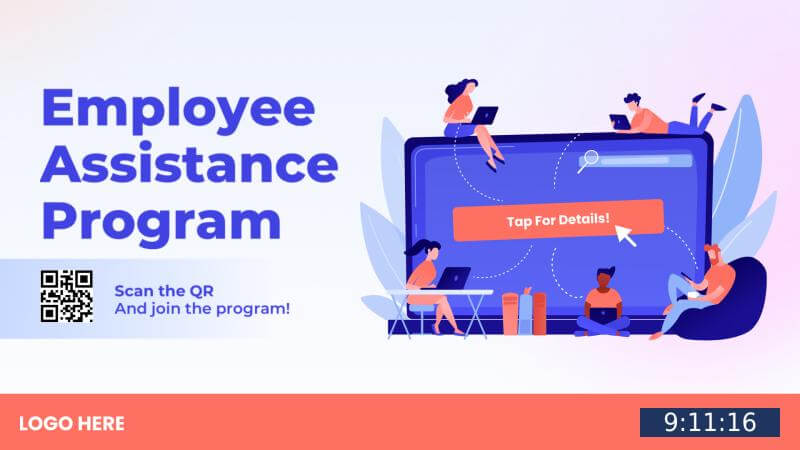
Power every library display with 160+ free apps
Automatically update relevant information and ensure your library content stays current without manual effort








































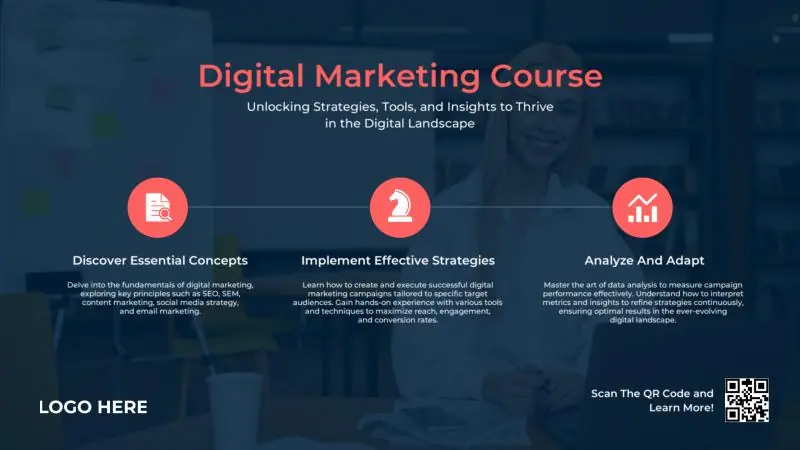
Create library signs fast with ready-made templates
Browse templates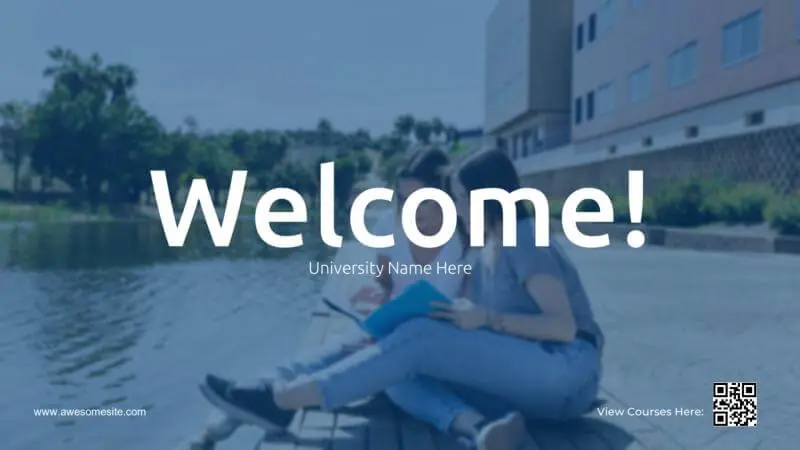









Why Yodeck is the best library digital signage software
Yodeck is a centralized digital signage software designed for calm, shared library environments. It supports guidance and communication without adding visual distractions.
Library teams update content quickly without disrupting the atmosphere. Screens stay informative and unobtrusive, supporting learning rather than competing with it.
Layouts, scheduling, and apps display policies, events, and updates. Content adapts smoothly to daily operations, peak times, and special programs.
Manage screens through a platform that is built to support educational environments. Clear workflows keep information consistent while respecting academic settings.
Need help? Our experts are just one click away.
Talk to sales
Library Digital Signage: FAQs
What are some effective library digital signage ideas?
- Entrance welcome screen (hours, key rules, “Ask Us” info)
- Events, talks, workshops, and guest speaker promos
- Quiet-zone reminders and space-use etiquette
- Library Café Menus with Menuboards to update “daily specials”
- “Today in the library” agenda (programs & deadlines)
- Research help tips (databases, librarian hours)
- Accessibility info (elevators, quiet rooms, inclusive services)
- Interactive kiosk or Touchscreen directory for finding resources
How does digital signage improve the library experience?
Digital signage improves the library experience by making information easy to find without overwhelming visitors. Students, professors, researchers and guests know where to go, what’s available, and what’s happening, reducing confusion and repetitive questions. By replacing paper notices, library digital signage keeps spaces organized, modern, and welcoming while maintaining a quiet, academic tone.
What types of libraries benefit most from digital signage?
#1 Public libraries for community programs, hours, announcements, often part of Public Sector digital signage
#2 School libraries (K–12) for schedules, rules & events, aligned with School digital signage
#3 University and college libraries for wayfinding & service updates, aligned with University digital signage
#4 Academic and research libraries for workshops & resources, part of broader Education digital signage ecosystems
Can a library use regular TVs and existing hardware?
Yes. Libraries can turn any regular TV into digital signage by adding a digital signage media player. Yodeck also supports common smart TVs from manufacturers like Samsung (Tizen) or LG (webOS). Many libraries start by testing layouts on a single screen, then expand to a larger network when they’re ready, keeping setup flexible and low-risk. Sign up for free to start powering your library displays today.
Can libraries use interactive digital displays?
Yes. Libraries can use interactive digital displays like touchscreens or kiosks to help visitors navigate floors, search resources, explore event calendars, locate collections, view program details on demand, and access self-service information. Interactive screens can also reduce staff interruptions while creating a more engaging and accessible experience for students, researchers, and community visitors.
How do playlists, scheduling, and expiring content work?
Libraries can run multiple Playlists across different screens, each with its own schedule. Events and announcements can auto-expire, so outdated content never lingers. Screens can also turn off outside library hours or switch to closure notices, then automatically return to normal programming.
Can library staff easily create digital signage content?
Staff can design content quickly using ready-made library templates built for announcements, events, rules, and guidance. Instead of starting from scratch, teams can reuse layouts from a centralized digital signage content library, update text or visuals, and publish instantly. This keeps screens consistent, professional, and easy to maintain, without design skills or technical expertise.
Does Yodeck support Canva?
Absolutely. Yodeck features a direct Canva integration, making it the most user-friendly digital signage for library staff. Marketing, academic, or library staff can create visuals in Canva and send them directly to displays without reassembling playlists. It’s ideal for frequent program and event updates, so students and visitors see accurate information instead of outdated posters.
Can one account manage multiple library locations or floors?
Yes. Yodeck lets you manage multiple library locations or floors from a single dashboard. Administrators can assign roles and control content centrally, while giving local teams limited access when needed. This makes scaling simple while ensuring consistent communication across branches or buildings.
What does it cost to run digital signage across a library?
Library digital signage pricing with Yodeck starts at $8€8£7CA$12AU$13 per screen per month. This simple per-screen model makes budgeting predictable and allows libraries to start small and scale as needed across entrances, floors, or service desks. You can see full plan details and options on the Yodeck pricing page and start with free digital signage today!

