


Reach every employee with Speakap App
Bring your Speakap feed to your screens and keep everyone up to date, from office teams to frontline employees.








HOW TO USE THE SPEAKAP APP WITH YODECK
Set up your Speakap digital signage App in minutes
BENEFITS
Keep everyone up to date, wherever they work
Reach teams beyond the office
Not everyone works behind a desk. Display company news on screens in warehouses, stores, hospitality venues, and other frontline workplaces.
Choose what each screen shows
Select the Speakap topics and number of posts you want to display, then adjust the styling to suit your screens, workplace, and the teams viewing them.
Keep frontline teams in the loop
Help deskless employees stay up to date with the same company news as office-based teams, without relying on email or regular access to a computer.
Get more from your Speakap content
Already sharing news and updates through Speakap? Bring that same content to your office digital signage screens and reach more employees.
Yodeck badges and awards
BLOG
Read our latest news
Digital signage security: what every IT team should check before deploying
A practical guide for IT to evaluate, harden, and govern digital signage deployments across the player, network, CMS, and vendor…

Empowering your SMB with top digital signage solutions and services
Discover how digital signage solutions can empower your SMBs by engaging customers, boosting sales, and enhancing brand awareness!
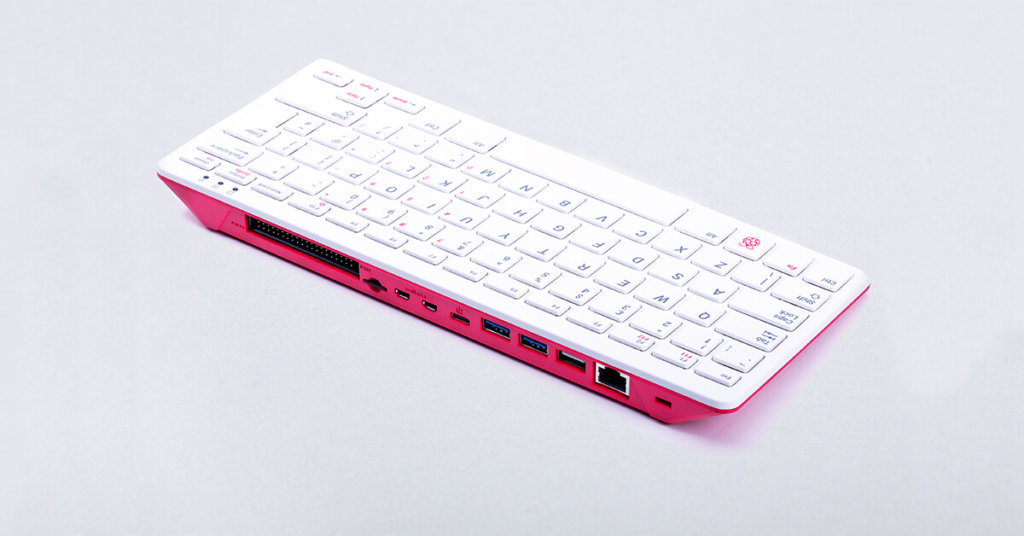
Harnessing the Power of Raspberry Pi 400 for Digital Signage
In the world of digital signage where seamless performance is paramount, Raspberry Pi 400 stands out as a versatile and…