Live traffic info, directly from the Waze App
Display live traffic conditions on your screens, using the Waze digital signage public map and real-time data reported by fellow drivers.








HOW TO USE THE WAZE APP WITH YODECK
Display real-traffic info
BENEFITS
How can the Waze App help users?
Real-time traffic updates
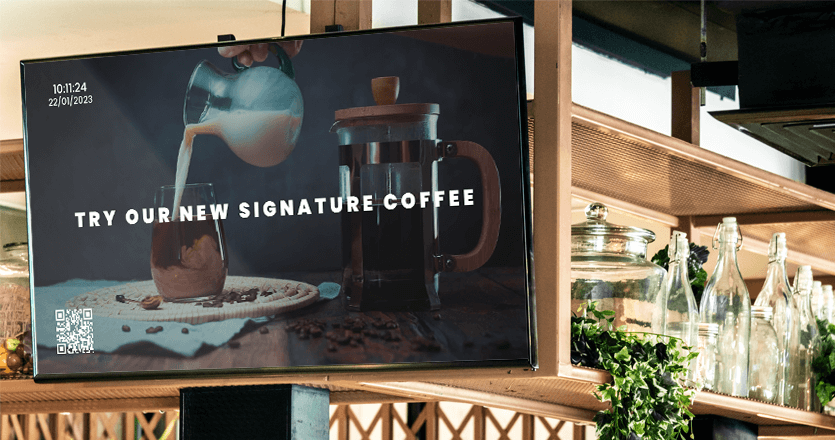
Display live traffic conditions directly on your digital signage screens. Keep your viewers informed about congestion, incidents, and road closures so they can make smarter travel decisions before they head out.
Powered by the community
Unlike traditional traffic maps, Waze is fueled by real-time reports from drivers currently on the road. Accidents, hazards, road closures, and speed traps are reported by the community the moment they happen.
Smarter route planning
Help your audience avoid delays by surfacing alternative routes and detours at a glance. Whether it’s a customer leaving your restaurant or a visitor exiting a government building, they leave better prepared.
Perfect for any public screen
Great for workplaces such as restaurants, gas stations, banks, transit hubs, and government offices, the Waze App is a practical and valuable addition to any screen environment where people are about to get on the road.
Yodeck badges and awards