


Digital notice board for real-time announcements
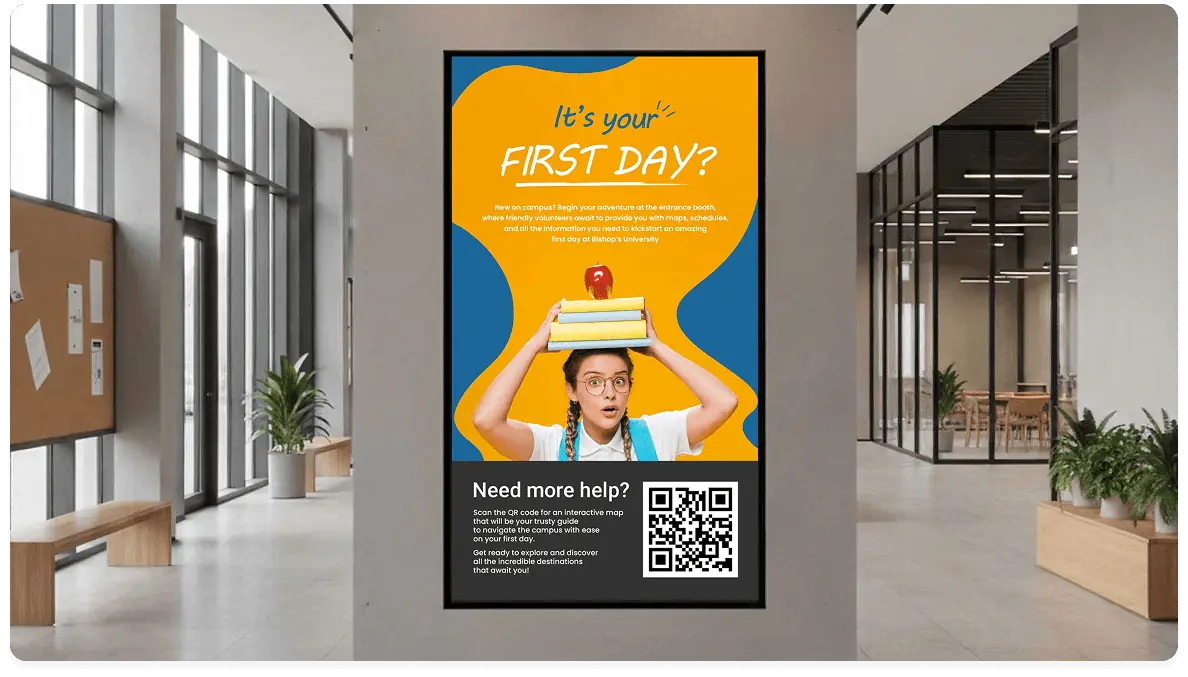
A cloud-based digital notice board solution makes information visible across locations, without printing costs or endless email threads.
8,100+ reviews from


Trusted by over 65,000 companies of every size, across 135+ countries









60%
REPORT IMPROVED UNDERSTANDING
60%
REPORT STRONGER ATTENTION
46%
FIND DIGITAL SIGNAGE ENGAGING
Build a smarter digital notice board with free apps
Connect live apps and feeds to keep your digital notice board updated with useful daily info.
Weather
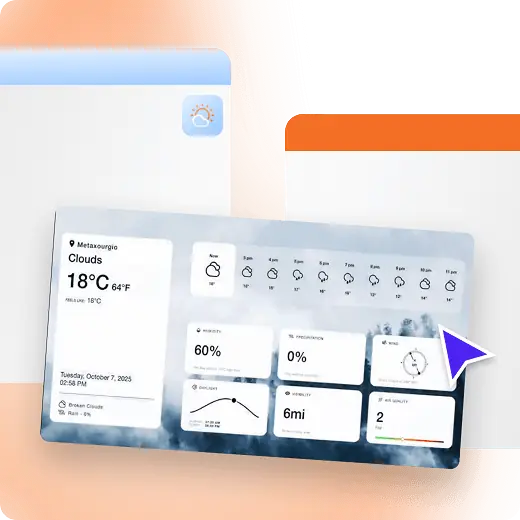
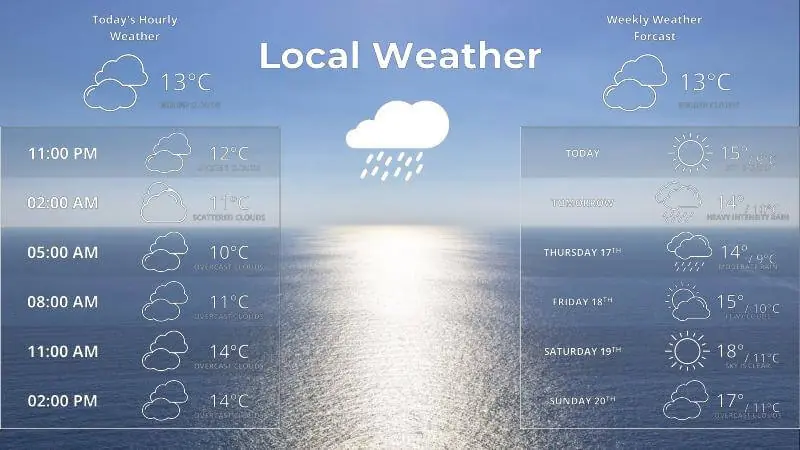
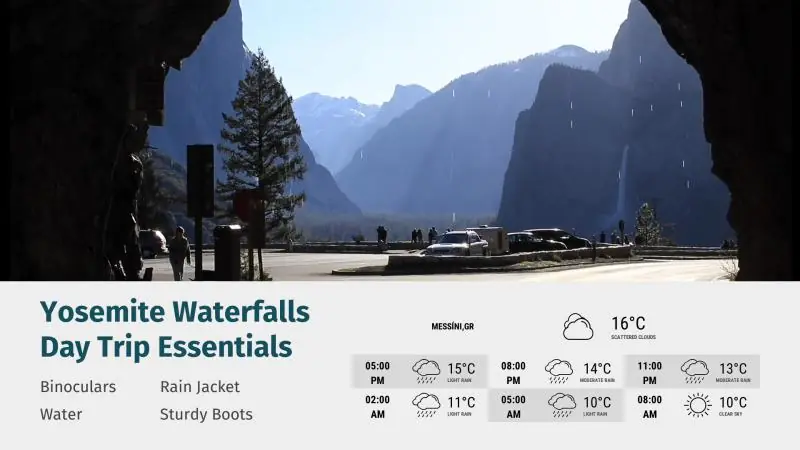
Weather updates, always visible
Add forecasts to your digital notice board so teams and visitors stay prepared.
Display local info for each location with a Weather Wall
Keep updates timely with weather auto-refresh
Pair forecasts with daily announcements
Date & Time
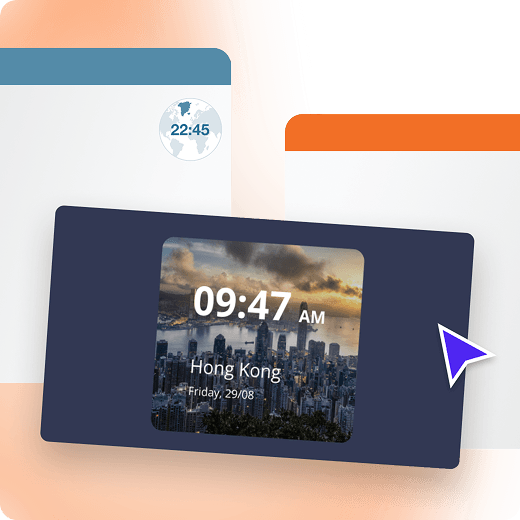
Local time for every display
Support visitors, staff, and daily operations by keeping time and date visible.
Show time across sites and time zones with a World Clock
Pairs well with schedules and announcements
Auto-adjust using time & date settings
Jira
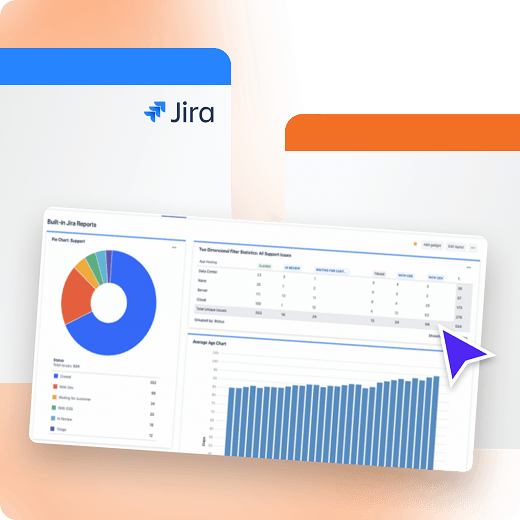
Jira boards, visible to everyone
Share project status and issue queues on-screen so teams stay aligned all day.
Keep priorities visible with Jira boards on-screen
Show sprint progress, epics, issues and key tickets at a glance
Inform stakeholders about blockers without extra pings
Custom RSS
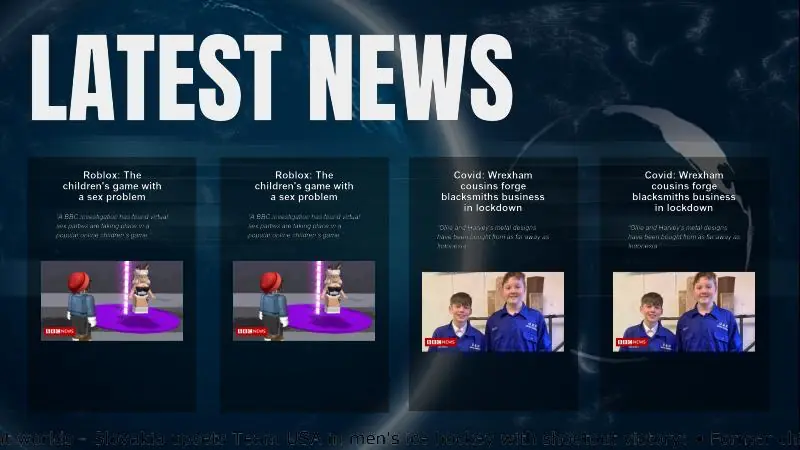
Curated updates from RSS sources
Stream announcements and headlines automatically, without manual posting.
Centralize updates from multiple sources
Tailor your digital notice boards by location and audience
Auto-refresh content using the Custom RSS app

Ticker
Scrolling updates with a news ticker
Show bite-sized updates at the bottom of the screen without cluttering layouts.
Rotate short messages using the News ticker app
Share reminders, alerts, and quick announcements
Ideal for entrances, lobbies, counters, and waiting areas
Digital notice board benefits for clear communication
Improve visibility in offices, education, transportation, and public spaces with always-current on-screen updates.
Get started
Central control
Manage content once and update multiple locations consistently
Better reach
Share announcements where people already look, all day long
Faster updates
Publish changes in minutes, so messages stay timely everywhere.
Easy governance
Manage publishing access with roles and permissions
More clarity
Make key information visible in busy areas, not buried in inboxes
Less printing costs
Replace paper notices with on-screen updates that stay current
Testimonials from teams using digital notice boards
Get started for Free
Ashley H.
Operations Coordinator
“Yodeck is fantastic value for the price you pay, and their customer service has been absolutely spectacular. They are timely in their responses, and even if it isn’t an issue on their end, keep the ticket open until you figure out how to resolve it. They even offered to talk directly with our IT team to help us solve the network issue we had! It is super easy to use and versatile.”

December 26, 2025
The Bypass 168 M.
Small-Business Owner
“Yodeck’s user interface is clean and easy to navigate, I was able to set up screens and playlists within minutes without any technical expertise. The drag-and-drop editor makes building content simple, and the variety of templates and media support (images, videos, tickers, schedules) gives us plenty of flexibility. Remote management has been a game changer for our team, especially when updating content across multiple locations.”
January 1, 2026
Dylan F.
Software Engineer
“Super easy to configure. The premium plan allows you to automate playlists by adding tags to images/videos. Upload the file and tag it and it will be auto added to the playlist. Its saves a few clicks but if you are looking after multiple displays its saves time in the long run”
January 1, 2026
Free apps to create your digital notice board
Connect all the tools you ise everyday to share updates, live data, and headlines on-screen, without manual posting.



































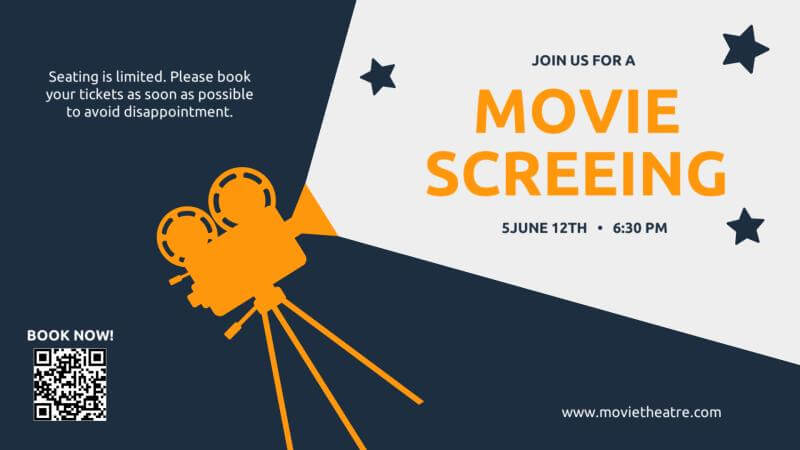
Free templates for a modern digital notice board
Browse templates






Why Yodeck for reliable digital notice boards
Publish once and manage displays across locations from one dashboard, with consistent settings and visibility.
Manage who can publish, approve, and edit content to reduce errors and noise.
Keep screens running with monitoring and instant alerts when a display needs attention.
Use digital signage software for dashboards, messaging, and live updates alongside announcements.
Digital Notice Board: FAQs
What is a digital notice board?
You probably wonder, what is a digital notice board used for? Simply put, it replaces paper notices and whiteboards with a screen that shares announcements, schedules, news, and reminders. Using digital notice board software, staff can update one or multiple displays in real time from a single cloud dashboard, keeping information clear, current, and easy to manage across the organization.
What are the advantages of a digital notice board over paper notices?
- Instant updates: change messages in seconds instead of reprinting and reposting
- Smarter scheduling: show notices only when relevant (by time or date)
- Cleaner spaces: remove clutter from walls and boards
- Lower effort: reduce staff time spent printing and replacing notices
- More professional presentation: consistent formatting instead of mixed posters
- Location-based messaging: different content per building or department
What are common use cases for digital notice boards?
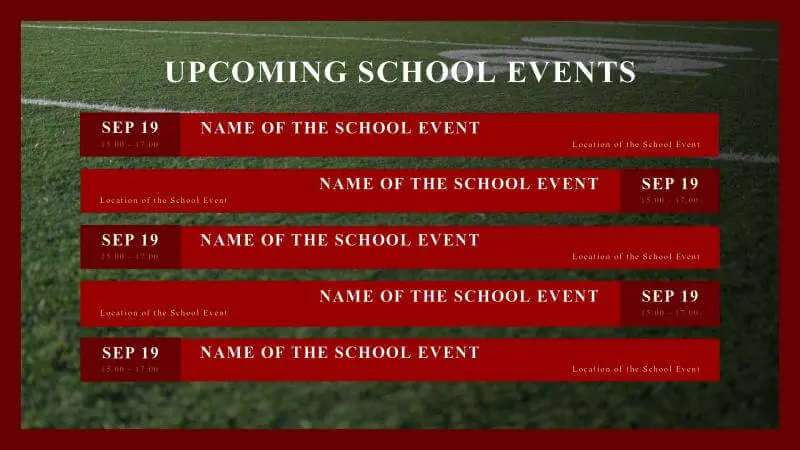
- Event schedules and “what’s on today” programming
- Meeting sensitive times, room locations, and training calendars
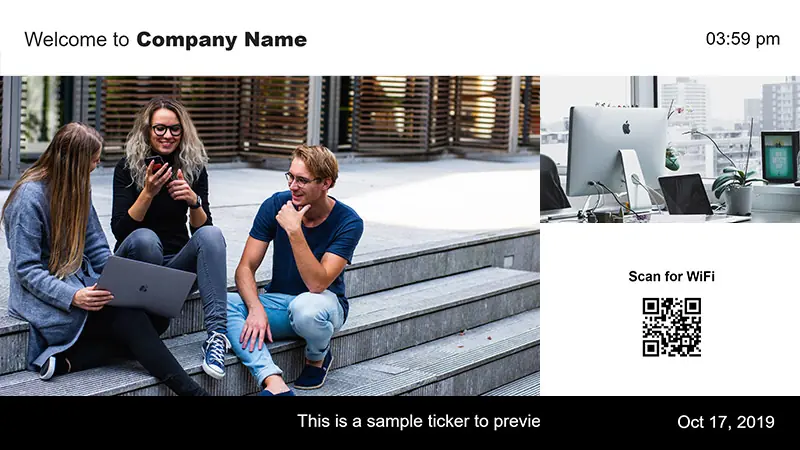
- Welcome messages for visitors, vendors, or new staff
- Staff recognition (employee milestones, achievements)
- HR and corporate communications (benefits, compliance, internal news)
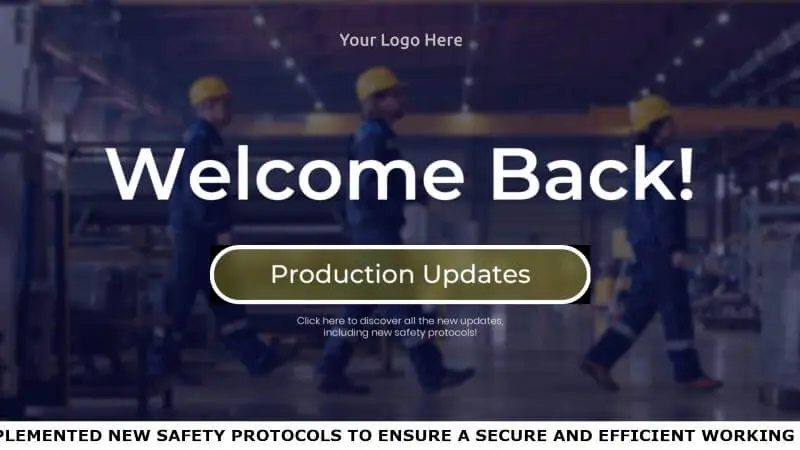
- Safety protocols and operational notices (procedures, reminders)
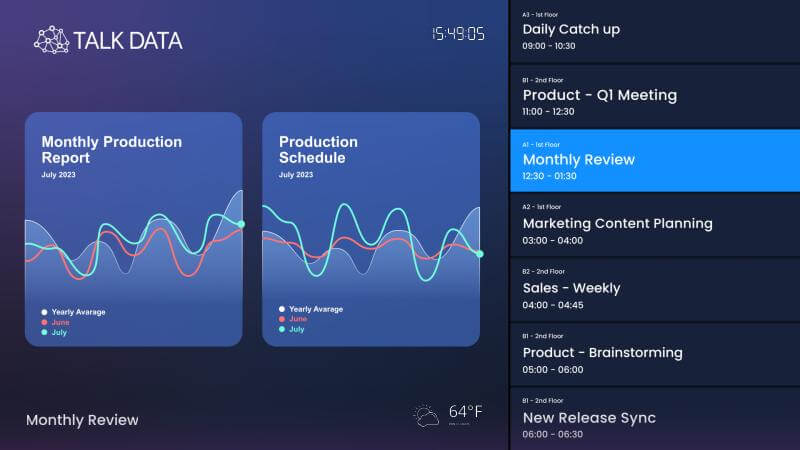
- Live dashboards and key metrics (KPIs, targets, status boards)
What types of content work best on a digital notice board?
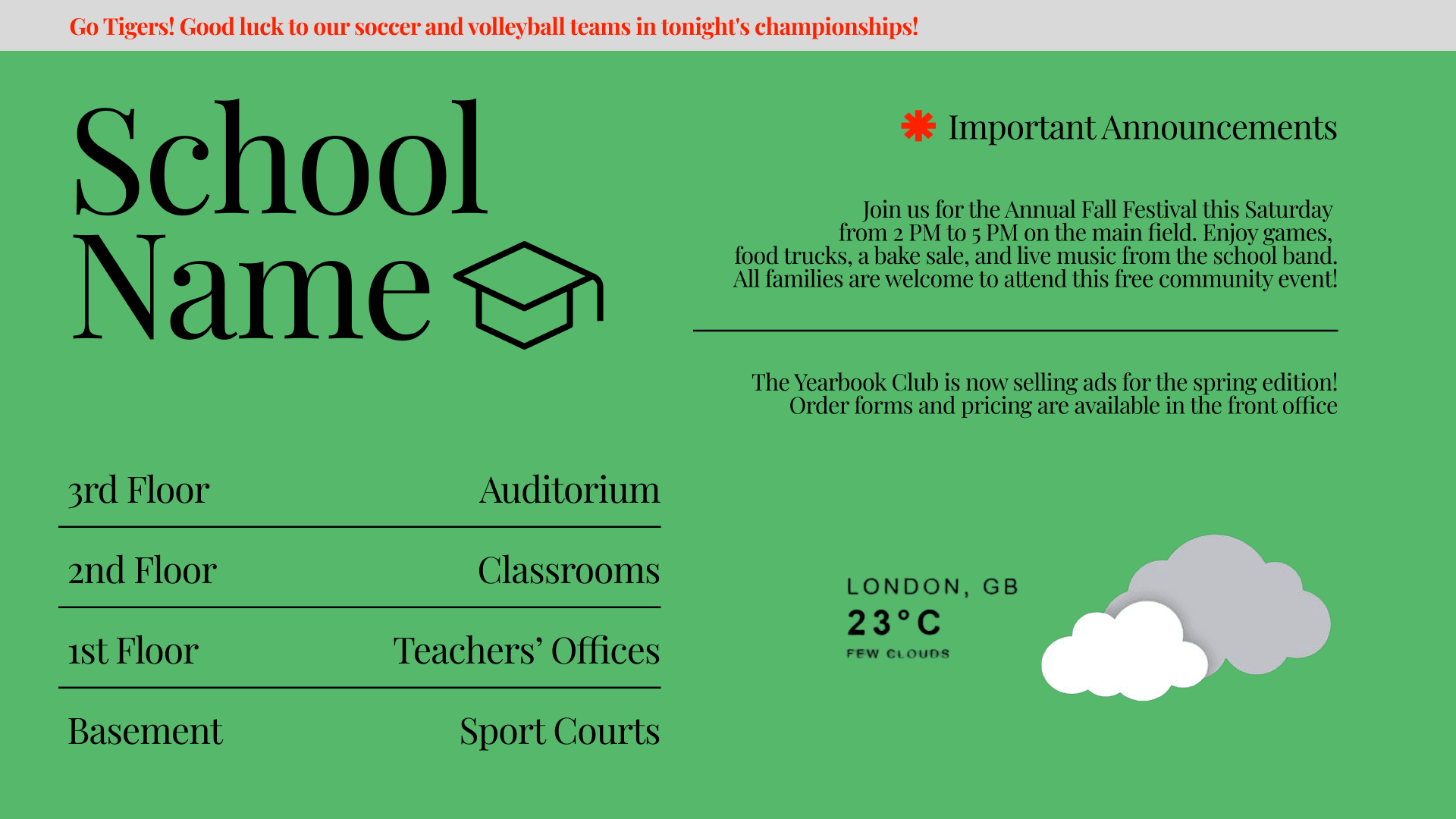
- Digital notice board for Schools: daily announcements, bell schedule changes, club promos
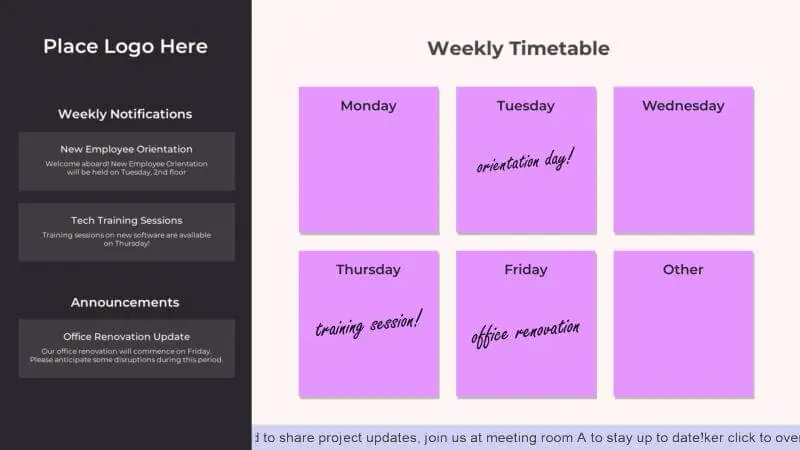
- Digital notice board for Offices: HR updates, policy reminders, visitor welcome messages
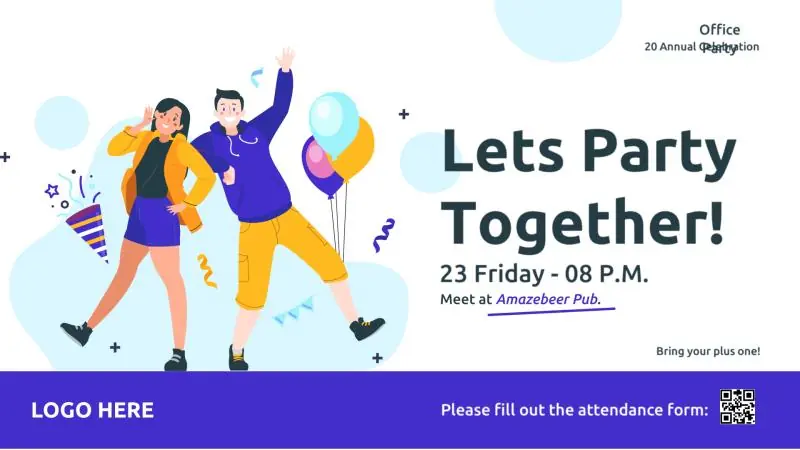
- Digital notice board for Events: session times, speaker highlights, sponsor slides
- Digital notice board for Public Spaces: service hours, safety notices, transit updates
- Digital notice board for Retail: promos, new arrivals, pricing highlights
What are the best practices for digital notice board design?
A strong digital notice board design is clean, readable, and built for quick scanning. Use large fonts, high-contrast colors, and one message per slide. Keep layouts consistent with Branded Templates, add simple icons for faster comprehension, and limit text to essentials. Rotate content in short loops and schedule by relevance so screens stay fresh, useful, and easy to follow.
Is a digital notice board easy to use for non-technical staff?
Yes. A digital notice board is designed to be easy for non-technical staff to use. With Yodeck, teams update content through a simple cloud-based digital signage dashboard using templates, drag-and-drop uploads, and scheduling tools. No IT skills are required. This allows office admins, teachers, or store staff to publish announcements quickly while maintaining consistency and control across every screen.
What are the top features of leading digital notice board software?
Top digital notice board software options focus on simplicity, reliability, and control. Key features include cloud-based management, easy scheduling, ready-made templates, screen grouping, user permissions, and stable playback, even during connectivity issues. With platforms like Yodeck, it’s not difficult to build a reliable digital notice board: you get centralized control, scalable deployments, and an interface designed for non-technical teams.
Can a digital notice board run on Raspberry Pi?
Yes. A digital notice board using Raspberry Pi is a popular, cost-effective setup. With Yodeck’s cloud-based digital notice board solution, Raspberry Pi becomes a fully managed player controlled from a single dashboard, delivering reliable, high-performance playback. Yodeck Player is a very cost-effective option for multi-screen rollouts. Sign up for any annual plan, and get a free Yodeck Player for each screen in your network.
Is Yodeck an affordable digital notice board option?
Yes. Yodeck is an affordable notice board solution for retail, offices, schools, education, transportation, government, and organizations of all sizes. Whether you’re posting small business announcements or coordinating updates across multiple locations, Yodeck offers straightforward per-screen pricing starting at $8€8£7CA$12AU$13, so costs stay predictable while scaling stays simple. Sign up for free to test the platform before expanding.
What other solutions pair well with digital notice boards?
Digital notice boards work best as part of a connected screen network. Pair them with:
- Internal Communications for employee communication
- Digital Bulletin Boards for rotating community messages
- Digital Calendar Display for schedules
- Wayfinding for visitor guidance
- TV Dashboards for performance metrics
Together, these solutions keep communication clear, timely, and consistent across shared spaces.

