


Get your designs on screens with the Adobe Express App
Once connected to Yodeck, Adobe Express digital signage sends your designs straight to your screens. You just create, click publish, and you’re done.








HOW TO USE THE ADOBE EXPRESS APP ON YODECK
Get your designs on screens in just a few steps
BENEFITS
How does the Adobe Express App help you?
Smooth publishing experience
Create in Adobe Express and send directly to Yodeck. Your designs move to screens instantly without exports or manual uploads.
Always up to date
Keep your Adobe Express digital signage in sync with your latest designs, ensuring your screens always reflect your most recent content.
Simple, fast workflow
No technical setup required. The Adobe Express app makes it easy to design and publish in just a few clicks.
Perfect for branded content
Use Adobe Express templates and tools to create on-brand visuals that look great across all your screens and locations.
Yodeck badges and awards
BLOG
Read our latest news
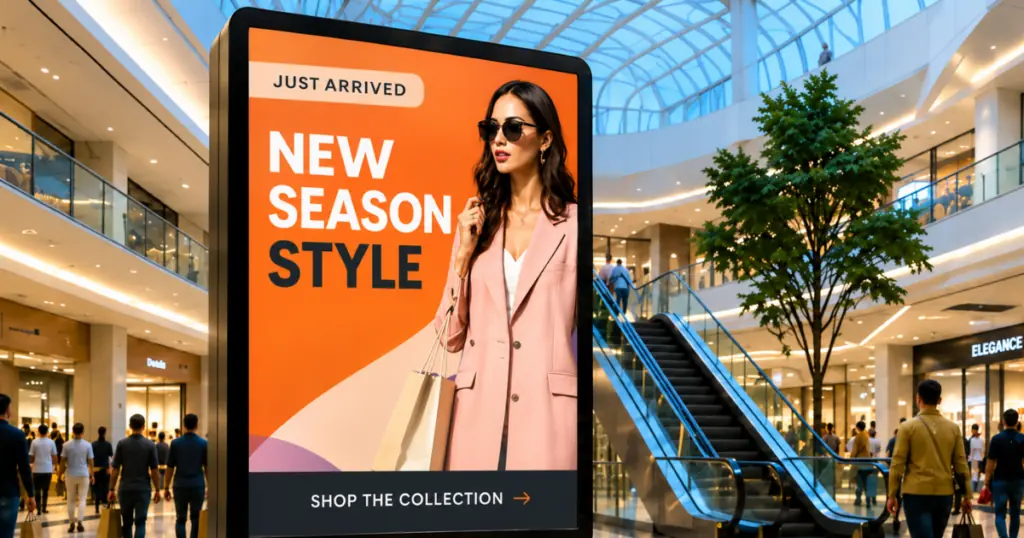
Shopping mall digital signage: The complete guide for 2026
How shopping mall digital signage works: placement, content, and how operators and tenants split control of the screens.
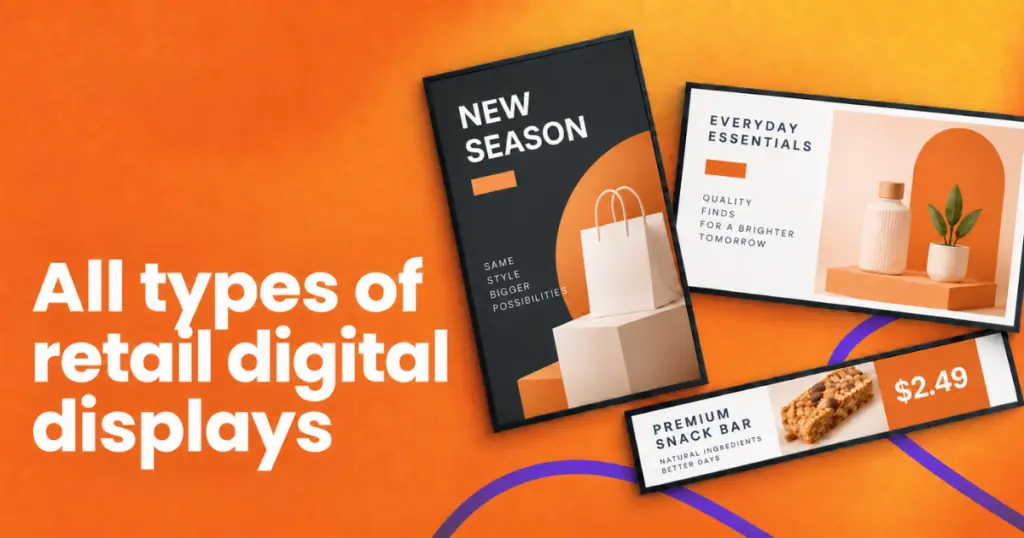
All types of retail digital displays: The complete guide for 2026
The 10 most-used types of retail display, and how to pick the right one for your store. Here is what…
Check out September 2026’s digital signage updates
We have some exciting digital signage updates to share this month that will make your experience much better and more…