


AI AGENT
Run your screens from one sentence
Connect Yodeck to your AI tool and control your screens, schedules and content with simple instructions.
Only for Premium & Enterprise plans
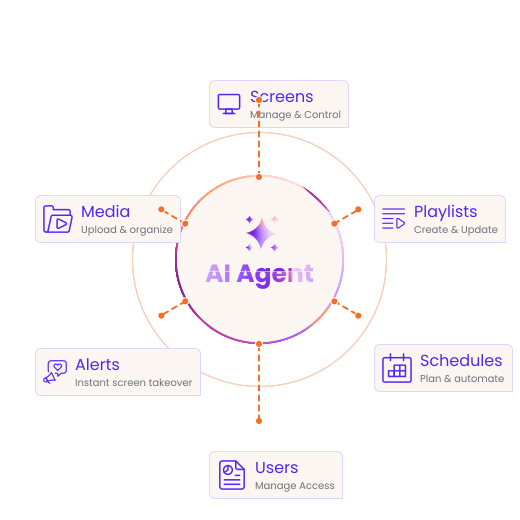
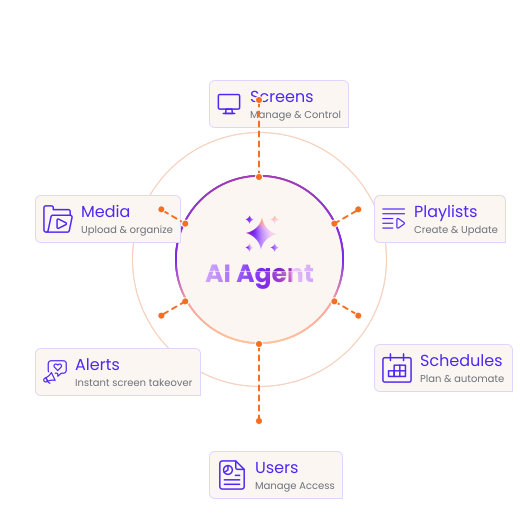
Tasks that used to take 10 minutes now take 10 seconds
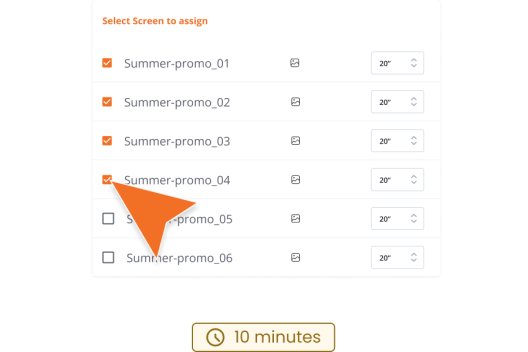
Deploy campaign
WITHOUT AI
Deploy campaigns manually
Upload assets and set up playlists, choose screens and assign schedules everything manually.
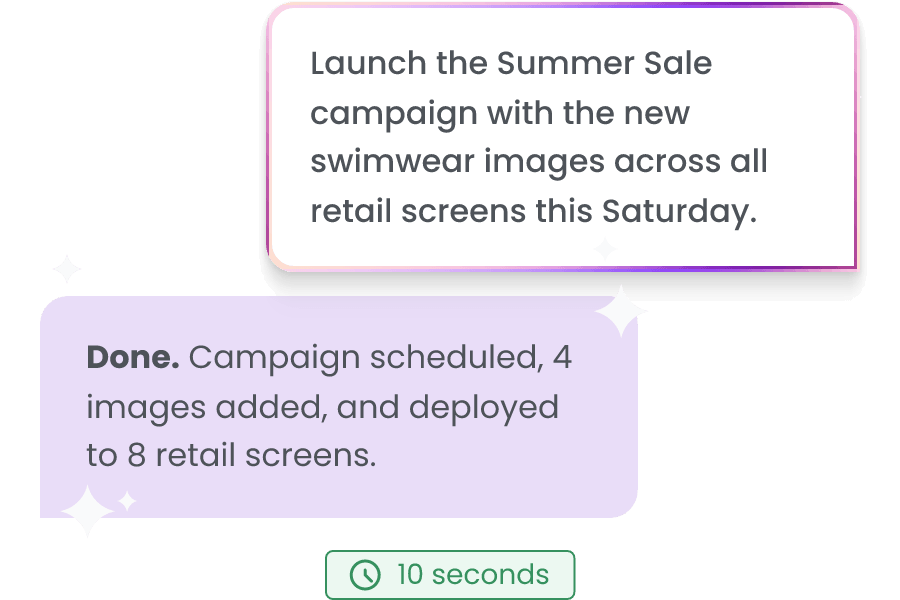
WITH AI
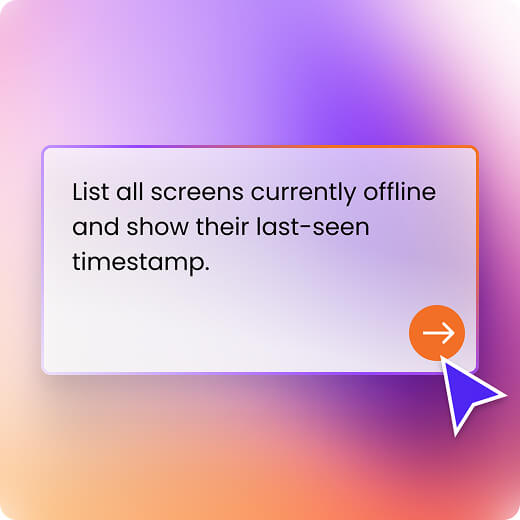
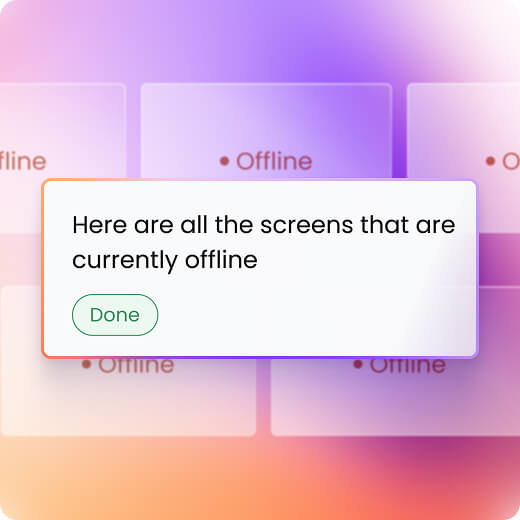
One message. Done.
Describe the outcome you want, and AI takes care of the setup and scheduling.
Find unused assets
WITHOUT AI
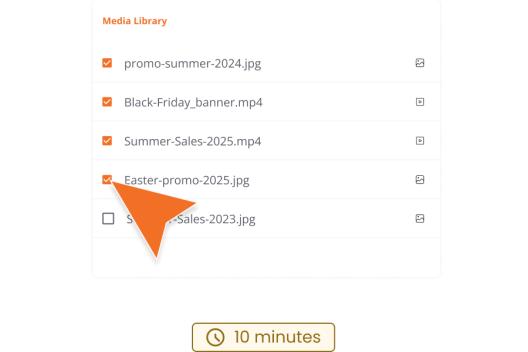
Find unused media manually
Review playlists and media to find content that’s no longer being used.
WITH AI
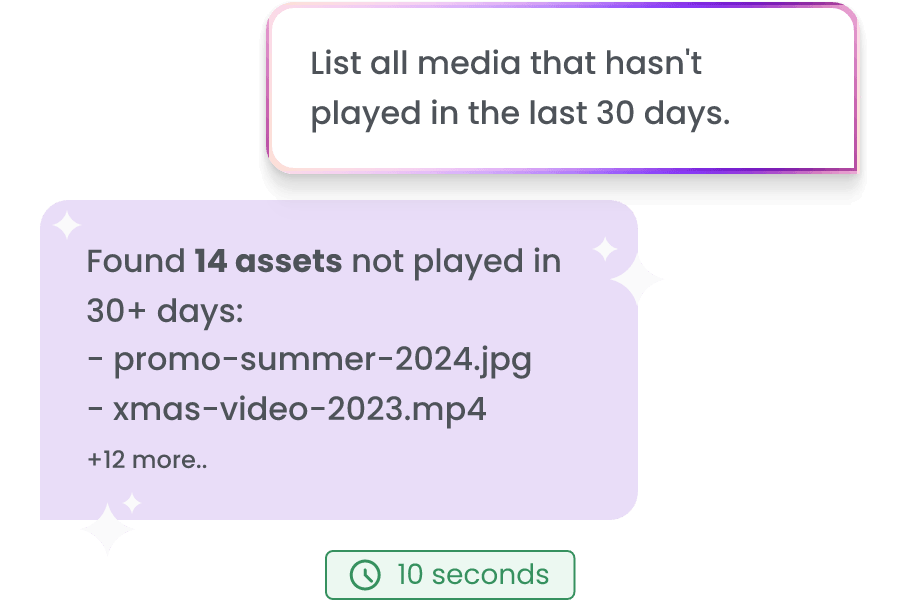
One message. Done.
Ask what’s no longer being used. AI finds unused media and playlists instantly.
Emergency takeover
WITHOUT AI
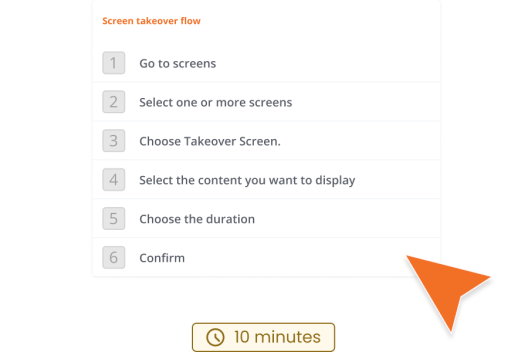
Start takeovers manually
Login, select your media, click the action and set the takeover!
WITH AI
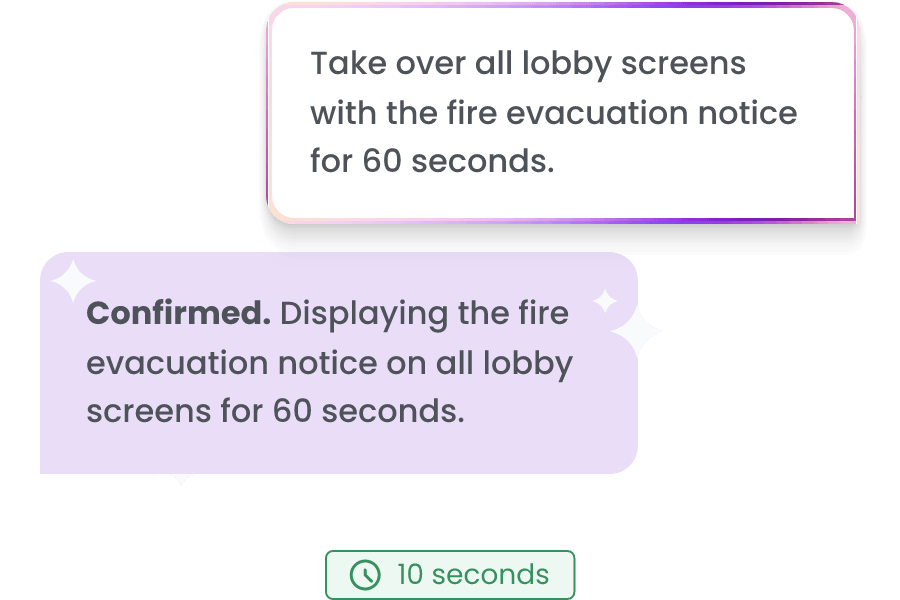
One message. Done.
Type the emergency response you need to showcase to the right screens and the takeover starts immediately.
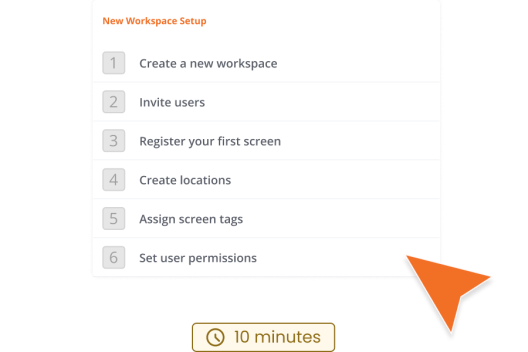
Set up new location
WITHOUT AI
Configure each location
Create manually workspaces, assign users, and organize screens one location at a time.
WITH AI
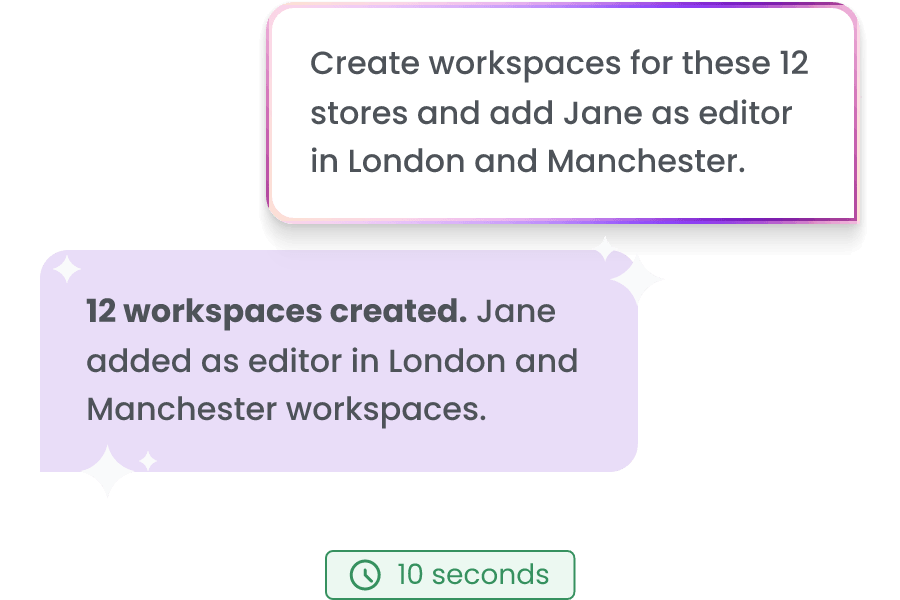
One message. Done.
Type the new locations, the users and permissions and the AI agent will make it for you.
Check account health
WITHOUT AI
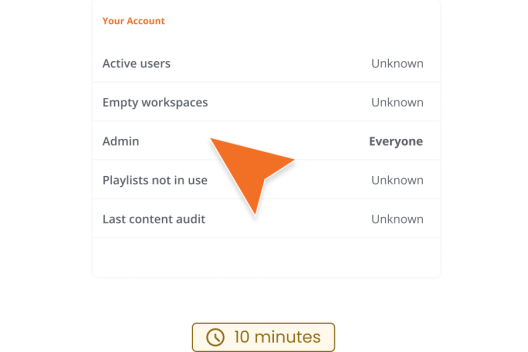
Check account manually
Search each Workspace to check if it’s empty and what permissions have your users manually
WITH AI
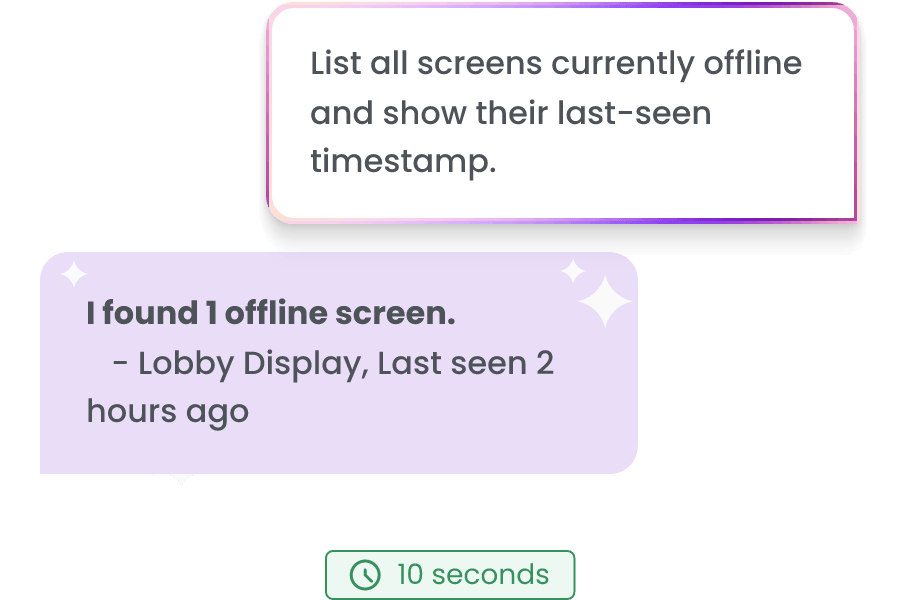
One message. Done.
Ask AI to audit your account and find empty Workspaces, user permissions and playlists not assigned to any screen.
Create better connections with your workforce
Boost efficiency with real-time KPIs
Reinforce safety with updated health and safety protocols
Stay prepared with instant emergency alerts
Learn more
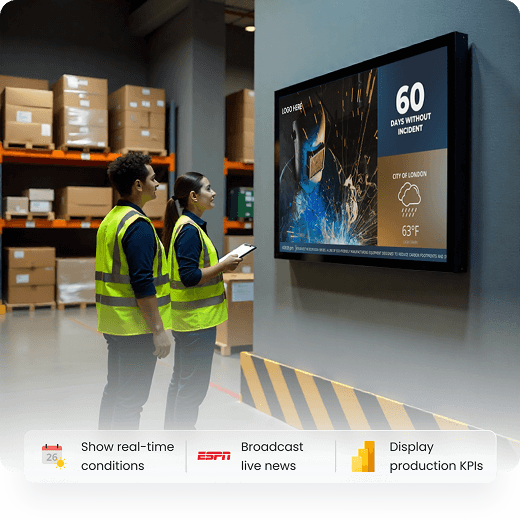
Make campus updates impossible to miss
Keep students, teachers, and parents informed while saving hours on manual communication.
Engage your community with real-time campus news
Guide visitors with clear navigation across facilities
Enhance learning through interactive classroom displays
Learn more
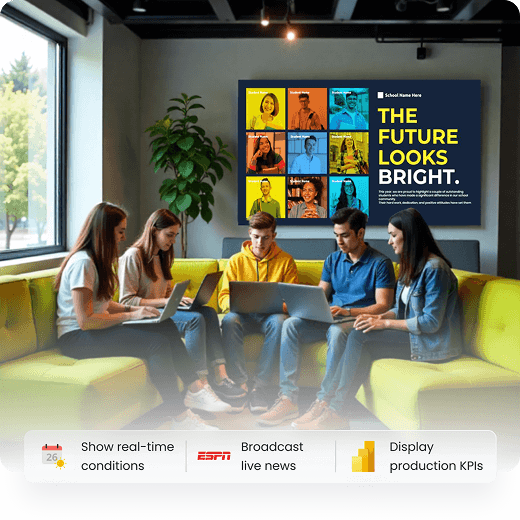
Turn screens into your best sellers
Add some spice with high quality digital screen content to boost customer engagement.
Increase sales by promoting limited-time offers
Update menus instantly to feature new and seasonal items
Engage customers by showcasing upcoming events
Learn more
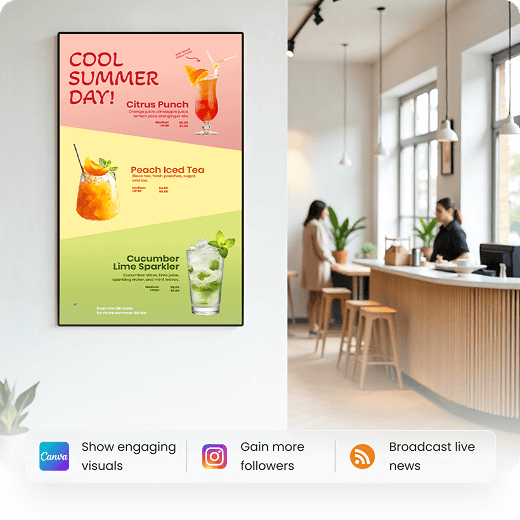
Increase purchases with engaging screen content
Transform how your brand communicates: Captivate customers in-store and keep staff aligned.
Stay agile by updating promotions in real time
Enhance communication with back-of-house updates and wayfinding
Attract shoppers with eye-catching window displays
Learn more

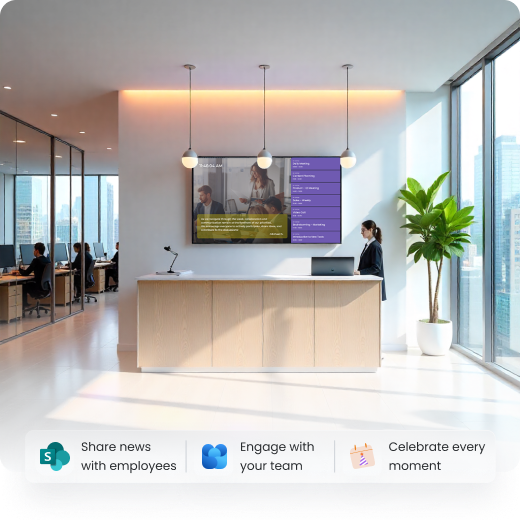
Get your team on the same page, at the same time
Save time, effort and resources with digital signage software that keeps everyone in the loop, across multiple locations.
Motivate teams by showcasing company wins
Recognize people with announcements for promotions or birthdays
Promote growth by advertising training sessions
Learn more
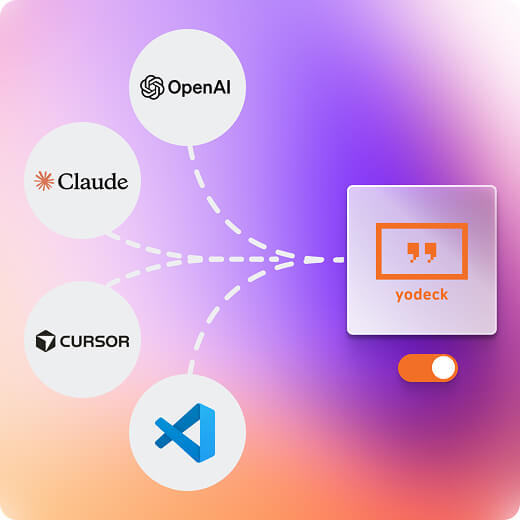
Connect once. Control what matters.
Designed to be safe from day one
Enterprise-grade protection for teams managing digital signage at scale. Your AI agent works within your existing Yodeck permissions, using the same credentials you already have.

Security & Compliance
Sign-in uses OAuth 2.1. All traffic runs over TLS. Yodeck complies with GDPR and CCPA.

Access control
Your AI agent can read and write content within your existing Yodeck permissions.

Data privacy
Only data you request is retrieved. Tokens expire automatically and are never logged.
FAQs
Do I need a developer to set this up?
No. Paste one URL into your AI tool’s connectors or settings panel, sign in with your existing Yodeck account, and you are connected. No code, no config files, no API keys.
Which AI tools are supported?
Any conventional LLM tool that supports MCP, including ChatGPT and Claude. Specifically: Claude (browser and desktop), ChatGPT, Cursor, VS Code, Windsurf and Claude Code CLI. If your AI tool supports MCP, Yodeck works with it.
Is this included in my current plan?
MCP is available on Premium and Enterprise plans at no extra charge. These plans include the API and OAuth access that MCP requires.
Can the AI delete my content?
No. Delete operations are disabled as a safety measure. You can read, create, update and manage all content freely through your AI agent. To remove assets, do so directly in the Yodeck portal.
What can it do that the Yodeck portal can't?
MCP does not replace the portal — it makes common tasks faster. Bulk actions, status reports and campaign deployments that take 10+ minutes of navigation take one sentence. The portal remains the right place for detailed configuration and content creation.
Is my Yodeck data shared with the AI provider?
Only what you explicitly ask about. Your AI agent retrieves the specific data needed to answer your request. Your full account is not shared with the AI provider by default.

