


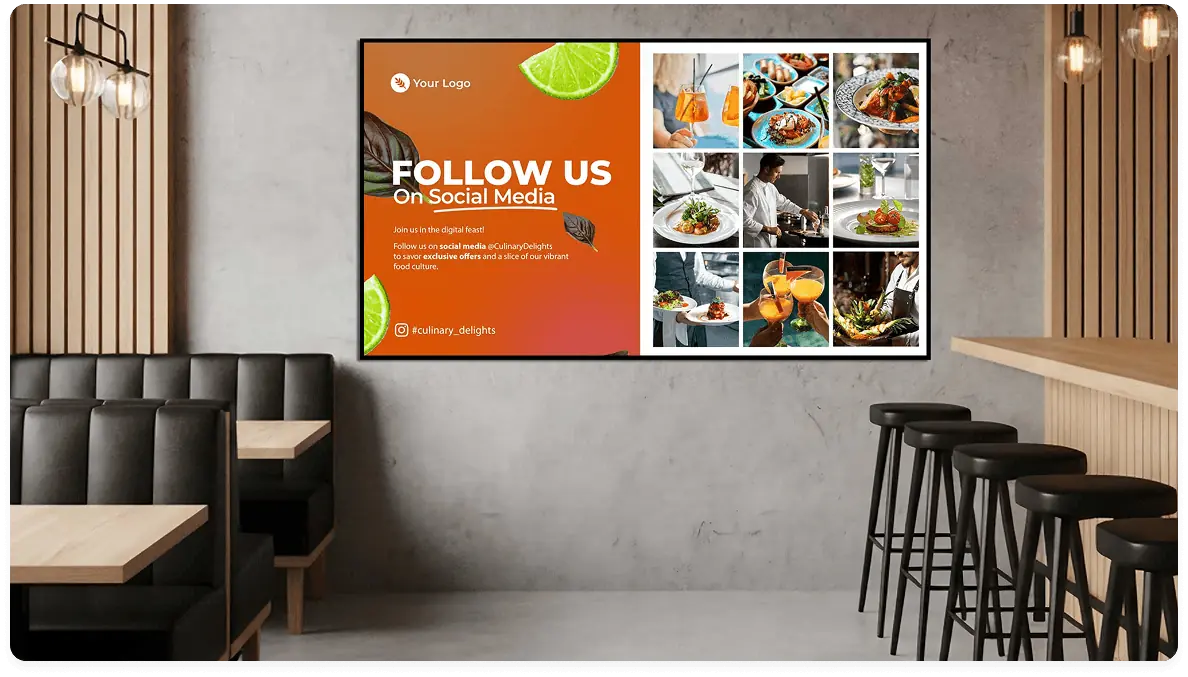
Social media wall for community engagement and brand visibility
Connect everyday tools to build a live social media wall with curated posts, hashtags, and reactions.
7,500+ reviews from


Trusted by over 65,000 companies of every size, across 135+ countries









46%
FIND DIGITAL SIGNAGE ENGAGING
60%
REPORT STRONGER ATTENTION
56%
ARE MOTIVATED BY DIGITAL SIGNAGE
Power social media signage with
the apps you use
Connect social platforms and wall tools to build a live social media wall
that’s easy to manage, moderate, and keep on-brand.
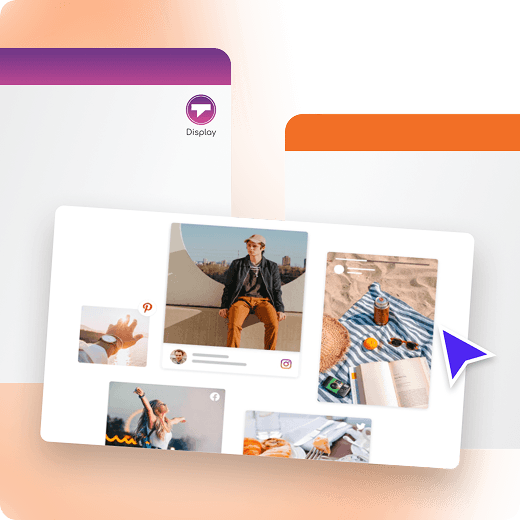
Taggbox Display
Curate UGC with Taggbox
Display
Create a live social media wall that highlights guest posts and
brand mentions.
Build an event social wall with the Taggbox display app
Show hashtags and reactions in real time
Moderate content before it appears on screen
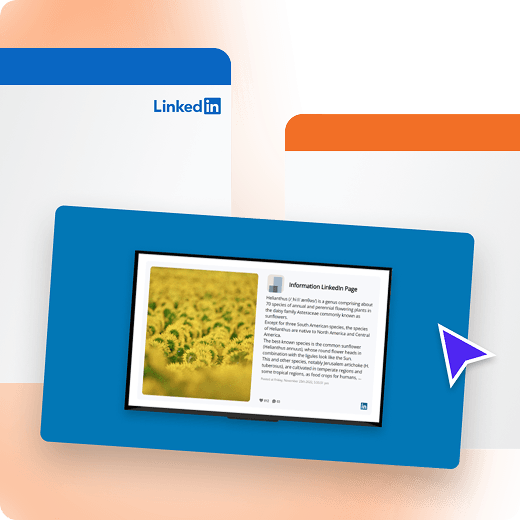
Showcase LinkedIn updates
on-screen
Share employer brand, partnerships, and updates on an eye-catching social media display.
Turn posts into social proof on your screens with the LinkedIn app
Show curated posts that reflect your employer brand
Display announcements, hires, and milestones
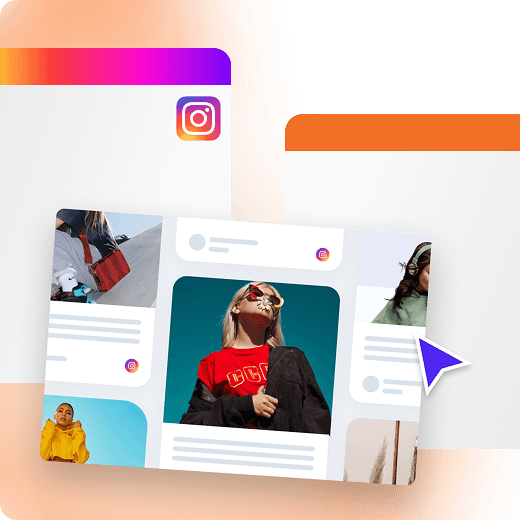
Instagram wall for events
and venues
Display curated photos and reels to spark participation and
highlight community.
Collect posts by hashtag, tag, or mention
Feature posts from guests, students, staff or community
members
Keep content flowing with the Instagram app auto-refresh
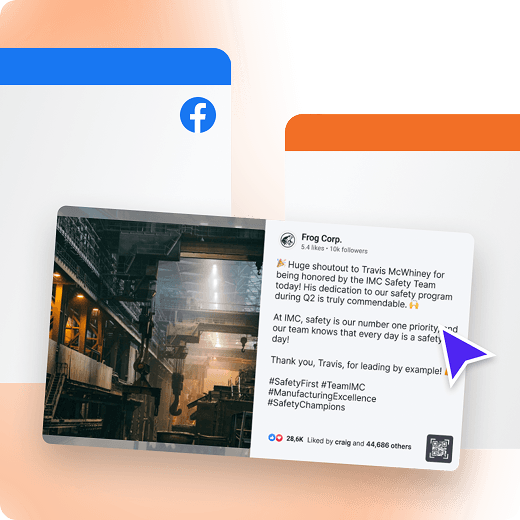
Facebook feed for your social
media wall
Share community updates, event posts, and announcements as
social media signage.
Highlight community content with the Facebook User Feed app
Feature announcements, promos, and updates
Show reactions to boost engagement and participation
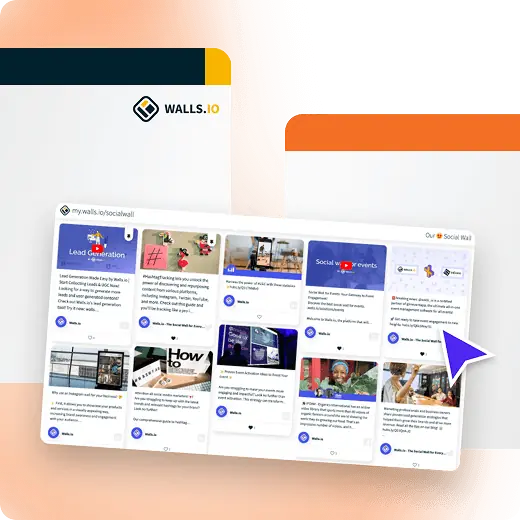
Walls.io
Interactive walls for events
with walls.io
Build social media walls for events with moderation, branding,
and live updates.
Show content on social media screens in real time
Collect posts by hashtag, mention, or keyword
Combine networks into one wall using the Walls.io app
Social media wall benefits for community engagement
Turn your screens into a community spotlight with a live social media wall that surfaces hashtags and reactions as they happen.
Get started
Better visibility
Put a social media display where people naturally look and wait
More participation
Prompt guests to post, tag, and join the moment in real time
Clear at a glance
Build a clear calendar display with scannable layouts
More control
Choose what appears on screens, to keep content on-brand
Multi-channel
Combine social media walls across networks into one social wall
Social proof
Use social media displays to share your brand buzz
Testimonials from teams using social media walls
Get started for Free
Dennis M.
Marketing Manager
“Yodeck is really easy to use and implement from the moment you get started. It has a lot of features that help you customize your screens to your brand standards. It has been a communication asset tool for us at our clinics. The customer support and integration with our existing network was a breeze.”

December 18, 2025
Daniel M.
Small-Business owner
“I Love YoDeck! As a café owner with multiple locations, staying on top of digital menus and promotions can get chaotic fast – but Yodeck has genuinely taken that stress off my plate. The platform is incredibly simple to use, the interface is clean, and updates push to every screen instantly. I can schedule content, swap out specials, or update pricing from anywhere, and it all just works.”
December 4, 2025
Brigid Michael S.
IT Support Specialist
“I like how easy Yodeck is to use. The layout is simple, so updating screens or adding new content takes almost no time. Their customer support has also been great. When we migrated from an old tenant to a new one, everything went smoothly, including our SSO setup. Whenever something is wrong on one of the screens, submitting a ticket is easy and we always get a quick response.”
November 25, 2025
Apps for social media digital signage
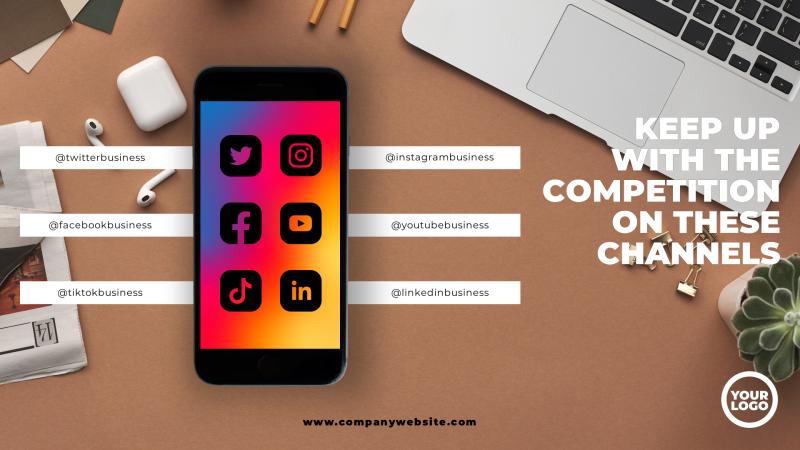
Pull posts, hashtags, and reactions into one social media display wall, with controls to keep content fresh, moderated, and on-brand.































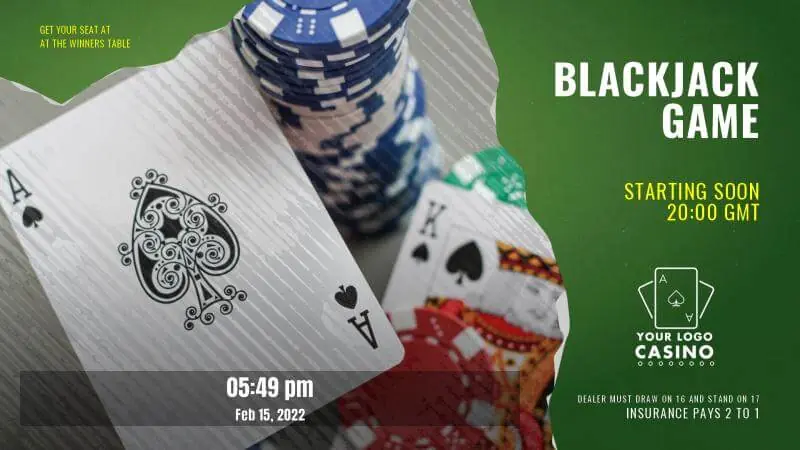
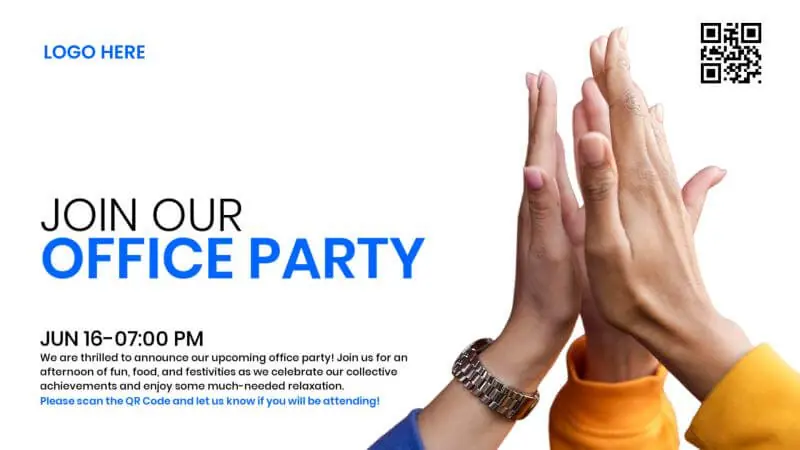
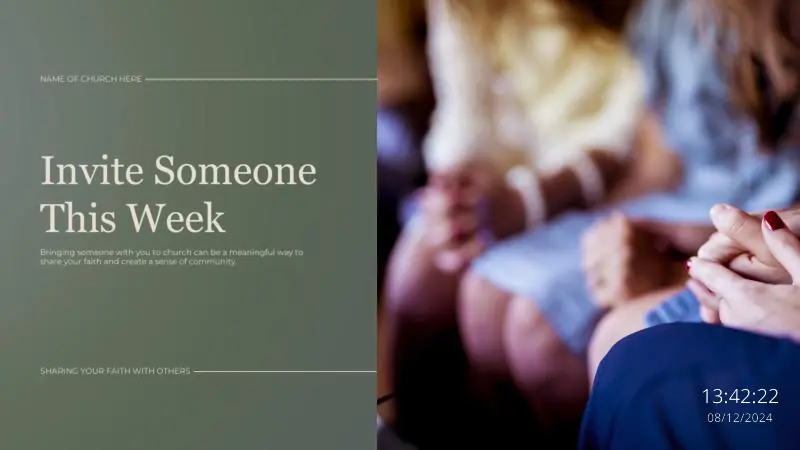
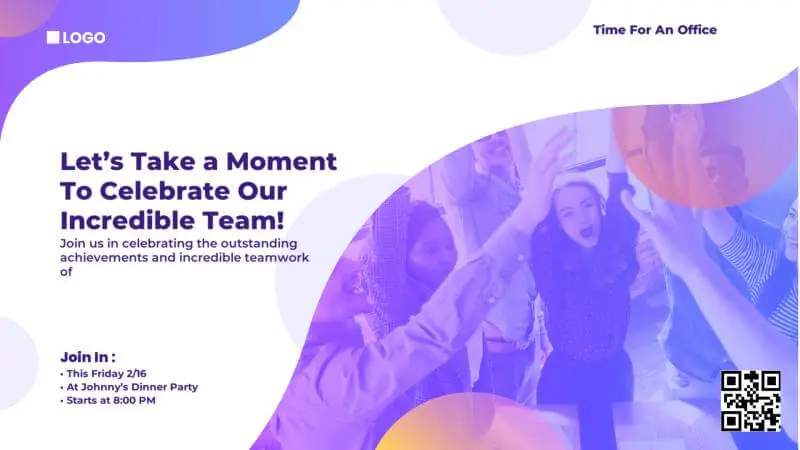
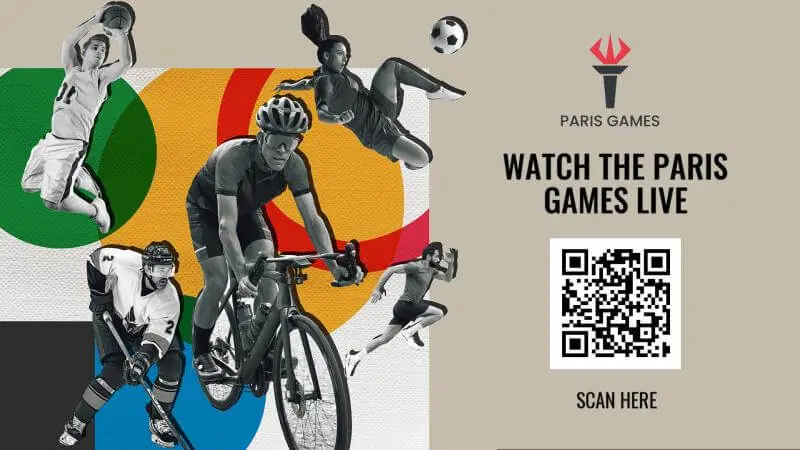
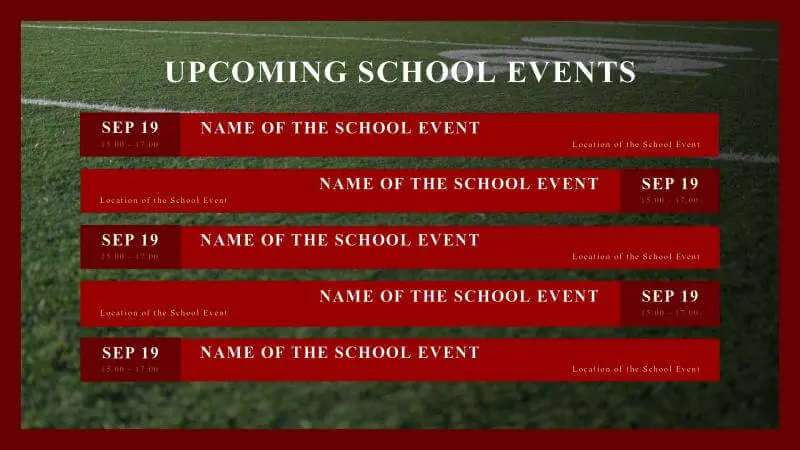
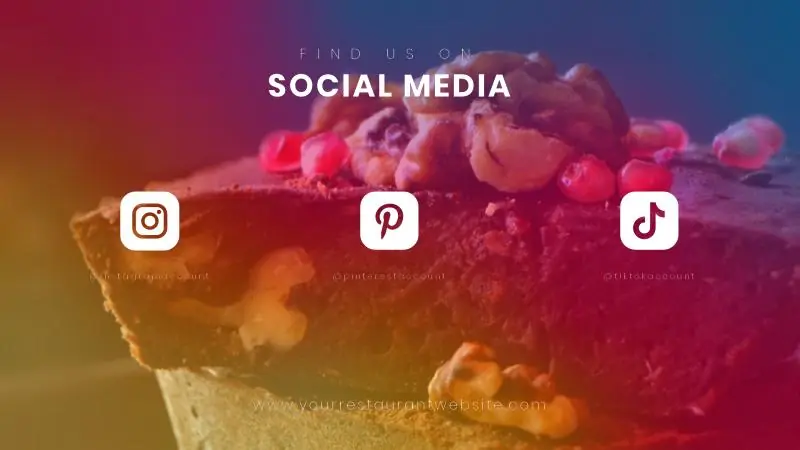
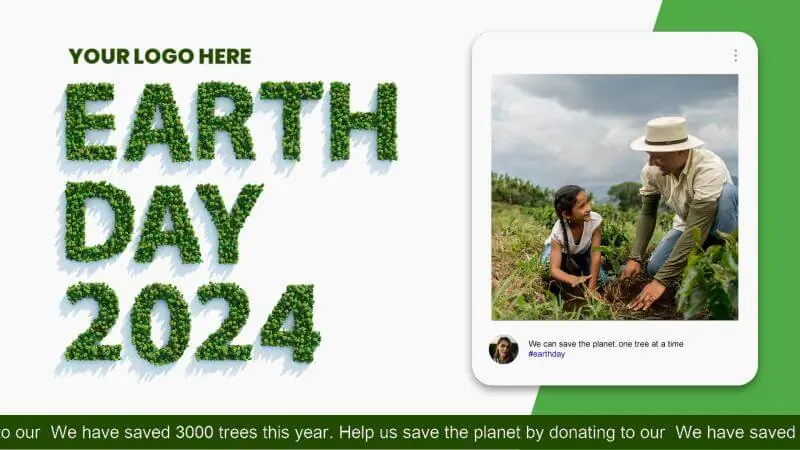
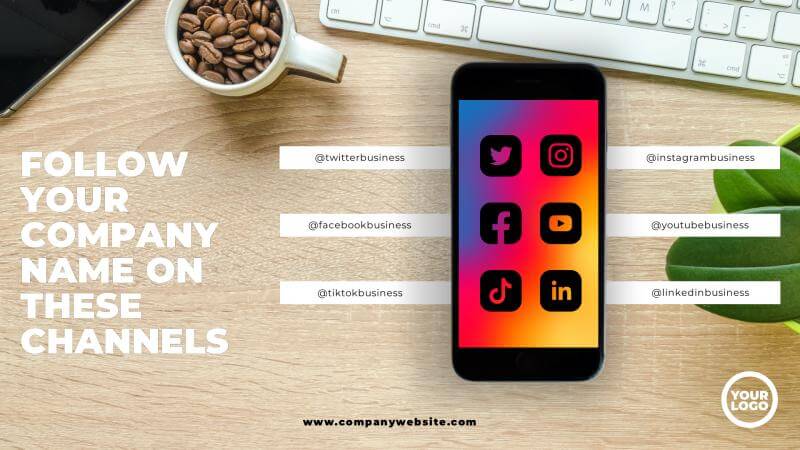
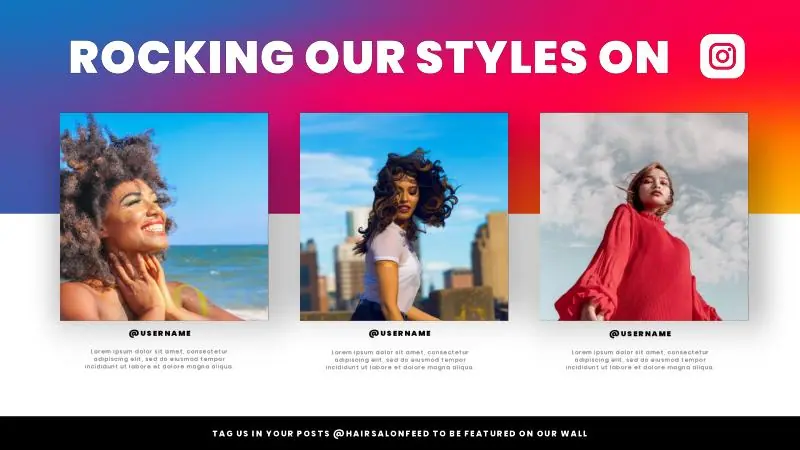
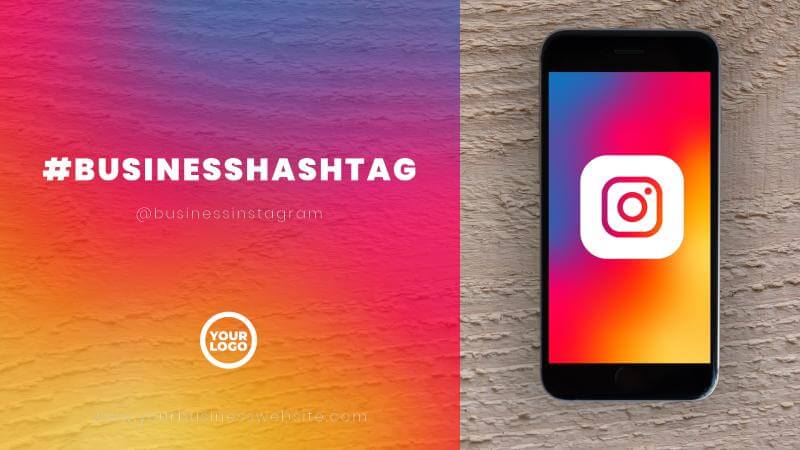
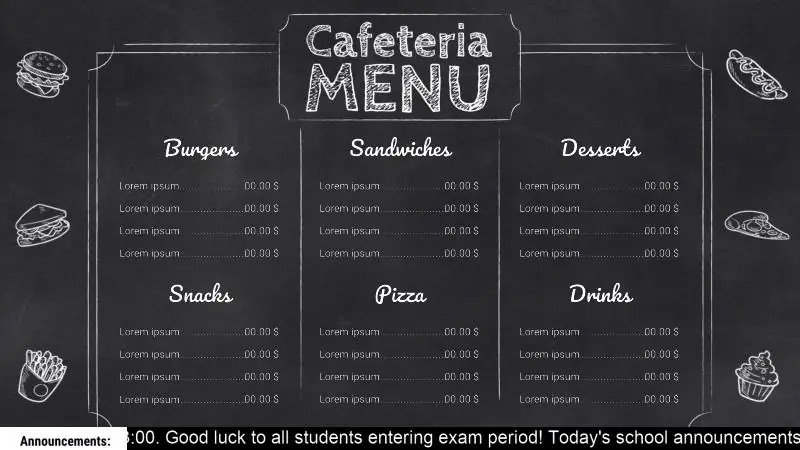
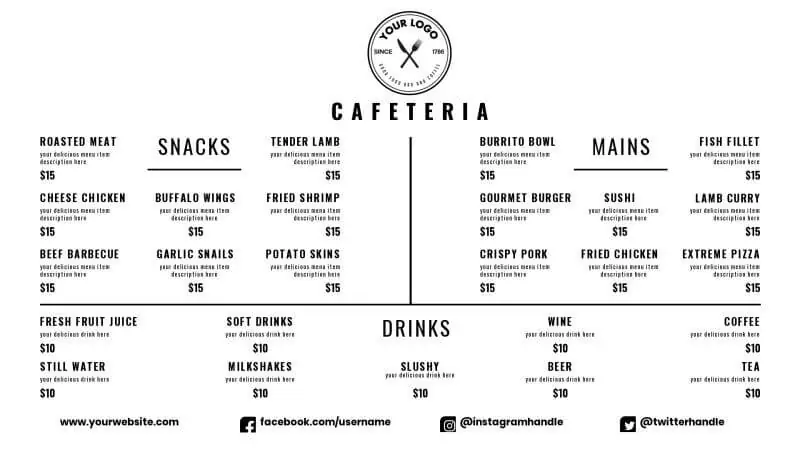
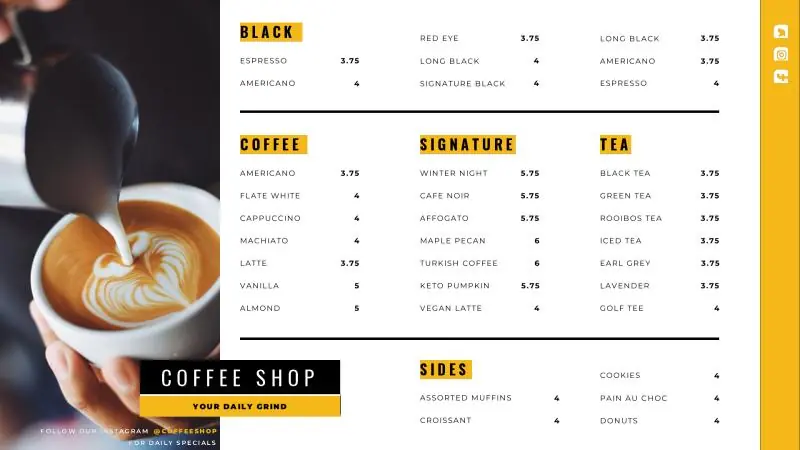
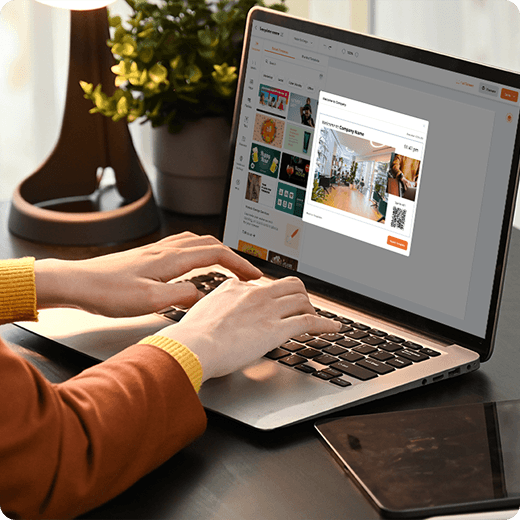
Free templates for social media walls
Browse templates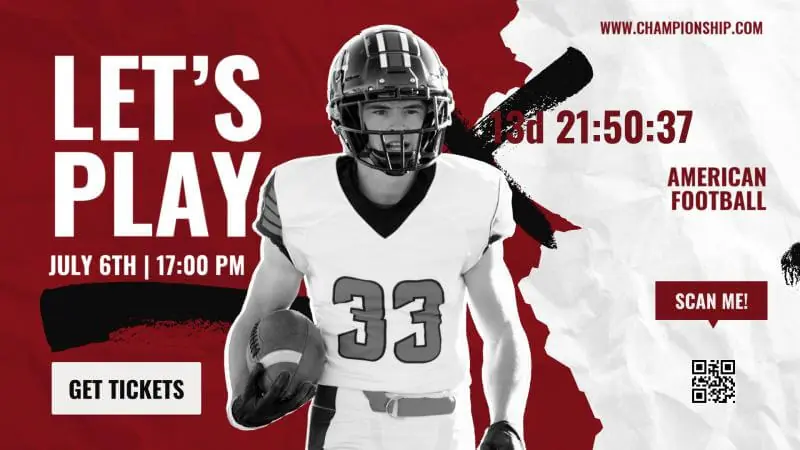
Why Yodeck for social media signage
Manage screens across locations from one dashboard, with roles and permissions for different teams.
Match your look with templates and styling that keep social media displays consistent.
Keep your wall running with monitoring and alerts when a screen needs attention.
Use the same digital signage software for announcements, dashboards, and live updates.
Social Media Walls: FAQs
How to create an engaging Social Media Wall?
- Digital photo booth: Capture branded attendee photos
- Event social media: Show live posts, polls, reactions
- Hashtag campaigns: Aggregate UGC from multiple networks
- Internal comms: Display employee stories on screens/intranet
- Private walls: Curate posts for closed groups
- Social newsroom: Centralize brand channels
- Sponsorship loop: Rotate partner logos alongside attendee posts
What are the best practices for a Social Media Wall for events?
- Place screens in high-traffic spots: entrance, registration, lounge
- Promote a clear hashtag wall (“Post to appear on the wall”)
- Mix formats: photos, short videos, shout-outs, sponsor posts, agenda reminders
- Add an interactive wall for events: polls, live questions, challenges, giveaways
- Refresh layouts often to keep the feed feeling “live”
- Reuse the best posts after the event for ongoing highlights
What content works best on a Social Media Wall?
The most engaging Social Media Wall ideas combine real people, real moments & live interaction. Content that performs best includes:
- User-generated posts with event or brand hashtags
- Live event photos and short attendee videos
- Branded hashtag campaigns and challenges
- Polls, questions, and audience prompts
- Shout-outs, mentions, and attendee highlights
- Sponsor or partner posts blended naturally
- Countdown timers, agenda reminders, or announcements
What features should a Social Media Wall software have?
Strong social media digital signage solutions include real-time updates, hashtag filtering, moderation, layout customization, and reliable playback. With Yodeck, teams can schedule social wall content, combine it with other messages in layouts, and manage screens remotely with role-based access. When evaluating options, prioritize moderation controls and easy-to-use design tools, so the wall stays engaging, on-brand, and easy to operate.
Can Social Media Walls display real-time social feeds?
Yes. With Yodeck, Social Media Walls can display real-time social feeds by pulling content from selected platforms using hashtags, keywords, or profiles. New posts appear on screens within seconds, creating live interaction. Built-in moderation ensures only approved, relevant content is shown, keeping live Social Media Walls brand-safe, engaging, and suitable for events or public spaces.
What happens if the internet connection drops?
If the internet connection drops, Social Media Walls continue displaying the last synced content without interruption. With Yodeck, Apps and Layouts are cached on the player, so screens never go blank. Once connectivity is restored, live feeds and updates resume automatically. This ensures reliable playback during events, peak hours, or temporary network outages.
Are Social Media Walls easy to manage?
Yes. With Yodeck, staff can set up Social Media Walls with no technical expertise. Content is managed through a cloud dashboard where users select feeds and adjust Layouts easily. Yodeck’s centralized control and scheduling make social media displays practical for marketers, event teams, or store managers, without requiring IT support or complex setup.
Are Social Media Walls affordable?
Yes. Yodeck is an affordable Social Media Wall solution that scales by screen and event size, with pricing starting at $8€8£7CA$12AU$13 per screen. You can run social wall content on existing displays & manage playlists from a single cloud dashboard. Sign up for free, then add more screens as your needs grow.
Which industries benefit most from Social Media Walls?
Social Media Walls are commonly used in:
What other digital signage solutions can you combine with Social Media Walls?
Social Media Walls work best as part of a connected screen experience.
- Digital menu boards: Feature “trending now” items tied to UGC
- Advertising Network: Rotate sponsor logos next to high-engagement posts
- Touchscreen: Enable polls, Q&A, content submissions, and QR-driven interactions
- TV Dashboards: Show live participation metrics (hashtag volume)
- Video Wall: Turn the social wall into a high-impact centerpiece for stages

