


Improve student & staff comms with education digital signage
Make sure updates reach students, staff, and visitors. Transform any screen into a powerful communications channel with digital signage for education.
No credit card required

Trusted by over 65,000 companies of every size, across 150+ countries











60%
REPORT IMPROVED RECALL
73%
OF INSTITUTIONS CONSIDER IT VITAL
56%
ARE MOTIVATED BY DIGITAL SIGNAGE
Ways education digital signage improves daily communication
Announcements & News
Keep everyone informed in real time
Share important updates & news, without relying on email or paper notices.
Publish special announcements in seconds across every screen
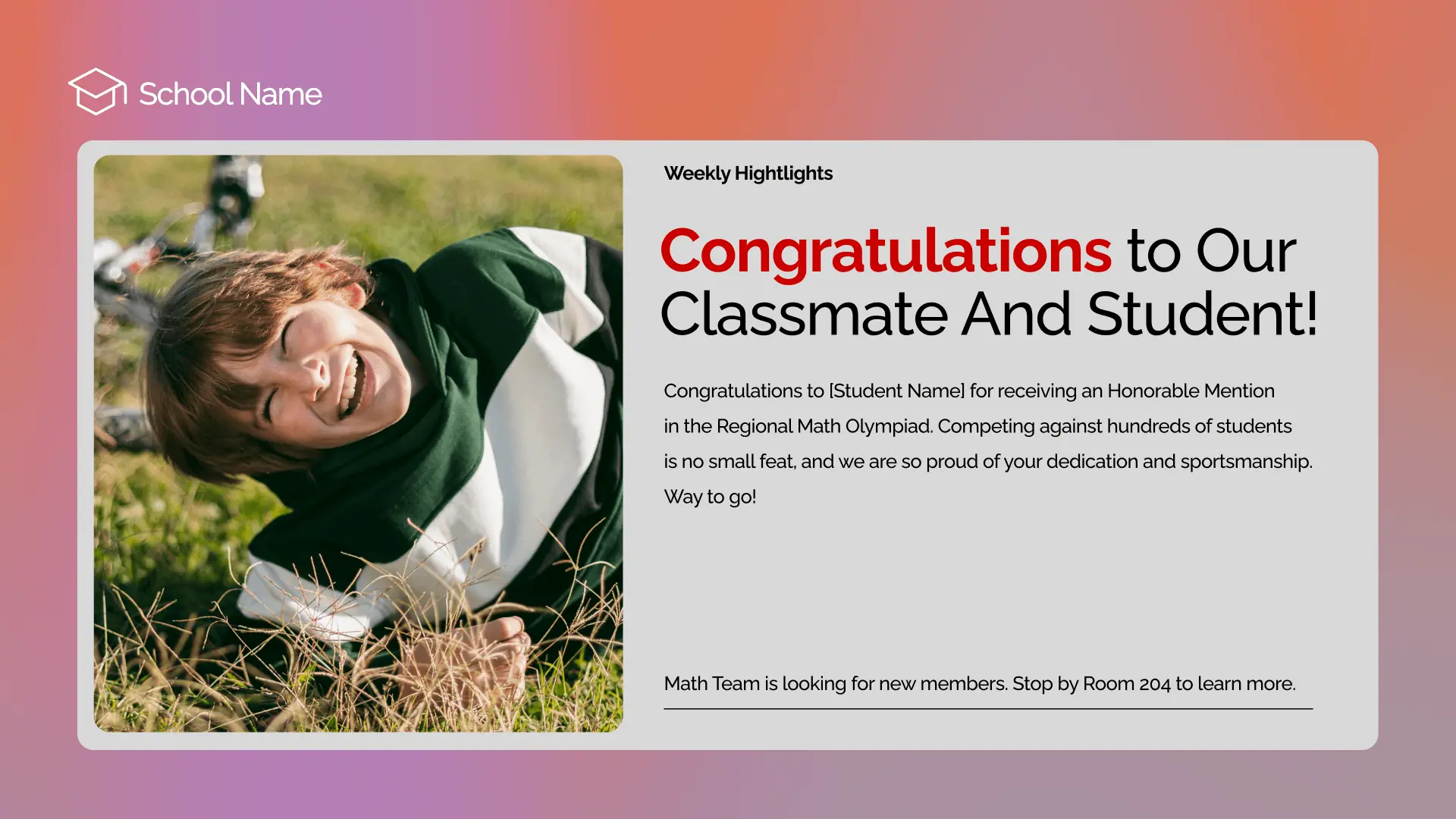
Celebrate achievements, awards, and student success stories
Use Digital Notice Boards to share values, news, and updates

Events & Activities
Promote what’s happening, when it matters
Highlight upcoming events, activities, and key dates across campuses.
Spotlight key dates & event details in real time with Digital Bulletin Boards
Keep schedules accurate as plans shift throughout the week
Reduce last-minute confusion & delays with timely event messaging

Emergency Alerts
Deliver critical messages without delay
Use screens to communicate urgent information, when timing matters.
Share urgent updates instantly across displays in busy areas
Ensure critical messages stay visible until everyone has seen them
Help students, staff & visitors respond calmly and quickly

Schedules & Calendars
Make timetables easy to follow
Display schedules and calendars that update automatically as plans change.
Use a Digital Calendar Display to keep schedules always current
Reduce manual updates by syncing calendars and daily schedules
Help everyone stay aligned with clear, time-based information

Easy Navigation
Help students & visitors find their way
Use screens in key locations to guide movement and reduce confusion.
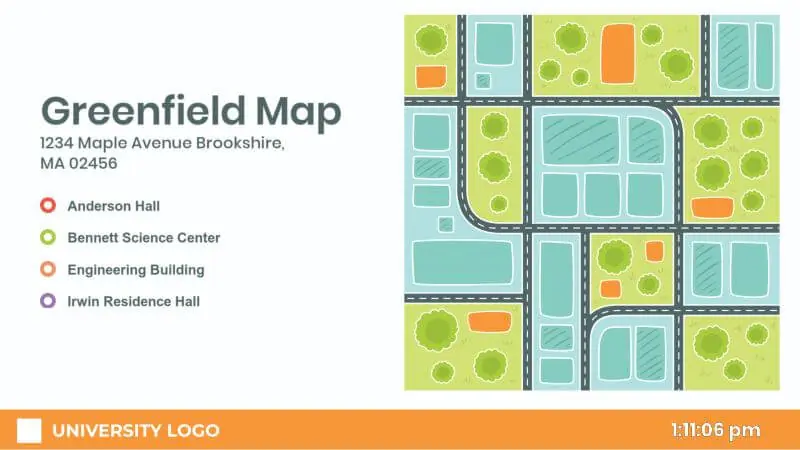
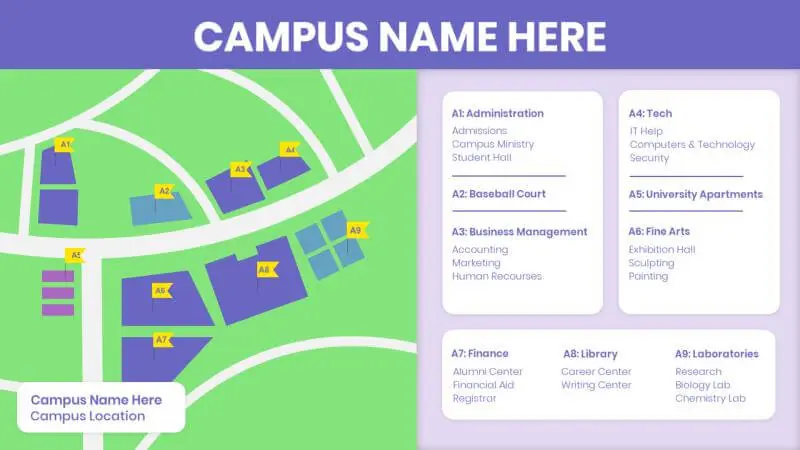
Use Wayfinding screens to show building locations, classrooms, and key facilities
Support smoother movement during busy arrivals and peak hours
Update guidance instantly when locations, rooms, or routes change

Top benefits of digital signage in education
Community connection
Brings people together with shared moments
Institution identity
Highlights culture, values, & priorities every day
Higher Participation
Inspires people to join activities, clubs, and events
Lower printing costs
Cuts spend on posters, flyers, and repeat print runs
Community recognition
Celebrates milestones, wins & success stories
Fundraising support
Promotes campaigns and donor moments
Your education signage shouldn’t stay static. Keep it relevant
Without Yodeck
Important updates get missed
Complicated ongoing management of displays
Posters and flyers go out of date fast
Alerts are delayed when timing matters
With Yodeck
Updates appear instantly across screens
Students and visitors navigate more easily
Information changes in real time
Emergency alerts display immediately
Get started for freeNo credit card required
The #1 digital signage solution for education
65,000+
Customers
#1
on G2 & Capterra
7,500+
5-star reviews

Chris White
IT Director
 Yodeck is just so easy to use!
We went out searching, we found Yodeck, and by the process of elimination and looking at a bunch of different stuff, Yodeck stood out from everything else.

How Yodeck works
1. Connect
2. Create
3. Push to screen
Power your screens with 160+ free apps
Browse Yodeck’s digital signage apps for educational institutions to connect calendars, Canva, and live content.








































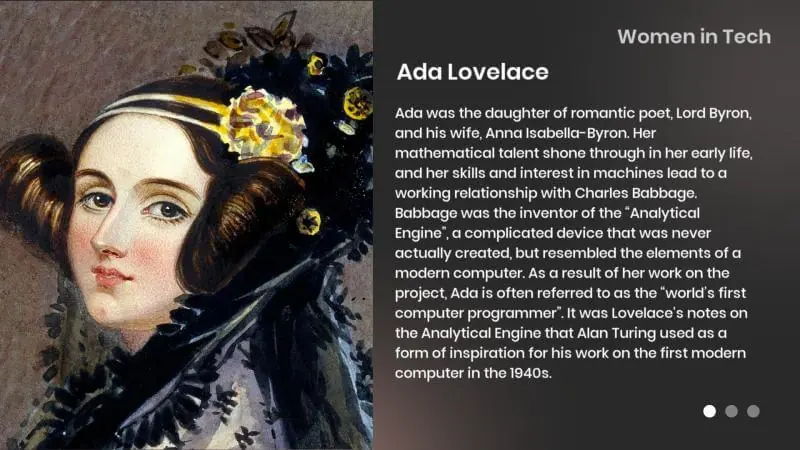
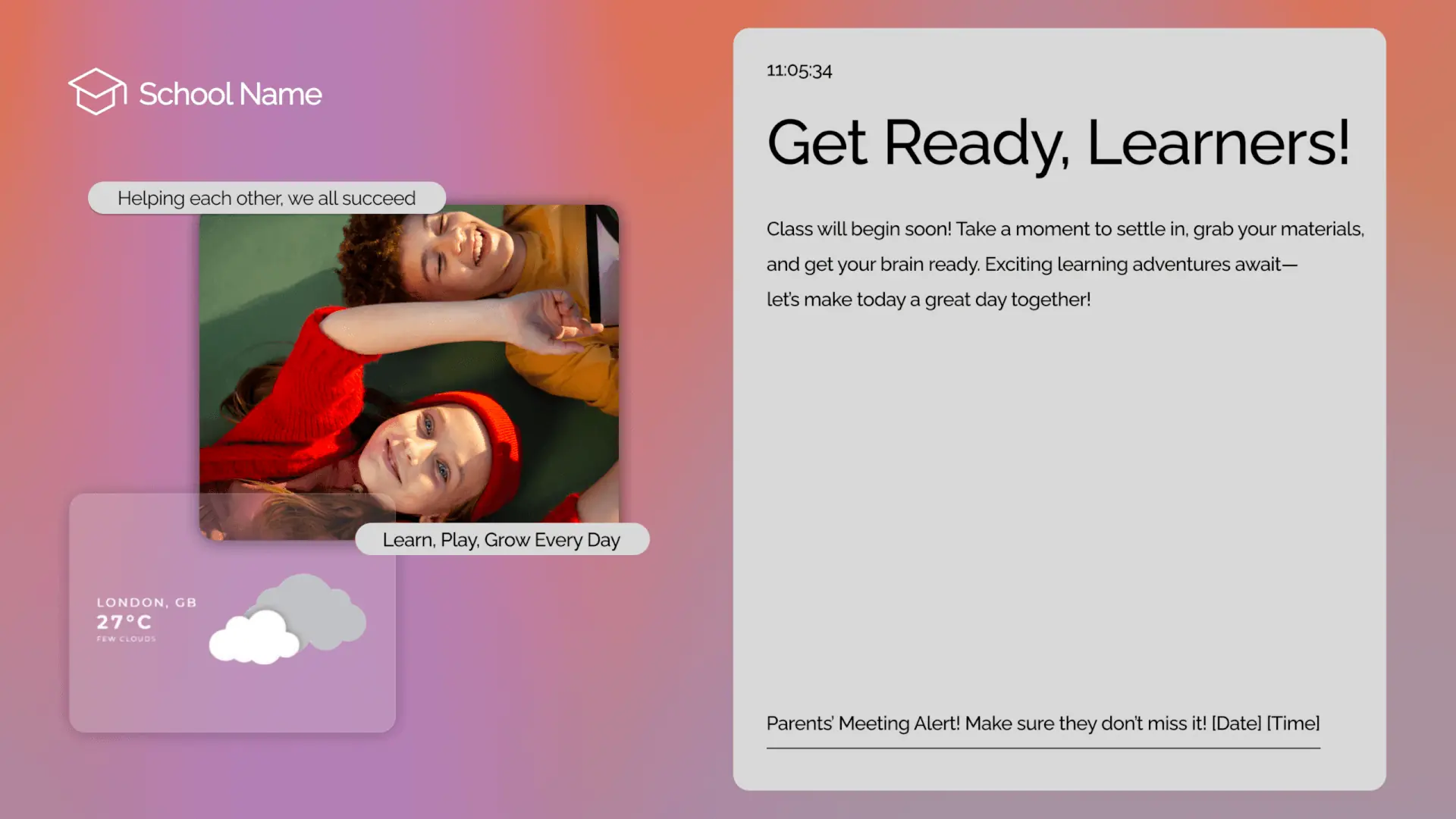
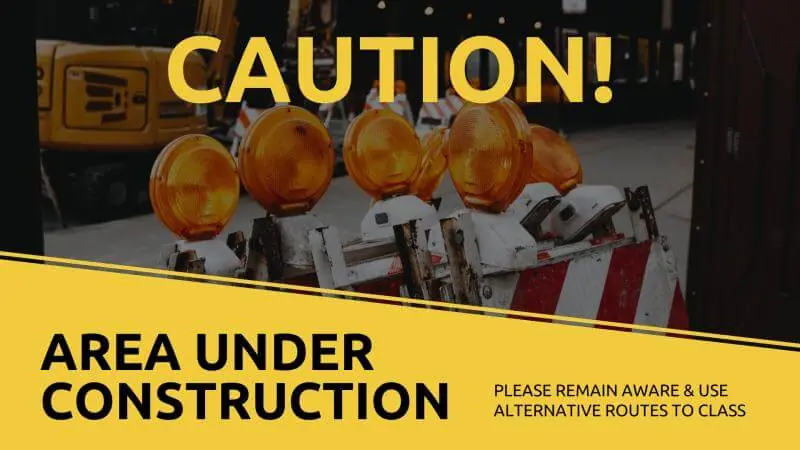
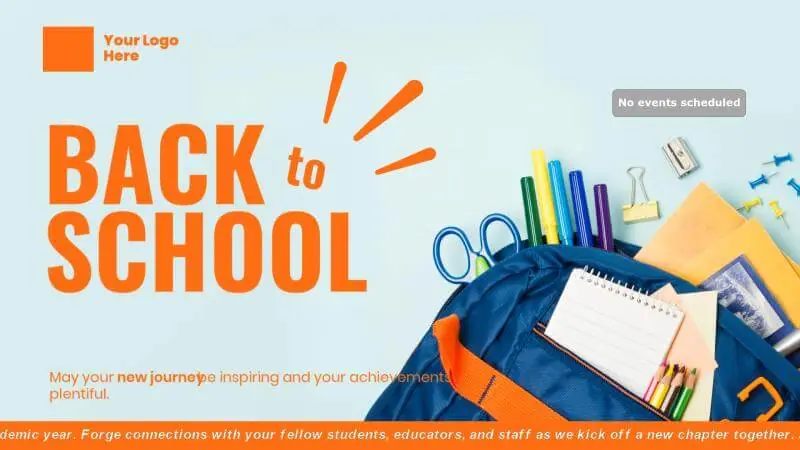
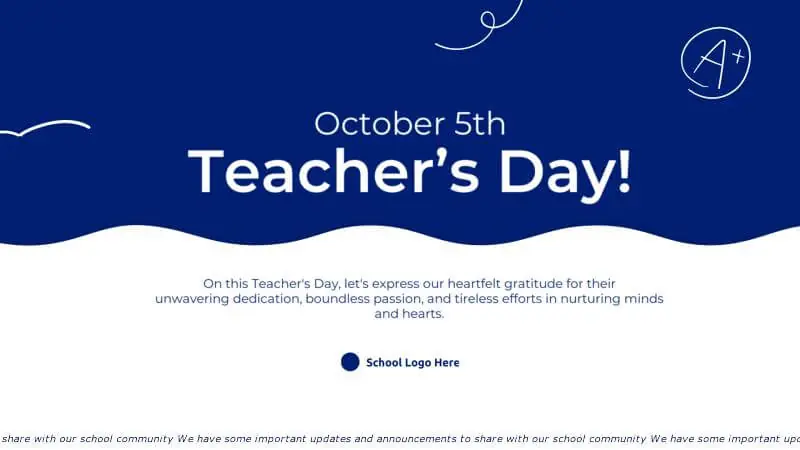
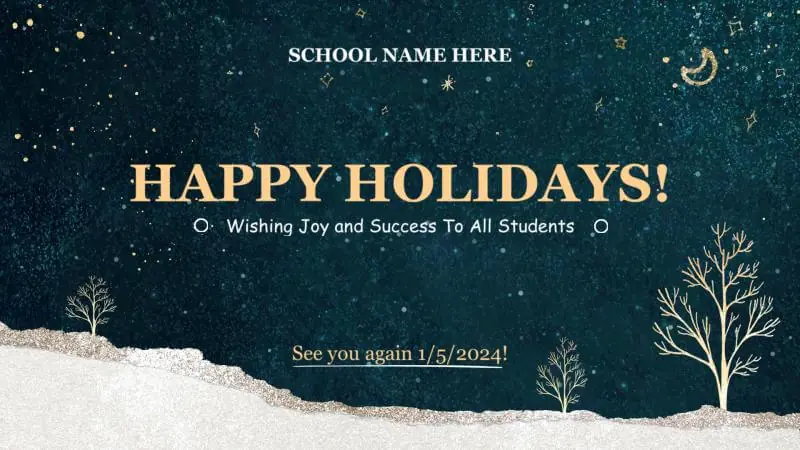
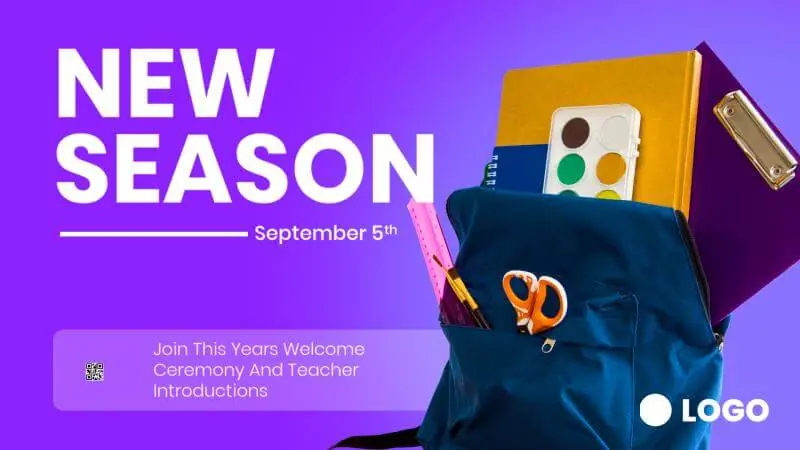
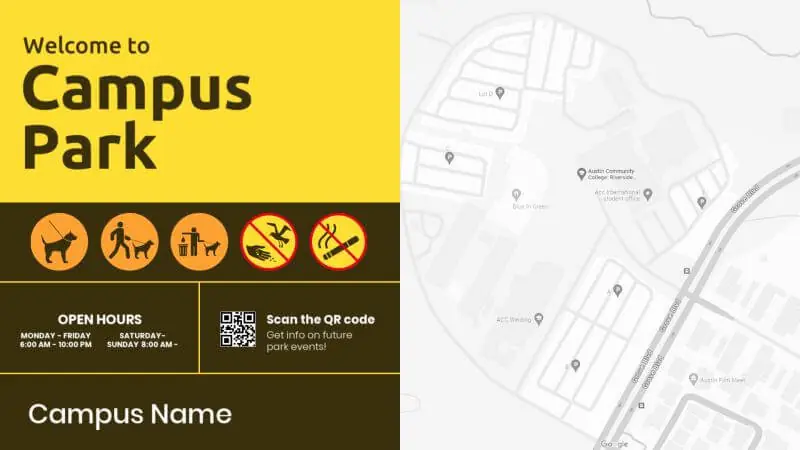
Discover 800+ free digital signage templates for education
Browse templates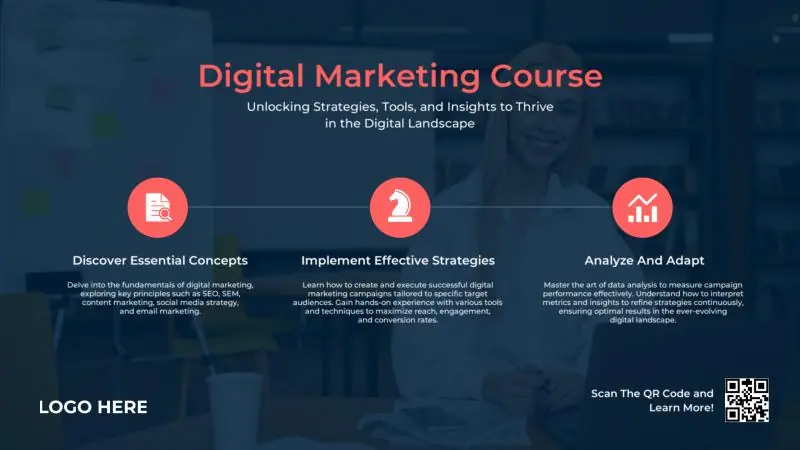





Why Yodeck is the best digital signage software for education
Yodeck’s digital signage software makes updates simple with drag-and-drop tools. Add photos, videos, and documents, then publish to screens in a click.
Count on commercial-grade hardware and enterprise-grade security. Player Lockdown, encryption, and secure policies help keep education screens protected and dependable.
Use playlists, scheduling, free templates, and 85+ apps to keep content fresh automatically. Short video tutorials help teams go from setup to confident use quickly.
With affordable pricing, Yodeck makes digital signage for education accessible without requiring a big-budget investment.
Need help? Our experts are just one click away.
Talk to sales
Education digital signage: FAQs
What is digital signage for education?
Education digital signage uses digital screens across educational facilities (such as entrances, hallways, libraries, cafeterias, and common areas) to share announcements, schedules, events, menus, alerts and more. With cloud-based digital signage software for education, teams update every screen instantly from one dashboard, ensuring students, staff, and visitors stay informed in real time across Schools, Universities, and other learning environments.
Where should screens be placed for maximum impact?
Strategic placement is key to a successful rollout.
- Main entrances and reception areas
- High-traffic hallways and corridor intersections
- Cafeterias and dining areas
- Libraries and study zones
- Student lounges and waiting areas
- Outside auditoriums, gyms, and multi-purpose rooms
- Near admin offices and service desks (registrar, admissions, support)
Can non-technical staff update content easily?
Yes. Non-technical staff like teachers, professors, administrators, or front-office teams can update education screens using drag-and-drop tools, free digital signage templates, and simple uploads. Post announcements, event promos, menus, or reminders in minutes, no design or IT skills required. Role-based permissions keep messaging consistent while allowing the right people to publish updates for a specific building, department, or audience.
Can screens power on/off automatically on weekdays or weekends?
AYes. You can automate screen on/off schedules to match operating hours. Set weekday working hours, weekend rules, and holiday schedules so screens run only when needed. This reduces manual work, lowers energy use, and ensures displays aren’t running overnight or during closures, especially useful for large educational facilities with many screens.
What happens to screen playback if the internet connection goes down?
Yodeck is built for reliable playback in education environments, so screens keep showing scheduled content even if the internet drops. That means announcements, timetable reminders, cafeteria menus, and important notices stay visible without interruption during the school day. Once the connection returns, devices automatically reconnect and sync any updates from the cloud dashboard.
How do emergency alerts override scheduled education content?
Emergency Alerts can override scheduled playlists instantly so critical messages are shown immediately on targeted screens or across the entire network. This is useful for urgent closures, weather advisories, or time-sensitive instructions. After the alert ends, screens automatically return to their scheduled content, reducing confusion and ensuring normal communications resume without manual resets.
Is pricing annual or monthly, and is there an annual discount?
Yodeck supports flexible billing, with annual plans typically offering the best value per screen. Many educational organizations choose annual billing to simplify budgeting and receive a free Yodeck Player with the annual plan. Monthly options are also available, giving institutions flexibility as needs change throughout the academic year.
Why choose Yodeck for digital signage in education?
Yodeck is one of the most flexible and affordable digital signage solutions for education because it offers:
- Centralized cloud control and remote management
- Templates for announcements, menus, schedules, and alerts
- Emergency override messaging
- Compatibility with indoor & outdoor displays
- Secure, scalable architecture
- A free Yodeck Player with annual plans
It’s built for real-world campus communication, simple, modern, and effective.
Why is Yodeck a top-rated digital signage solution for educational institutions?
Yodeck is considered a top-rated digital display system for educational institutions because it combines ease of use and affordability. School and campus staff can manage screens, schedules, templates & alerts from a single cloud dashboard across multiple buildings. With scalable administration and emergency messaging, Yodeck remains a practical & top choice among the most trusted and popular digital signage solutions for education.
What other solutions does Yodeck offer?
Yodeck supports many use cases beyond education digital signage, including:
- Retail digital signage
- Restaurant digital signage
- Office digital signage
- Manufacturing digital signage
- Transportation digital signage
And of course, whatever your industry, Yodeck has a solution designed to help you communicate better, work smarter, and grow faster.

