


TV dashboard display for internal comms and business metrics
Turn any screen into a dashboard display screen for performance tracking, visibility, and faster decisions throughout the day
7,500+ reviews from


Trusted by over 65,000 companies of every size, across 150+ countries









56%
ARE MOTIVATED BY DIGITAL SIGNAGE
46%
FIND DIGITAL SIGNAGE ENGAGING
65%
SHOW POSITIVE SIGNAGE PERCEPTION
Integrate the tools you use daily into TV dashboards
Turn dashboards into a shared view for teams, with metrics and alerts that are easy to scan
Power BI
Power BI dashboards on TV screens
Share KPIs and reports on a dashboard display screen that lets teams track progress fast.
Display reports securely through the Power BI app
Share executive summaries and KPI snapshots
Spot trends quickly with a shared view on TV screens

Tableau
Tableau reporting for TV dashboard displays
Present live reporting on a dashboard display screen that’s easy to scan in shared spaces.
Display interactive insights via the Tableau app
Share executive summaries and high-level report snapshots
Align stakeholders with a live view of key metrics

Grafana
Grafana dashboards for real-time monitoring
Share live charts and alerts on a dashboard screen to reduce time to response.
Show status dashboards that update continuously
Highlight incidents and thresholds with the Grafana app
Keep operations visible across sites and teams

Ticker
Ticker for alerts and quick updates
Add a scrolling strip for announcements so critical updates stay visible all day
Keep updates visible across every dashboard screen
Share urgent alerts without interrupting dashboards
Rotate short messages easily with the News Ticker app

TV dashboard display benefits for real-time visibility
Turn TVs into a shared kpi display so teams track performance, spot issues, and stay aligned
Get started
Clear KPIs
Use a dashboard display screen to keep performance visible
Quick alignment
Share one screen dashboard so everyone sees the same numbers
Less noise
Share TV announcements without email threads & chat spam
Simple rollout
Push one dashboard solution to every TV without local setup.
Frontline comms
Share updates for deskless teams on screens where work happens
Reliable data
Share live updates so everyone can rely on accurate, current data.
Testimonials from teams using TV dashboards
Get started for Free
Amanda F.
Medical Staff Coordinator
“The initiative demonstrates exceptional alignment with strategic objectives, delivering measurable impact across operational efficiency and stakeholder engagement. Execution was marked by precision and adaptability, ensuring compliance with regulatory standards while advancing organizational priorities.”

November 24, 2025
Niklas F.
IT Administrator
“Easy Remote Scheduling and Layouts It’s easy and simple to use and it’s great that it can be done remotely. It’s easy to make a layout and schedule various things depending on need.”
January 23, 2026
Thanos K.
Web Designer
“Easy Setup, Great Support, Zero Hassle I’ve been using Yodeck for quite a while now, and honestly, it has made my life so much easier. From the moment I tried it, I realized it’s built to save you time, remove friction, and just let you get things done.”
November 14, 2025
Apps that power your dashboard screen
Use a wide range of apps to turn screens into real-time TV dashboards for KPIs, status, and updates


































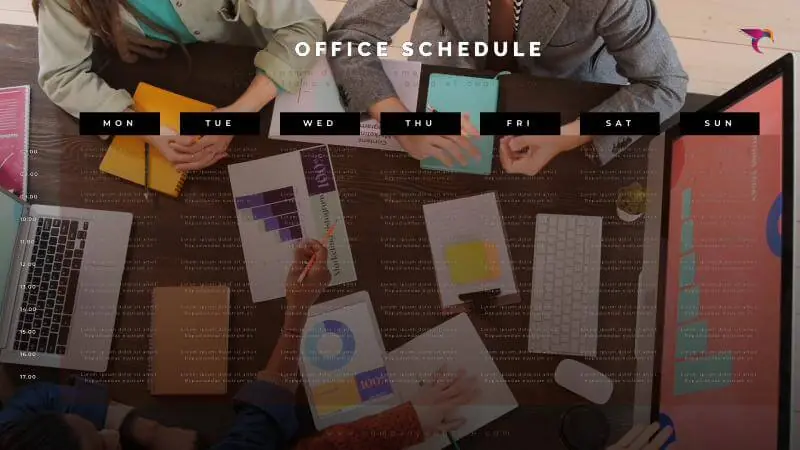
Free templates for dashboard display screens
Browse templates



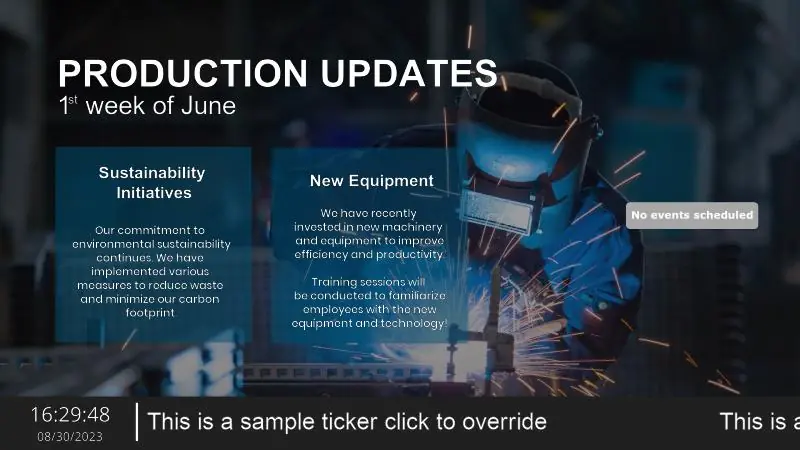
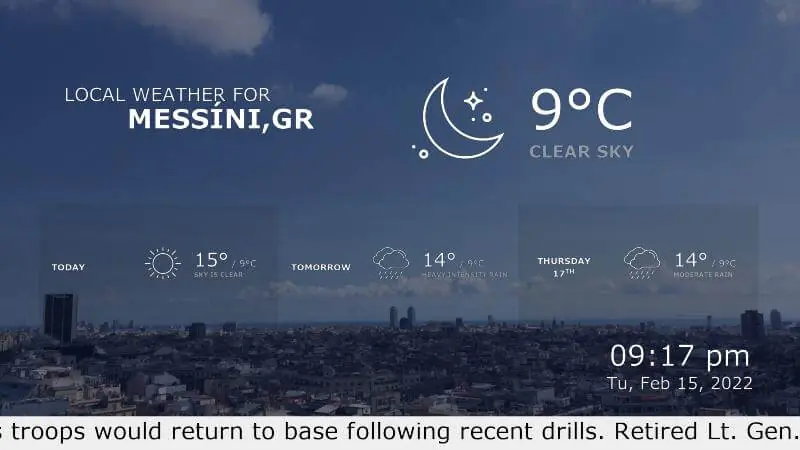

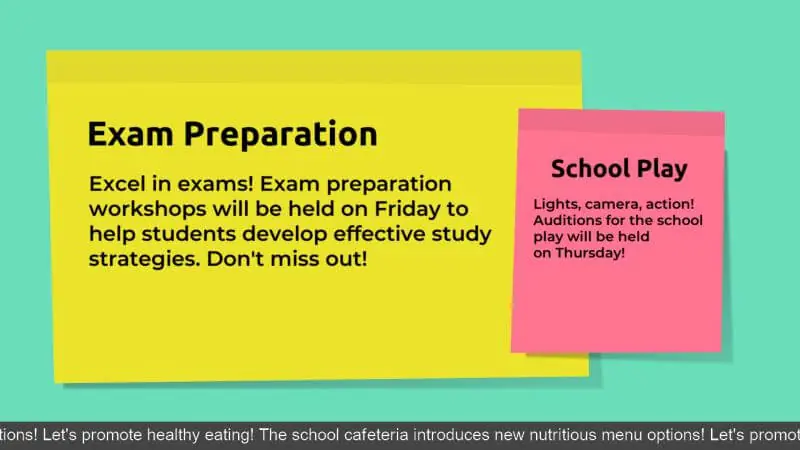

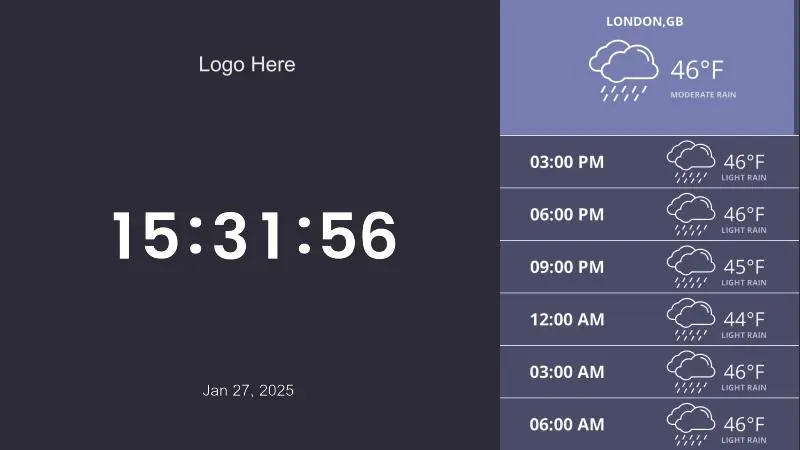

Why Yodeck is the best software for TV dashboards
Manage one or hundreds of TV screens from one dashboard, with roles and access for different teams.
Keep dashboards running with monitoring and alerts when a screen needs attention
Run dashboards across many screens, teams, and departments without extra effort
Use the same digital signage software for announcements, live updates, and KPI screens
TV Dashboard: FAQs
How can I create a custom TV dashboard?
That’s easy. To create a custom tv dashboard display, connect your data source (Power BI, Google Analytics, Sheets, etc.) to a dashboard display software, choose a layout, and publish it to a screen. With Yodeck, you can combine live KPIs, announcements, and widgets in one layout, schedule updates, and manage everything centrally.
What types of data can be shown on a dashboard screen?
A dashboard screen can display sales KPIs, marketing analytics, HR metrics, customer support stats, financial dashboards, project timelines, and operational performance data. With the right dashboard solution, you can pull information from tools like Power BI, Google Analytics, Trello, or Xero and present it clearly on a shared screen.
How can I display a Power BI dashboard on a TV?
It’s really easy. To display a Power BI dashboard on a Yodeck screen, add the Power BI app from the Yodeck App Gallery and sign in with your Microsoft account. Paste the URL of the report or dashboard you want, set the refresh interval & save. Then assign it to a playlist or set it as the screen’s default content.
How to display announcements on a TV?
To display announcements on a TV with Yodeck, you have two simple setup options depending on your hardware:
1) Dedicated player: Connect your TV to a Yodeck Player via HDMI, then publish announcements from the cloud dashboard
2) Smart TV app: Install the Yodeck app on compatible Smart TVs and push announcements remotely, without adding hardware.
Can I use a Smart TV for a dashboard display?
Yes, you can use a Smart TV as a dashboard display screen with the Yodeck app on supported models. However, for complex data visualizations and always-on environments, a dedicated Yodeck Player is the more reliable option. It delivers stronger processing performance, smoother playback, centralized remote management, and automatic resume after power loss or reboot.
Can TV dashboards be managed across multiple locations?
Absolutely. With a centralized tv management software like Yodeck, organizations can control screens across multiple offices, floors, or regions from one account. You can group screens, localize content, and push global updates instantly. This makes TV dashboards scalable for enterprises that need consistent data visibility across distributed teams.
What can organizations display on TV dashboards?
- Offices KPI Dashboards: Company KPIs, OKRs, project status, HR updates
- Manufacturing KPI Dashboards: Output, downtime, safety, shift targets
- Healthcare KPI Dashboards: Service levels, operational metrics
- Education KPI Dashboards: Campus operations, IT status, enrollment metrics
- Transportation KPI Dashboards: Service uptime, Incidents, Operational KPIs
- Hospitality KPI Dashboards: Occupancy, staffing, guest experience metrics
- Bank KPI Dashboards: Branch performance, daily targets, compliance alerts
How does a TV dashboard improve office performance?
A TV dashboard for office environments improves performance by making goals, KPIs, and progress visible in real time. When teams see live metrics on a shared screen, accountability increases and decisions happen faster. With office dashboard software like Yodeck, you can automate updates from data sources, reduce status meetings, and keep priorities front and center throughout the workday.
How much does TV dashboard software cost?
TV dashboard software cost depends on how many screens you run and what data you display. Yodeck uses straightforward per-screen pricing at $8€8£7CA$12AU$13, so you can start with one dashboard screen and scale to departments or sites. Annual plans typically deliver the best value & include free players. You can also sign up for free, then upgrade as you expand later.
Which industries benefit most from TV dashboard displays?
TV dashboard displays work best where teams need shared, real-time metrics. Common industries include:
- Manufacturing digital signage: output, downtime, safety, shift targets
- Office digital signage: sales KPIs, project status, service health
- Banks digital signage: branch performance, queue times, compliance alerts
In each case, a shared dashboard screen reduces status meetings and keeps priorities visible all day long term.

