


Conference room digital signage for offices and workplaces
Digital signage for conference rooms keeps teams informed with schedules, instant status updates, and on-screen guidance to help guests find rooms.
7,500+ reviews from


Trusted by over 65,000 companies of every size, across 150+ countries












60%
REPORT IMPROVED UNDERSTANDING
60%
REPORT STRONGER ATTENTION
46%
FIND DIGITAL SIGNAGE ENGAGING
Meeting room signage that keeps teams on time and in sync
With conference room digital signage, teams rely on their most-used apps to show room status, schedules, and updates automatically.
Teams Rooms
Turn meeting screens into live room guides
Upgrade meeting spaces with live schedules and updates using Microsoft Teams Rooms.
Show current and upcoming meetings directly on room screens
Use idle time to share company news and reminders
Reduce interruptions caused by booking confusion

Zoom Rooms
Improve your meeting room experience
Share schedules and messages on meeting screens by connecting Zoom Rooms.
Show schedules without interrupting calls
Display room status before and after meetings
Share updates without cable switching & disrupting live calls

SharePoint
Bring internal updates into meeting spaces
Surface internal pages and updates on meeting screens using content from SharePoint.
Keep teams aligned without extra emails or meetings
Make policies and resources easy to reference
Improve awareness during in-person discussions

Google Calendar
Make room schedules easy to spot
Show live meetings and availability on room displays by syncing with Google Calendar.
Sync changes instantly across room screens
Reduce double bookings and late arrivals
Help guests find the right room faster

Microsoft Planner
Keep meeting prep and follow-ups visible
Display tasks on shared screens by connecting your boards to Microsoft Planner.
Display tasks, deadlines, owners, and priorities
Keep teams aligned before discussions start
Combine plans with schedules and updates

Benefits of conference room signage for modern workplaces
In modern workplaces & offices, room screens turn scheduling chaos into predictable flow, with visible screens for teams & visitors.
Get started
No double bookings
On-screen schedules match the calendar, so conflicts disappear
On-time meetings
Visible room status helps meetings start and end on schedule
Better room usage
Teams find open rooms faster, so spaces aren’t wasted time
Professional impression
Guests find rooms faster with clear signage & welcome info
Internal comms
Idle screens become a channel for updates & reminders
Lower admin effort
Fewer manual updates, booking fixes, and day-to-day corrections
Trusted digital signage for conference rooms worldwide
Get started for Free
Kashyap M.
Technician
“Yodeck is a very approachable digital signage solution with an intuitive web dashboard that uses drag-and-drop tools to build playlists, layouts, and schedules, making content updates fast and simple for teams. The interface is straightforward enough that non-technical staff can learn the basics with minimal training and start managing screens on their own.”

December 15, 2025
Ashley H.
Senior Platform Administrator at OSSUR
“Exceptional Value and Support!
Yodeck is fantastic value for the price you pay, and their customer service has been absolutely spectacular. They are timely in their responses, and even if it isn’t an issue on their end, keep the ticket open until you figure out how to resolve it. They even offered to talk directly with our IT team to help us solve the network issue we had! It is super easy to use and versatile.”
December 26, 2025
erikuxe
Manager
“Yodeck Gets Its 10s.
What I like best about Yodeck is how easy it is to use and how affordable it is. As a small business, that combination really matters. Setting up and updating our menus and slideshows is simple, it works reliably, and we don’t have to worry about it once it’s running. It does exactly what we need without being complicated or expensive.”
December 17, 2025
160+ free apps that power conference room displays
Bring calendars, meeting tools, and internal platforms together to keep conference screens in sync without manual updates.








































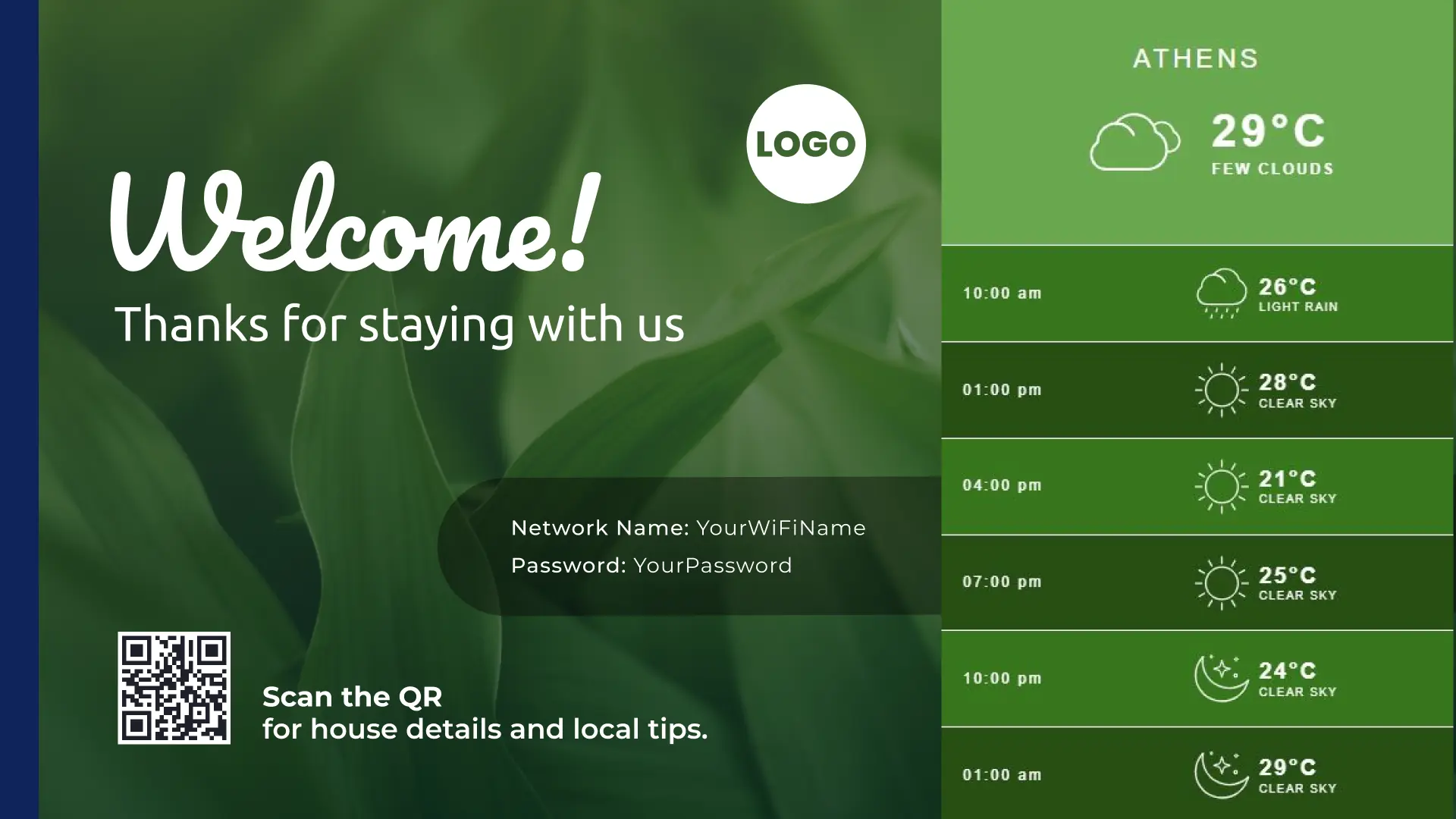
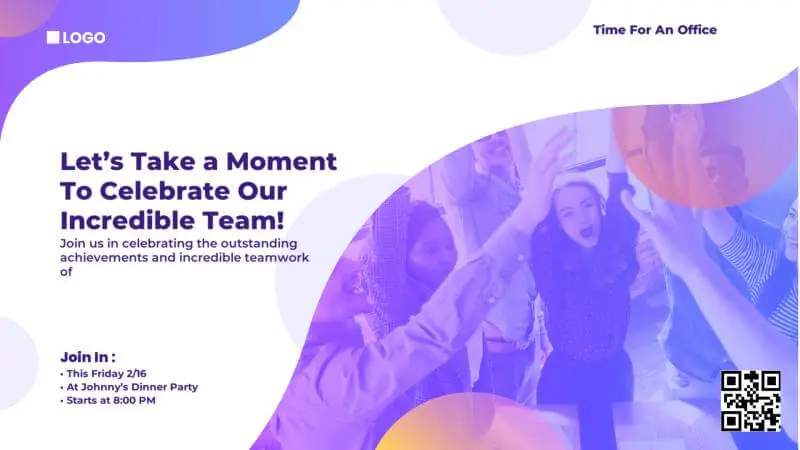
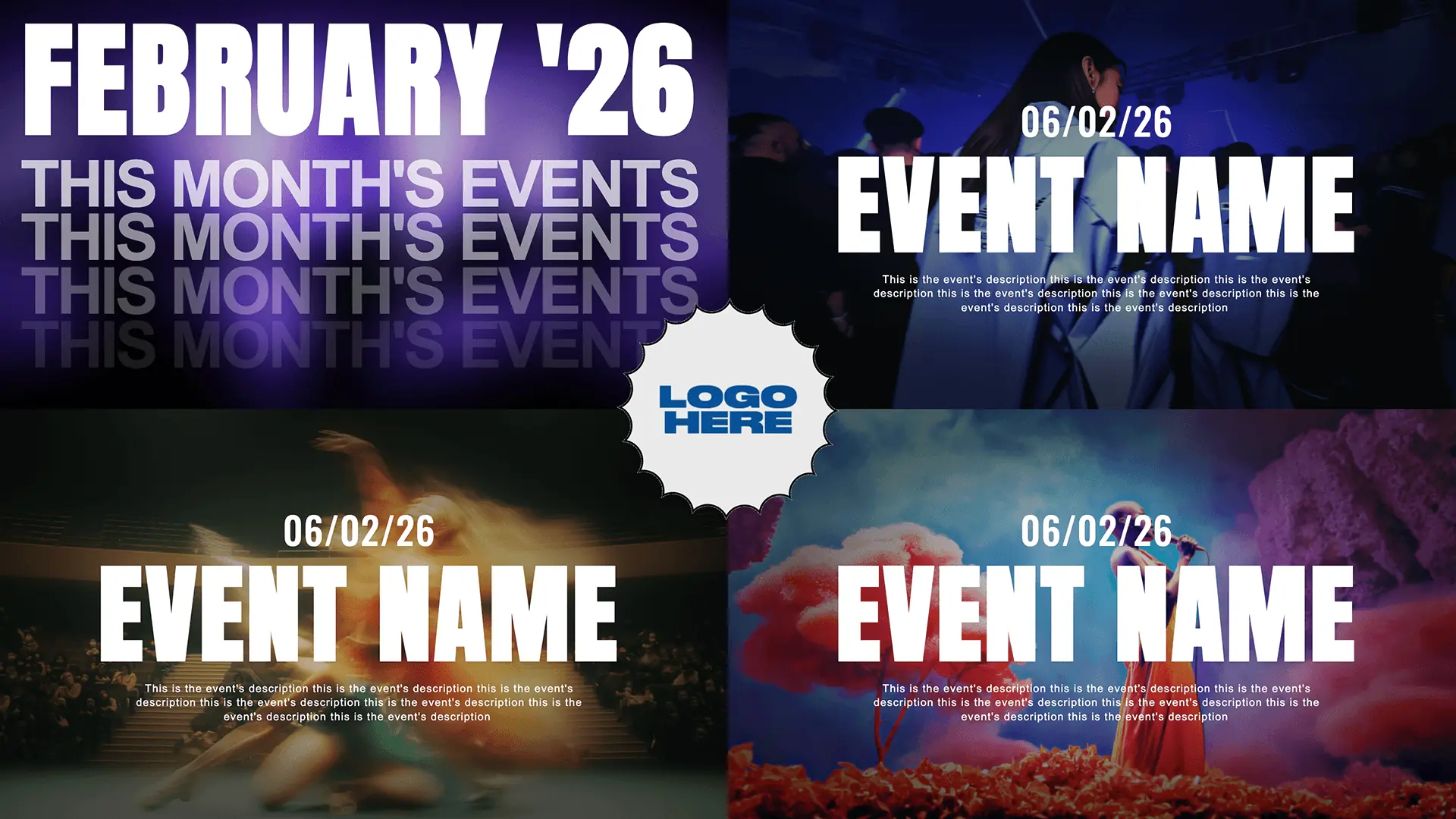
Templates for dynamic & modern conference room signs
Browse templates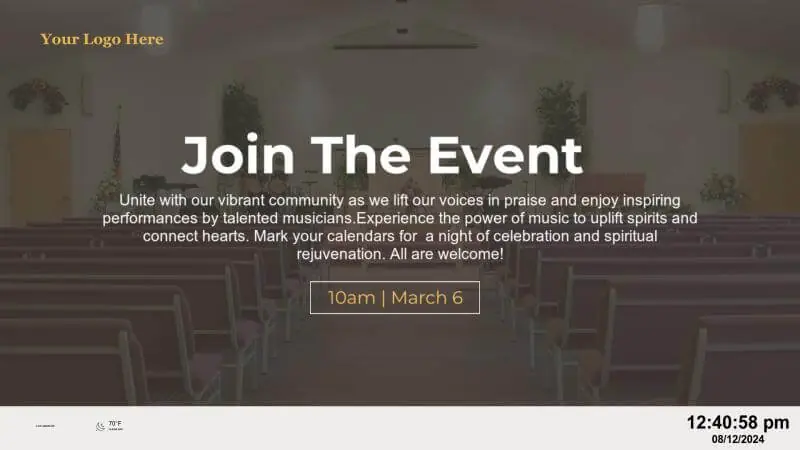













Why Yodeck is the #1 conference room signage software
Yodeck is digital signage software that powers announcements, wayfinding, dashboards, and messaging far beyond meeting rooms.
Manage one room or hundreds from one dashboard, using workspaces, roles, and permissions to separate global and local content while staying consistent.
Keep displays running with monitoring, alerts, and automatic recovery when a screen needs attention.
Integrations are quick to set up and easy to maintain, so your meeting screens stay current without a new process for teams to learn.
Conference Room: FAQs
Why use digital signage for conference rooms?
Conference room digital signage eliminates manual room checks, paper schedules, and last-minute interruptions. Real-time visibility improves space utilization, keeps meetings on schedule, and creates a more organized workplace. By showing accurate room status at a glance, teams spend less time searching for space and more time focusing on productive meetings.
What are the top uses of digital signage in conference rooms?
- Showing real-time room availability (free/occupied) and upcoming meetings
- Displaying daily agendas pulled directly from calendar systems
- Allowing quick check-ins and reducing no-shows
- Keeping meetings uninterrupted by clearly indicating occupied rooms
- Using in-room screens for presentations, video calls, and KPIs
- Helping visitors & employees navigate faster
Where should conference room digital signage displays be placed?
Conference room digital signage displays work best when mounted outside each meeting room, at eye level (around 60 inches from the floor), so availability and schedules are clear. In busy areas, add a summary screen near elevator lobbies or corridors showing nearby rooms. If guests visit often, include signage at reception to welcome and guide them.
How does digital signage compare to static conference room signs?
Unlike static signs, conference room digital signage stays accurate without manual updates. Printed schedules and whiteboards quickly become outdated, causing confusion and interruptions. Digital signs update automatically, reflect real-time changes, and scale across multiple rooms. Over time, they reduce administrative effort while delivering a more professional, organized meeting room experience.
Is digital signage for meeting room status easy to manage?
Yes. Digital signage for meeting room status is designed to be user-friendly for non-technical teams. Office managers or admins can manage all conference room displays from a single cloud dashboard using templates, playlists, and simple scheduling. No coding or complex setup is required, and IT involvement is minimal, even when managing multiple rooms or office locations.
Can one account manage meeting rooms across multiple locations?
Of course. Yodeck supports centralized management across multiple offices, floors, or buildings. Screens can be grouped by location, department, or region, allowing shared content with local adjustments. This makes it easy to maintain consistent conference room signage while supporting different schedules or policies per office.
Can meeting room digital signage show live meeting schedules?
Yes. Modern digital signage for conference rooms connects to calendar systems to display live schedules, current meetings, and upcoming reservations. Screens update automatically when meetings change or end early. Yodeck is among the best platforms for conference room digital signage because it integrates with calendars through simple setup, automatic syncing, and centralized cloud control, without manual edits.
What does it cost to run digital signage for conference rooms?
The cost to run digital signage for conference rooms depends on how many meeting spaces you want to cover and whether you use displays outside rooms, inside, or both. Yodeck offers straightforward per-screen pricing from $8€8£7CA$12AU$13 per month, so you can start with one room and scale. Sign up for free today to pilot workflows before expanding.
Which industries benefit most from digital signage for meeting rooms?
Digital signage for meeting rooms is essential in environments where space is at a premium and scheduling is frequent. It is widely used in:
- Office digital signage
- Education digital signage
- Event digital signage
- Hospitality digital signage
- Government digital signage
So if you manage busy rooms across teams or locations, you can keep availability and schedules clear at a glance.
What are the top related solutions for modern spaces?
- Internal Communications: Broadcast company-wide messaging across all screens
- Digital Wayfinding Signage: Help guests and new hires navigate buildings confidently
- Digital Notice Board: Replace paper posters with scheduled office updates
- Digital Calendar Display: Publish agendas in lobbies, hallways, and break rooms
- Video Wall: Make large reception or collaboration areas feel modern

