


Digital wayfinding signage for faster navigation
Use digital wayfinding to guide visitors with maps, directories, and on-screen directions that update in real time
7,500+ reviews from


Trusted by over 65,000 companies of every size, across 150+ countries












60%
REPORT IMPROVED UNDERSTANDING
60%
REPORT STRONGER ATTENTION
65%
SHOW POSITIVE SIGNAGE PERCEPTION
Apps that power wayfinding digital signage displays
Build a digital wayfinding system with apps for maps, directories, and on-screen guidance
Interactive kiosk
Interactive kiosks for on-site navigation
Share KPIs and reports on a dashboard display screen that lets teams track progress fast.
Enable self-guided visits with the Interactive Kiosk app
Show routes, floors, and points of interest
Reduce queues by answering common questions

Interactive library
Interactive library for self-serve directions
Create a touchscreen menu so people can see wayfinding info without staff help
Power interactive browsing with the Interactive Library app
Organize content by floors, buildings, or department
Segment content by audience, location, or language

QR Code
QR code for mobile wayfinding
Let visitors scan and open maps, routes, or details on their phone in seconds.
Provide quick access to info with an on-screen QR Code
Link to maps, pages, or specific destinations
Update destinations without reprinting signs

Canva
Design wayfinding signage with Canva
Create maps and directional signage visuals fast, then publish updates to screens.
Create and publish visuals quickly using the Canva app
Build branded layouts for entrances and directories
Create maps, arrows, and labels in minutes

Digital wayfinding signage benefits for every space
Combine digital signage and wayfinding so routes, directories, and updates stay clear and current on-screen.
Get started
Clear directions
Use digital directional signage to help visitors find routes quickly
Instant updates
Update wayfinding signage when rooms, routes, or hours change
Better flow
Improve visitor movement with a digital wayfinding system
Self-serve help
Add interactive tools to support navigation without staff time
Consistent signs
Standardize digital signage wayfinding across facilities
Scales easily
Run digital wayfinding software across sites and screens
Testimonials from teams using Digital Wayfinding Solutions
Get started for Free
Dylan F.
Software Engineer
“Super easy to configure. The premium plan allows you to automate playlists by adding tags to images/videos. Upload the file and tag it and it will be auto added to the playlist. It saves a few clicks but if you are looking after multiple displays it saves time in the long run”

January 1, 2026
Amanda F.
Medical Staff Coordinator
“Exceptional Alignment and Impact, Elevating Operational Excellence”
The initiative demonstrates exceptional alignment with strategic objectives, delivering measurable impact across operational efficiency and stakeholder engagement. Execution was marked by precision and adaptability, ensuring compliance with regulatory standards while advancing organizational priorities.
November 24, 2025
Niklas F.
IT Administrator
“Easy Remote Scheduling and Layouts
It’s easy and simple to use and it’s great that it can be done remotely.
It’s easy to make a layout and schedule various things depending on need.”
January 23, 2026
Apps for wayfinding displays and interactive navigation
Use interactive tools and design apps to keep wayfinding solutions current, clear, and easy to navigate









































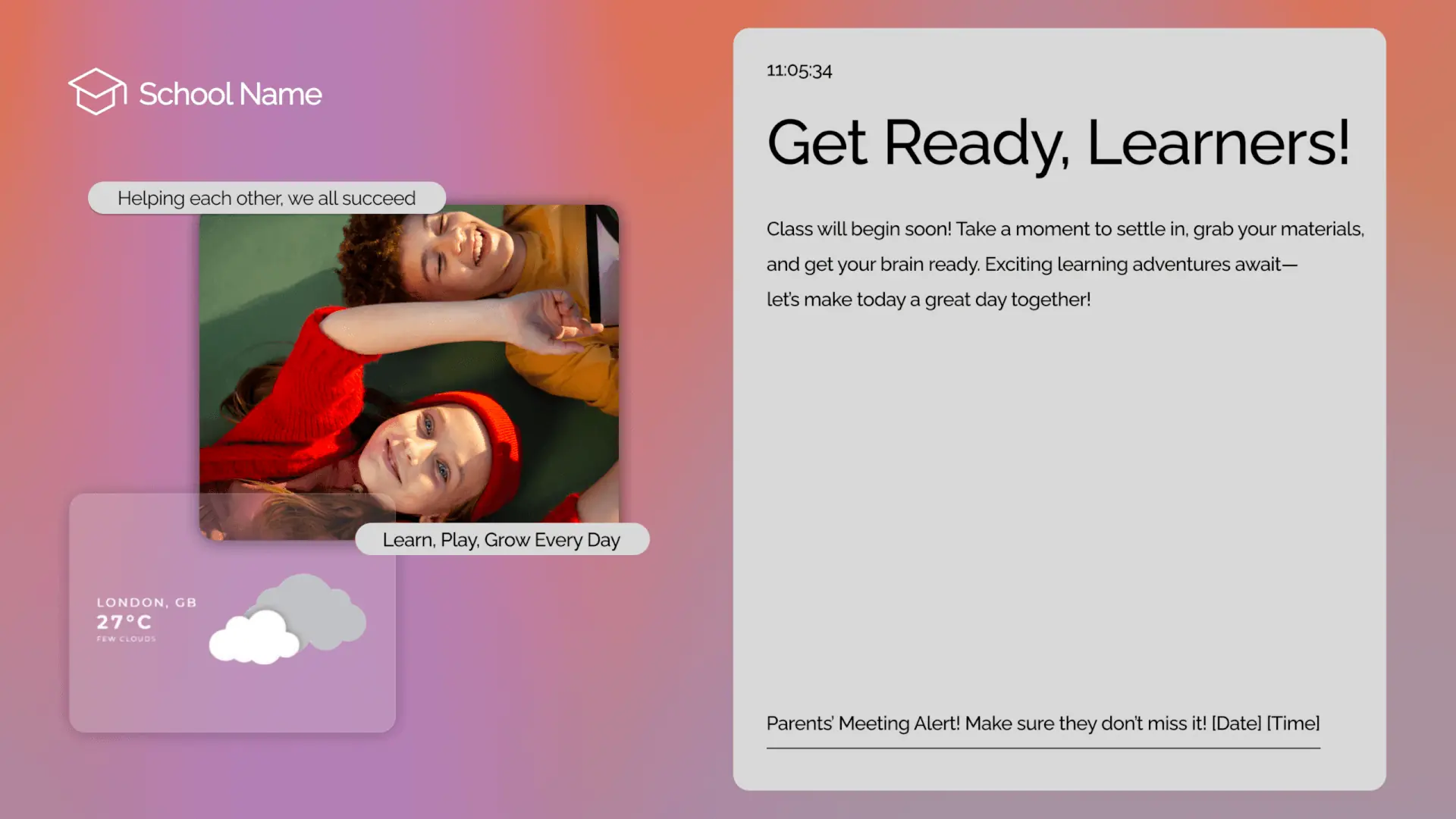
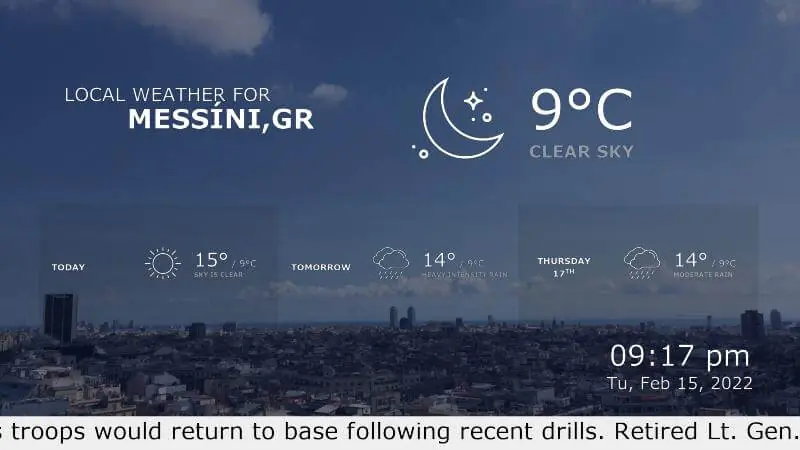
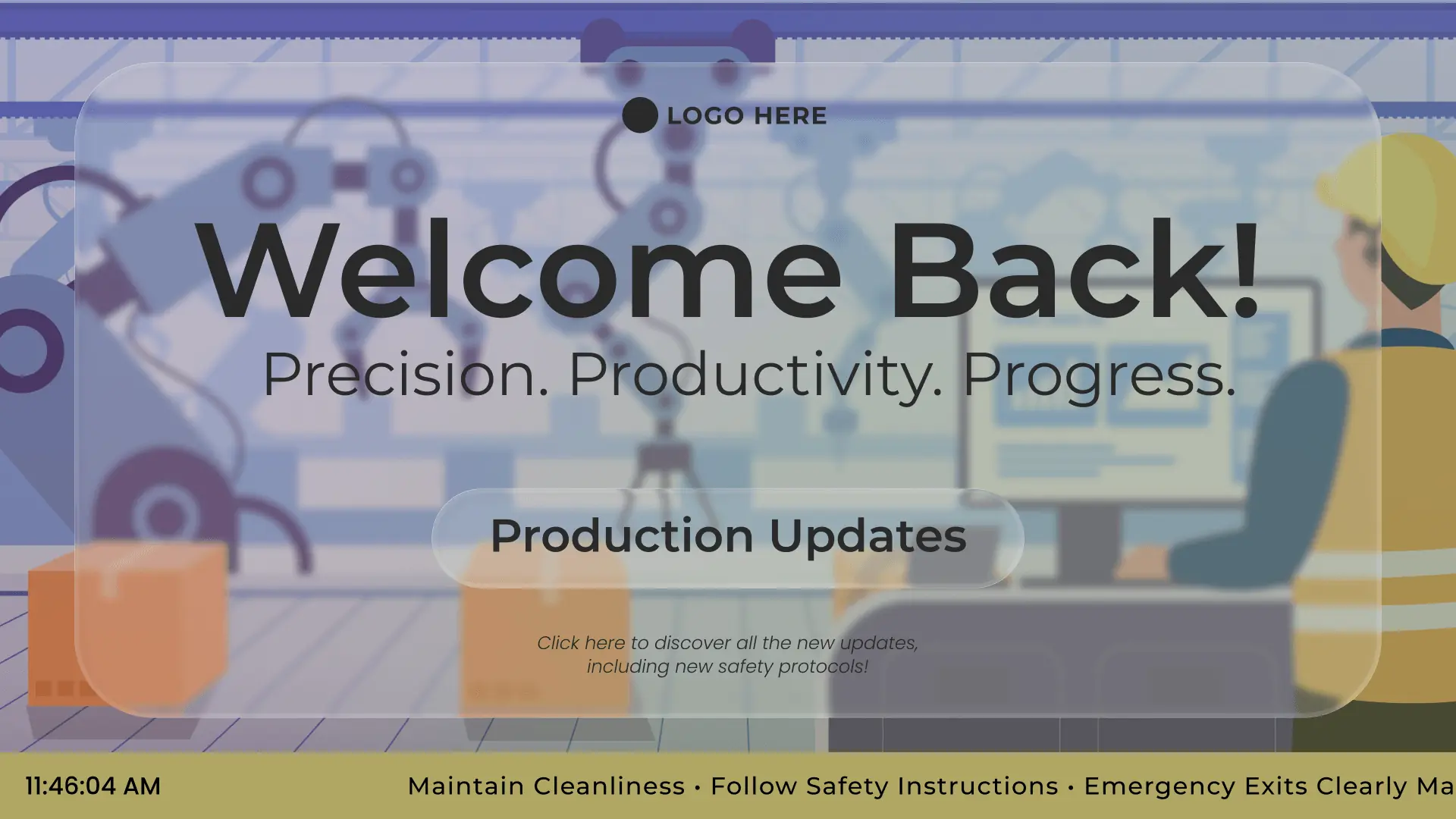
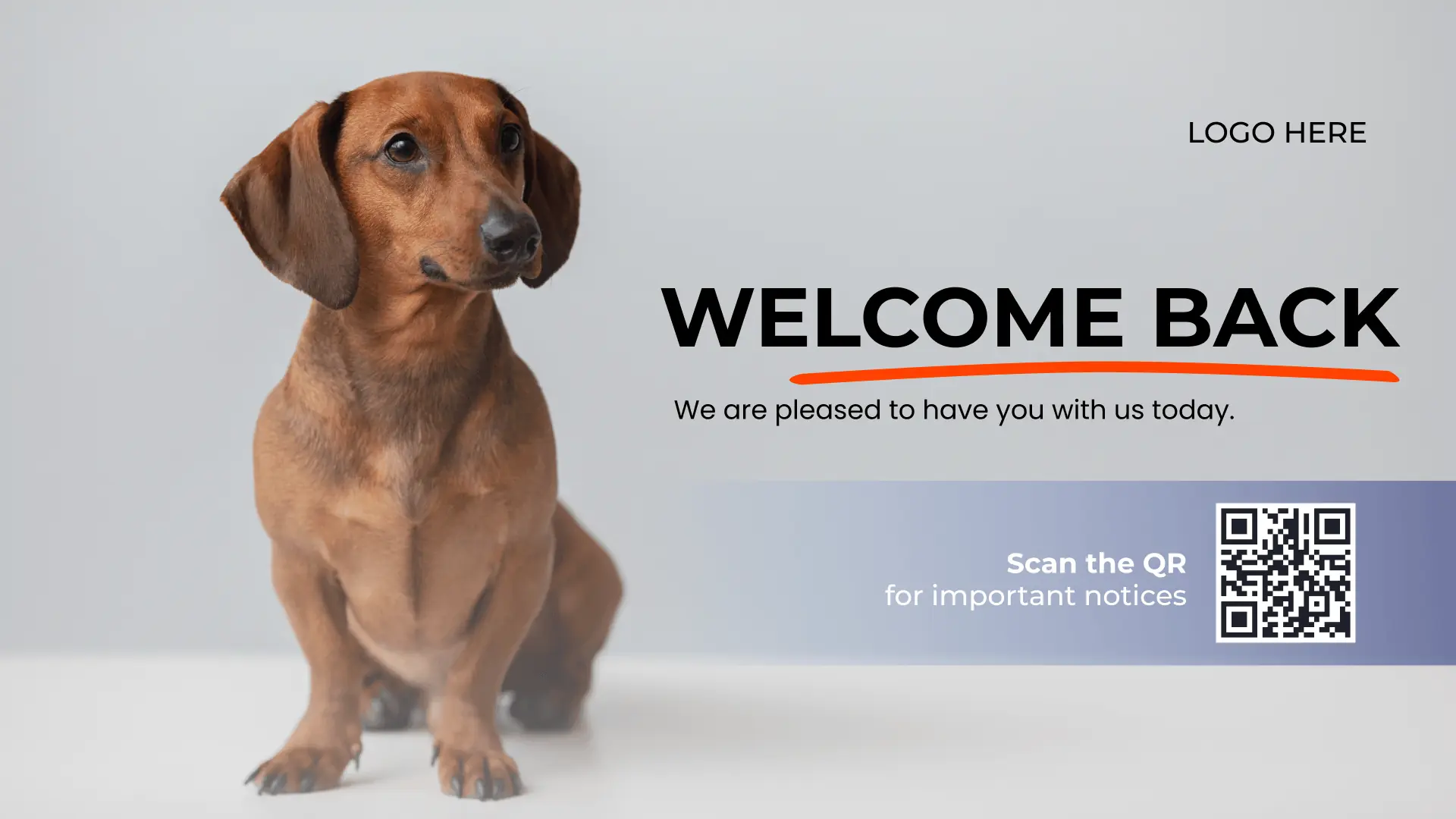
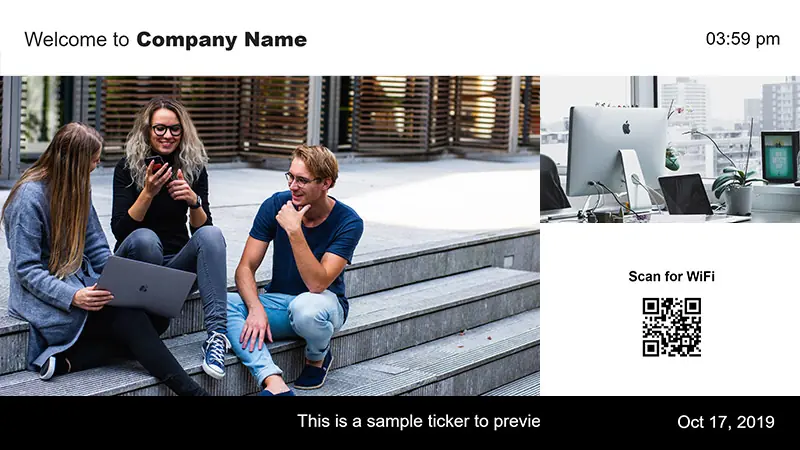
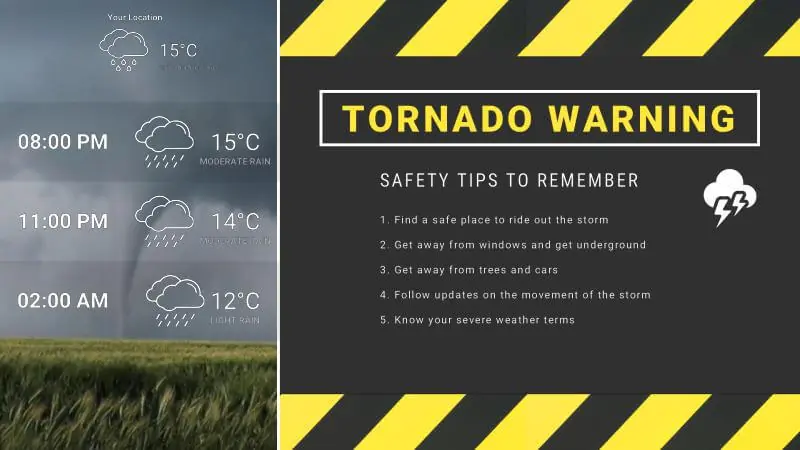
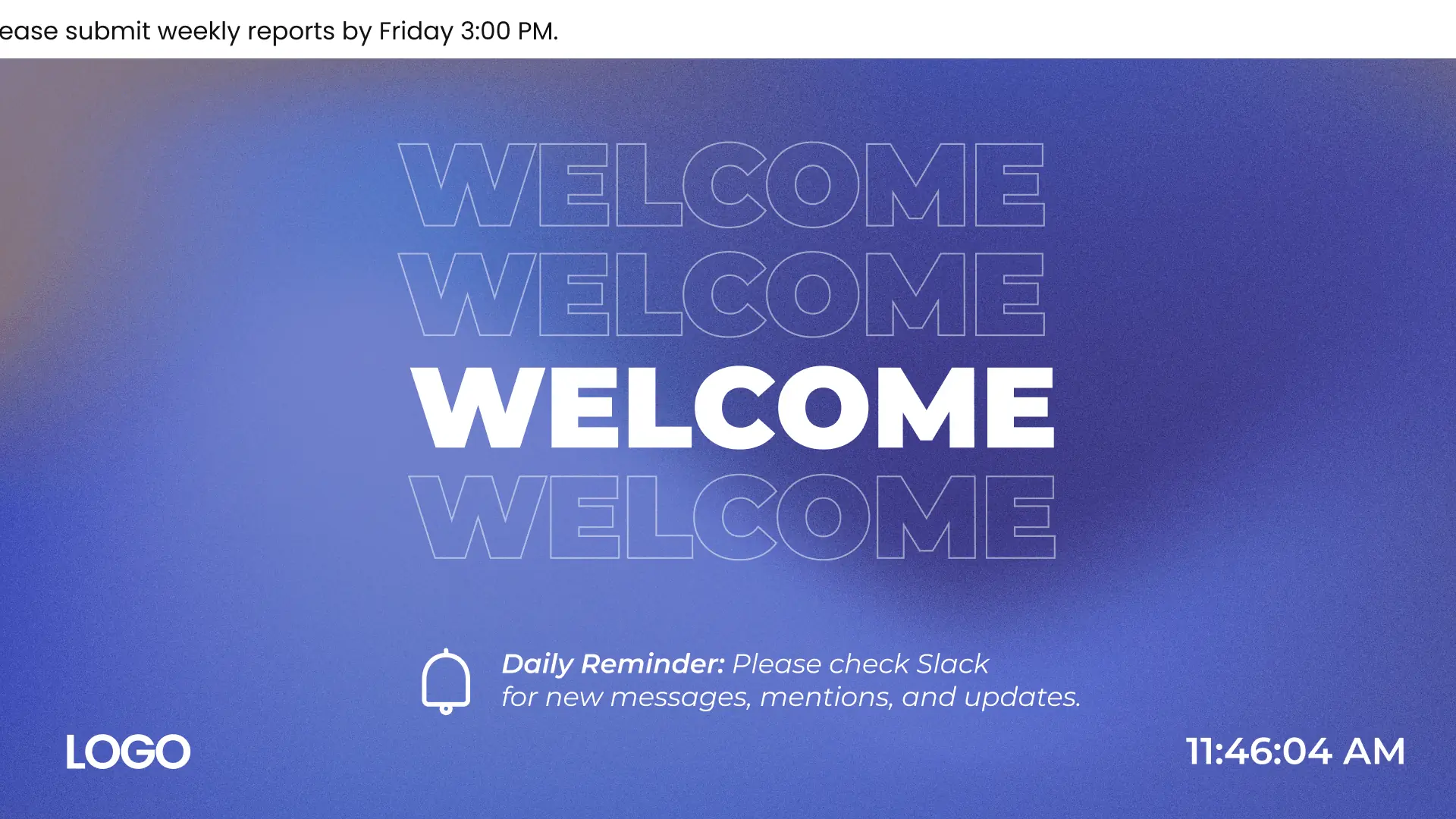
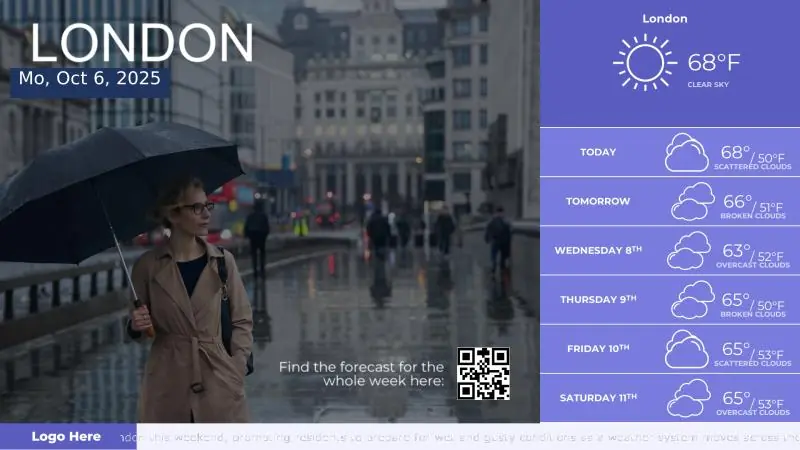
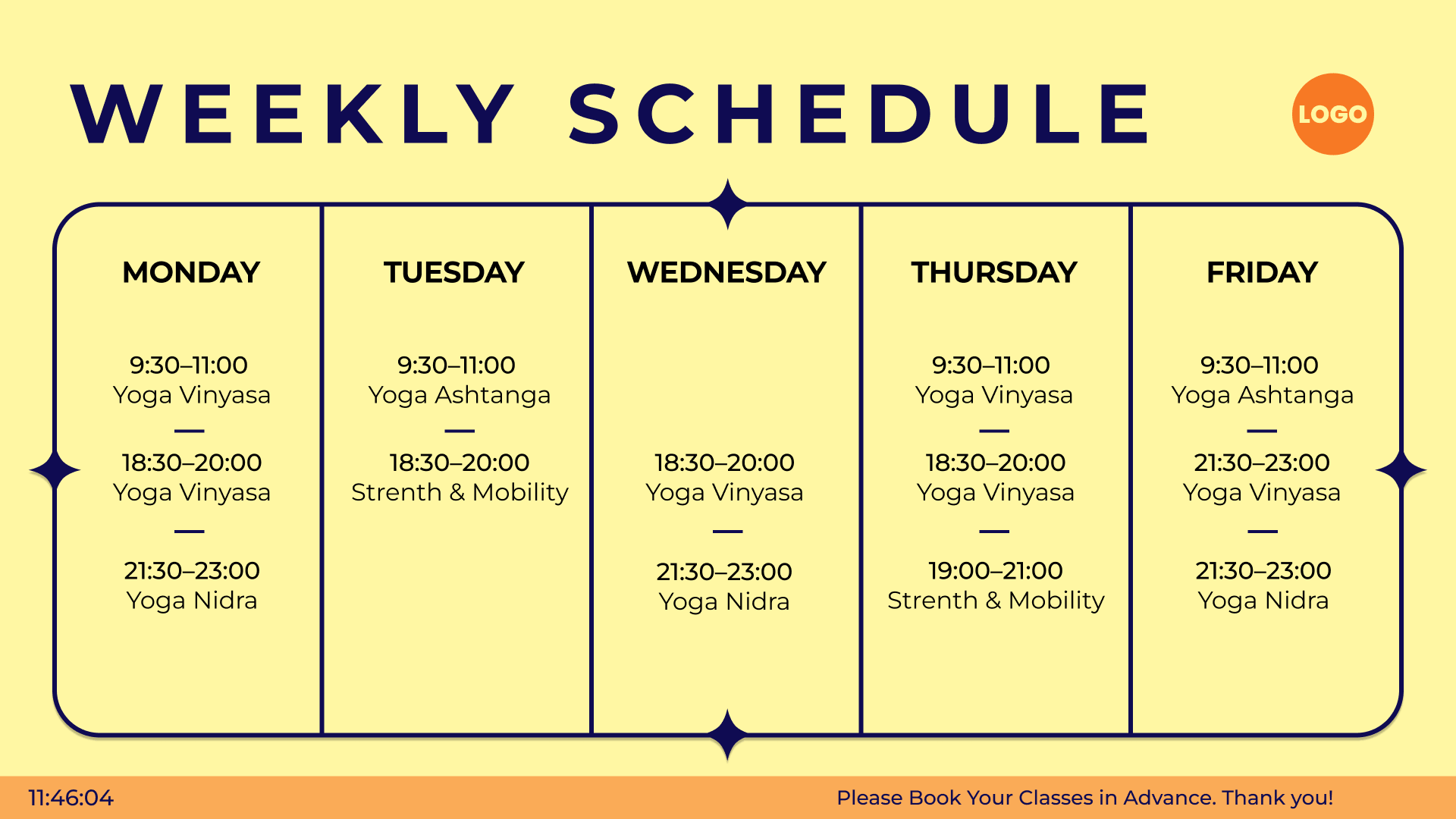
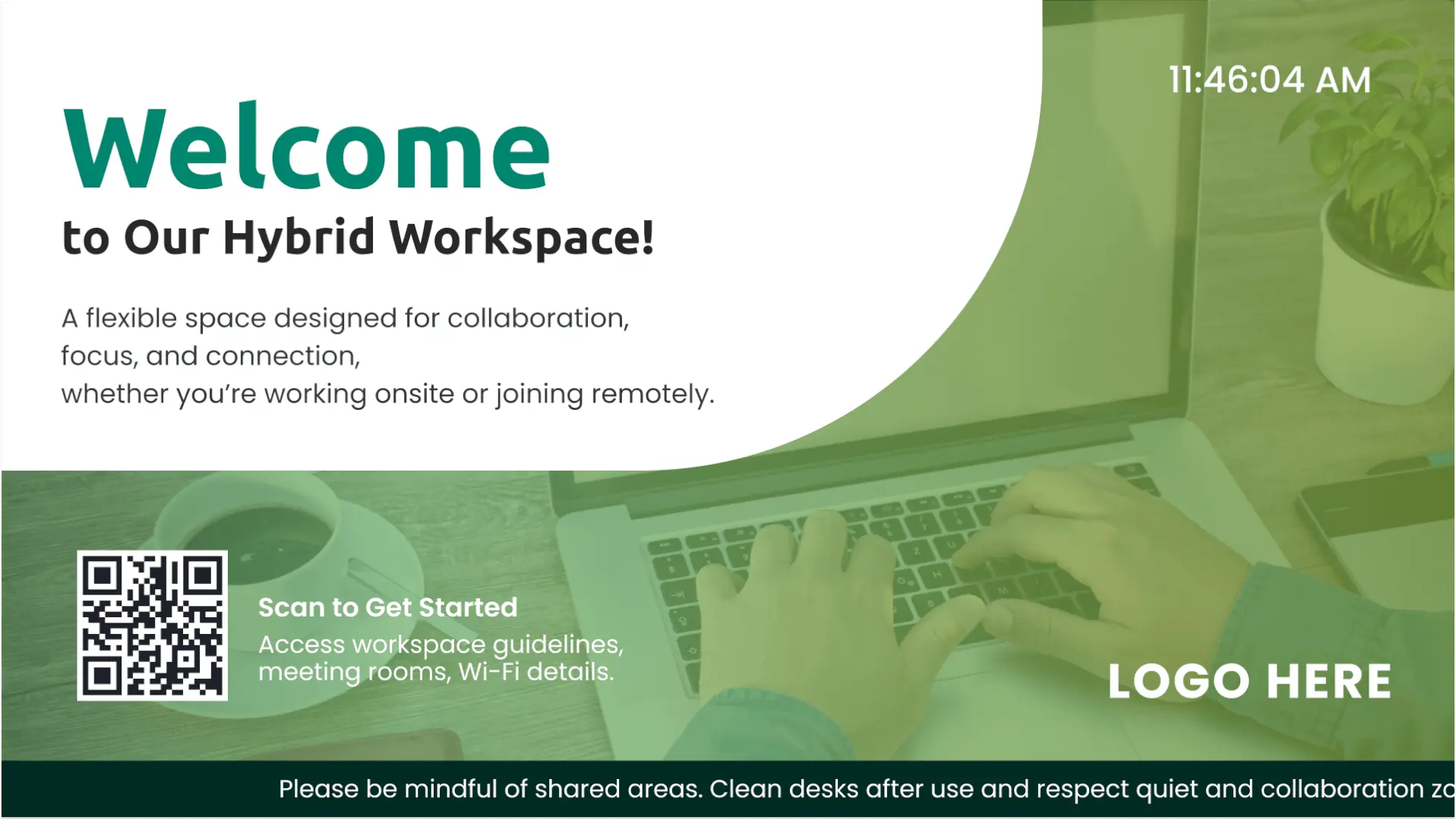
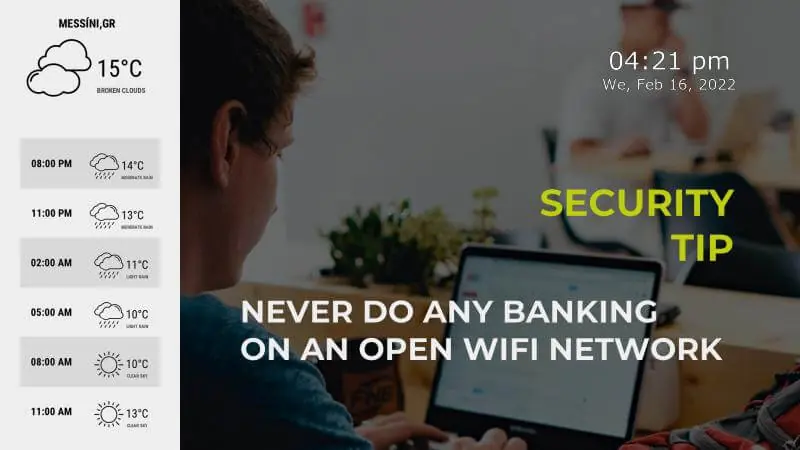
Free templates for digital wayfinding signage
Browse templates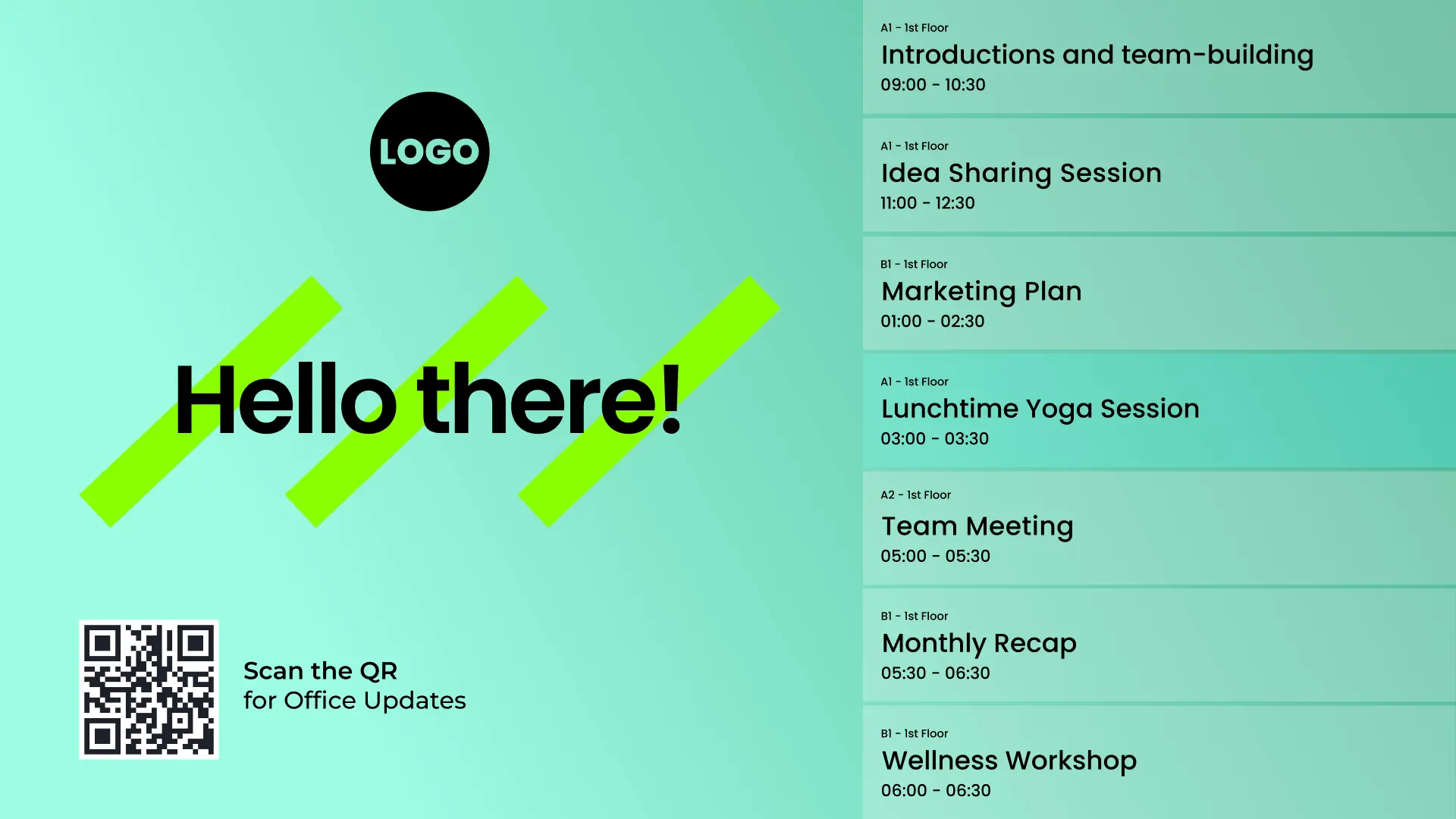



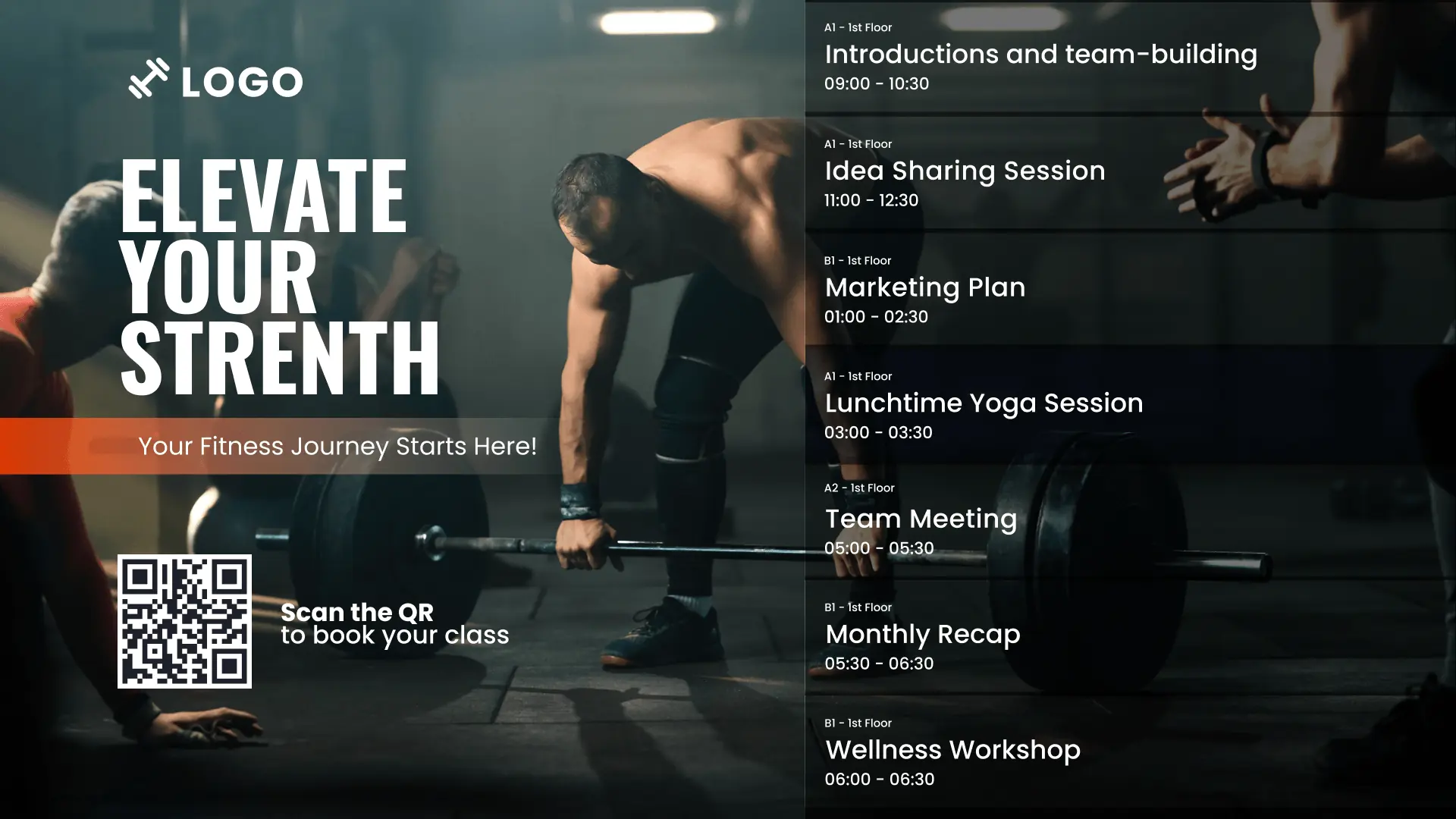

Why Yodeck is the top digital wayfinding solution
Manage wayfinding screens across locations from one dashboard, with roles and permissions for teams.
Change maps, directories, and directions quickly, without reprinting or manual swaps.
Deploy a digital wayfinding system across many screens, buildings, and locations with less effort.
Use the same digital signage software for wayfinding, announcements, and updates.
Digital Wayfinding: FAQs
How can digital signage enhance Wayfinding?
Digital Wayfinding Signage uses screens to help visitors navigate buildings and public spaces. Instead of static directories, digital Wayfinding displays maps, directions, and real-time updates. It’s a system that can guide guests to rooms, departments, stores, or amenities quickly, reducing confusion and improving overall visitor experience.
Where is Digital Wayfinding most commonly used?
- Education digital signage: Schools & academic facilities
- Hospitality digital signage: Hotels, resorts & conference centers
- Retail digital signage: Shopping malls & large retail stores
- Transportation digital signage: Airports, stations & terminals
- Healthcare digital signage: Hospitals & medical centers
- Government digital signage: Public offices & civic buildings
- Museum digital signage: Exhibits & galleries
- Casino digital signage: Gaming floors & entertainment venues
- Event digital signage: Conferences, expos & live venues
How can Digital Wayfinding be used in real environments?
Digital Wayfinding helps visitors move confidently through complex spaces with:
- “You Are Here” maps near elevators and intersections
- Store locators using wayfinding screen solutions for malls
- Session room finders for event navigation
- Department search kiosks in office buildings
- Guiding visitors in hospitals to clinics and wards
- Gate and platform updates in transportation hubs
- Zone-based navigation in large warehouses
How to implement effective Digital Wayfinding in public spaces?
Prioritize high-contrast design and logical screen placement. Start by mapping visitor journeys and identifying high-confusion “decision points” like entrances, lobbies, and major intersections. Place Digital Wayfinding screens at these decision points, not deep inside corridors. Keep maps simple with clear “You Are Here” markers, consistent naming, and easy-to-scan icons. Add QR codes for mobile directions and multilingual support.
What are best practices for Digital Wayfinding design?
- Design Wayfinding for “3-second comprehension”
- Use large type, high contrast & one primary instruction per screen
- Keep maps simplified with a bold “You Are Here,” clear routes & minimal labels
- Standardize colors, icons & naming across every screen, then color-code zones by floor or department
- Leave generous white space & test readability from real viewing distances
What are the key features of a Digital Wayfinding System?
A useful digital wayfinding system includes searchable directories, floor navigation, multi-language support, and real-time updates. Yodeck’s digital wayfinding software also offers centralized cloud management, easy content updates, and screen grouping. These features ensure the system remains accurate, scalable, and simple to manage across multiple locations.
Is Digital Wayfinding easy to manage?
Yes. Modern digital Wayfinding is managed from a cloud dashboard, so updates don’t require printing, re-mounting signs, or calling IT. With Yodeck, admins can edit directories, maps, and destinations centrally, push changes instantly to the right screens, and schedule updates for specific days or events. Permissions keep edits controlled, so navigation stays consistent across locations.
Can Digital Wayfinding work during a network outage?
Yes. A smart Wayfinding platform continues displaying the last synced maps, directories, and routes even if the internet connection drops. With Yodeck, content is cached locally on the player, so screens don’t go blank. Once connectivity is restored, updates sync automatically, ensuring reliable digital Wayfinding signage in high-traffic public spaces.
Is Digital Wayfinding affordable?
Yes. You can deploy Digital Wayfinding on a few screens and scale gradually. Compared to reprinting traditional Wayfinding signage, digital solutions reduce long-term costs and allow instant updates. Yodeck offers simple per-screen pricing starting at $8€8£7CA$12AU$13 per screen per month, so you can begin with one entrance directory and scale as needed. Sign up for free to test before expanding.

