


Best digital signage players for any setup
Whether you use your own devices or our free Yodeck Player, everything stays secure and connected.
Get started free
Compatible OS & devices
Not sure which digital signage player fits your setup? Whether you’re managing one screen or hundreds, our team can help you find the right solution for your business.
All

Yodeck Player
The Yodeck Player is a pre-configured Raspberry Pi device that delivers powerful, reliable digital signage performance at an unbeatable cost.

Raspberry Pi
Reliable and high-performing, Raspberry Pi is easy to set up and fully compatible with the Yodeck App. Ideal for both small and large signage networks.

Android
Android devices become ready-to-use signage with the Yodeck app. Enjoy instant setup, smooth playback, and easy scaling.

Amazon Fire TV Stick
Plug in a Fire TV Stick and start displaying content immediately. Affordable, reliable, and built with enterprise-grade security.

Amazon Signage Stick
Preloaded with Yodeck for fast deployment. A budget-friendly, scalable option that works out of the box.

Tizen
Transform your Samsung TV into a Yodeck-powered signage display. Cloud management ensures updates and scaling are simple.

Brightsign
Pair your BrightSign player with Yodeck for a secure, cloud-based digital signage experience that’s simple to manage and scale.

Windows
Integrate Yodeck on any device running Windows OS – from PCs and tablets to media players and signage screens – for flexible, secure digital display management.

Yodeck Web
Run Yodeck directly from your browser with no extra hardware needed. Perfect for demos, pop-ups, and temporary signage setups.

Web OS
LG Smart TVs work instantly with Yodeck. No extra hardware is required, and setup is fast, secure, and reliable.
Yodeck Player
Yodeck Player
The Yodeck Player is a pre-configured Raspberry Pi device that delivers powerful, reliable digital signage performance at an unbeatable cost.
Raspberry Pi
Raspberry Pi
Reliable and high-performing, Raspberry Pi is easy to set up and fully compatible with the Yodeck Αpp. Ideal for both small and large signage networks.
Android
Android
Android devices become ready-to-use signage with the Yodeck app. Enjoy instant setup, smooth playback, and easy scaling.
Amazon Fire TV Stick
Amazon Fire TV Stick
Plug in a Fire TV Stick and start displaying content immediately. Affordable, reliable, and built with enterprise-grade security.
Amazon Signage Stick
Amazon Signage Stick
Preloaded with Yodeck for fast deployment. A budget-friendly, scalable option that works out of the box.
Tizen
Tizen
Transform your Samsung TV into a Yodeck-powered signage display. Cloud management ensures updates and scaling are simple.
Brightsign
Brightsign
Pair your BrightSign player with Yodeck for a secure, cloud-based digital signage experience that’s simple to manage and scale.
Windows
Windows
Integrate Yodeck on any device running Windows OS – from PCs and tablets to media players and signage screens – for flexible, secure digital display management.
Yodeck Web
Yodeck Web
Run Yodeck directly from your browser with no extra hardware needed. Perfect for demos, pop-ups, and temporary signage setups.
Web OS
Web OS
LG Smart TVs work instantly with Yodeck. No extra hardware is required, and setup is fast, secure, and reliable.
Find the right media player
From one display to hundreds, we’ll help you find the ideal solution for your setup.
Master Yodeck in minutes?
Learn how to connect, configure, and optimize your digital signage with our quick and easy Yodeck Academy videos.
15 min
Yodeck Snackables: Branding
Learn what branding really means (beyond logos) and how to build a brand that connects, differentiates, and drives long-term growth.
3 min
How to set up and display a SharePoint Playlist with Yodeck
Learn how to design and build SharePoint Playlists in Yodeck with this complete, beginner-friendly walkthrough from Yodeck Academy.
33 min
Yodeck Embeddable Feeds: Extend your Digital Signage Beyond Screens
In this webinar you will see how Embeddable Feeds work!
25 min
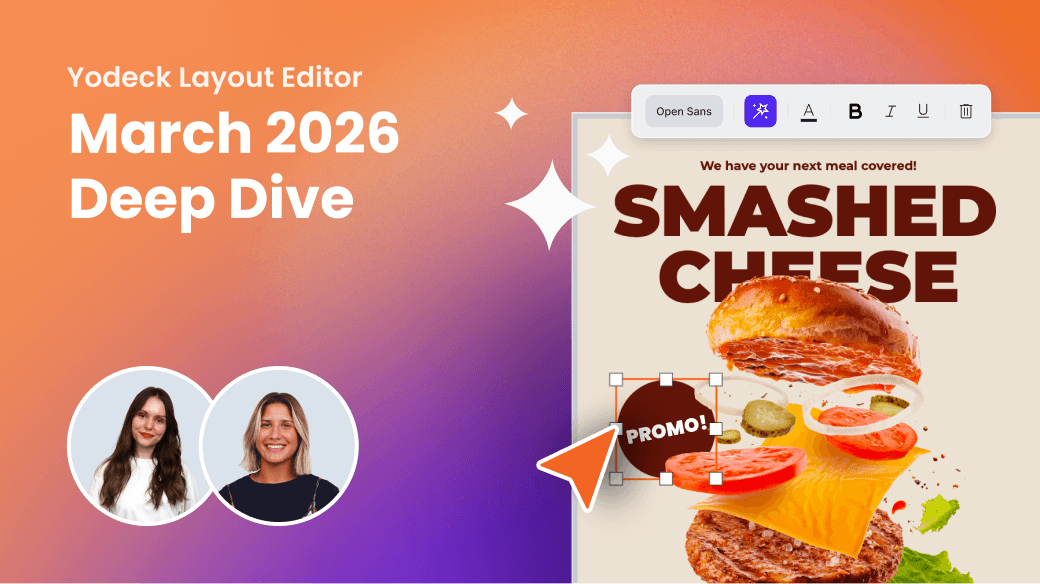
Yodeck Layout Editor: March 2026 Deep Dive
In this quick session, we’ll show the latest improvements inside the Yodeck Layout Editor and how they make creating and editing content smoother than ever.
42 min
Yodeck Enterprise Playbook: Digital signage at scale
In this live, invite-only session, we’ll show you how large organizations use Yodeck screens at scale using real-world examples.
45 min
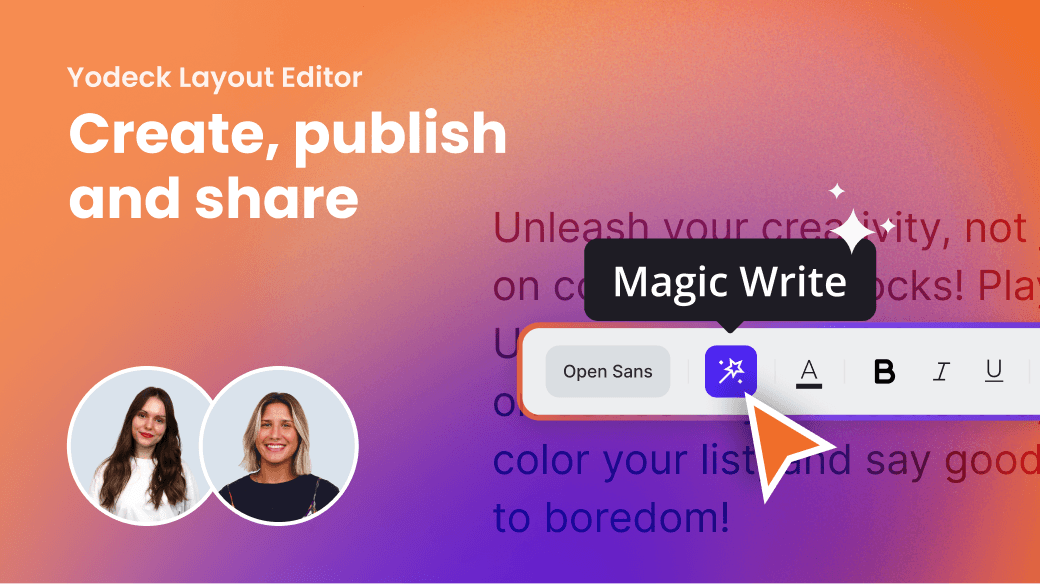
Yodeck Layout Editor: Create, publish and share
In this live, hands-on session, discover how the Next-Gen Yodeck Layout Editor makes designing screen content faster, simpler, and more intuitive.
45 min
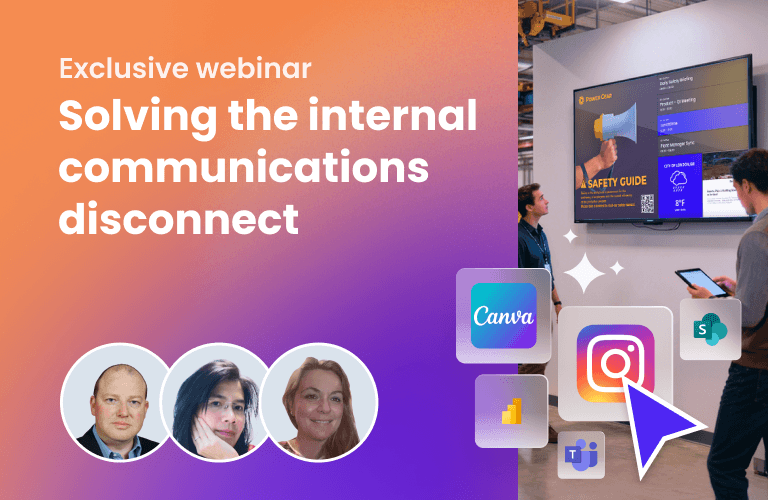
Solving the internal communications disconnect
Discover how Yodeck helps frontline teams stay informed, aligned, and empowered – with stories from global companies like Hydro
1 min
How to Set Up the Amazon Signage Stick with Yodeck
Explore Yodeck’s fully comprehensive step-by-step guide to learn how to set up the Amazon Signage Stick.
45 min
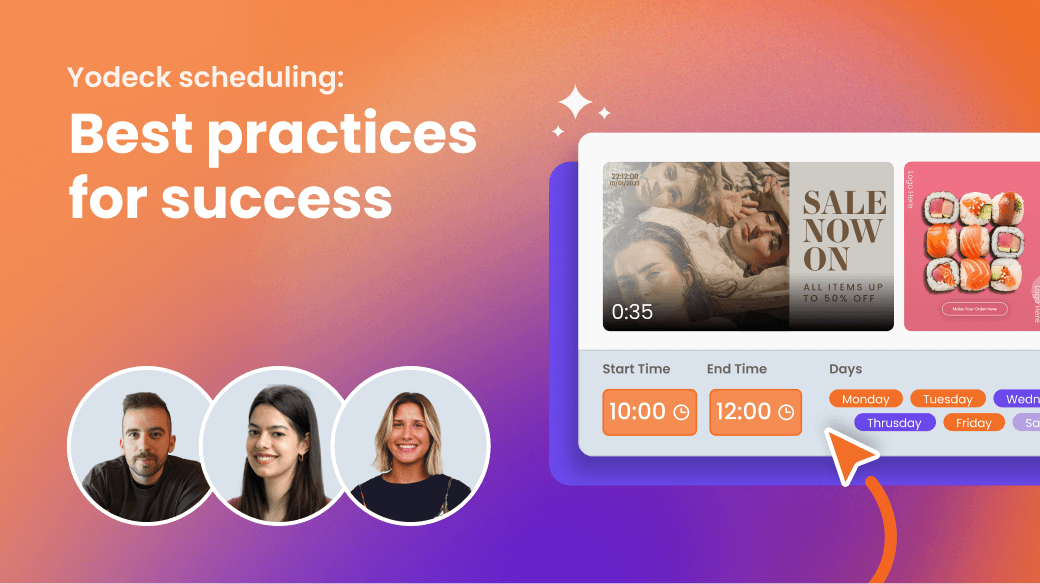
Yodeck Scheduling: Best practices for success
Learn how to optimize your content management with expert tips, best practices, and advanced scheduling features.
45 min
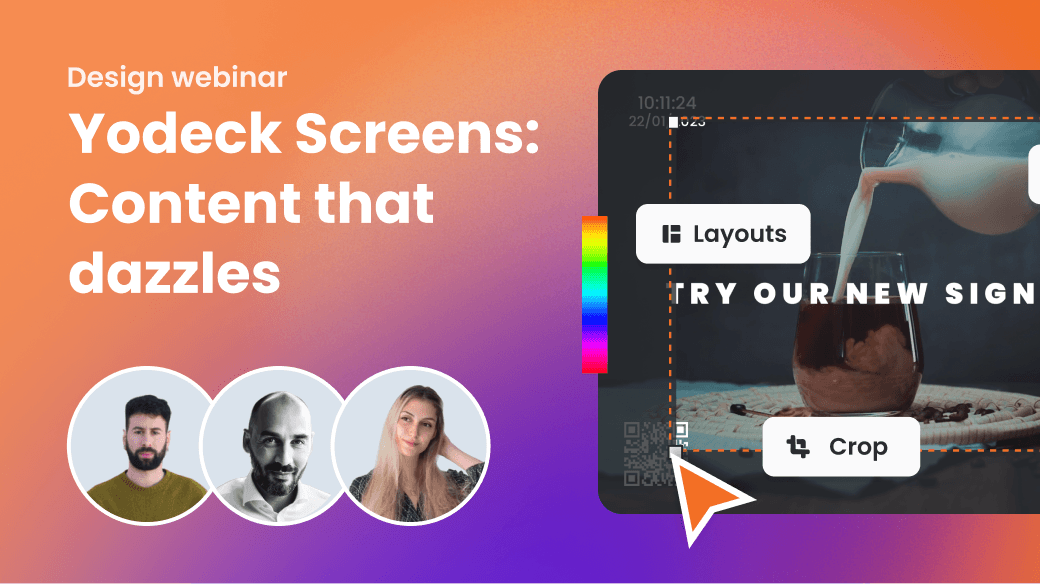
Yodeck Screens: Content that Dazzles
This session is designed to be practical, insightful, and packed with tools, strategies, and insider tips to help you create truly standout content on Yodeck.
45 min
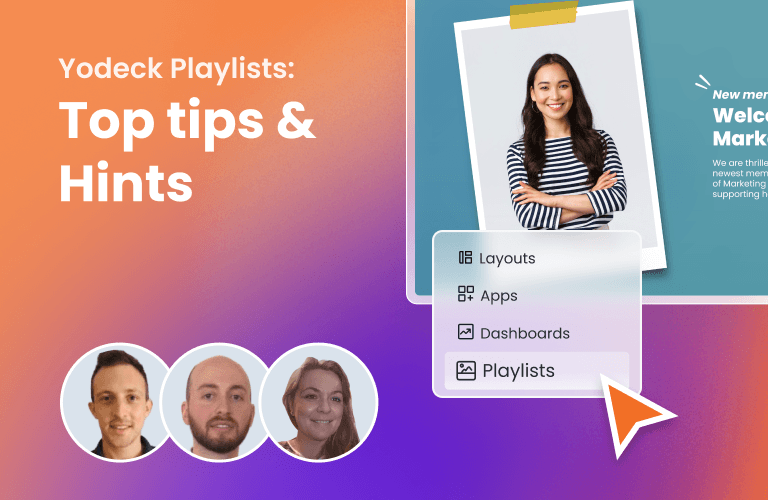
Yodeck Playlists in action: Top tips & Hints
This is your chance to better understand and utilize your Yodeck playlists through strategies and expert advice.
45 min
Masterclass in Intelligent Communications for the Modern Campus
You will learn how to leverage modern visual communication tools to transform campus interactions.
FAQs for digital signage players
Learn how digital signage players work and what you need to get started, from choosing the right hardware to managing content across multiple screens.
What is a digital signage media player?
A digital signage media player is the device or software that delivers and displays content on a screen. It works together with a digital signage media player software, like Yodeck, to manage, schedule, and update content remotely across one or multiple screens from a centralized hub, allowing you to manage content remotely and update screens in real time
Do I need a media player for digital signage?
Yes. This can be dedicated digital signage hardware, like the Yodeck Player, or an existing device that runs signage software. Common options include:
- Android digital signage players
- Windows digital signage players
- Amazon Fire TV
- Amazon Signage Stick
- Raspberry Pi digital signage players
- BrightSign digital signage players
- Smart TV digital signage players
The best option depends on your setup and specific needs.
What is the best media player for digital signage?
The best media player for digital signage depends on your setup and your needs. A dedicated digital signage player like the Yodeck Player offers maximum reliability, while Android, Windows, and Smart TVs provide flexible alternatives if you already have compatible devices. Yodeck player is commercial-grade, fully supports all Yodeck features and apps, is offered free with annual plans, and has been trusted by industry leaders worldwide.
Can I use a Smart TV without a media player?
Yes, some Smart TVs (like Samsung Tizen or LG webOS) support digital signage software, so no additional hardware is required. Each option offers different levels of flexibility, cost, and performance. Bonus tip: You can also use web-based digital signage, such as the Yodeck Web Player, to display content directly through a browser.
Can I manage multiple screens with one media player?
No, each screen requires its own digital signage media player to display content independently. However, you can manage all your screens centrally using digital signage software from a single dashboard. This allows you to control, schedule, and update content across multiple locations at once, making it easy to scale your digital signage network efficiently.

