


Digital calendar display for schedules and events
Turn any screen into a digital calendar display with always-current schedules, events, and updates. No manual refresh needed.
8,100+ reviews from


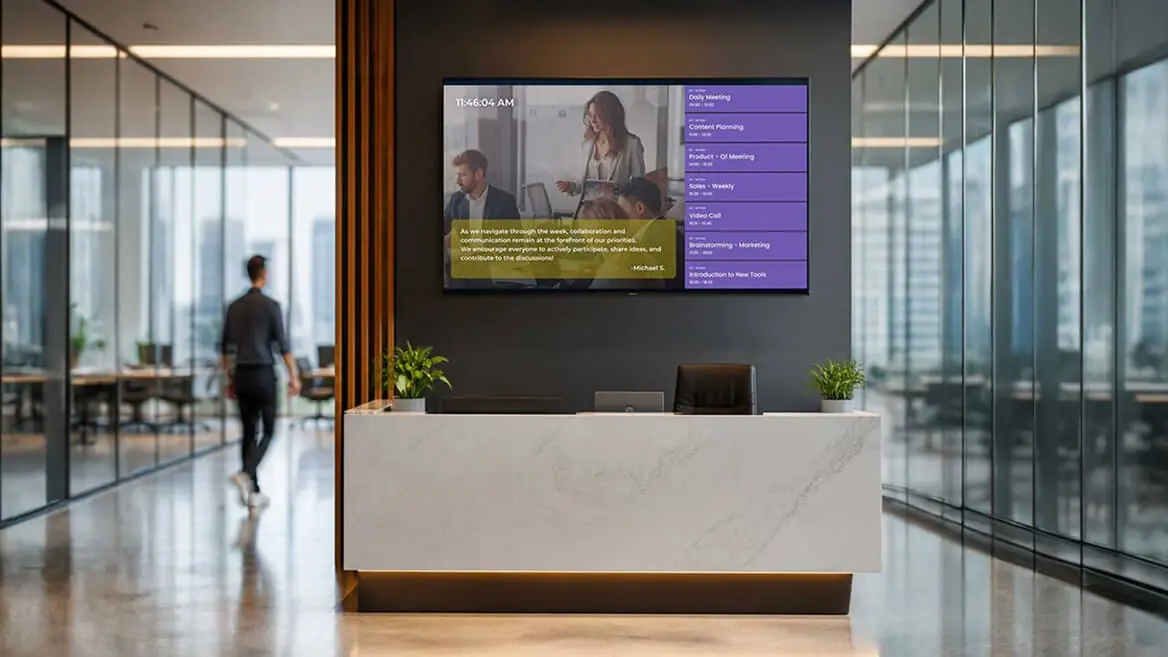
Trusted by over 65,000 companies of every size, across 135+ countries












75%
REPORT HIGHER RETENTION
65%
SHOW POSITIVE SIGNAGE PERCEPTION
60%
REPORT STRONGER ATTENTION
Display schedules from your daily tools automatically
Bring schedules to screens with a digital calendar display app that keeps everyone aligned
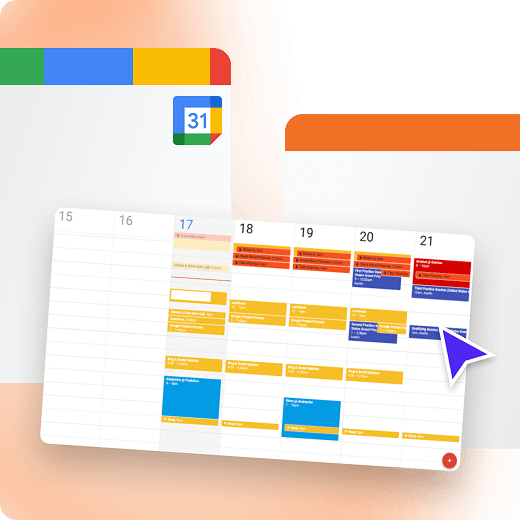
Google Calendar
Your Google Calendar on any screen, instantly
Show month, week, or agenda views with automatic refresh for any location.
Publish shared calendars in seconds
Highlight key events with color coding
Keep displays accurate with Google Calendar live sync
Outlook Calendar
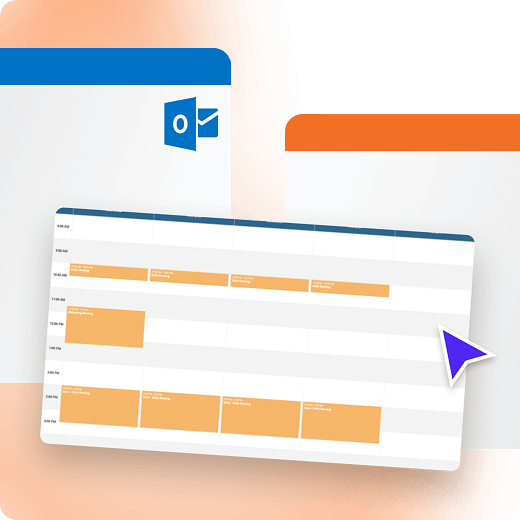
Outlook calendar schedules, always visible
Display meetings and availability with Microsoft 365 syncing and updates.
Show availability and meetings from Outlook Calendar
Reduce confusion with always-current info
Improve coordination in shared spaces
Calendar Events Feed
A single view using calendar events feed
Combine sources into one timeline for a clean digital display calendar.
Merge calendars with Calendar Events Feed
Filter by location, audience, or category
Keep your digital wall calendar display consistent
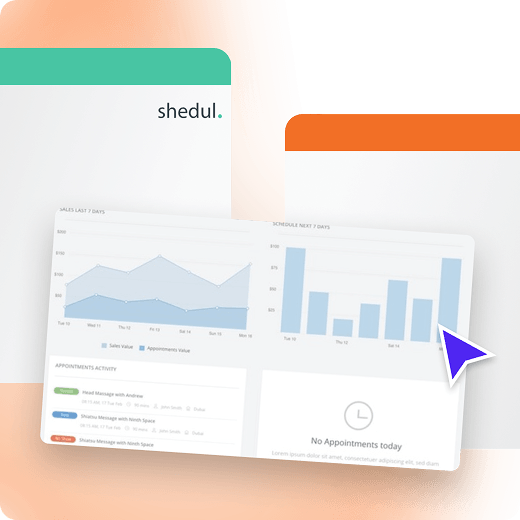
Shedul
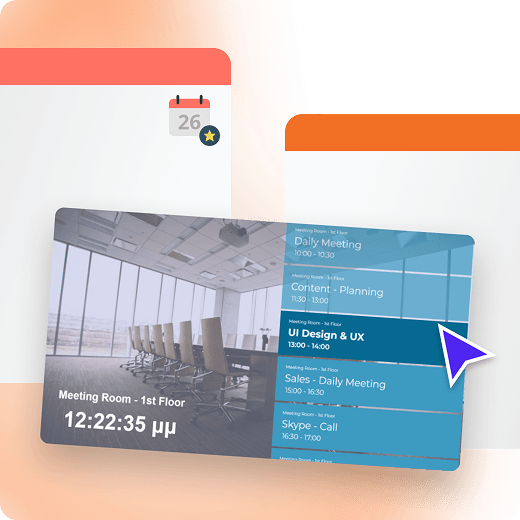
Easy room booking with Shedul
Make availability visible and support fast scheduling for shared spaces.
Keep schedules updated without manual edits
Reduce scheduling conflicts with Shedul
Keep plans visible across locations
Trello
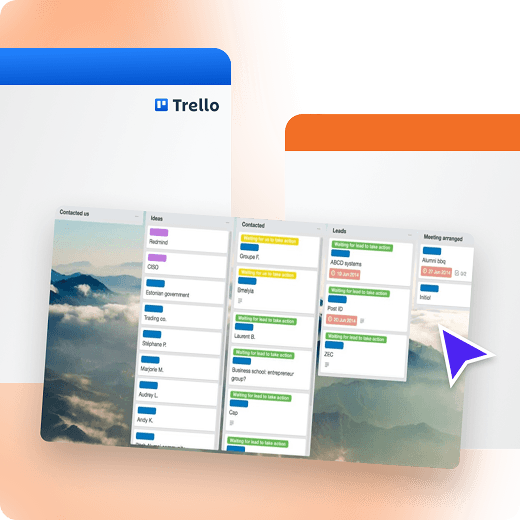
Show priorities with live Trello boards
Pair boards with schedules so teams see priorities and deadlines.
Display boards alongside calendar views
Highlight deadlines and key milestones
Keep teams focused with Trello boards
Digital calendar display benefits for every team
A digital calendar display software keeps schedules visible and current, without relying on emails or constant manual updates.
Get started
Real-time sync
Keep schedules accurate with real-time updates across every display
Easy setup
Set up once and let your calendars refresh automatically, all day
Clear at a glance
Build a digital calendar display with clear, scannable layouts
Central control
Manage screens centrally using digital calendar software settings
App flexibility
Choose a digital calendar display app that fits your workflows
Low-cost start
Begin with free digital calendar software, then scale as you grow
Testimonials from teams using digital calendar displays
Get started for Free
Thanos K.
Web designer
I’ve been using Yodeck for quite a while now, and honestly, it has made my life so much easier. From the moment I tried it, I realized it’s built to save you time, remove friction, and just let you get things done.

November 14, 2025
Finn J.
Club administrator
“It is very intuitive and easy to get started – and you can play around on a free one screen account until you have decided if it is something for you. Also great help from youtube reviews and instruction videos. Very quick response from Customer support if you have questions.”
November 23, 2025
Benjamin D.
CTO
“User-friendly: The platform is straightforward, making it easy for anyone on our team to create and manage content.
Remote management: Being able to control screens remotely from a centralized dashboard is extremely convenient. The setup was very smooth.
Affordable: Yodeck offers competitive pricing, which makes it accessible for small to medium-sized businesses.”
November 8, 2025
Apps for the best digital calendar display setup
Pull events from tools you already use into a single on-screen view so teams can coordinate faster with less back-and-forth.








































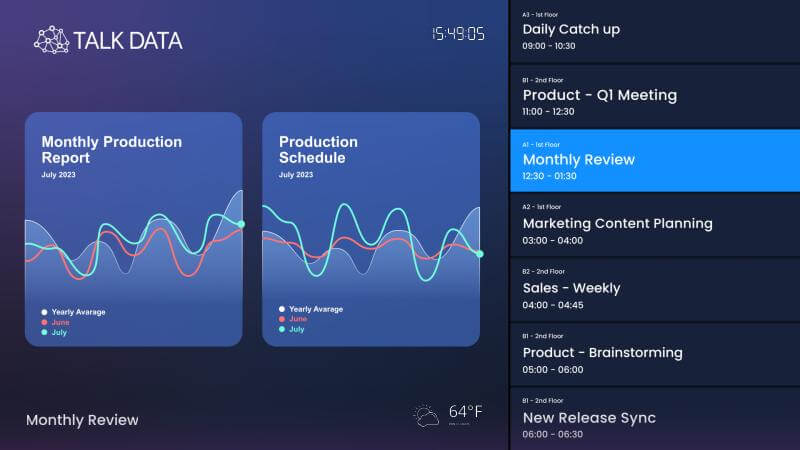
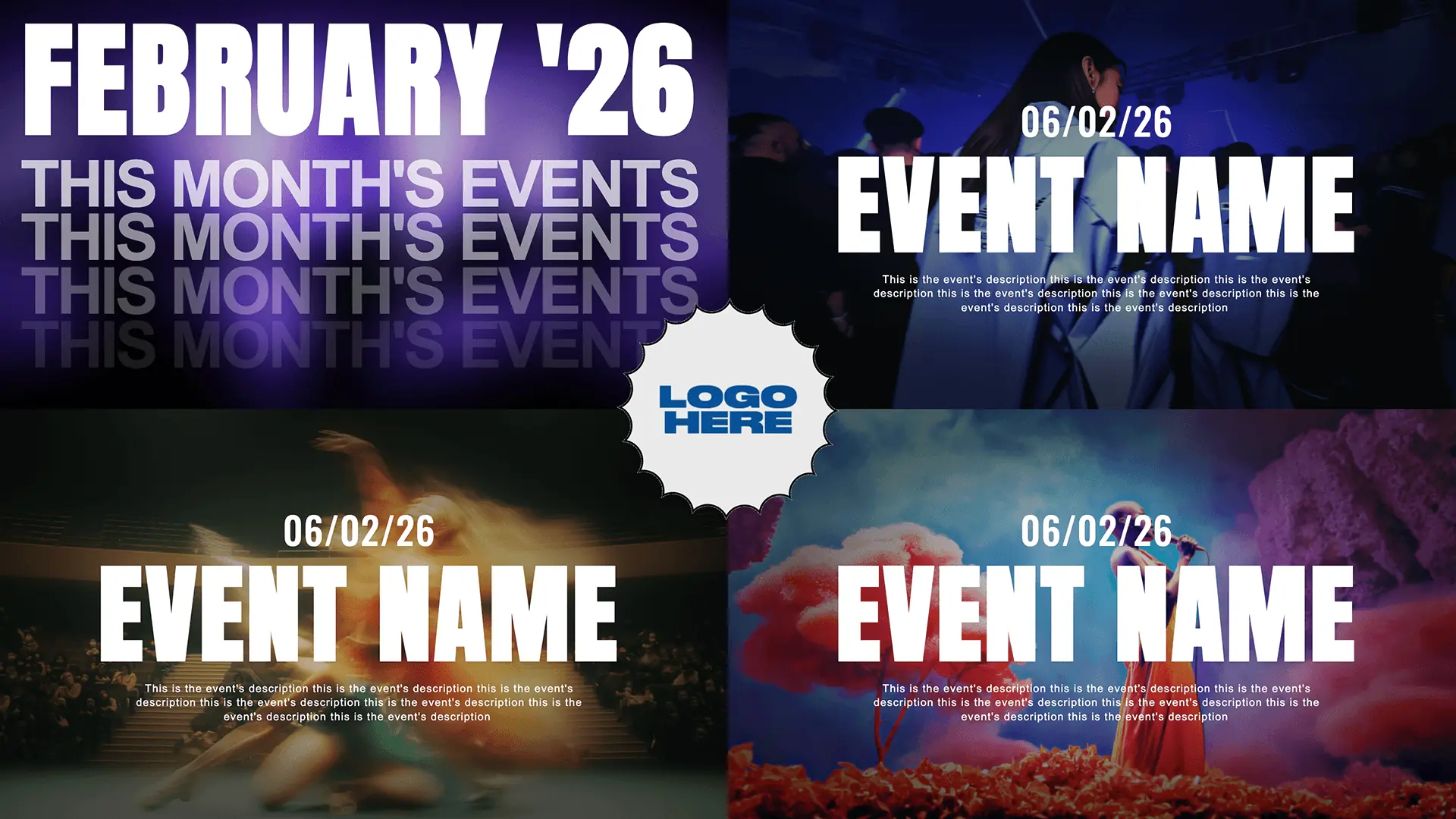
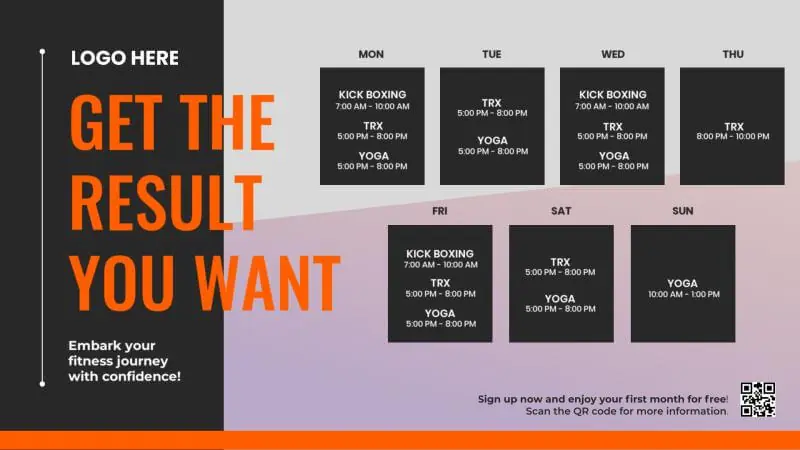
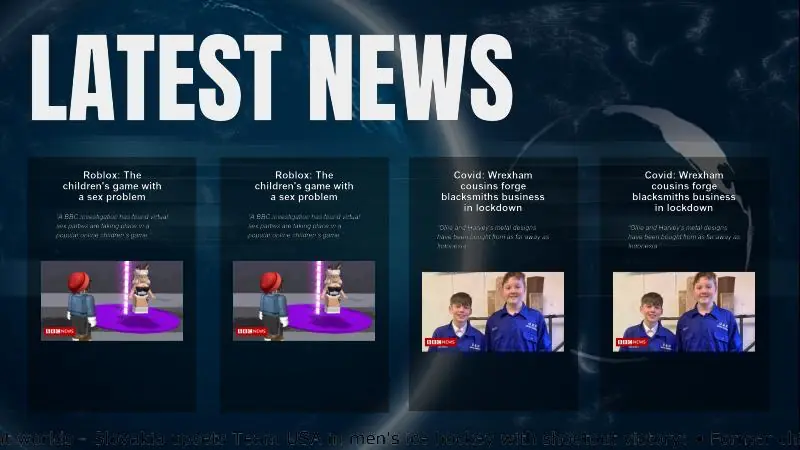
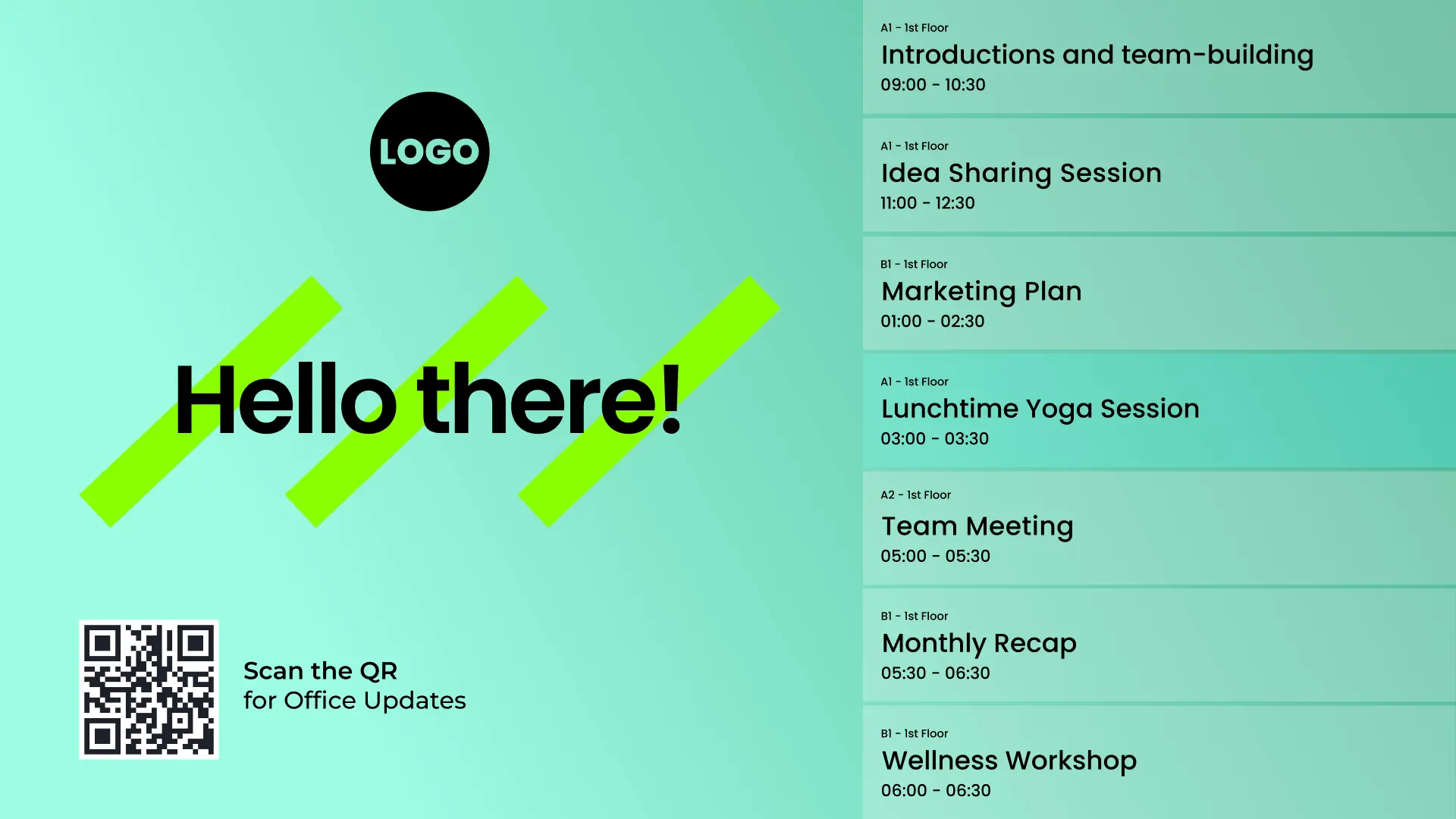
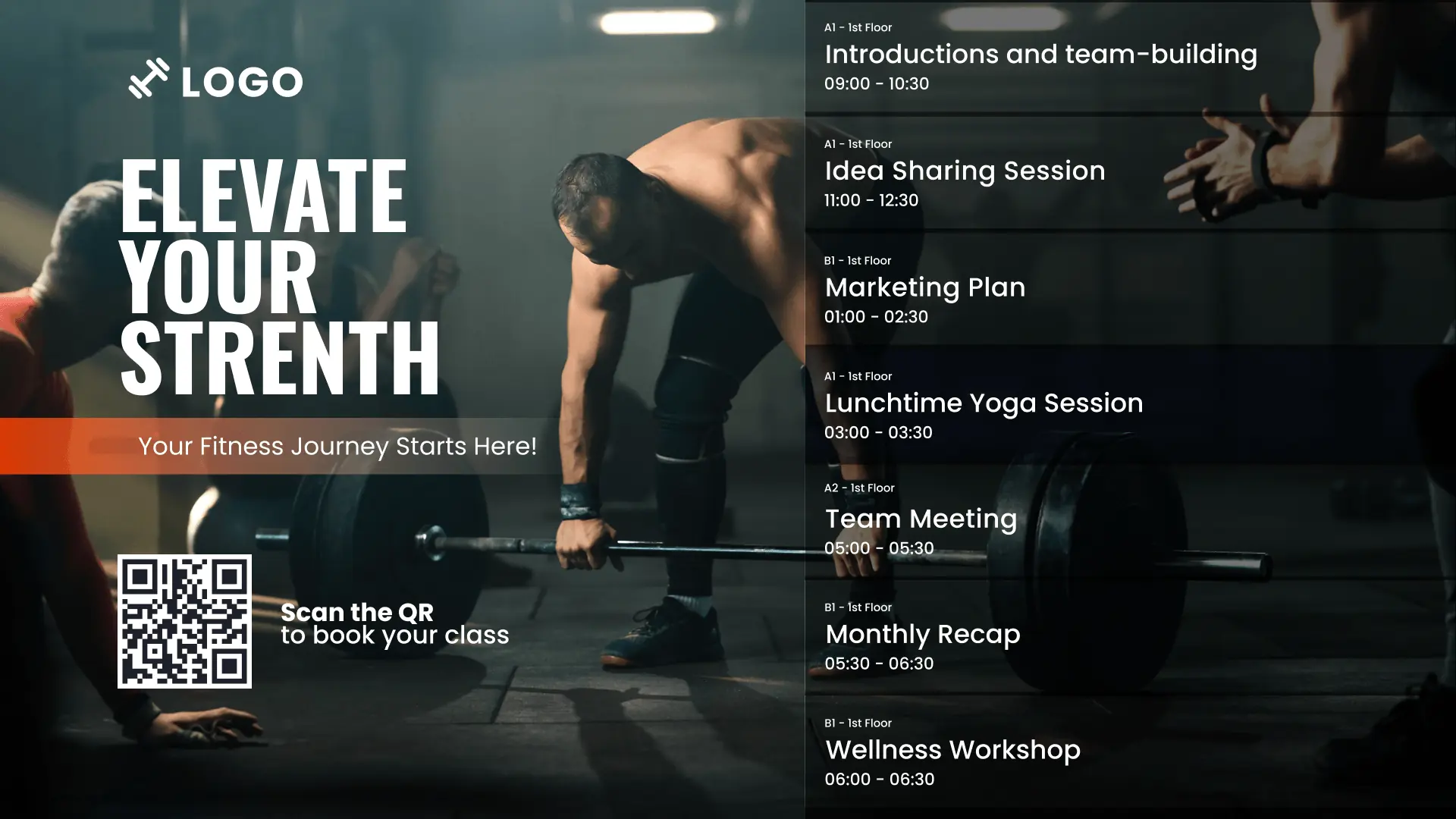
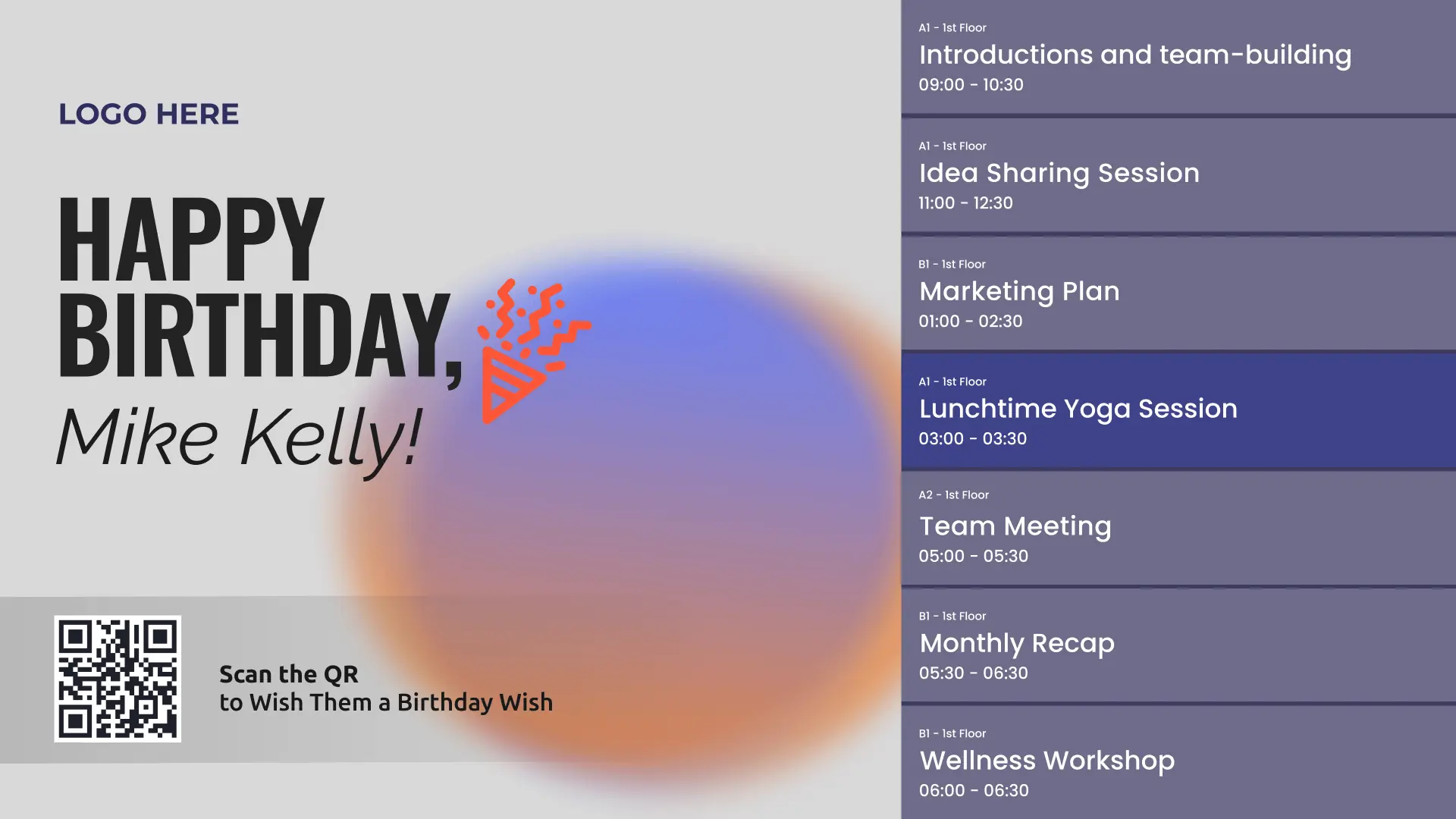
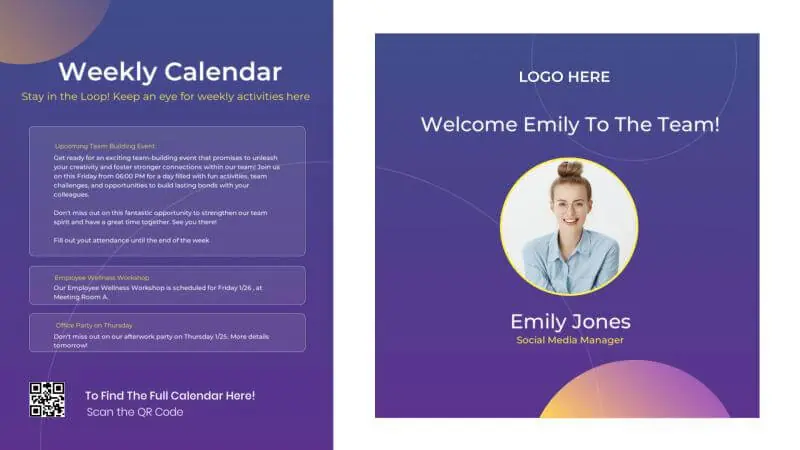
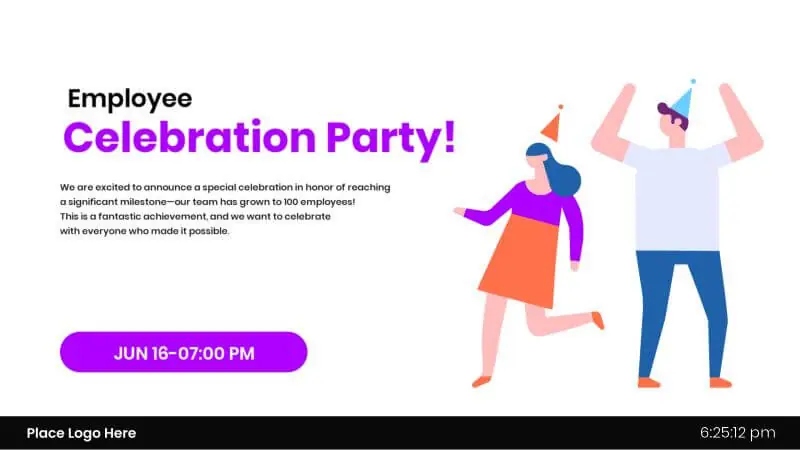
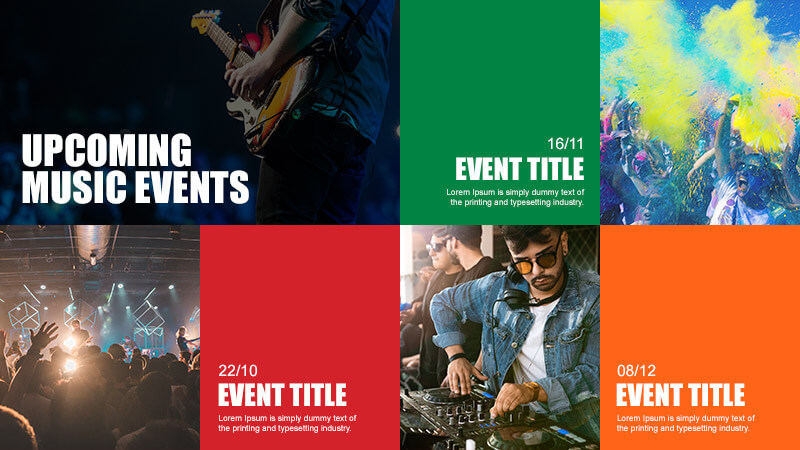
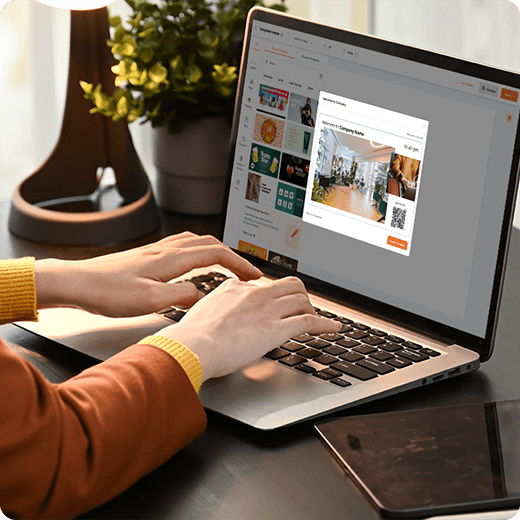
Free templates for a clean digital display calendar
Browse templates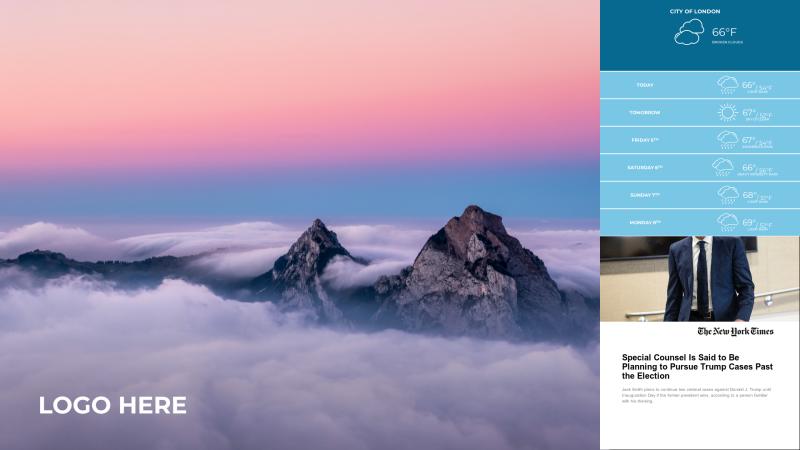







Why Yodeck for reliable digital calendar displays
Manage one or hundreds of displays from one dashboard, with different roles and permissions for every team.
Deploy across offices, education, churches, or any other industry with layouts that match the audience and location.
Keep schedules running with monitoring, automatic retries, and instant alerts when a screen needs attention.
Use the same digital signage software for announcements, dashboards, and updates next to schedules.
Digital Calendar Display: FAQs
Why use a digital display calendar instead of printed schedules?
Printed schedules become outdated quickly and require constant reprinting. A digital calendar display updates automatically when meetings or events change, reducing confusion and admin work. Teams always see the latest information, which improves coordination and saves time. Over time, it also reduces printing costs and presents a more professional, organized environment.
Where are digital calendar displays most effective?
Digital calendar displays deliver the most value when placed where schedules are checked naturally, including:
- Office entrances and reception areas
- Outside meeting and conference rooms
- Hallways near shared workspaces
- Break rooms and cafeterias
- Lobbies in education or healthcare facilities
- Event venues and multipurpose rooms
These locations ensure schedules are visible at a glance, reducing confusion and interruptions.
What are the most common use cases for digital calendar displays?
- Meeting room schedules and availability
- Office-wide event planning and key dates
- Class timetables and exam schedules
- Shift planning and staff rota visibility
- Visitor information (today’s meetings, agendas)
- Deadline reminders for projects and campaigns
- Digital wall calendars for event planning (holidays, milestones, launch dates)
How can I use digital calendar displays by industry?
- Office: Meeting room schedules, team events, deadlines
- Schools: Bell schedules, exams, assemblies, club calendars
- Manufacturing: Shift rosters, maintenance windows, safety briefings
- Healthcare: Clinic schedules, staff rotations, appointment reminders
- Events: Run-of-show, session times, speaker schedules
- Church: Service times, volunteer rosters, weekly programs
- Banks: Branch appointments, customer event calendars
- Museum: Exhibit schedules, guided tours, workshops
- Library: Room bookings, classes, community programs
Can a digital calendar display sync with Google Calendar?
Yes. A digital Google Calendar display syncs directly with shared or individual calendars, showing real-time updates on screen. When meetings are added, moved, or canceled, the display updates automatically. This makes it one of the easiest ways to keep schedules accurate without manual edits, spreadsheets, or printed updates.
How can I sync multiple digital calendars on one screen?
Yodeck’s digital calendar software allows multiple calendars to be combined into a single view, so you can display multiple calendars (such as team, meeting room, or department) on a single screen or split into zones. Calendars from Google Workspace or Microsoft 365 update automatically, making this ideal for digital schedule boards in meeting rooms, offices & shared spaces.
Is there a free digital calendar display option?
Yes. Many organizations start with free digital software to test scheduling workflows and screen layouts. This allows teams to validate the value of a digital calendar display before expanding. Free options are ideal for small offices, pilot projects, or shared spaces that need clear scheduling without upfront costs. You can also start with Yodeck’s free starter plan & scale when ready.
How much does a digital calendar display cost?
The cost of a digital calendar display depends on how many screens you need. Yodeck offers a free plan, so you can sign up for free and test the platform at no cost. When you’re ready to scale, paid plans start at $8€8£7CA$12AU$13 per screen per month. By switching to a digital display calendar, you can also reduce printing costs and save administrative time.
Which industries benefit most from digital calendar displays?
Digital calendar displays are most valuable anywhere schedules change often and visibility matters. They’re widely used in:
If teams or visitors rely on shared schedules, a digital wall calendar display keeps everyone aligned without constant manual updates.
What else should be deployed alongside calendar screens?
Create a connected screen network that keeps people informed, on time, and moving smoothly with:
- Internal Communications: For company-wide messaging across all screens
- Digital Wayfinding: Help visitors, employees, and guests navigate buildings & floors
- Digital Notice Board: For announcements, policies, reminders, and updates
- Digital Bulletin Boards: For community messages in high-traffic areas
- Conference Room Digital Signage: For room availability & meeting schedules

