


Upgrade meeting screens with Microsoft Teams Rooms
Turn idle screens into dynamic communication hubs with our Microsoft Teams Rooms integration. Share updates and announcements effortlessly to keep employees engaged.








HOW TO USE THE MICROSOFT TEAMS ROOMS APP
Make your screens work smarter
BENEFITS
Why choose the Microsoft Teams Rooms for digital signage?
Engaging messaging
Use idle screens during meetings downtimes, to share company news, announcements, and key updates, keeping employees informed.
Better room utilization
Make the most of your meeting rooms by displaying directly on Teams Rooms screens. Show real-time schedules, availability, and upcoming meetings at a glance.
Built for Microsoft users
Integrate it smoothly with Microsoft Teams Rooms equipment. Boost meeting spaces for organizations already using other Microsoft apps.
Smooth meeting flow
Keep teams ready with the Microsoft Teams Rooms for digital signage. Display summaries of prior discussions or preparatory content for upcoming sessions.
Yodeck badges and awards
BLOG
Read Our latest news

Digital signage security: what every IT team should check before deploying
A practical guide for IT to evaluate, harden, and govern digital signage deployments across the player, network, CMS, and vendor…

Empowering your SMB with top digital signage solutions and services
Discover how digital signage solutions can empower your SMBs by engaging customers, boosting sales, and enhancing brand awareness!
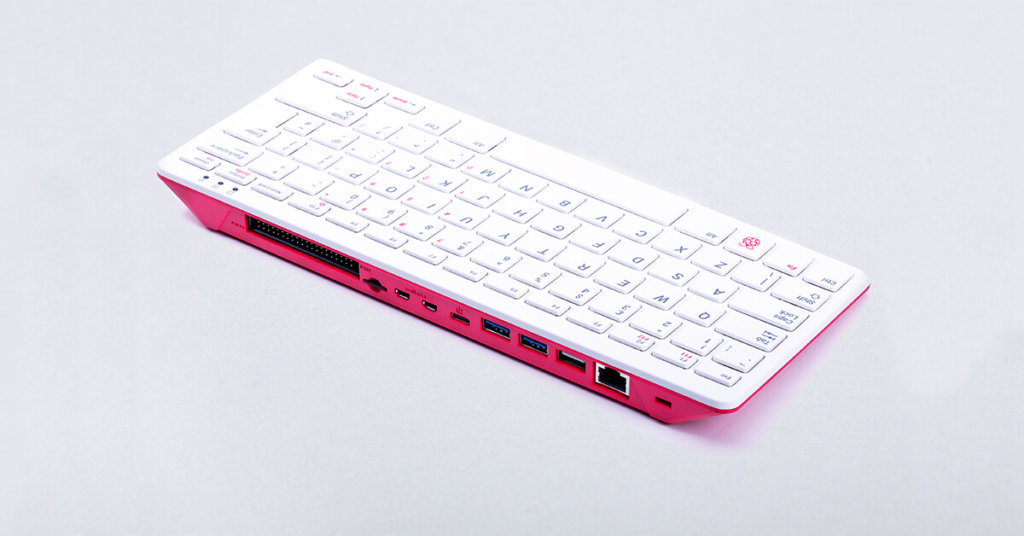
Harnessing the Power of Raspberry Pi 400 for Digital Signage
In the world of digital signage where seamless performance is paramount, Raspberry Pi 400 stands out as a versatile and…