


Digital bulletin board screens for fast, clear communication
Turn any TV into a digital bulletin board for schedules, notices, and updates. Publish remotely, schedule ahead, and keep messages current.
7,500+ reviews from


Trusted by over 65,000 companies of every size, across 150+ countries












46%
FIND DIGITAL SIGNAGE ENGAGING
60%
REPORT IMPROVED UNDERSTANDING
60%
REPORT STRONGER ATTENTION
Digital bulletin boards that keep information moving
A digital bulletin board app makes updates feel alive, not posted and forgotten. Yodeck offers 160+ free apps.
Weather
Weather updates people actually check
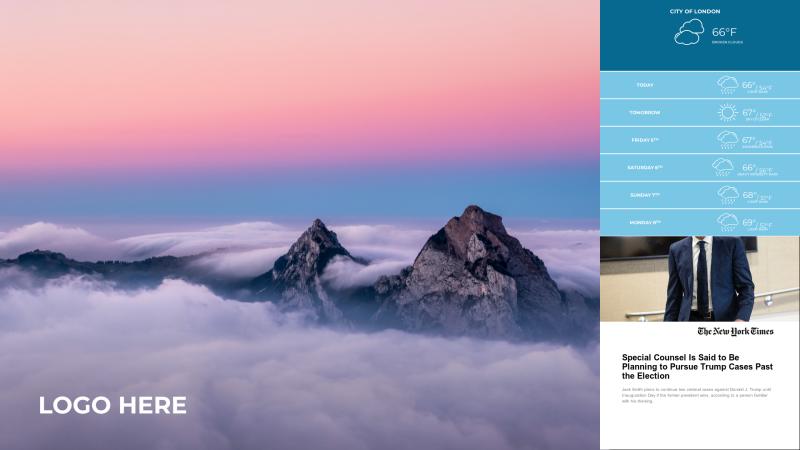
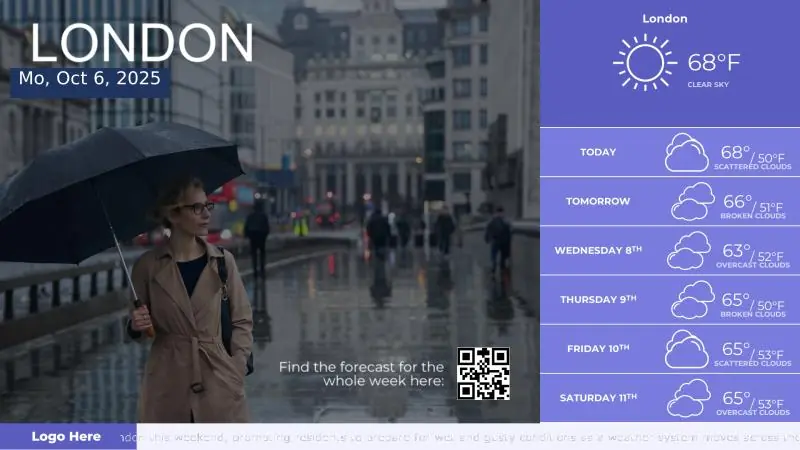
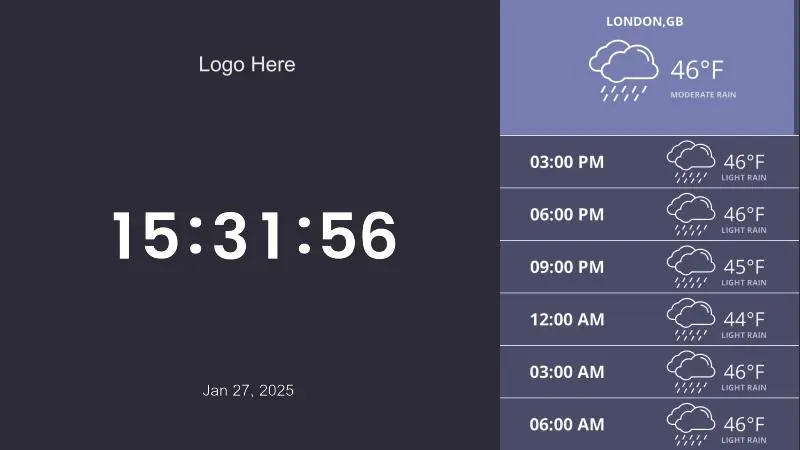
Use weather apps to show live conditions, forecasts & alerts that refresh automatically.
Display real-time local weather conditions that refresh automatically
Share hourly or daily forecasts on bulletin boards
Share daily forecasts with the Daily Weather app

Date & Time
Keep everyone on time
Display time and date on-screen so viewers stay informed and on schedule.
Use the Date and Time app for accurate on-screen time
Support multiple time zones for global teams and sites
Pair with schedules and notices for quick context

Jira
Project updates everyone can see
Show quick reminders and alerts across the screen without taking over the main content.
Display Jira Boards, issues, and sprint views
Share status in common areas without extra meetings
Keep hybrid teams aligned on priorities and blockers

Custom RSS
A dynamic feed of relevant updates
Stream curated news and updates automatically, so screens stay timely.
Pull headlines and posts using the Custom RSS app
Auto-refresh content so boards don’t go stale
Combine internal and external sources in one layout

Ticker
Short updates that stay in view
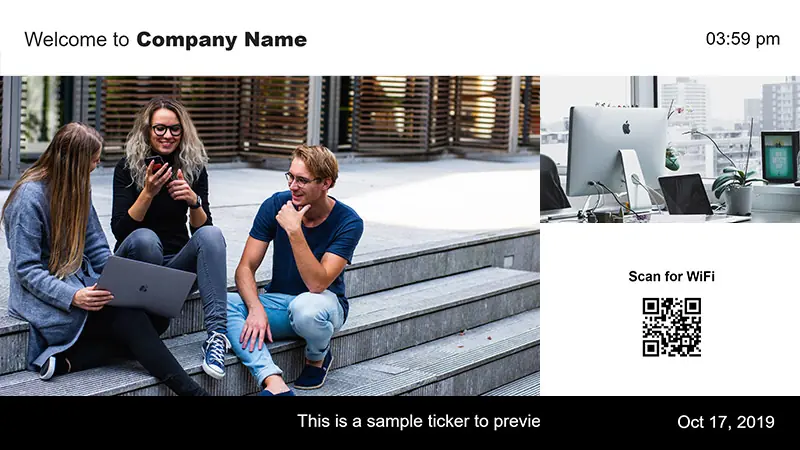
Share quick reminders in a bottom ticker so the main content stays clean.
Scroll short messages using the Ticker App
Keep key updates visible while other content rotates
Place reminders at the bottom without covering visuals

Benefits of digital bulletin boards in busy spaces
A digital bulletin board replaces static notices with live, on-screen updates that are easier to manage and harder to ignore.
Get started
Real engagement
Dynamic content earns attention that paper notices rarely capture
Print savings
Less paper and ink means lower ongoing costs for every new notice
Faster comms
Announcements go out in seconds, no email threads or follow-ups
First impression
A dynamic lobby screen signals a modern, organized space
One source
Everyone sees the same update in every location, not mixed versions
Culture signals
Wins and recognition reinforce belonging and team momentum
A top-rated digital information board solution
Get started for Free
Thanos K.
web designer
“Easy Setup, Great Support, Zero Hassle.
I’ve been using Yodeck for quite a while now, and honestly, it has made my life so much easier. From the moment I tried it, I realized it’s built to save you time, remove friction, and just let you get things done.”

November 14, 2025
Finn J.
Club administrator
“It is very intuitive and easy to get started – and you can play around on a free one screen account until you have decided if it is something for you. Also great help from youtube reviews and instruction videos. Very quick response from Customer support if you have questions.”
November 23, 2025
Benjamin D.
CTO
“User-friendly: The platform is straightforward, making it easy for anyone on our team to create and manage content.
Remote management: Being able to control screens remotely from a centralized dashboard is extremely convenient. The setup was very smooth. Affordable: Yodeck offers competitive pricing, which makes it accessible for small to medium-sized businesses.”
November 8, 2025
160+ free apps built for digital bulletin boards
Shape digital bulletin board designs with live updates and feeds that stay current without constant manual posting.






































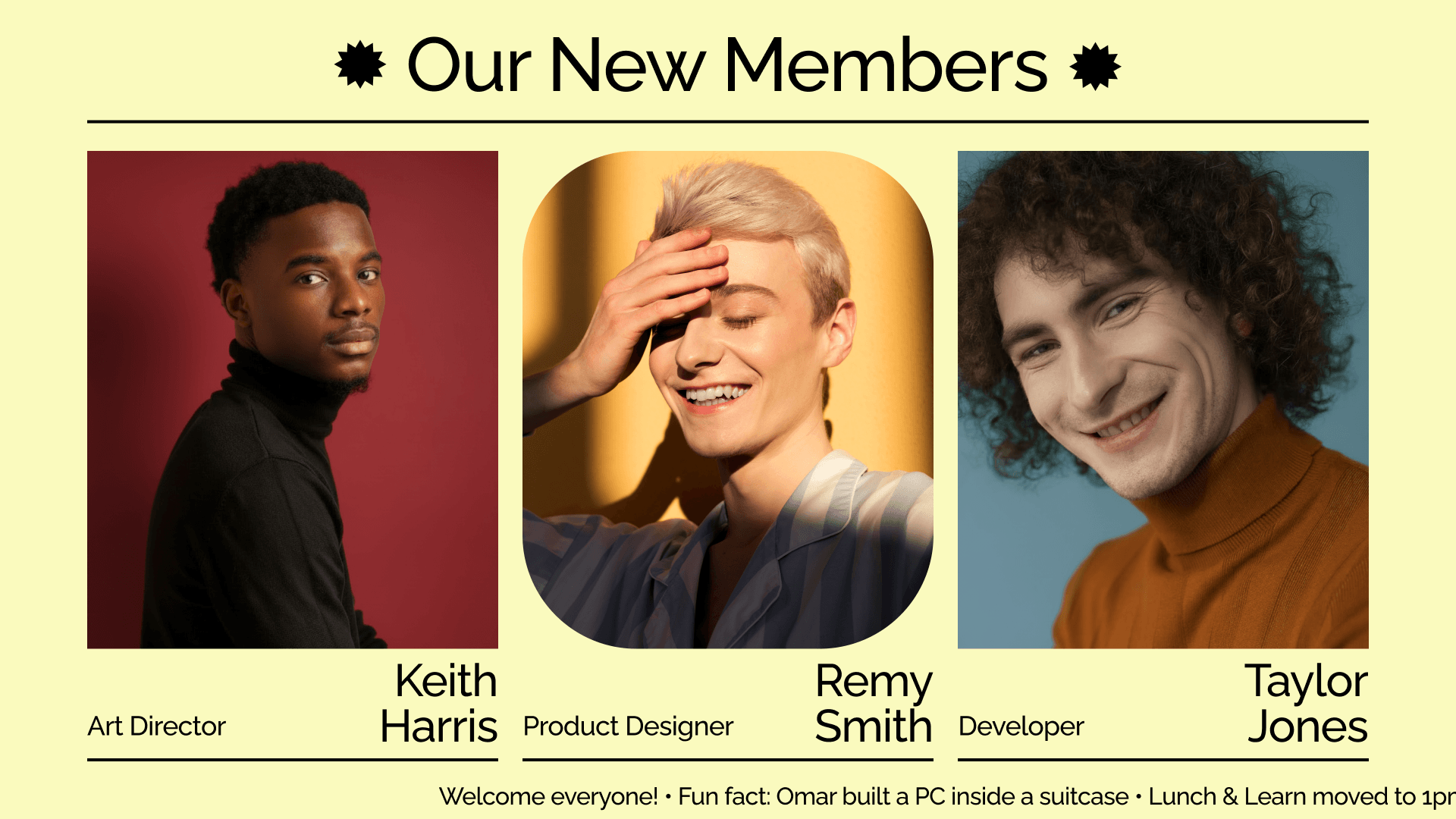
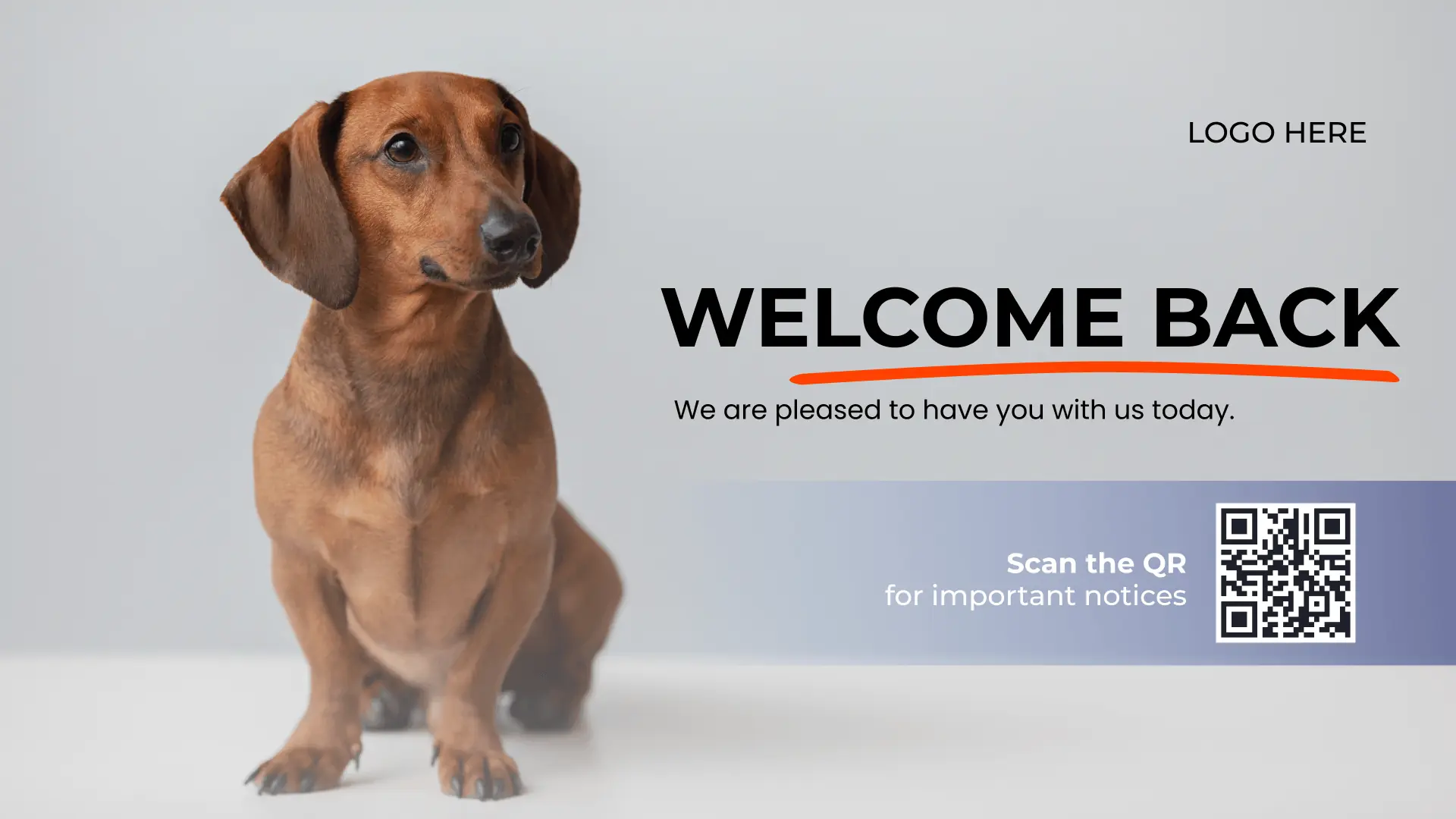
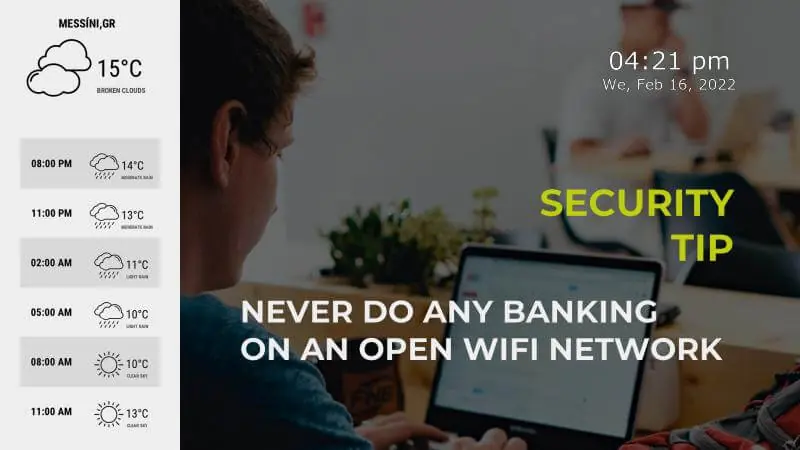
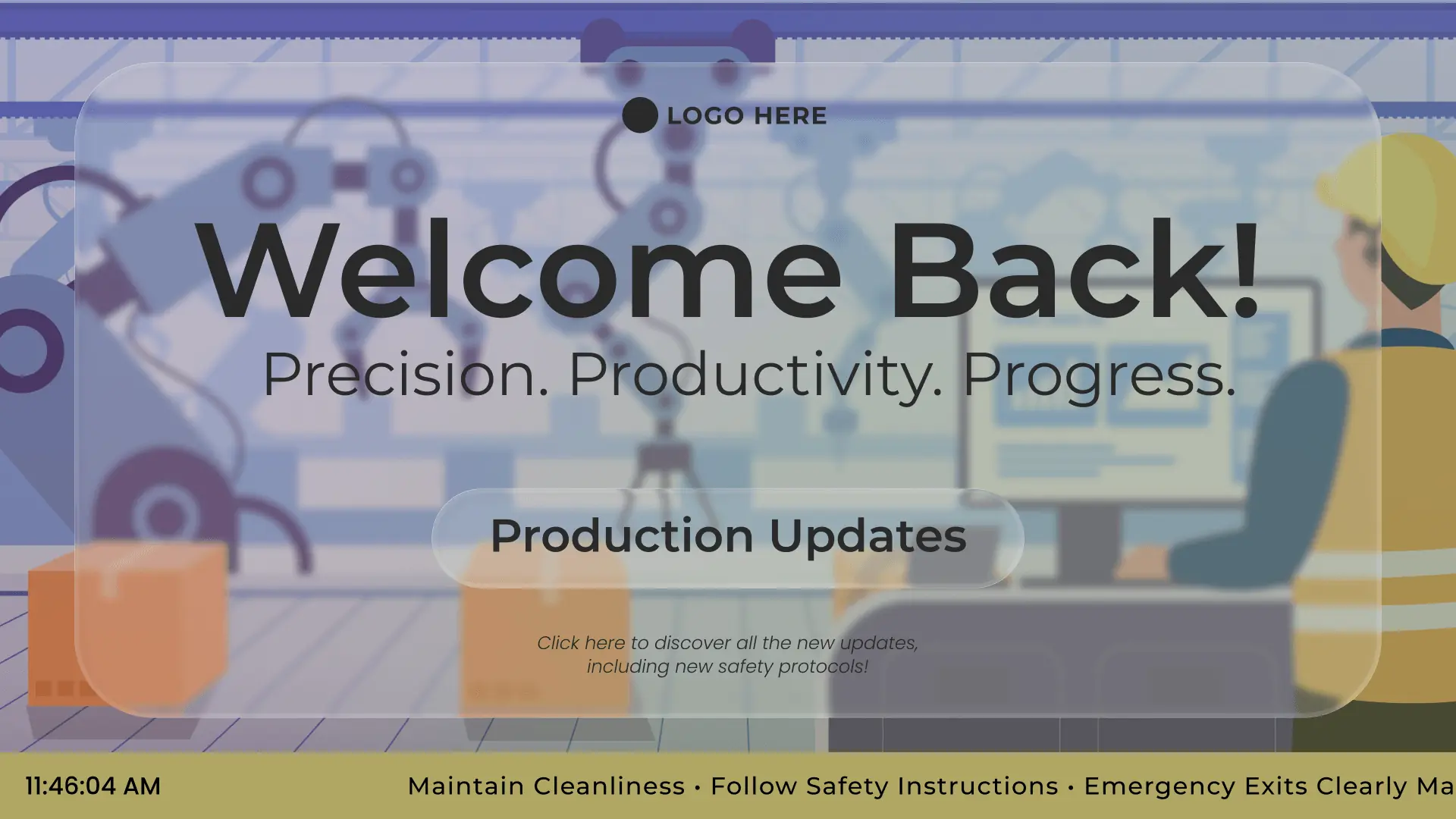
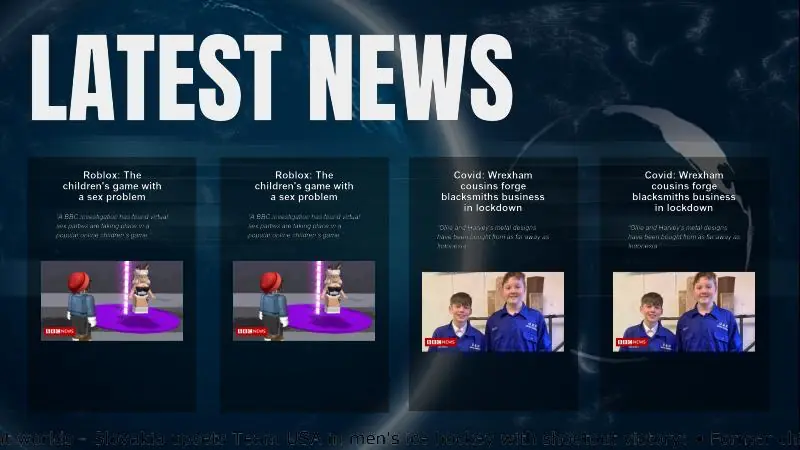
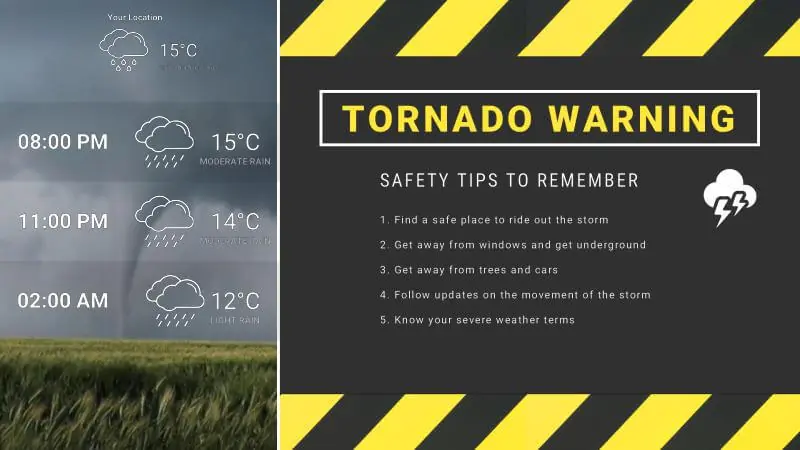
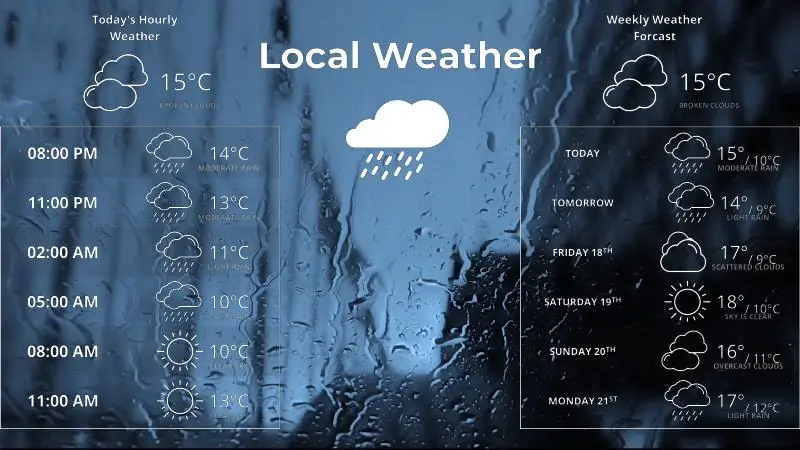
Digital bulletin board templates designed to stand out
Browse templates


Why Yodeck is the #1 digital bulletin board software
Roles and permissions in digital signage software let global and local teams update content remotely, with clear ownership and fewer accidental changes.
Monitoring and auto-recovery built into digital signage software help screens stay active and messages visible, even during brief internet disruptions.
Connect feeds, calendars, and internal platforms so updates flow naturally through digital signage software without changing existing workflows.
Use the same platform for bulletin updates, wayfinding, dashboards, and internal communications as needs grow across locations.
Digital Bulletin Boards: FAQs
What is a digital bulletin board?
A digital bulletin board is a screen-based communication tool used to display announcements, updates, schedules, and notices in real time. Unlike paper boards, an electronic bulletin board is managed digitally, so content stays current and easy to update. It’s commonly used in offices, schools, churches, and public spaces to share information clearly without printing or manual changes.
What does a digital bulletin board look like in practice?
Here are a few practical digital bulletin board examples used in real environments:
- Office lobby: rotating company announcements, events, and HR reminders
- School hallway: daily notices, upcoming activities, and schedule changes
- Church entrance: weekly services, events, and volunteer messages
- Reception area: safety notices, visitor guidance, and general updates
- Staff room: internal news, recognition, and policy reminders
How do digital bulletin boards stay relevant for different audiences?
You can personalize boards by screen and group:
- Digital bulletin board for schools: announcements, bell times, lunch menus
- Digital bulletin board for teachers: staff briefings, duty rosters, training reminders
- Digital bulletin board for students: clubs, deadlines, recognition highlights
- Digital bulletin board for office teams: HR updates, policies, internal notices
- Digital bulletin board for church: service times, events, volunteer needs
What are some digital bulletin board ideas for engagement?
To maximize impact, vary your content frequently.
- Upcoming events, holiday closures, or deadline reminders.
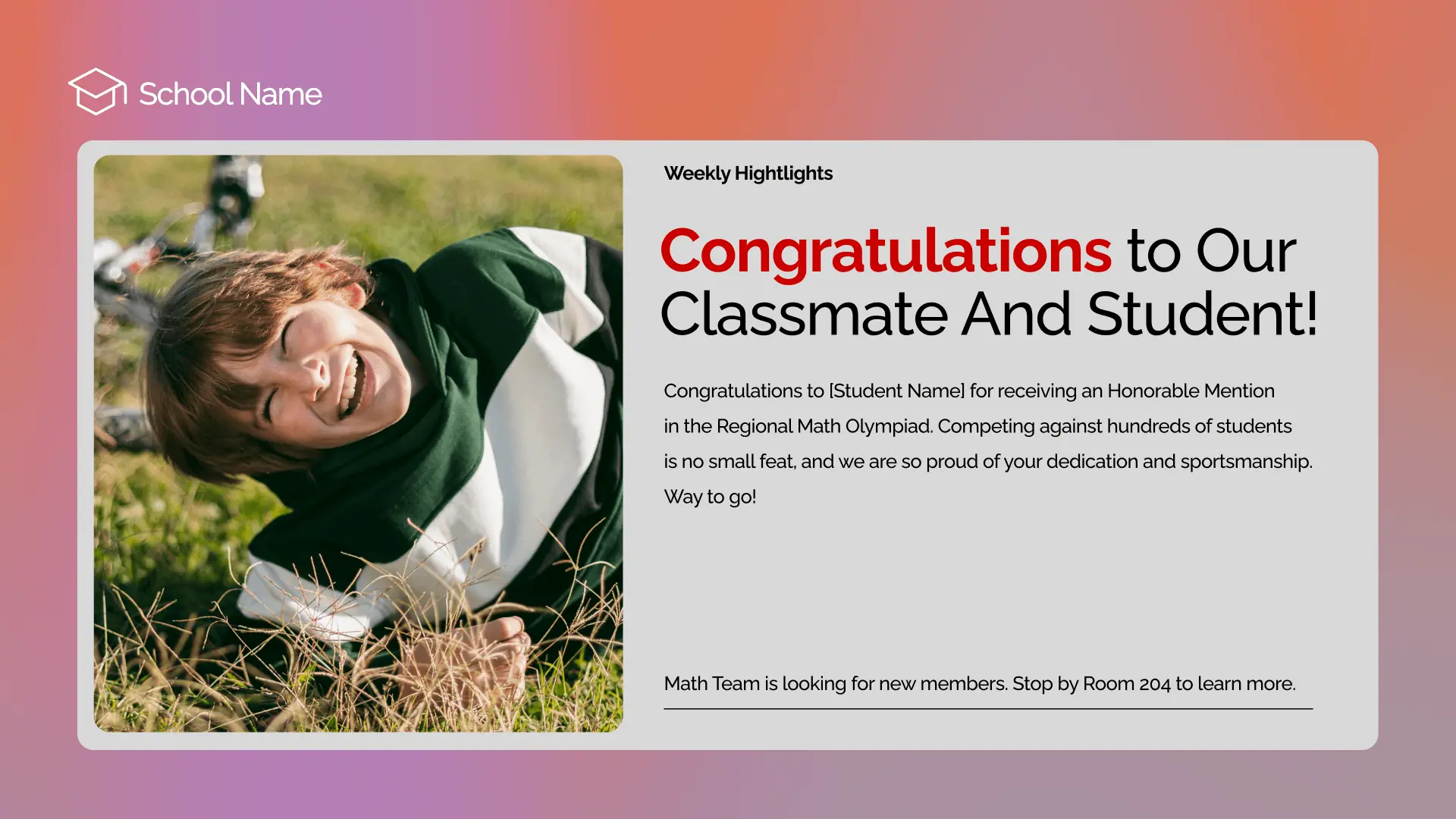
- “Employee of the Month” or student achievement spotlights.
- Live Instagram or LinkedIn feeds featuring your community.
- Real-time weather, news tickers, or digital calendar displays.
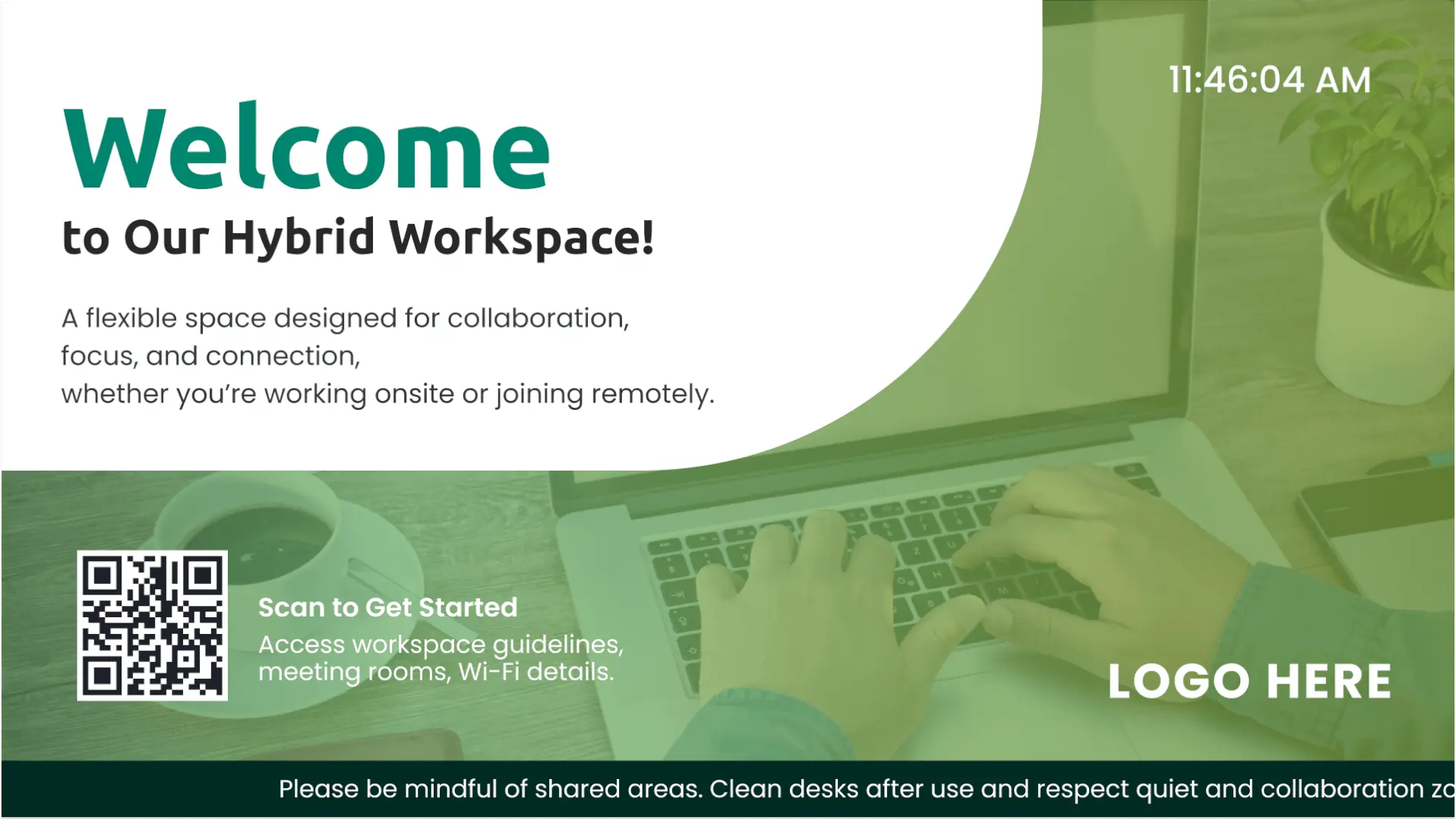
- QR codes linking to surveys, sign-up forms, or mobile apps.
Why replace traditional bulletin boards with digital ones?
Digital bulletin boards replace paper notices that quickly become outdated or ignored. Updates can be published instantly, scheduled in advance, and reused across locations. This reduces printing costs, saves staff time, and ensures important announcements are actually seen. Over time, a digital bulletin board system creates a more organized, professional environment with far less manual effort.
Where is the best placement for digital information boards?
Digital bulletin boards work best where people naturally pause or pass often. Typical placements include lobbies, hallways, break rooms, reception areas, staff rooms, and waiting zones. In these locations, a digital announcement board ensures updates are visible without disrupting daily activity, helping information reach its audience naturally and consistently.
Can digital bulletin boards be scheduled automatically?
Yes. Yodeck’s digital bulletin boards support scheduling by time, day, or date range. This allows announcements to appear only when relevant, such as work hours, school terms, or events. Scheduling ensures content stays accurate without manual intervention and prevents outdated messages from lingering on screens.
What does it cost to run a digital bulletin board?
The cost to run a digital bulletin board mainly depends on how many screens you want to deploy. Yodeck uses simple per-screen pricing starting from $8€8£7CA$12AU$13 per month, so you can start with one display and scale as needed. This keeps budgeting predictable while reducing ongoing printing and manual update costs. Sign up for free before expanding across locations.
Which industries use digital bulletin boards most?
Digital bulletin boards are widely used in:
- Office digital signage
- Education digital signage
- School digital signage
- University digital signage
- Transportation digital signage
- Government digital signage
- Church digital signage
Any business that relies on shared information benefits from clear, centrally managed digital information boards.
What solutions work well alongside digital bulletin boards?
Digital bulletin boards pair well with:
- Internal Communications
- Digital Calendar Displays
- Digital Wayfinding Signage
- TV Dashboards
- Social Media Walls
Together, these solutions create a connected communication ecosystem that keeps people informed, engaged, and aligned across shared spaces.

