


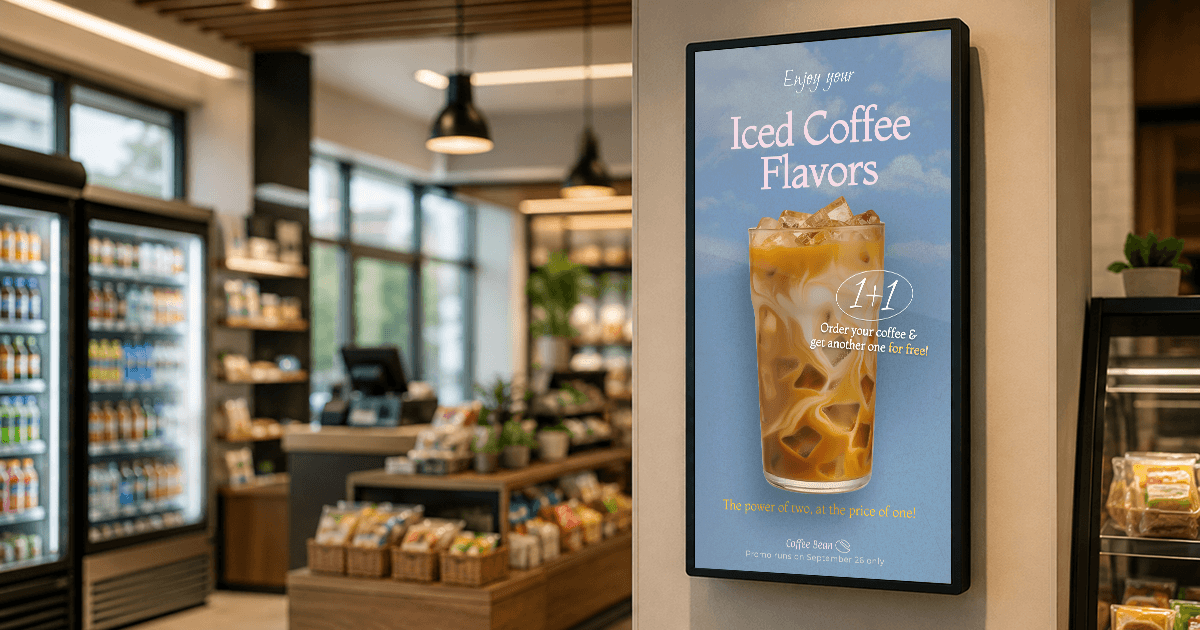
What screens actually change inside a c-store, which use cases pay back first, and how to run the whole network without hiring a marketing team.
Key takeaways
The register is the highest-value screen in the store. Most c-store purchases are decided in the final moments of the visit, which is exactly where a screen can still change the basket.
Printing is the hidden cost. Every promo cycle means designing, printing, distributing, replacing and then discarding materials, plus staff time to execute changes.
Foodservice is where screens earn the most. Prepared food carries the strongest margins in the store, and a menu board that changes by daypart sells it without extra labor.
Screen time is sellable inventory. Selling advertising space on a screen follows the same principle as charging suppliers for premium shelf space.
Running a convenience store means keeping customers informed quickly, whether it is a fuel price change, a lunchtime deal or a new product on the shelf. Digital screens make that possible without constant printing. They sit inside and outside the store, showing promotions, menu boards, fuel prices and time-sensitive messages that update from a central dashboard.
As part of a wider retail digital signage strategy, this kind of setup helps c-stores promote higher-margin items, reduce recurring print work and offer suppliers a paid promotional placement.
This guide explains which convenience-store formats benefit most, where screens can affect revenue and labor, the use cases worth deploying first and the costs to plan for.
Types of c-stores using digital signage
Traditional c-stores
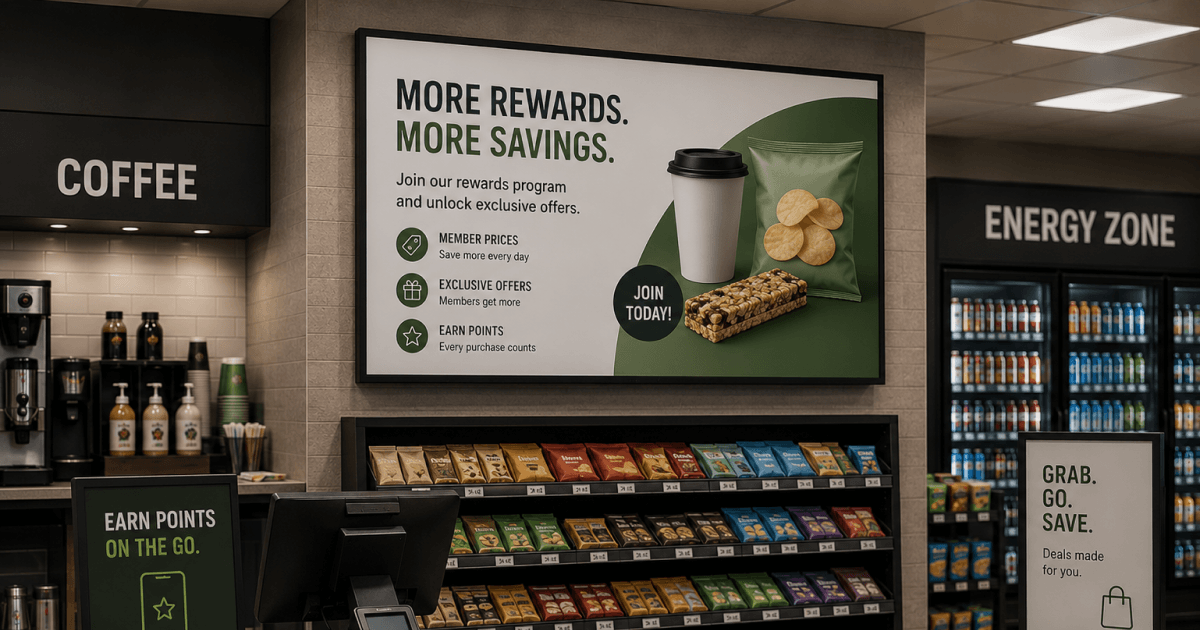
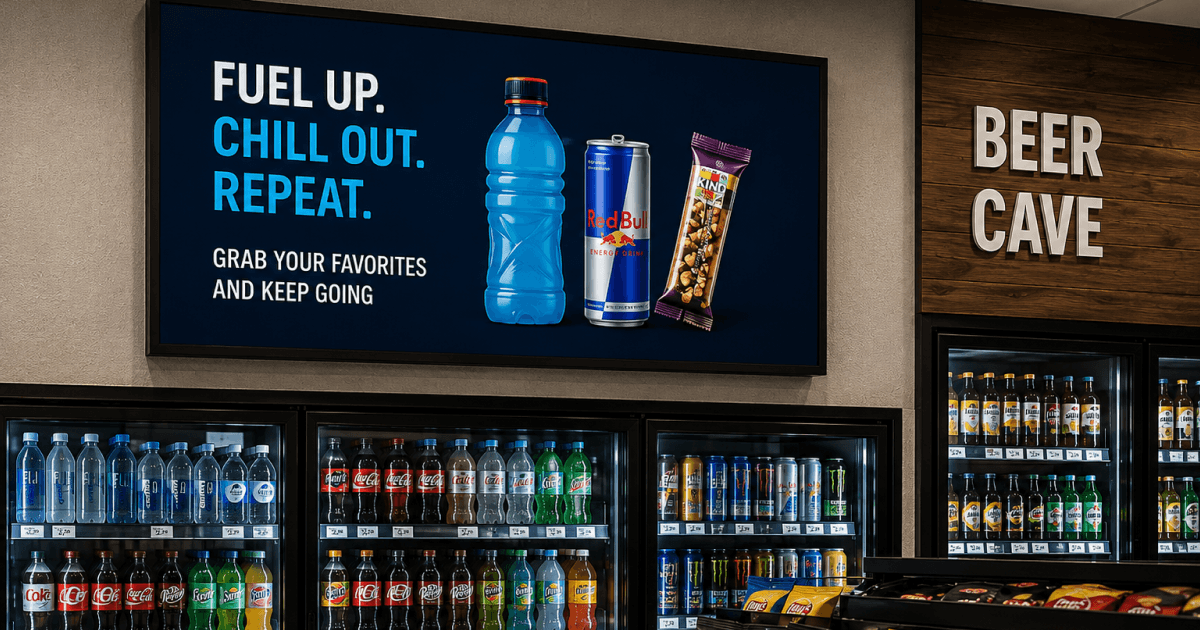
The checkout area is one of the store’s most valuable communication points. A register display can promote a meal deal, a new product or a limited-time bundle while the customer is still deciding whether to add one more item.
Corner stores and independent retailers
A corner store is not just a shop, it is part of the neighborhood. Independent stores can use screens to make local promotions look current without committing to frequent print runs. A morning coffee offer, neighborhood event reminder or seasonal bundle can be updated remotely, then scheduled to run automatically. For a store without a marketing team, the real benefit is operational: reuse a small set of branded layouts, update the promotion and let the schedule handle the rest.
Gas stations and forecourt stores
Fuel margins are thin and the real profit sits inside the store. Convenience stores account for roughly 80% of US fuel purchases, according to NACS. This makes the forecourt a major opportunity for attracting customers into the store. Most of that traffic pays at the pump and drives away without ever seeing what is on offer inside.
A screen at the pump or the entrance is the cheapest way to change that. A hot coffee, a breakfast combo or a car wash bundle, shown while somebody is standing there for three minutes with nothing to do, is the difference between fill and go and fill and come in.
Travel centers and truck stops
Truck drivers and long-distance travelers are a different kind of customer. Drivers may be looking for hot food, showers, parking, ATMs, laundry, rest areas or overnight services. Screens can make these amenities visible before a customer walks past them. Promotions work better once the customer understands what the location offers.
QSR-style convenience stores
Foodservice has become a material source of c-store profit. In 2025, foodservice represented 28.5% of in-store sales and 38.9% of in-store gross profit, according to NACS data reported by Convenience Store News. A digital menu board makes it easier to promote prepared food by daypart, switch breakfast content to lunch content and remove unavailable items. You can build your first menu board today and see it running on a screen this afternoon. Sign up today!
C-stores with drive-thrus
Drive-thru customers are in a hurry. Digital menu boards make it easier to update prices, rotate combos and remove items when stock runs out, without replacing printed panels at the window.
Why stores invest in digital signage
1. Screen time becomes a source of ad revenue
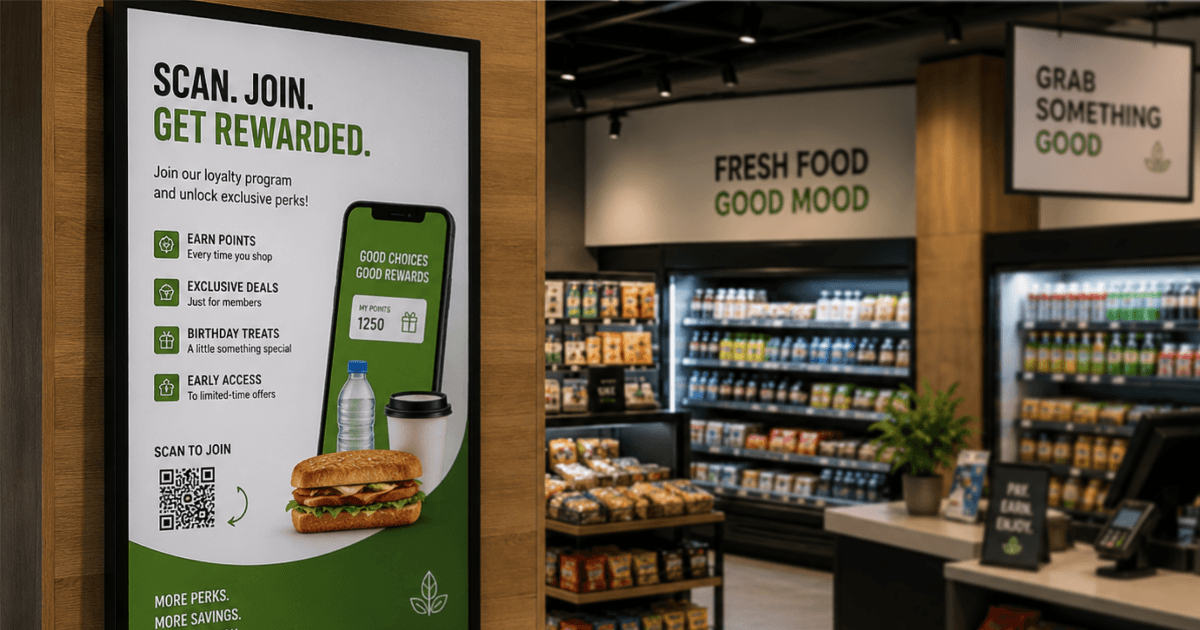
Convenience store digital signage does more than display promotions. It opens up additional revenue streams. By partnering with CPG brands, operators can sell screen time to suppliers as a paid advertising channel, much like selling shelf space. Chains such as 7‑Eleven, Wawa and Casey’s are already running their own retail media networks, and with roughly 160 million people shopping the c‑store channel every day, CPG brands are willing to pay for that access, according to another CSNews source.
A 2026 Screen Trust Report of digital signage users found that “too many advertisements” was the top reason people trust a screen less, named by 25% of respondents. Only 35% rated screen advertising as trustworthy, compared with around 87% for directions and safety information. The practical lesson for convenience stores is to earn customers’ attention with useful information before introducing paid promotions.
2. Bigger baskets at the decision point
Digital screens get noticed where printed posters have stopped working. According to Samsung Business Insights, retailers using digital signage reported a 29.5% increase in sales and a 52% boost in ad recall, with 70% of shoppers saying screens influenced their purchase decisions. In a c‑store, that influence lands in a very short window, because the customer is often already holding a drink and deciding whether to add something to it.
Time‑sensitive offers work best on screen for the same reason. A combo that appears at 11 a.m. reads as current. The same message printed and taped to the cooler in June reads like furniture by August.
3. More revenue per square foot
Retail space in convenience stores is limited. Traditional printed signage often occupies wall or fixture space without generating measurable results. A screen in the same location can rotate six different promotions, change by time of day and give high-margin products greater visibility. For a store working with 2,500 square feet, that is the difference between signage that costs you space and signage that earns it back.
4. Multi-location management
Managing digital signs across multiple convenience store locations is where cloud software pulls ahead of a USB stick plugged into a TV. With a cloud-based platform, head offices can schedule national promotions centrally, while individual stores retain the flexibility to insert local messages (such as a road closure or a school event) without disrupting the broader campaign. Whether you are running one screen or two hundred, the workflow remains consistent.
Benefit by store type
| Store type | Where screens help most |
|---|---|
| Traditional c-stores | Promote impulse buys at checkout; feature snacks, drinks and daily offers; reduce clutter from frequently changed printed promotions |
| Gas stations and forecourt stores | Encourage fuel customers to enter the store; promote car washes, coffee and snack bundles; run fuel and loyalty messages; make in-store offers visible from the forecourt |
| Corner stores and independents | Update local promotions without repeated print runs; keep messaging current; improve product visibility in a compact store |
| Travel centers and truck stops | Promote foodservice, showers and travel amenities; direct visitors to services; feature meal bundles and rest-stop offers |
| Food-forward c-stores and drive-thrus | Schedule menu content by daypart; promote combos and add-ons; remove unavailable items from the menu quickly |
6 smart ways convenience stores use digital signage
1. Digital menu boards for foodservice growth
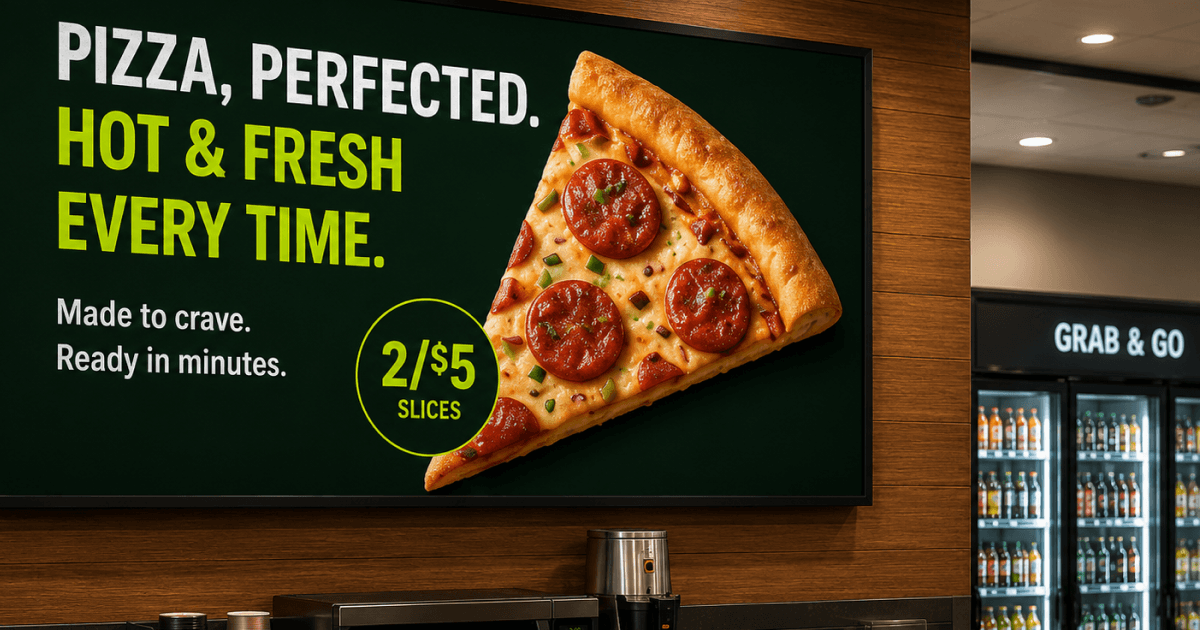
If a convenience store sells hot food, coffee, or fresh meals, digital menu boards do more than show prices. They run combo pricing, switch from breakfast to lunch on schedule, and drop items the kitchen has run out of, without anyone replacing a physical panel.
The bigger gain shows up across sites. Domino’s Pizza Greece runs centralized digital menu boards across 34 outlets and 40+ points of sale on Yodeck, replacing a setup where each branch updated screens from a flash drive with no central control. Their digital marketing consultant, Christos Athanasoulis, described the requirement as “an easy-to-use, robust digital signage solution we could manage from our central offices” on a small advertising budget. The flash-drive problem is the same one a two-site operator has, at a different scale. [Read the full case study].
2. Outdoor digital signage and gas price displays
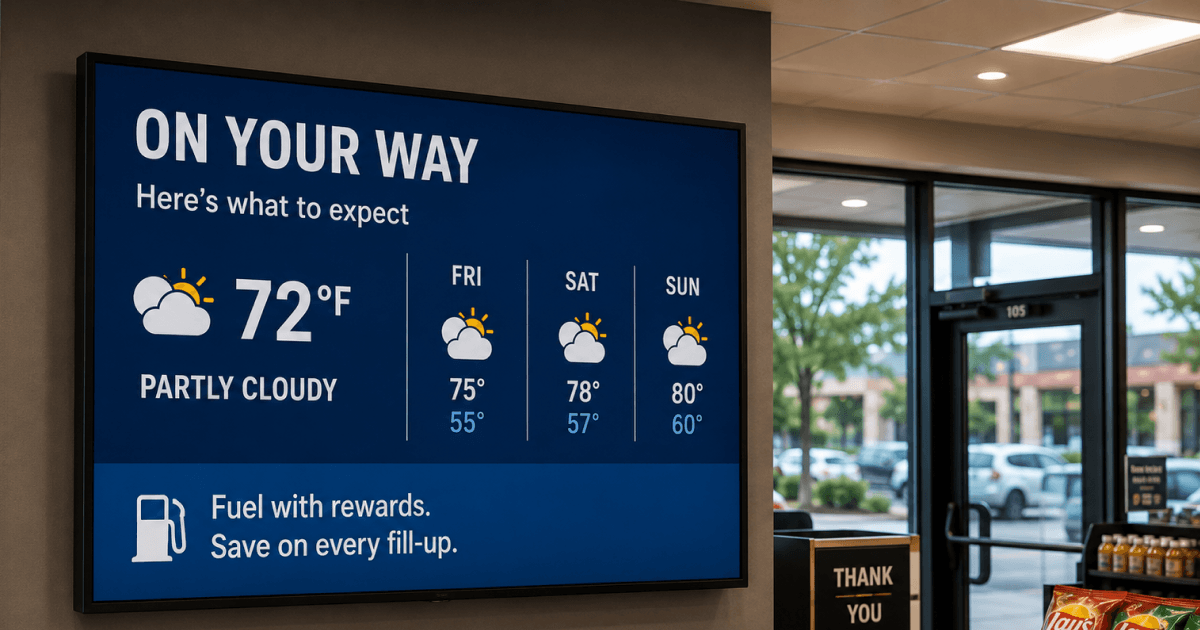
Outdoor screens are often the first messages customers see as they approach a forecourt. A display near the pumps or entrance can promote a coffee offer, car-wash bundle or loyalty sign-up before a driver enters the store.
Compared with static outdoor signs, a digital display can rotate multiple offers and schedule them by time of day. Use it to promote content that changes frequently, while keeping fuel-price information accurate through the store’s approved pricing process.
3. Advertising network monetization
Once a few screens are live and running a consistent content schedule, the network can become an additional revenue stream. A digital signage advertising network lets suppliers sponsor slots for beverages, snacks or seasonal items, placing their brand at the point of purchase and creating a new income line for the store. Small operators usually start with one category partner and a fixed monthly rate rather than programmatic ad sales.
4. Self-service kiosks
Kiosks move part of the ordering queue off the counter. Customers browse, customize and pay at an interactive kiosk, the order goes straight to the kitchen, and the upsell prompt runs on every transaction instead of only when staff remember. During a lunch rush, that difference can show up in both throughput and average order value.
5. Checkout screens and impulse promotions
Unlike printed convenience store displays, rotating content on a screen does not incur additional print or replacement costs, so an underperforming item can be swapped out the same afternoon.
6. Loyalty programs and mobile engagement
Many convenience store chains now use digital screens to promote loyalty apps and mobile offers. A QR Code App displayed on screens makes it easy for customers to sign up instantly.
Digital signage for c‑stores can also promote reward points, limited‑time discounts or deals. This helps build stronger relationships with customers while encouraging repeat visits.
How convenience stores use digital signage for promotion: 4 quick tips
1. Rotate promotions regularly
C‑store offers are short‑lived by nature. Refresh the loop often so regulars, who may visit several times a week, see something new rather than the same three slides. A deal that is still on screen days after it ends is the fastest way to teach a customer to stop reading.
2. Use dayparting to match customer behavior
Morning traffic wants coffee and breakfast. Afternoon traffic wants cold drinks and snacks. Evening traffic wants a meal. Schedule convenience store digital signage to match, and the screen sells the right thing without anyone touching it. That is the whole argument for scheduling over manual updates.
3. Place screens in decision zones
Placement beats production quality. Screens at the entrance, above the register and near the beverage coolers catch people in the seconds before a decision. A beautiful screen in a dead corner is a depreciating asset.
4. Keep content simple and legible
Customers look at a c‑store screen for a couple of seconds while moving. One offer, one price, one image, large type. Anything that needs reading twice has already failed.
Pro tip by Yodeck Team: Build the daypart schedule once and let it repeat weekly instead of rebuilding it every Monday. Set the breakfast, lunch and evening playlists as recurring time slots, then only update the individual promotions inside them. Most stores lose more time to rebuilding schedules than to making content.
The key insights every c-store retailer cares about
These five questions come up in almost every c‑store conversation. For the wider retail version, see the 18 questions retail managers ask about digital signage.
Is convenience store digital signage expensive?
Cost has two parts: software per screen and the hardware behind it. Software is a predictable monthly or annual fee per screen and replaces a print budget that was never itemized. Hardware is a one-time purchase and does not need to be expensive.
A single independent retailer can operate one checkout screen at very little cost. The first screen is free and new accounts get 30 days of full feature access on up to five screens. For multi-site operators, compare software cost against print, shipping and the staff hours spent updating promotions. The digital signage ROI guide walks through the full cost inventory.
Does it require expensive hardware?
Most stores need less than they expect. A commercial display is worth it for direct sunlight or 18-hour operation, mainly for brightness and thermal tolerance, but a standard TV works for an indoor register screen.
The Yodeck Player connects to any HDMI screen, arrives pre-configured and stores content locally so playback does not depend on a live connection. For outdoor placements, prioritize brightness (nits) and a weather-rated enclosure.
What happens if the internet goes down?
Screens keep playing. Content is downloaded to the player’s SD card and played from local storage, so an outage does not blank the store, and screens continue running the last published schedule for up to a full month.
While offline, you cannot push changes and live web content will not load. Locally stored images, videos and playlists carry on as scheduled. For a c-store, that means fuel prices and menu boards should be published content rather than a live web page if reliability matters more than real-time accuracy.
Which digital menu boards work best for convenience stores?
An effective menu board should be bright, legible from at least six feet away and easy for a shift manager to update. Brightness matters because many food counters sit near windows, where a 350-nit consumer panel can wash out in afternoon sun.
Use three or four items per screen with clear pricing. Portrait orientation works well in narrow spaces above hot food counters. The digital menu board design guide covers layout rules, and Yodeck’s template library includes 800+ ready layouts.
Yodeck also offers an AI Agent on Premium and Enterprise plans, at no extra charge, which lets you handle these jobs by typing a request to an AI assistant instead of clicking through the portal. Pushing a new playlist to every screen in one region, or auditing which screens are showing stale content, becomes a single sentence. It can read account information and create or update playlists and screen assignments, but it cannot delete anything.
How do you manage digital signs across multiple convenience store locations?
Multiple locations can be managed through one dashboard, but operators often underestimate the importance of setting strict user permissions. Central control enforces brand consistency; role-based access lets a store manager update a local message without accidentally overriding national promotions.
In practice, mature multi-site operators run a hybrid model:
- Head office owns the campaign playlists and global templates.
- Each location gets one locked local slot for community messages, fuel-price alerts, or manager specials.
- Screens are grouped by region, format, or daypart so updates scale; nobody should be touching 200 screens individually.
Pro tip by Yodeck Team: On Premium and Enterprise plans, Yodeck includes an AI Agent at no extra charge. Instead of clicking through the portal, you type a request: “Push the Q4 fuel-and-coffee promo to all Northeast region screens, effective Monday 6 AM.” The agent can read, create, and update playlists and screen assignments. It is deliberately restricted from deleting anything, which prevents accidental wipe-outs during bulk changes.
Why Yodeck is built for convenience store teams
Yodeck is a digital signage software built for teams without an AV specialist, which describes most convenience stores. Setup is plug-and-play: connect the player, register the screen and publish. Content is drag-and-drop, with 800+ free templates and 147+ apps, so a shift manager can update a promotion between customers instead of filing a ticket.
One dashboard covers a single corner store or a few hundred forecourts. Role-based permissions keep local edits inside guardrails, and content plays from the player’s local storage so the screens stay on when the connection does not.
The pricing is what makes it workable for independents. Screens are billed individually, the first one is free, and there is no minimum site count to get started.
Start with Yodeck’s award-winning platform
Start for free
Guides for other types of stores: