


How mall operators and tenants use digital screens to guide visitors, create advertising opportunities and keep the entire center aligned.
Key takeaways
A shopping mall has a coordination challenge. Dozens of businesses share one building, parking lot and visitor pool, and screens help the center communicate as one venue.
Placement follows the visitor journey. Parking lots, concourses and storefronts each serve a different purpose and need different content.
The right signage platform should work for both a single café and a 200-screen shopping center, with central control and room for local updates.
A shopping mall is not one business. Whether a center holds 40 stores or 300, every tenant depends on the same entrances, parking and foot traffic. Shopping mall digital signage is how a center stops operating like a collection of separate stores and starts behaving like one venue.
That coordination can be difficult. Leasing managers, operations teams, visual merchandisers and store owners may all need different things from the same screens. The key questions are who controls each screen, what they can publish and how quickly content can change. A retail digital signage system should answer them through one dashboard that allows operators, internal teams and tenants to manage only the screens assigned to them.
Whether you manage an entire mall or a single store, this guide explains why malls use digital signage, which types of retailers benefit most, where to place screens, what content to display and how to divide control between operators and tenants.
7 reasons shopping malls use digital signage
Here are seven reasons digital signage has become an important part of mall operations.
1. One update reaches every screen in the center
A new store opens on level two, a unit closes for refit, the mall extends trading hours for a holiday weekend. On printed signage each of those is a separate job. With shopping mall digital signage, the operations team can update a message once and publish it across the full network, a specific floor, or a shared area such as the food court.
The same system supports urgent updates. If an elevator is out of service, a spill blocks an entrance or an emergency message is required, screens can switch from routine content to time-sensitive guidance.
2. Tenants without prime frontage get visibility
Every mall has spaces that visitors do not naturally pass: the end of a quieter corridor, an upper level or a corner beyond an anchor store. Common-area screens give these tenants a way to promote their stores before shoppers decide where to go.
That creates a leasing advantage. A unit with lower natural footfall can be harder to market and harder to justify at the same rent as a more visible location. Including scheduled screen exposure in the lease gives landlords an additional benefit to offer and gives retailers a promotional channel they can factor into their trading plans.
3. Screen time becomes a revenue line
Screens in shared areas create advertising inventory that operators can sell to tenants, brand partners and outside advertisers. It works the same way as renting out window space, and the market is big: Mordor Intelligence values the retail digital signage market at USD 5.89 billion in 2025, rising to USD 7.86 billion by 2030. For larger networks, paid placements may offset part of the cost, depending on advertising rates and how consistently the inventory is sold.
4. Wayfinding stops being a reprint job
Printed mall directories quickly become outdated as tenants open, close or move. Digital wayfinding turns directory maintenance into a content update rather than a reprint. Operators can update a tenant listing once and publish it to every directory screen at the same time. Digital directories can also display store hours, accessible routes, parking information and current events alongside maps and floor-by-floor listings.
Our guide to the digital building directory covers the layout and content choices in more depth.
5. Keep deskless teams informed
Many of the mall staff are deskless. Cleaning, security, facilities and store teams may not see email updates while they are on shift. Screens in service corridors, staff rooms and loading areas can display shift information, safety notices, incident updates and changes to operating hours where employees are most likely to see them.
6. Adapt to changing shopper demographics & patterns
A mall serves several audiences who they do not visit at the same rate or for the same reasons. ICSC found that shoppers aged 18 to 24 average 10.8 weekly visits to shopping centers, compared with 3.9 among people over 65. Those groups are likely to value different information: frequent younger visitors may respond to new offers and events, while older or less frequent visitors may need practical information such as directories, parking guidance and store hours. Digital content can be scheduled by time and location to reflect these different needs.
7. Make information register in a few seconds
A mall corridor is a competitive visual environment. Storefronts, lighting, other shoppers and the phone in a visitor’s hand all compete with the message on a screen. Someone walking past may give that message only a few seconds.
That is where format matters. In a Yodeck survey, 60% of respondents said digital signage supported learning or understanding well or very well, while 58% said it helped them retain information well or very well. For a directory, event listing or safety notice, the message must be clear on the first pass; in a busy corridor, visitors may not stop for a second look.
What types of stores in shopping malls benefit most from digital signage
1. Flagship stores: In flagship stores you will find campaign films, product stories and high-impact visuals. On large-format displays with good picture quality, a flagship gets a brand statement that a printed poster cannot carry, and it changes with the campaign rather than the print run.
2. Franchise stores: Franchise networks need consistent campaigns across every location. A central marketing team needs the same promotion running in every unit on the same morning, without relying on each franchisee to publish it. Centrally managed playlists keep the core campaign consistent, while locally editable zones give each franchisee room to update store hours, local offers and practical notices.
3. Local and independent stores: Smaller retailers don’t have design resources. They need to update practical messages quickly, such as a daily offer, a new delivery or a seasonal window display. Templates and a drag-and-drop editor matter more here than any advanced feature, because the person updating the screen is also serving customers.
4. Cafés and food outlets: Food court menus change throughout the day. Prices, availability and promotions all need to stay accurate, especially when queues are building. Digital menu boards let an outlet pull a sold-out item immediately, run breakfast and lunch menus on a schedule, and push a price change across every site without reprinting a single panel.
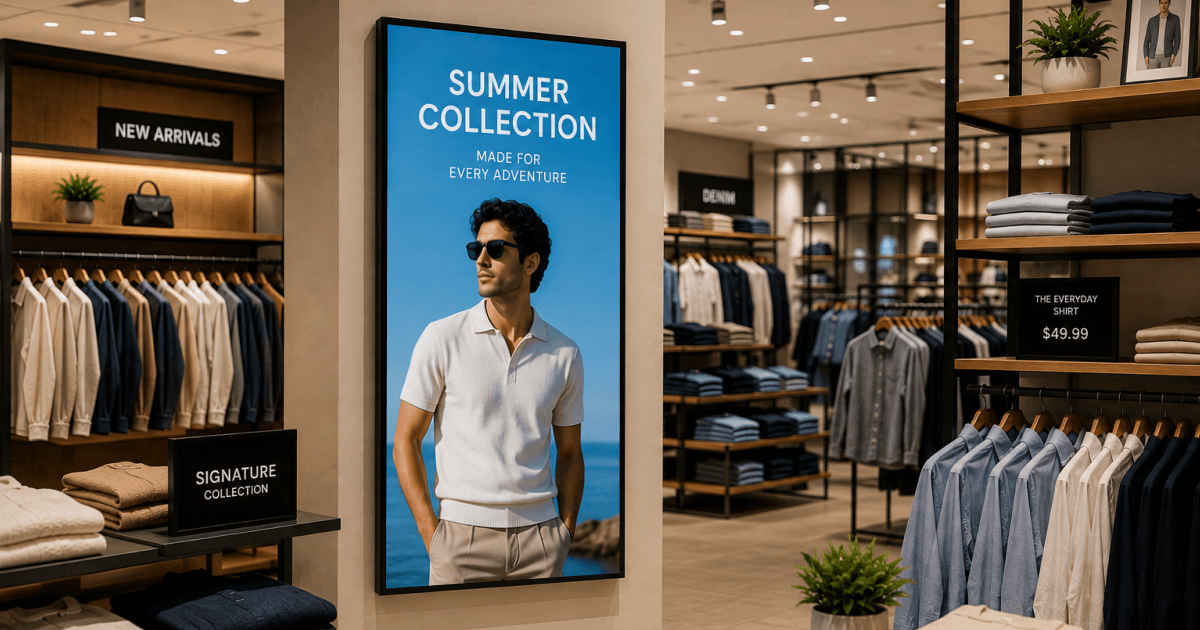
5. Fashion and apparel stores: Fashion retail depends on visual merchandising. Screens carry lookbooks, collection films and outfit pairings, so shoppers see how individual pieces work together rather than presenting a list of product specifications.
6. Electronics and tech stores: Electronics buyers arrive with specification questions and staff cannot be everywhere. Comparison content, demo loops and spec panels at the shelf answer the repeat questions, which frees staff for the conversations that actually close a sale.
7. Pop-up shops and seasonal retailers: Pop-up stores may trade for only a few weeks, making a permanent printed fit-out difficult to justify. A screen and media player can be installed for opening day, refreshed as the campaign changes and moved to the next location after the lease ends.
Whatever your store, whatever your role
Start the digital signage setup today. Operators keep the center consistent, tenants keep control of their own screens, and nobody waits on anybody.
Start for freeWhere to place shopping mall digital signage

When screens are positioned with intent, they guide movement and influence decisions.
On the sales floor
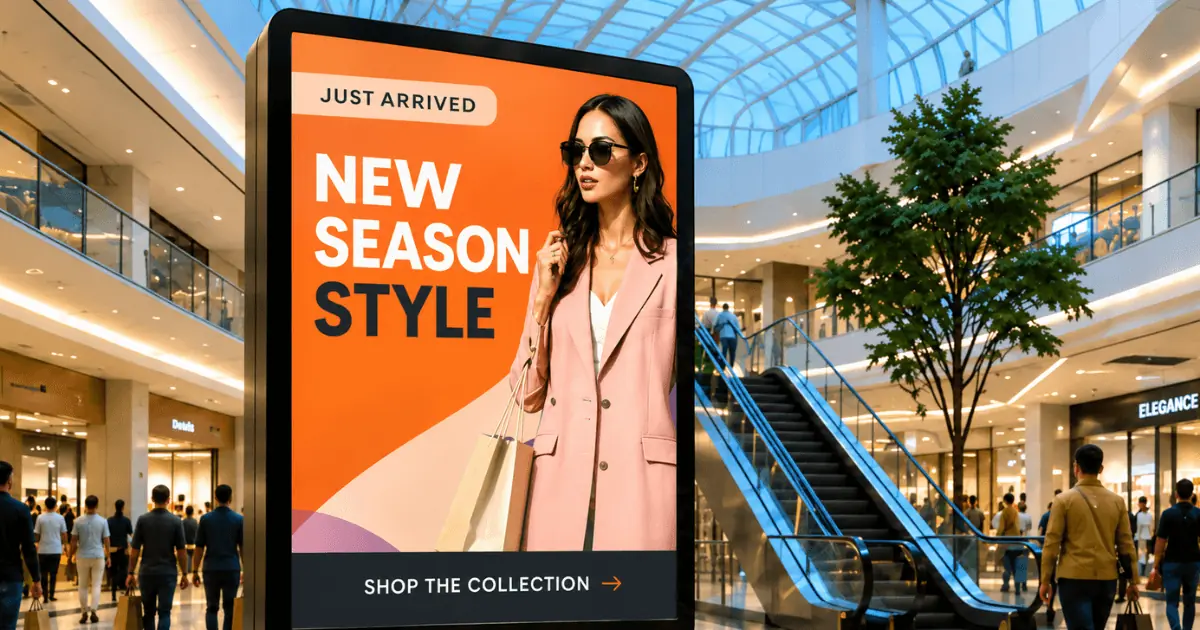
1. Floor stands with freestanding kiosks > Place freestanding screens near escalators, central walkways and decision points where visitors choose which direction to take. They work well for promotions, new-store announcements and interactive directories that help shoppers find their next destination.
2. Displays on pedestals > Pedestal displays suit curated retail areas and featured collections where shoppers are already browsing. Their smaller visual footprint lets retailers show product messages and limited-time offers without overwhelming the surrounding space.
At storefronts and window displays
3. Wall-mounted screens > Mounted near entrances, these screens act as a digital extension of the storefront. Use them for promotions, new arrivals and brand visuals that can change with the campaign, season or time of day.
4. Double-sided window displays > These displays maximize visibility by facing both inward and outward. They attract passing foot traffic while also engaging shoppers already inside.
At entrances and busy zones
5. Video walls > Video walls give main entrances and central hubs a screen that can be read from across the concourse. Built for major campaigns, events and brand partnerships that need to be seen from a distance.
6. Overhead digital banners > Suspended displays help guide foot traffic and draw attention to key mall zones. Use them for wayfinding, event directions and promotions for anchor stores.
Outdoor and exterior signage
7. LED boards and digital billboards > Weather-resistant LED displays extend mall communications beyond the building. Operators can use them to promote events and tenant offers, share opening hours, and direct drivers before they reach the entrance.
8. Drive-up and parking guidance displays > Exterior LED displays and pole-mounted signs can guide visitors from the road through the parking lot. Use them to identify entrances, show parking availability, communicate traffic changes, and direct visitors to specific areas of the mall.
In-store placements
9. Countertop displays > Positioned at checkout areas, these screens work well for last-minute offers, upsells and loyalty reminders.
10. Shelf-integrated displays > Embedded directly into shelving, these displays provide product-level information at the exact point of decision. They can show features, pricing or comparisons.
A full breakdown of the hardware formats is in our guide to retail digital displays.
Why shopping centers & department stores choose Yodeck
Yodeck gives mall operators centralized control while allowing individual tenants to manage their own content. Yodeck’s mall-relevant features fall into three areas:
Control: user roles, Workspaces, screen grouping and emergency overrides
Reliability: offline playback, remote monitoring and flexible connectivity
Commercial operations: scheduling, templates and proof-of-play reporting
In a G2 review, small-business owner Jordan D. highlights the ability to manage one or multiple screens and schedule content remotely:
“Fast, easy, incredible functionality allowing me to schedule my displays remotely.“
What makes Yodeck a strong fit for shopping malls
The following features address the practical needs of a multi-tenant shopping mall.
Works even without internet
Content is stored on each player, allowing screens to continue operating when the internet connection drops. Offline playback can continue for up to a month, which is useful in basements, loading areas and other parts of a property where connectivity may be unreliable.
Separate access for operators and tenants
Workspaces, available on the Enterprise plan, give each retailer a private area for managing its own screens while the mall team retains control of common-area content. User roles and tag-based screen groups can also limit access by floor, zone or function.
See every screen without walking the center
Live screenshots show what each player is displaying, while email notifications alert the facilities team when a player goes offline. Facilities staff can identify a failed screen without walking the center.
Centralized control across all mall screens
Screens can be managed from one dashboard and grouped by location or purpose. An operator can publish an update across the full property, on one floor or only in an area such as the food court. Emergency alerts can temporarily replace scheduled content, with CAP integration available for properties that use a public alerting system.
Scales from a single store to full shopping centers
Yodeck runs a single café screen and a several‑hundred‑screen center on the same dashboard, so a tenant piloting one display and an operator rolling out the concourse are on the same system. There is no migration when the deployment grows.
Runs any screen format a mall installs
Portrait and landscape screens, custom resolutions, direct-view LED panels, video walls and countertop displays can be managed within the same network. Players can also connect through a 4G or LTE dongle where wired connectivity is impractical, including parking lots and exterior locations.
Scheduling built for retail trading patterns
Yodeck schedules content by time, day, date range or location, with repeating events for recurring store hours. Advanced Media Scheduling, on Premium and above, adds finer control for centers running different content by daypart.
Volume scheduling for a noisy concourse
Volume Level Scheduling, available on Premium and above, adjusts audio levels by day and hour. Mall teams can raise volume through a busy afternoon and drop it before closing, so screens with sound stay usable across a full trading day without becoming intrusive.
Reports that support billing for screen time
Playback Reports, available on Premium plans and above, record what content played, where it appeared and when it ran. Operators can use these records to confirm that paid tenant or advertiser content was displayed as scheduled.
Design without a design team
Yodeck includes more than 800+ free templates and a Canva app, helping independent tenants create and update screen content without hiring a designer. Ready-made templates are particularly useful for store teams that need to publish offers, announcements, and opening-hour changes quickly.
How to start a shopping mall signage rollout
A mall competes on the quality of the visit. That experience depends on how easily visitors find what they need, how current the information is and how consistent the center feels. Digital signage software like Yodeck can support all three, while tenant advertising turns screen time from a facilities cost into a revenue line.
Start with the screens that answer visitors’ most common questions: directories, opening hours and parking guidance. Test the content, permissions and approval process on one floor or zone first. Yodeck pricing starts at $8€8£7CA$12AU$13 per screen per month on annual plans, and the first screen is free, giving operators a practical way to test a live directory layout before committing to a larger rollout.
Award-winning signage, built for whole centers or single stores
Start for free
Guides for other types of stores: