


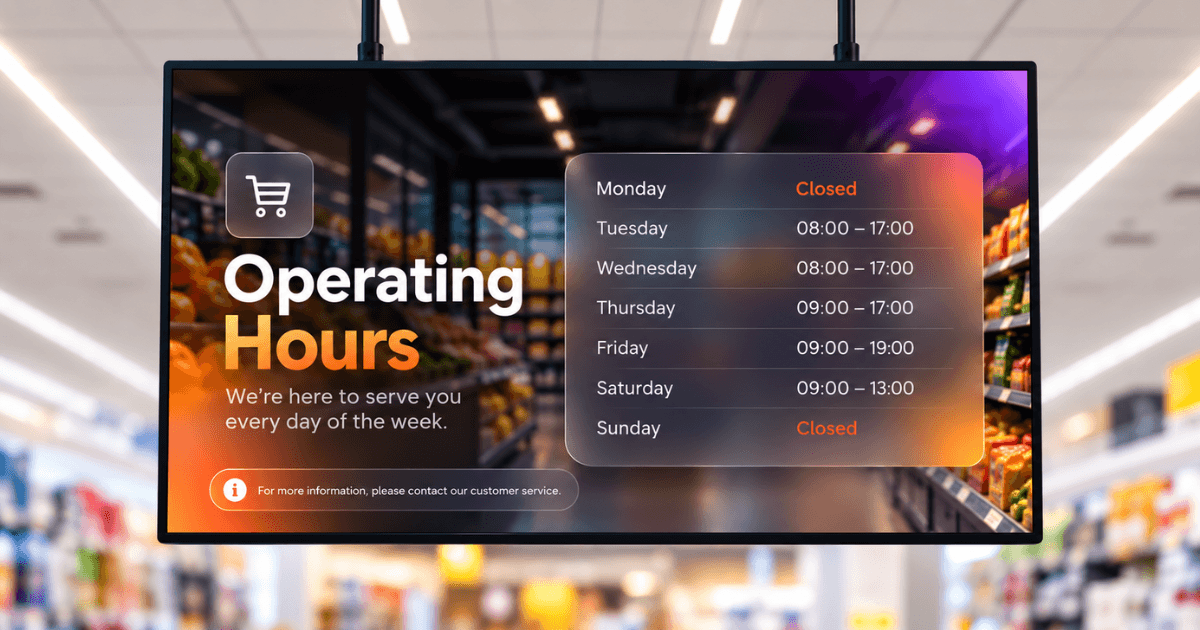
A department-by-department guide to placing, buying and managing digital screens in large-format stores, whether you operate one location or forty.
Key takeaways:
Placement affects performance: An offer may work at an end cap but get ignored in the frozen aisle.
Departments run on different clocks. Bakery content may change hourly, while frozen content can remain relevant for weeks.
The location decides the screen. Bright entrances, hot bakery areas, and cold freezer sections require different display hardware.
Walk through any supermarket and printed promotions are everywhere: shelf talkers, aisle signs, department boards and window posters. Each follows a print schedule, and each goes out of date the moment a price changes, an offer ends or a fresh line sells out.
Supermarket digital signage replaces those printed materials with a centrally managed network of screens. Update an offer once, and every screen displaying it changes too.
If you already know your way around retail digital signage, the difference in supermarkets is placement. A bakery, deli, produce section and frozen aisle share the same building, but each needs its own content, schedule and hardware.
This guide covers where screens belong on a supermarket floor plan, which hardware suits which department, what digital signage for grocery stores and supermarkets cannot do, and how the answers change between one store and forty.
Why US supermarkets and grocery stores are investing in digital signage
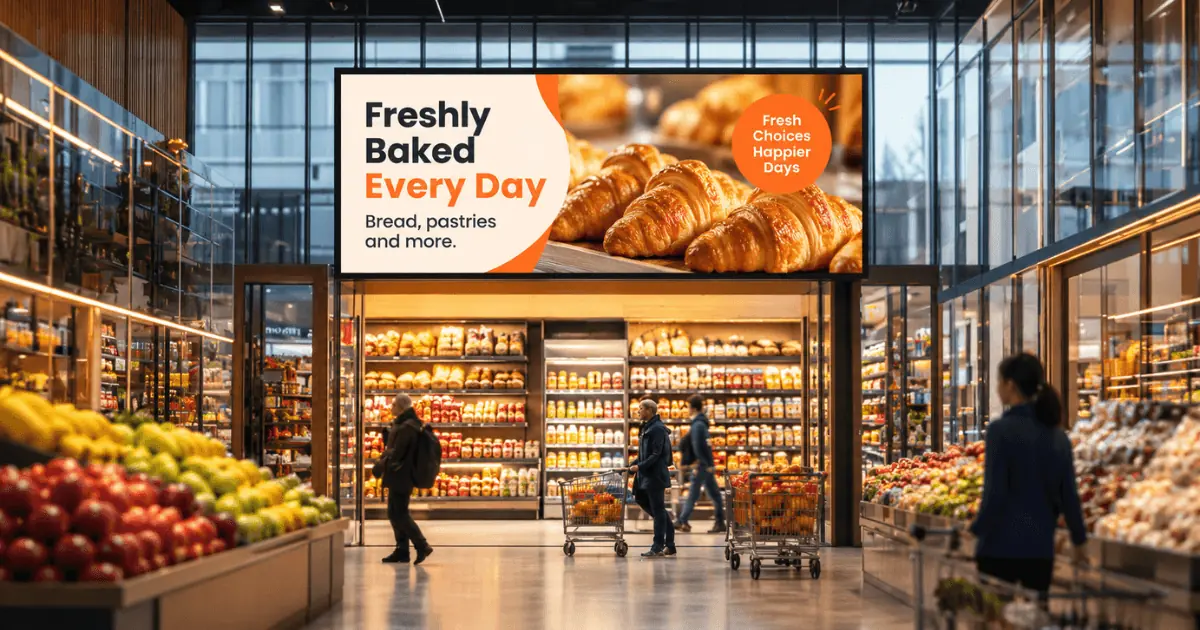
Four forces are driving supermarkets and grocery stores toward screens. They show up in different parts of the business: marketing budgets, shelf operations, shopping frequency and a growing stream of advertising revenue.
The cost: print scales with stores, not sales
Supermarkets are moving more promotions away from paper because every printed campaign creates a recurring expense. The bill for shelf talkers, aisle signs and window posters repeats across every store, whether the promotion works or not.
The information: a printed price is accurate only until it isn’t
Cost aside, print also slows a supermarket’s ability to correct what shoppers see. A poster that is accurate on Monday is outdated by Thursday after a price change or a stock shortage. An outdated printed price often means a refund at the checkout and an argument the cashier did not want.
The engagement: the promotional cycle no longer matches the shopping cycle
Nearly one in three American shoppers, 31%, now buy groceries more than once a week, according to research from Progressive Grocer. Weekly print assumes each customer sees a promotion once. Someone shopping three times sees the same poster three times, and by the second visit it has lost much of its effect. That speed is what retail users notice first in Yodeck, based on this Yodeck Capterra review by Thato M.
“The ability to update promotions quickly is a big advantage for retail marketing.”
The revenue: screen time is advertising inventory
The fourth reason is not a problem with paper. The CPG brands already paying for your end caps will pay for the screen above them, and convenience chains got there early. A supermarket has more departments, more suppliers and more decision points, so more to sell. US in-store retail media ad spending is expected to rise by 33.1% in 2026, according to eMarketer.
Where to put screens in a supermarket, department by department
Screen placement should follow the shopper’s decision points. Eye-tracking research in a grocery store found that familiarity changes when a shopper looks at signage: people who do not know the store look at signs while navigating, while regulars look at signs while deciding, in front of the product. That splits the floor in two. Entrance and wayfinding screens work on people finding their way. End-cap and shelf screens work on people choosing, and that is the stage the research links to unplanned purchases.
The entrance
Promotional screen (weekly changes): The first screen shoppers pass can shape whether the trip becomes a full shop or a quick top-up. It carries the week’s strongest offers and seasonal messages that shape the basket: barbecue lines in July, baking lines in November.
Wayfinding (on layout change): The average US supermarket carries 33,248 items across 42,272 square feet, according to FMI. . At that scale, a shopper who cannot locate an item either asks staff or abandons it, and neither outcome helps the basket. Digital wayfinding answers that at the door. And when a seasonal reset moves the layout, the screen changes that day while the printed directories stay wrong for weeks.
The perimeter:
Produce (daily): Shoppers are deciding whether fresh is worth the money today. Answer it with origin, grower and what arrived that morning, rotating with supply.
Bakery (hourly): This is the department where timing becomes the offer. A screen showing what has just left the oven, with a countdown to the next batch, can turn a browser into a customer willing to wait.
Deli (three times a day): Deli (three times a day): A digital menu board, not a screen with a menu on it. Scheduled dayparting means the breakfast board becomes the lunch board on its own.
Butcher and fish counter (daily): These counters face a challenge the self-service aisles do not: shoppers often avoid a staffed counter when they are unsure what to ask for. Screens can show what arrived that day, explain different cuts and suggest cooking times
Center store:
Aisle ends (several times a week): These positions catch shoppers at a natural decision point, which makes them the highest-return positions in the store and the easiest ones to waste. Use one offer, one price and one product.
Shelf edge (on range change): These are the screens between end caps, mounted on the rail beside the product. Own-brand lines often offer better margins but weaker packaging, and this is where that gap costs sales. A small screen showing where a product is made, what it contains or what it leaves out can strengthen the proposition without relying on a discount.
Frozen (monthly): Shoppers arrive with familiar products or meal types in mind, so meal ideas and serving suggestions are more useful than another generic promotion.
Checkout:
Checkout lanes (weekly): Shoppers are busy paying and unloading groceries. Keep screen content simple: a loyalty reminder or a quick suggestion to add a small item. Speed matters, especially at self-checkout. In an NCR Voyix survey of 1,044 US consumers, 77% said they choose self-checkout for faster service. Make the message easy to understand at a glance.
Back of house:
Break room (daily): This placement rarely makes the first plan, but it should. A break-room screen can display shift schedules, safety notices and training content.
If you are starting with only one screen, begin in the deli or bakery. Both have a queue, a clear decision point and content that changes on its own schedule, giving the screen a defined job from day one.
Your first screen is free, so you can test one department before you expand.
Start for freeWhat hardware a supermarket actually needs
We mostly see five display types in a supermarket store.
| Display type | Location | Why buy it | Check for |
|---|---|---|---|
| Standard indoor commercial panel | Most of the store, away from direct sunlight. | Designed for extended daily use. | Brightness suited to store lighting, a commercial warranty and an operating rating that covers store hours. A 16/7 rating means 16 hours a day, seven days a week. Choose screen size based on viewing distance and available space. |
| High-brightness window panel | Windows and entrances exposed to sunlight. | Helps keep content readable in bright conditions. | Brightness suited to the location, manufacturer approval for direct-sunlight exposure, operating-temperature limits and ventilation clearance. |
| Portrait-compatible panel | End caps and narrow aisle positions. | Fits tall spaces where a landscape screen would be awkward. | Manufacturer-approved portrait operation, warranty coverage for that orientation and the required mounting and ventilation clearances. A rotating mount alone does not confirm compatibility. |
| Small-format screen | Checkout lanes and shelf edges. | Fits limited spaces and displays short messages near products. | Dimensions that leave room for shoppers and staff. At checkout, check screen depth and mount clearance. At shelf edges, confirm compatibility with the shelf rail and available space. |
| Consumer TV | Break room. | A budget option for occasional staff messaging. | Manufacturer guidance on daily operating hours and whether the warranty covers workplace use. |
For more options, our digital displays for retail guide compares 10 display types and explains where each works best.
7 practical ways to use in-store digital signage for supermarkets
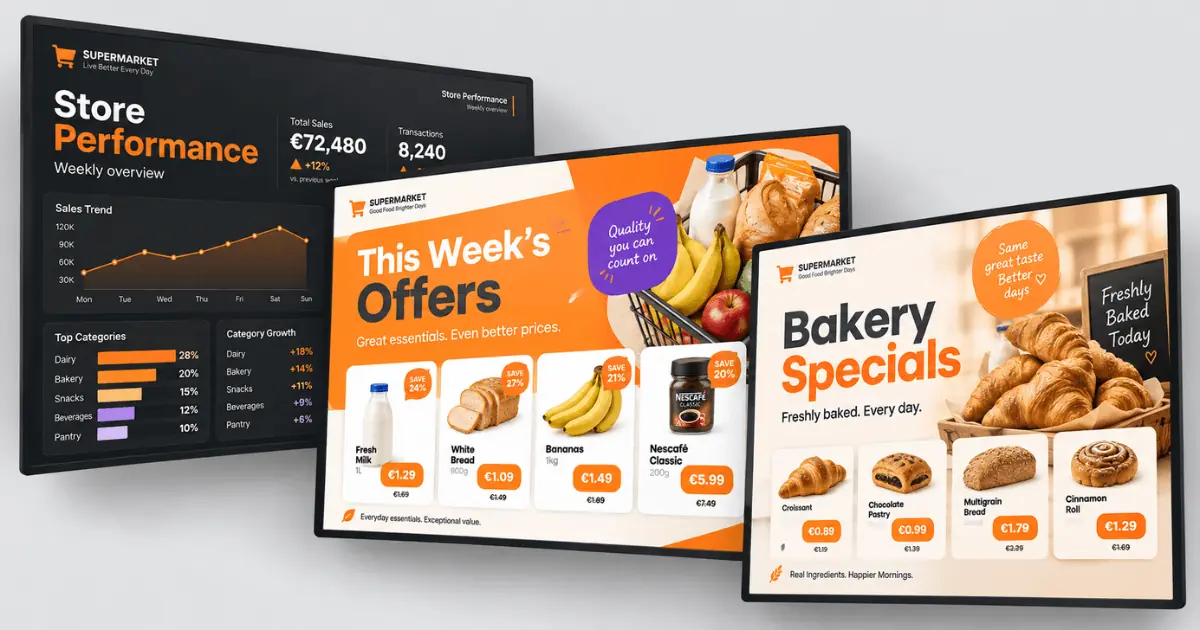
Placement determines whether a screen is seen. Content determines whether it does anything. Seven uses are worth the space in a supermarket, and most are not discounts.
1. Run one offer at a time, with a deadline on it
A single product with a live countdown outperforms a printed shelf talker because the deadline feels real. The constraint matters more than the mechanic: one product, one price. Three offers on one screen convert on none of them.
2. Answer the question the shopper has not asked yet
Someone holding chicken thighs has a second question: what else do they need? A three-ingredient pairing beside fresh meat or produce can move two items into the basket without a discount.
3. Interrupt the weekly routine to launch new lines
Regular shoppers buy from a short personal list and follow the same route each week. A new line does not fail because shoppers reject it; it fails because nobody notices it. Screens are one of the few things in-store that can break that habit. Place them where shoppers are already stopped, such as at a counter or checkout lane, rather than mid-aisle where they move past on autopilot.
4. Explain unfamiliar products at the shelf
Specialty ingredients and premium lines fail because nobody knows what to do with them.. A screen that answers one question, what this is for, can do more than a price cut. Pair the product with a use: miso beside the stock cubes with one recipe, rather than a description of miso.
5. Prove your sourcing claims instead of printing them
Every supermarket claims local sourcing, because a printed sign saying “supporting regional farmers” can stay up for two years and costs little to produce. The version that works is the one print cannot carry: the farm’s name, the distance and the week it was picked. Place it in produce, meat and bakery, where the claim sits beside the evidence.
6. Tell shoppers what the store is doing today
Which lanes are open, whether the deli closes early, when the next bake lands and why aisle twelve is taped off. Staff answer these questions dozens of times a day, and the answers change during trading hours rather than seasonally, which is why they rarely make it onto a printed sign.
7. Promote loyalty sign-ups where people are already waiting
Sign-up asks for two minutes from someone who did not plan to give them, and there are two places in a supermarket where a shopper has two minutes spare: the deli queue and the checkout line. A QR code with one concrete benefit beats a leaflet at customer service, because the shopper is stationary and mildly bored.
What supermarket digital signage costs
The cost breaks down into three lines:
Screens are a one-off expense that varies by location.
Media players are a one-off expense.
Software is the only recurring cost.
1. Screens
Prices vary too widely by brand and region to quote, but the relative tiers in the table above hold. A window-facing entrance panel is the most expensive screen in the store, a break-room TV is the cheapest, and everything else falls between them.
2. Media players
The media player is the small computer that drives the screen, and it determines whether a rollout stays simple or turns into an IT project. On annual plans, Yodeck includes a free Yodeck Player with every screen licence: the 1GB model on Basic and the 4GB model on Premium and above.
Three details matter in a supermarket. It supports 4K at 60Hz, so a produce screen or video wall is not limited by the player. Content is stored on the player rather than streamed, so a dropped connection does not leave a screen blank during the Saturday rush. And every player is managed from the same dashboard, so store forty is set up the same way as store one.
3. Software
Yodeck is priced per screen per month, so a store with six screens pays for six.
| Free | €0, one screen | Full Basic features on a single screen, no credit card required |
| Basic | $8€8£7CA$12AU$13 | Scheduling, the template library and tag-based screen grouping, so you publish to every bakery screen in one action |
| Premium | $12€11£10CA$18AU$18.5 | Advanced media scheduling for deli daypart switching, plus playback reports (proof of play) for selling screen time to suppliers |
| Enterprise | $16€15£13CA$24AU$25 | Custom user roles, Workspaces and audit logs, for groups where a central team and store managers publish to the same estate |
You can find a full pricing breakdown in the digital signage costs guide.
How to choose a supermarket digital signage system
Grouping that matches your store map. You need to publish to every bakery screen across the estate at once, not update forty screens individually. Ask how screens are grouped and whether one screen can belong to more than one group, because a bakery screen in the north region belongs to both.
In Yodeck: Tag-based screen grouping is available on every plan, including Basic, so publishing to all bakery screens at once does not require an upgrade.
Publishing control. Decide early who can change what. A store manager may need to update closing hours without having permission to replace a company-wide promotion. Ask whether permissions can be set by role and by screen group, and check which plan includes that capability, as this is where platforms differ most.
In Yodeck: standard user roles are included on all plans. Custom roles and Workspaces, which map permissions to an org chart, are Enterprise features.
Ease of use for store teams. The people updating screens are deli supervisors and store managers, not designers. If a change requires a ticket, the screens stop being current within a month. Test this during the trial: can someone who has never used the platform update tomorrow’s special in under two minutes?
In Yodeck: content is built by dragging media into a playlist or editing a template in the browser, and store-level users can be limited to the screens they are allowed to touch.
Scheduling depth. Basic scheduling places content on a screen at a set time. A deli board needs more, switching from breakfast to lunch to evening without anyone touching it. Ask what happens when two schedules overlap, because that is where simpler tools break.
In Yodeck: content scheduling is on every plan. Advanced media scheduling, which is what daypart switching needs, starts at Premium.
Playback evidence. If you plan to sell screen time to suppliers, a brand’s media buyer will first ask what ran, where and how often. Proof-of-play reporting is often on a higher tier than expected, so factor it into the business case before you commit.
In Yodeck: Playback Reports log every item that played on every screen, with timestamps, so you can show a supplier exactly how many times their spot ran across which stores and over what period. Available from Premium.
Hardware freedom. Check whether the platform runs on screens and players you already own, or ties you to its own hardware. For a group with existing commercial screens, that answer can materially change first-year costs.
In Yodeck: it runs on the Yodeck Player, on Raspberry Pi devices you buy yourself, on Android, Windows and BrightSign, and directly on Samsung Tizen and LG webOS screens.
Template supply. Store teams are not designers, and a flash deal or bake-time countdown should not require a design request. Ask how many ready-made layouts are available and whether they can be edited in the browser.
In Yodeck: the free digital signage templates library covers the supermarket cases above. Magic Layout goes further, turning a plain-language description into two editable layouts, so a deli supervisor starts from a draft rather than a blank canvas.
Start with one department
The case for supermarket digital signage is not complicated. Pick the department with the worst print problem, run it on screens for a quarter, and compare the invoice. Yodeck’s free digital signage plan covers one screen, and every new account receives 30 days of unlimited feature access across up to five screens, enough to trial a full department before a purchase order is needed.
Award-winning signage, built for single stores and whole chains.
Start for free
Guides for other types of stores: