A practical guide to the 10 main display types, the hardware behind them and the locations where each one works best.
TL;DR takeaways
The 10 main formats range from window screens to shelf-edge displays. Each serves a different location and customer decision.
Hardware choice affects performance. Commercial-grade screens are built for 24/7 operation and high-brightness environments. Consumer TVs are not.
Placement matters as much as screen size. Put the display where its content can help with a specific decision.
Retail digital displays give stores something printed posters cannot: the ability to change messages as products, promotions, and customer needs change.
They can take many forms, from slim shelf-edge screens to large video walls at the entrance. The right format depends on where customers will see it and what decision the content should support, whether that is entering the store, finding a product, or adding an item at checkout.
This guide compares 10 common display types, explains the hardware requirements for retail digital signage and shows how to manage a network without turning routine screen updates into a full-time job.
10 types of retail digital displays
There is no single “best” retail display. The right choice depends on where customers will see it, how far away they will be, and the action the content needs to support.
1. Digital window displays
A digital window display turns a storefront into a campaign surface that can change throughout the day. Retailers can update a promotion centrally rather than print, ship, and install new window graphics.
Common window setups
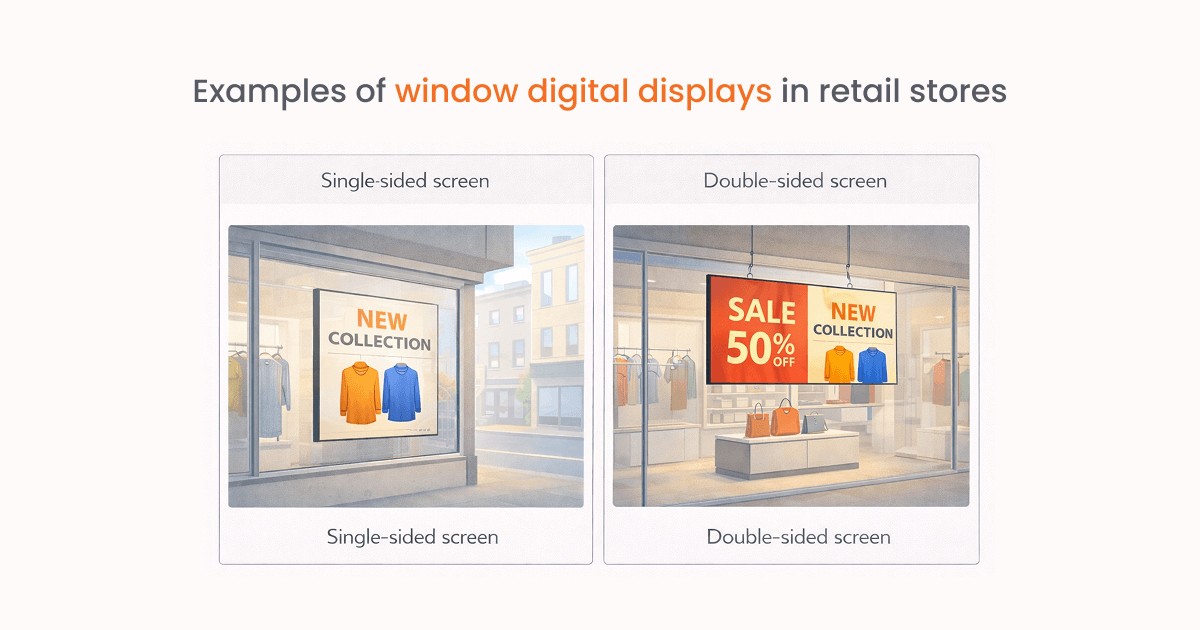
Single-sided screen (behind the window): A screen placed behind the window and facing the street.
Double-sided screen (hanging from the ceiling): One side faces pedestrians; the other reaches customers inside.
Schedule window content around opening hours. During the day, show current products or offers. After closing, switch to content that still gives passersby a useful next step, such as a QR code linked to the online store.
Where window displays work well: Luxury and flagship stores:
In premium retail, the window is part of the customer experience. High-resolution displays or LED installations can create motion-led storytelling that reflects what customers will find inside the store.
2. In-store displays
Once shoppers enter, in-store displays help them navigate, understand products and make decisions close to the shelf. This is the broadest category because it includes wall screens, overhead displays, movable units, and shelf-adjacent screens.
Common in-store setups
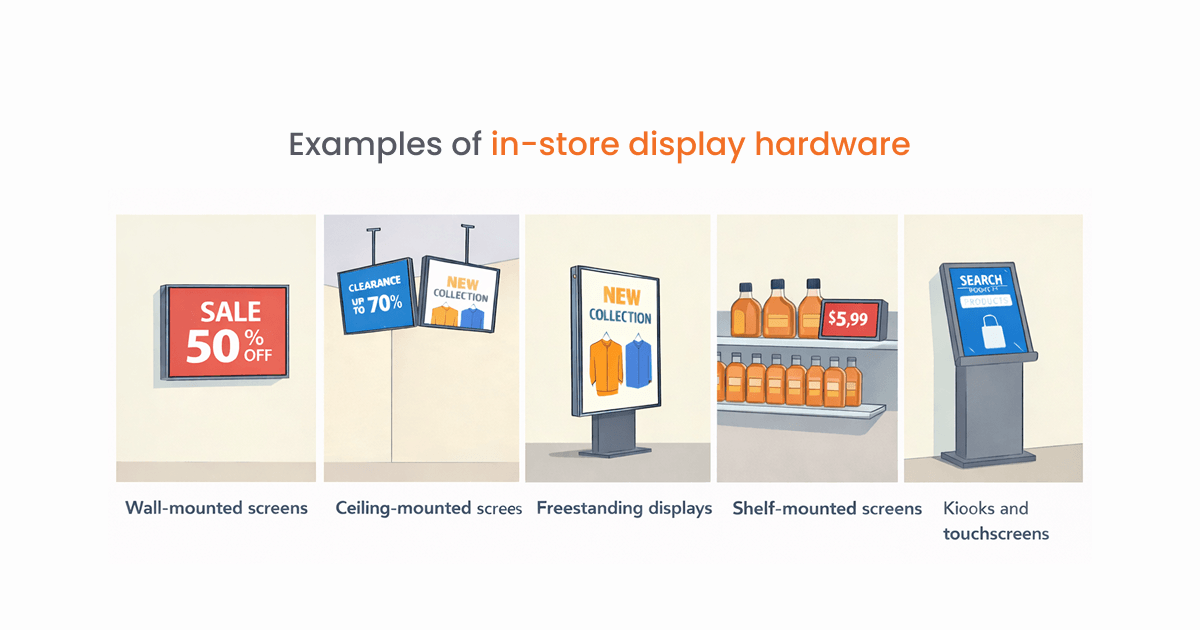
Wall-mounted screens: The most common option. Placed at eye level for product promos and brand messaging.
Ceiling-mounted screens: Useful over busy walkways, where fixtures and other shoppers might block a wall display.
Freestanding displays: Screens on movable stands. Great for entrances and changing layouts.
Shelf-mounted screens: Compact displays beside products for prices, promotions, and product details.
Kiosks and touchscreens: Interactive screens for browsing, stock checks or loyalty sign-ups.
Choose a commercial display with 400–700 nits of brightness, more than enough for most retail spaces, even under strong overhead lighting.
Where in-store displays work well: Grocery and supermarkets.
Endcap screens draw attention to daily offers, while aisle displays can introduce products or direct shoppers to a category.
3. Retail video walls
A video wall combines several commercial panels into one large canvas. According to Grand View Research, video walls held 25.5% of global digital signage revenue in 2025, the largest share of any display format.
Common video wall setups
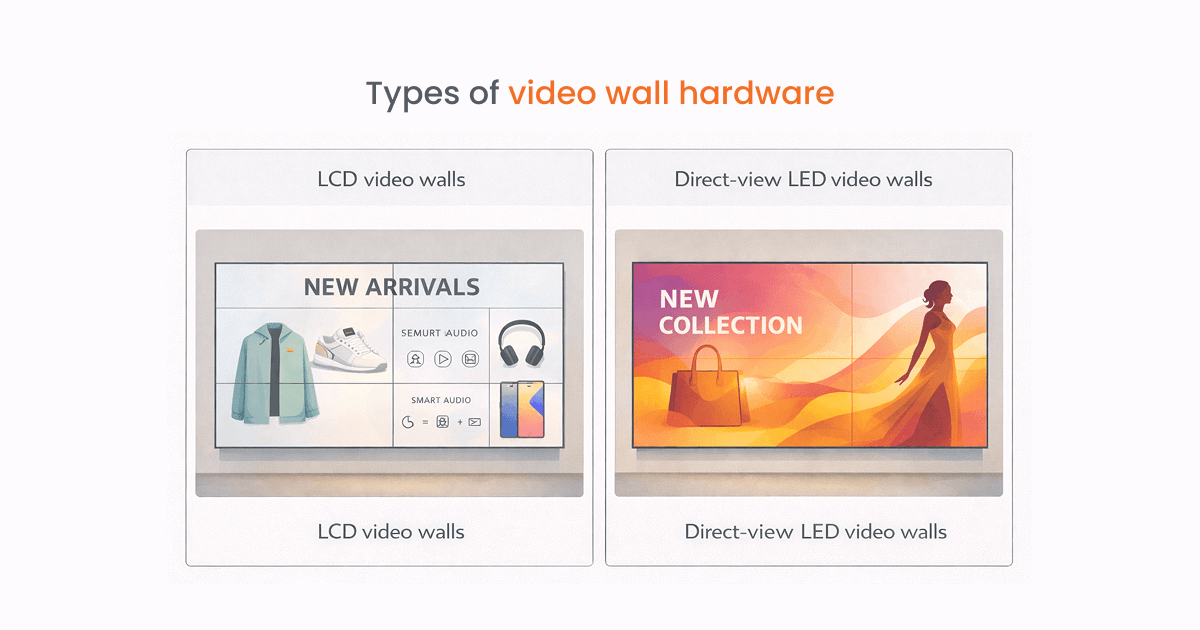
LCD video walls (most common indoors): An LCD wall uses several commercial panels tiled together, usually in layouts such as 2×2 or 3×3. Ultra-narrow bezels reduce the visible joins between panels, making LCD a practical option for indoor retail, showrooms, and close-range viewing.
Direct-view LED video walls (premium): Built from LED tiles with no borders, creating one continuous screen. Pixel pitch affects clarity, smaller pitch for close viewing, larger for bigger spaces.
Choose an LCD video wall for most indoor retail environments. Use direct-view LED for flagship locations, large-format spaces, high-brightness areas, or installations that need a seamless display in a custom size or shape.
Where video walls work well: Franchise retail.
Multi-location franchise brands use video walls in flagship and high-traffic locations to maintain consistent brand presence across the network.
4. LED displays for retail
As a standalone category, LED displays for retail mean direct-view LED panels: modules where the LEDs sit directly on the surface and generate their own light, without the liquid crystal layer that LCD screens need.
Common LED setups
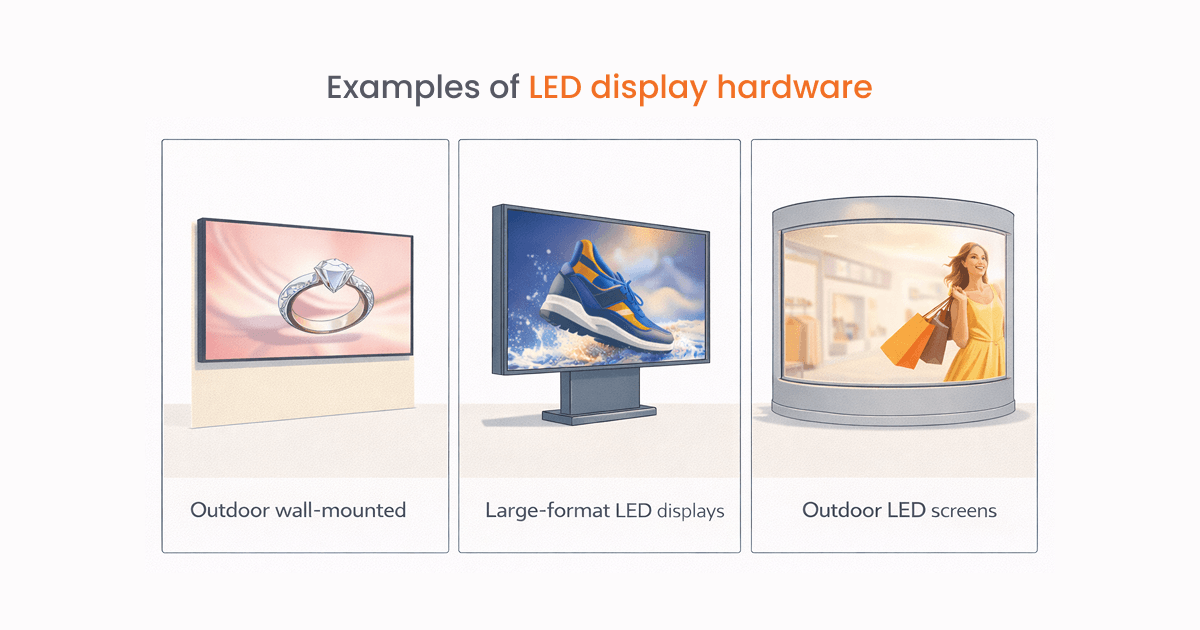
Fine-pitch LED walls: High-resolution LED screens designed for close viewing, often using a pixel pitch below 2.5 mm.
Large-format LED displays: Bigger installations for entrances or feature areas.
Curved or custom LED installations: Flexible LED panels shaped around walls, columns or ceilings for immersive experiences.
Match pixel pitch to viewing distance. Use viewing distance to choose pixel pitch. As a general rule, allow about 1 mm of pixel pitch for every 1 meter of minimum viewing distance. For example, a 2.5 mm pixel pitch is a practical starting point when customers will stand roughly 2.5 meters from the display.
Where LED displays work well: Automotive showrooms.
Transparent LED panels applied to showroom glass let car dealers run campaign videos over the vehicles inside without obstructing the view.
5. Outdoor digital displays for retail
Outdoor digital displays extend retail messaging beyond the storefront. They can promote offers, guide visitors, or build awareness before customers reach the entrance.
Common outdoor setups
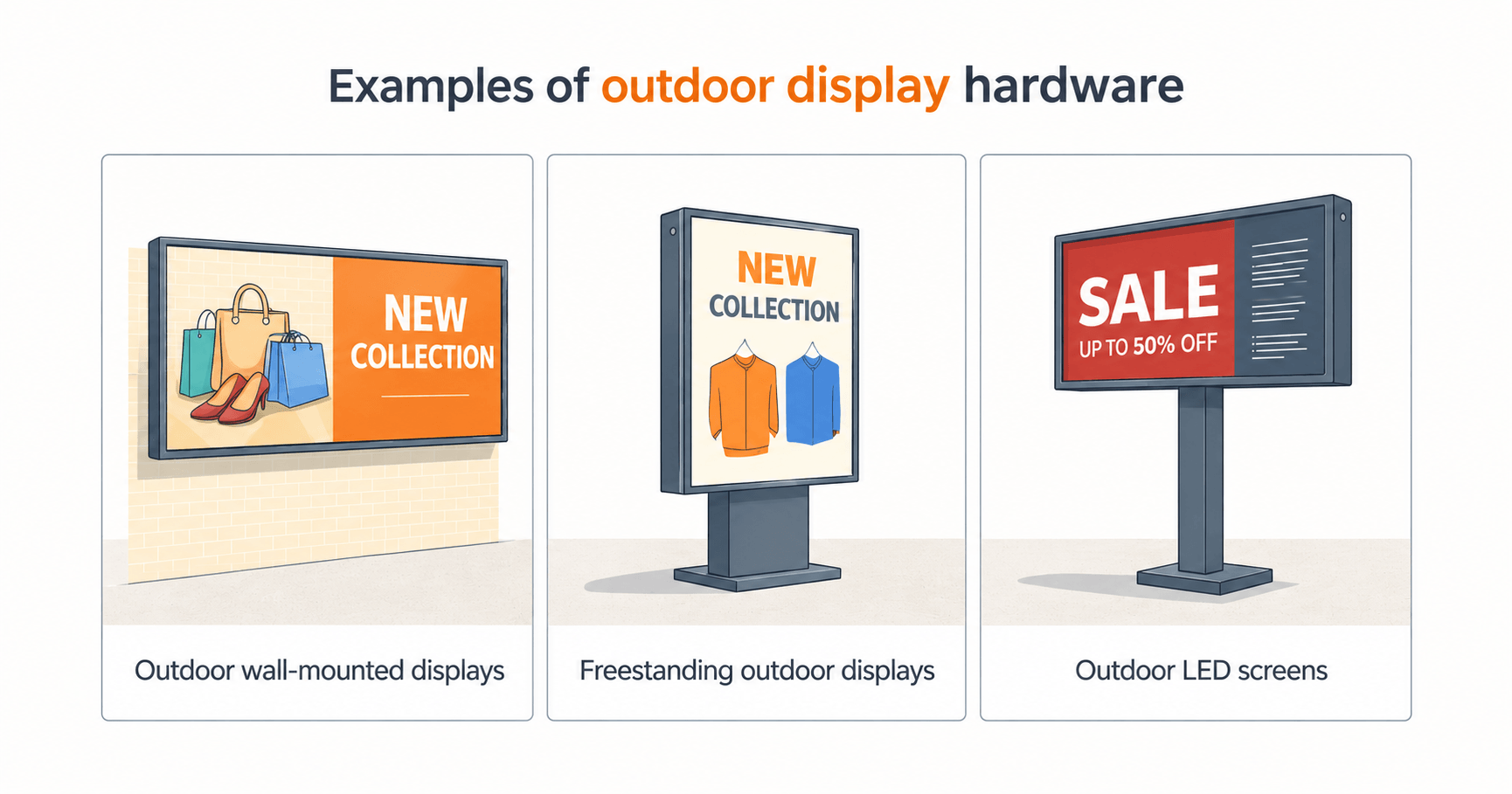
Outdoor wall-mounted displays: Installed on building exteriors for promotions and brand messaging.
Freestanding outdoor displays: Stand-alone units placed near entrances, sidewalks or parking areas.
Outdoor LED screens: Large, high-brightness installations designed for long-range visibility.
Yodeck emails you when a player goes offline, and you set the delay per screen, anywhere from 30 minutes to 48 hours. New screens default to 6 hours, which is too slow for an outdoor screen nobody can see from inside the store, so drop it to the shortest setting you can live with.
Where outdoor displays work well: Gas stations and convenience stores.
Pump and forecourt screens reach drivers while they are already stopped and can introduce offers available inside.
6. Digital billboards and DOOH
Digital out-of-home advertising (DOOH) uses networked screens in public places such as roadsides, shopping centers and commuter routes. Retailers may own a nearby screen or buy time on a third-party network.
Common digital billboard setups
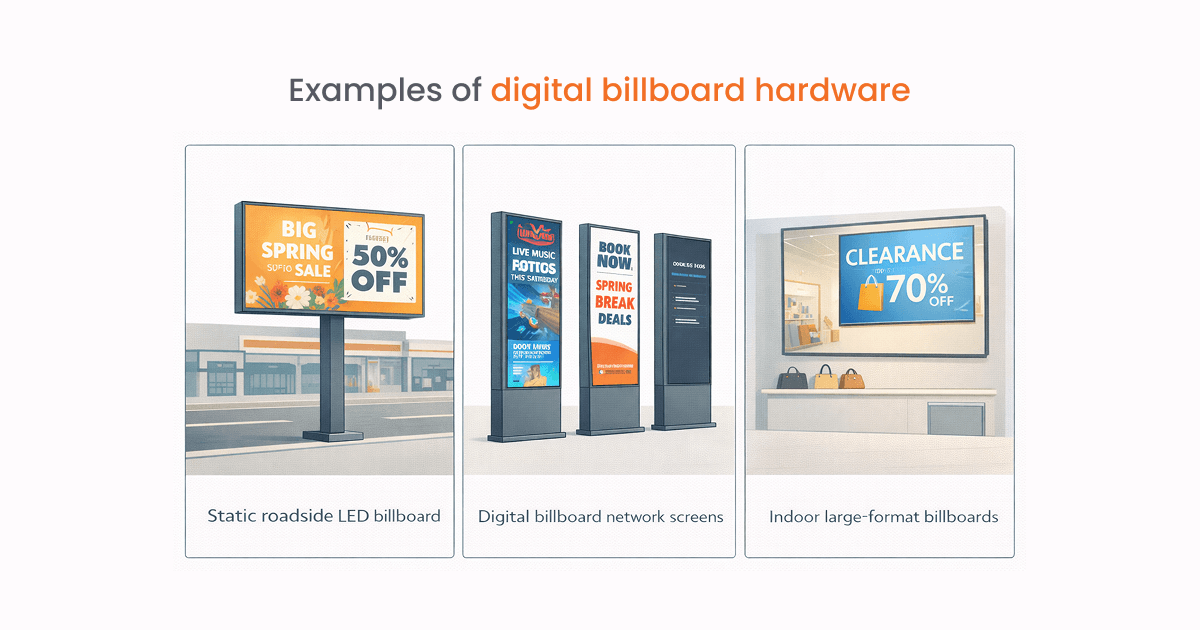
Static roadside LED billboard: Fixed large-format screens positioned along roads or near retail locations.
Digital billboard network screens: Part of a connected network, allowing ads to be scheduled and updated remotely.
Indoor large-format billboards: Found in malls, designed for shorter viewing distances than roadside displays.
An outdoor screen can follow the same approval and scheduling process as the displays inside the store. Keeping one workflow reduces duplicate work and inconsistent campaigns.
Where digital billboards work well: Retail parks and big-box retailers.
A roadside screen at the park entrance reaches every driver still deciding whether to pull in, which is the one moment no screen inside the park can reach.
7. Digital posters and freestanding displays
A digital poster is a commercial screen built into a freestanding enclosure. It gives retailers a way to add digital signage without drilling into walls, running permanent cabling, or committing to a fixed layout.
Common digital poster setups
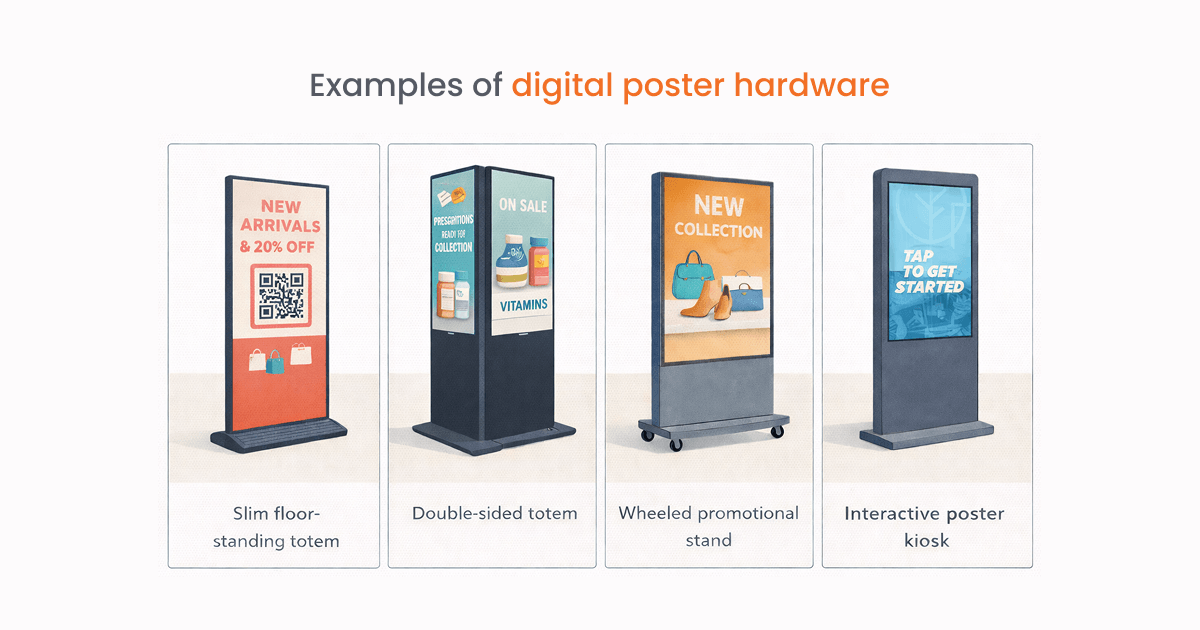
Slim floor-standing totem: Portrait-format screen in a weighted base enclosure.
Double-sided totem: A display with a screen on each side for customers approaching from either direction.
Wheeled promotional stand: A mobile unit with lockable castors that staff can reposition without tools.
Interactive poster kiosk: Touchscreen version of the freestanding display, combining portability with self-service capability.
Moving the screen should not create a content-management task for store staff. With Yodeck, teams can update a totem’s Playlist remotely when it moves to a new area, so the content stays relevant without USB drives or an on-site login.
Where digital posters work well: Dispensary and specialist retail
Freestanding displays let regulated categories like dispensaries update compliance content and product information quickly without reprinting.
8. Interactive displays and kiosks
An interactive display or interactive kiosk lets customers do something instead of just looking. That could mean searching a catalog, checking stock, browsing product details, watching demos or signing up for loyalty, all without needing a staff member standing there.
Common interactive setups
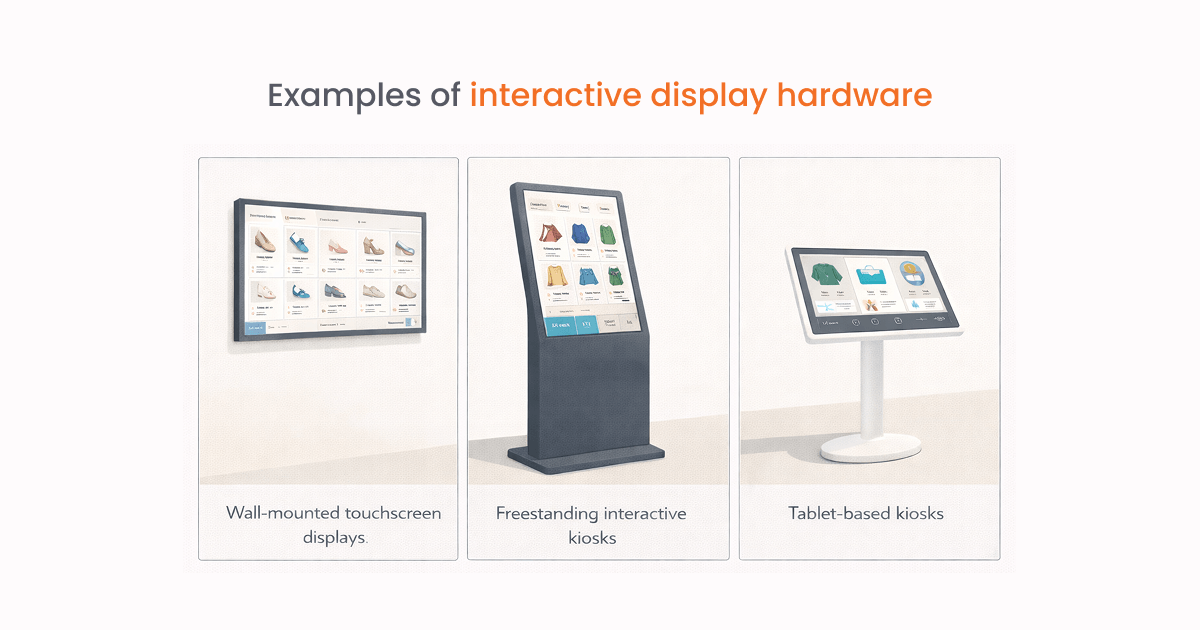
Wall-mounted touchscreen displays: Fixed screens that let customers browse products or access information.
Freestanding interactive kiosks: Larger self-service units for product search, store navigation or assisted ordering.
Tablet-based kiosks: Lower-cost setups suited to short tasks such as registration or product lookup.
The Interactive Kiosk app can display a screensaver until a customer touches or clicks the screen, then return to that screensaver after a period of inactivity.
Where interactive displays work well: Beauty and cosmetics retail.
Customers can explore shades, watch tutorials and narrow their choices before speaking with an adviser.
9. Digital POS displays
A customer at the checkout has already decided to buy. The only question still open is whether to add something. POS screens are built for exactly that gap.
Common POS setups
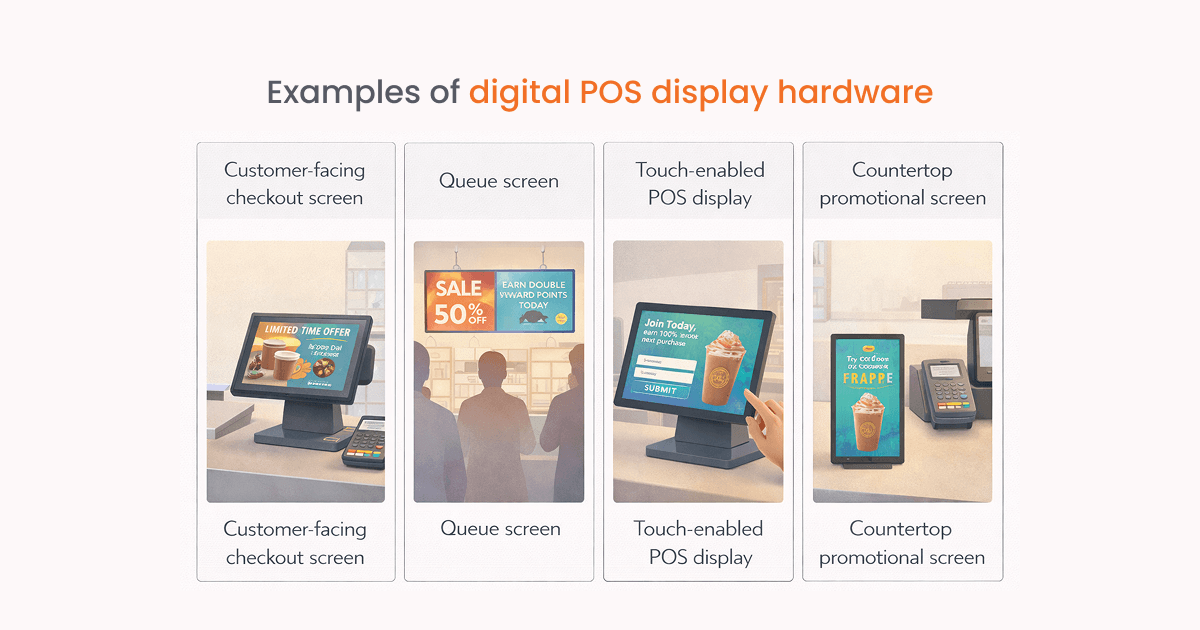
Customer-facing checkout screen: A compact display angled towards the customer for add-on offers, loyalty prompts and payment guidance.
Queue screen: Larger display visible to customers waiting in line. Runs promotions, wait-time messages and brand content.
Touch-enabled POS display: Lets customers sign up for loyalty, leave feedback or interact during checkout.
Countertop promotional screen: Small screen on the counter for close-range offers and add-on suggestions.
The countdown timer app lets you display a live timer directly on the POS screen, useful for flash sales, end-of-day offers or limited stock promotions. Customers in the queue can see exactly how long a deal has left, which is more persuasive than a static “offer ends today” message.
Where point of sale displays work well: Fashion and apparel retail.
Queue screens and checkout displays run campaign content and loyalty prompts to every customer during the transaction, at a point where purchase intent is already high.
10. Digital shelf-edge displays
The shelf edge is the final decision point before a customer picks up a product or moves on. Digital shelf-edge displays replace paper labels with screens that can show current prices, promotions and product information.
Common shelf-edge setups
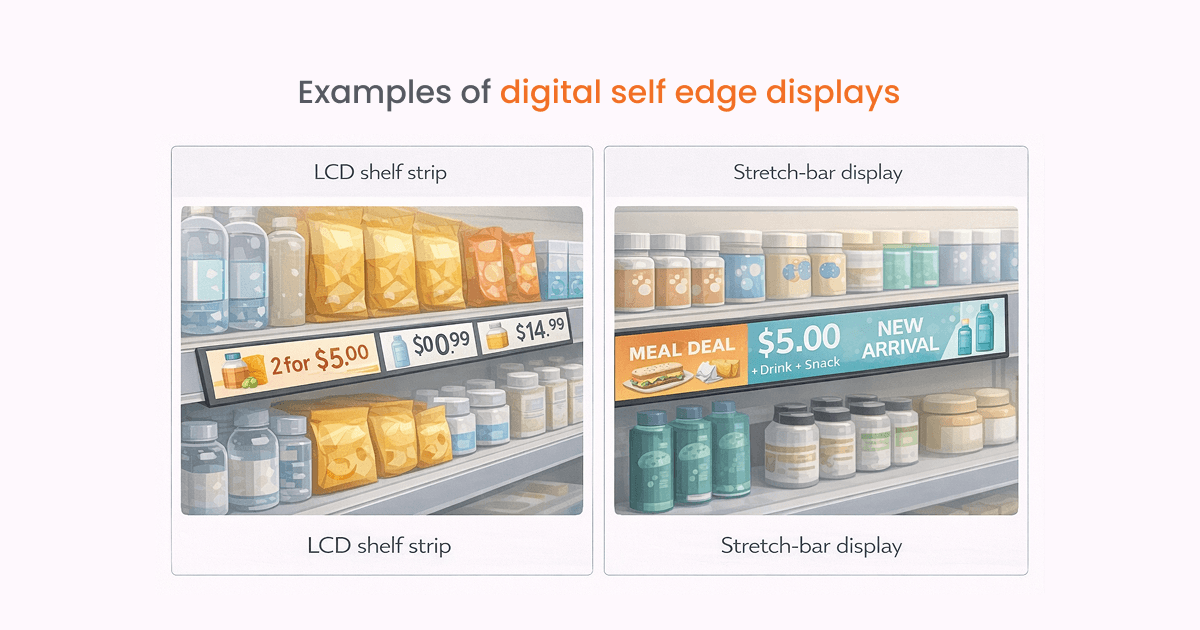
LCD shelf strip: A narrow screen clipped to the shelf, showing video, animations and pricing that updates from your product data.
Stretch-bar display: An ultra-wide screen that runs along a shelf for category branding and promotions.
On Premium plans and above, media tag filtering per screen lets you run one master playlist across all shelf screens while each screen only shows the content tagged for its category.
Where shelf-edge displays work well: Supermarkets.
Frequent price changes and a large number of products make automated updates particularly useful. Staff can change prices and promotions centrally instead of replacing labels one by one.
The screen is half the setup: don’t forget the media player
A display needs something to drive it. Yodeck’s annual plans include a free player for every screen.
Get the offer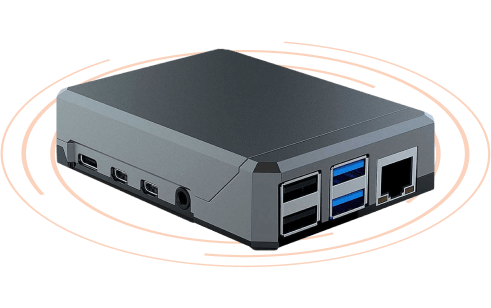
Display specs worth checking before you buy
You have picked a format. These are the specs that decide whether the screen holds up in the position you are putting it in.
| What to look for in retail |
|---|
| Brightness (nits) Choose 400 to 700 nits for typical indoor use. Behind glass, look for 1,500 to 4,000 nits; a sun-facing window generally needs 2,500 nits or more. Outdoor installations need about 1,000 to 1,500 nits in shade and 2,500 to 4,000 nits in direct sunlight. |
| Duty-cycle rating Use a 16/7-rated commercial display for standard open-to-close retail and 24/7 hardware for locations that operate continuously. Consumer TVs are not designed for this workload, and commercial use may fall outside their warranty terms. |
| Panel clearing point (Tni) For a sun-facing window, use a high-Tni panel rated near 110°C. Standard panels may begin to fail at roughly 70 to 90°C, leaving dark patches when the liquid crystal overheats. If a high-brightness screen does not state its Tni rating, treat it cautiously for window-facing use. |
| Contrast ratio Compare the native, or static, contrast ratio rather than the dynamic figure. In bright retail settings, anti-reflective glass or optical bonding often improves legibility more than a higher contrast-ratio claim. |
| Viewing angles Do not rely only on a stated 178-degree viewing angle. Check image quality from the angle shoppers will actually use, especially for aisle and shelf-edge displays viewed from the side. |
| Resolution Full HD is the practical default for most retail displays. Consider 4K only when customers stand close enough to notice the added detail. On the Raspberry Pi-based Yodeck Player, 4K playback needs a 4 GB model or higher; 1 GB and 2 GB models do not support it. |
| Pixel pitch (LED only) A useful starting point is roughly 1 mm of pixel pitch for every meter of viewing distance. For LED displays that customers view nearby, choose a pitch below 2.5 mm. Yodeck Players can drive custom-resolution direct-view LED panels and billboards through HDMI or DVI. |
| Operating temperature Compare the display’s minimum and maximum operating range with the temperature inside its enclosure, not only the outdoor weather. Window installations often face heat buildup, while outdoor units must also start reliably in cold conditions. |
| Ingress protection (IP) Select IP56 to IP65 depending on exposure to dust and water. The first digit indicates dust protection; the second indicates water protection. Confirm whether the rating applies to the full installation or only to the enclosure. |
| Panel orientation Use displays rated and warrantied for portrait operation when installing window displays, totems, or shelf strips. Rotation changes how heat moves through the panel. In Yodeck, orientation is configured for each screen. |
| Screen power control Look for HDMI-CEC or RS-232 support. Yodeck can switch compatible screens on and off through CEC; without a supported power-control method, the display may remain on even when no content is scheduled. |
| Local storage and offline playback Content is stored on the player rather than streamed continuously from the cloud. A Yodeck Player includes a 32 GB card, with about 28 GB usable storage, allowing more than 10 hours of Full HD content or more than 4 hours in 4K. Playback continues for at least 30 days during a connection outage. |
| Image retention Choose commercial panels with pixel-shift protection, then add subtle motion to layouts that otherwise remain static. Price strips and menu boards are particularly vulnerable because the same elements stay on-screen for long periods. |
How to manage all your retail displays
Buy the display hardware, plan your content and install the screens. That’s half the job. The other half is everything that comes after: keeping the content current, consistent and on-brand as promotions change, stock moves and the business grows.
With one screen, manual content management is fine.
At three, it gets messy.
At ten or more, it falls apart.
Driving to each location with a USB stick, or logging into separate systems one by one, burns time and makes it almost impossible to keep every screen showing the right thing at the right moment.
A centralized content management system (CMS) fixes this. A cloud-based digital signage CMS connects compatible screens and media players across every location to one dashboard, so you control what plays, where it plays and exactly when it goes live.
With a CMS, you can:
Update one screen or hundreds at once
Schedule content by date and time
Assign different content to different locations
Monitor screen and player status in real time
Maintain brand consistency across all stores
In practice, that changes a lot.
A marketing manager can launch the same campaign in Chicago and Dallas at the agreed time without asking each store to update its screen.
A store manager can change a local price promotion once and publish it to the relevant screens in that branch.
An IT manager can see which players are online, what they are running and where support is needed.
Every Yodeck plan comes with standard user roles, so you can decide who is allowed to edit what. On Enterprise, Workspaces and hierarchies mirror your org structure: a store manager works only on their own screens, a regional manager sees every store in their region, and custom roles let you set permissions area by area. Everyone stays in the same account at the right level of access.
Getting your retail digital displays working for you
A screen without digital signage software is just an expensive TV. What matters is how the hardware, software, placement and content work together, and when each piece of that content actually shows up.
Each screen should have a defined job, whether that is attracting people from the street, explaining a product, supporting a checkout offer or keeping prices consistent across several stores. The 10 formats in this guide cover the hardware; cloud digital signage software coordinates them.
If you want to test a content management solution, Yodeck lets you connect one screen free of charge, with no time limit or credit card required.