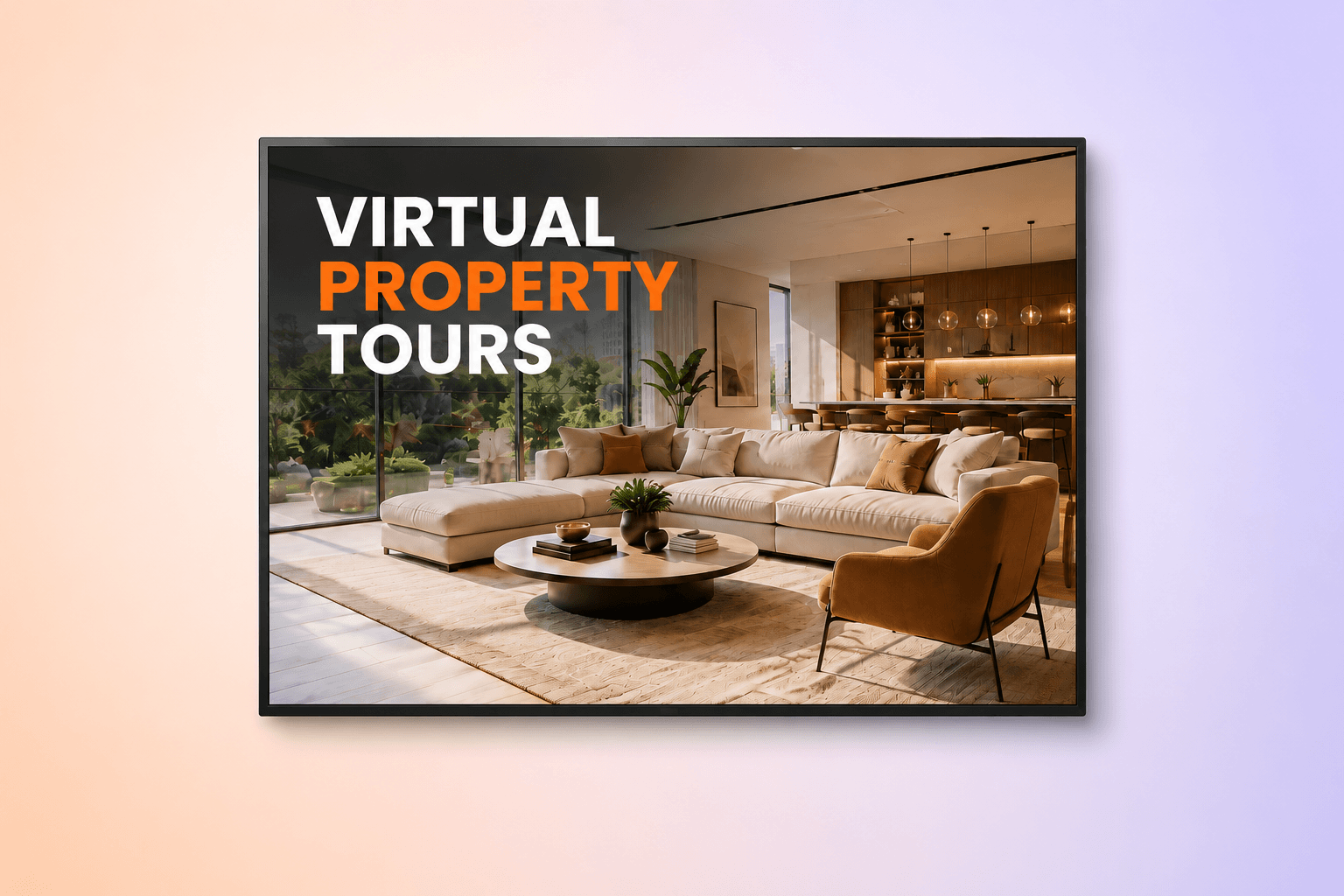
What to show on office, window and open house screens, and how to run it all without a designer or an IT team.
Key takeaways
Screens replace the laminated window card: listings rotate, update in minutes and never advertise a property that sold last week
The window display is the highest-impact placement: it keeps working after hours, when your office is closed but foot traffic isn’t
Digital signage is not yard signage: this guide covers office, window and open house screens, not physical for-sale signs
One dashboard runs every office: listings, branding and market data stay consistent across locations without anyone emailing files around
You can start with one screen: a TV you already own plus free software is a valid first setup
Walk down any commercial street and count the real estate windows. Most of them look identical: printed property cards in plastic sleeves, a few faded by the sun, at least one advertising a home that sold weeks ago. Real estate digital signage replaces that wall of paper with screens that rotate listings, update from a laptop and stay accurate without anyone touching a printer. This guide covers 12 ways agencies use digital signage across offices, window displays, open houses and sales suites, what the screens should show, and what a setup costs.
What is real estate digital signage?
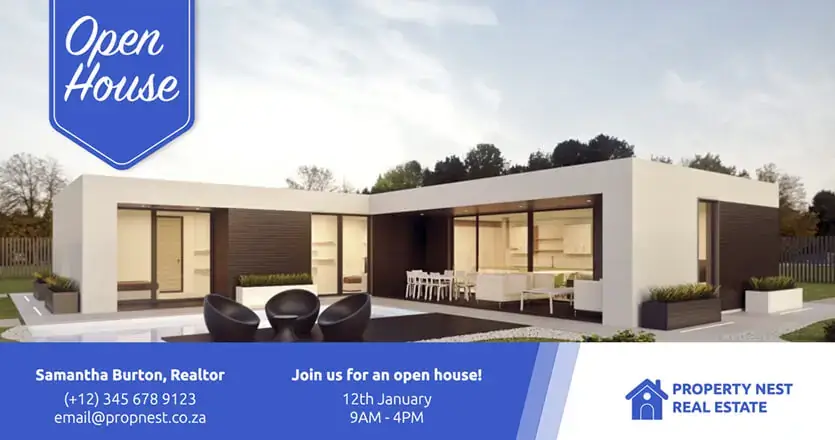
Real estate digital signage is the use of screens in agency offices, storefront windows, open houses and sales suites to display rotating content such as property listings, market data, agent profiles and client reviews. A real estate digital signage setup consists of a display, a small media player and cloud software that lets anyone in the agency update every screen from a browser.
One distinction matters before going further. Real estate digital signage is not the same as physical real estate signage. Yard signs, riders, directional arrows and printed for-sale boards are a different product category with different vendors. Digital signage covers the screens inside and around your premises, and that is what this article is about.
The rest of this guide walks through 12 specific uses for those screens, the content that belongs on a window display, how the same approach applies to property developers, and what a working setup costs.
Why digital signage works for real estate agencies
Digital signage works for real estate agencies because the buying journey still runs through physical locations, and the audience walking past them has changed. The National Association of Realtors 2025 Profile of Home Buyers and Sellers found that 52% of buyers found the home they purchased online, the median buyer age reached a record 59 and the typical search lasted 10 weeks. For an agency, those numbers describe a client who researches digitally for over two months, walks past your office repeatedly during that period and is old enough to value an established local presence over a social feed.
A printed window card cannot serve that client. A screen can, because it carries the same digital content buyers already trust, positioned where they physically pass. The comparison below shows where the two approaches separate.
| Printed window cards | Digital window display | |
|---|---|---|
| Updating a price change | Reprint, laminate, swap by hand | Edit once, live in minutes |
| A listing sells | Card often stays up for days | Removed from rotation instantly |
| Listings shown per window | Limited by glass space | Dozens rotate on one screen |
| After-hours value | Static, unlit, easy to ignore | Bright, moving, works 24/7 |
| Ongoing cost | Recurring print and lamination | One-time hardware, low monthly software fee |
| Brand consistency | Depends on whoever prints | Locked templates across all offices |
The operational difference shows up in accuracy. An agency window advertising a sold property signals neglect to every seller deciding who should list their home. A screen synced to your current inventory removes that failure mode entirely.
How do real estate agents use digital signage?

Real estate agents use digital signage to rotate property listings, run window displays, play video tours, show live market data and capture leads after hours. The 12 uses below cover client-facing and internal screens, and most agencies combine several on the same display through scheduled playlists. For broader inspiration beyond real estate, this guide to digital signage content ideas covers what works across industries.
1. Rotating property listing displays
A listing rotation is the core use: photo, price, beds, baths, square footage and a QR code per property, cycling on a loop. The screen shows more inventory than any printed wall, and every detail stays editable. When a price drops at 2PM, the screen reflects it minutes later. Ready-made real estate digital signage templates handle the layout, so an office manager only swaps photos and figures. Keep the rotation to your best eight to ten listings. Passersby watch a screen for seconds, not minutes, and a tight loop means each property appears often enough to register.
2. Street-facing window displays
The window is the one screen that sells while the office sleeps. Evening foot traffic includes buyers who spend their days at work and browse neighborhoods after dinner, exactly when printed cards disappear into a dark window. A bright display running listings, sold results and contact details turns that dead time into your longest open house. Window placement has hardware implications covered in the dedicated section below, because a standard TV behind sunlit glass washes out.
3. Virtual tours and video walkthroughs
Video is now standard in listing production but underused in offices. The National Association of Realtors 2025 Technology Survey reports that 52% of agents use drone photography and video in their business. That footage usually lives on a listing page and dies there. Playing walkthroughs and aerial shots on a lobby or window screen puts your most expensive marketing asset in front of people who never opened the listing page. The screen also signals that the agency invests in how properties are presented, which sellers notice.
4. Social media walls
A social media wall pulls your Instagram posts, Facebook updates and Google reviews onto a screen as a live feed. For an agency, the effect is a self-updating display of just-listed posts, sold celebrations and client praise that requires zero manual work after setup. The wall also proves the agency is active this week, which a static poster never can.
5. Local market data and mortgage rates
Screens that answer market questions position agents as advisors before a conversation starts. Median sale price in the area, average days on market, inventory levels and the current 30-year rate from the weekly Freddie Mac Primary Mortgage Market Survey give window shoppers a reason to stop and read. A buyer who pauses at your window to check rates is a buyer standing at your door.
6. Neighborhood and community content
Buyers choose neighborhoods as much as houses. Screens that rotate school information, transit options, parks and upcoming community events present the agency as the local authority, which is the exact positioning that wins listing appointments. Neighborhood content also solves the freshness problem: even when inventory is thin, the screen has something current to say.
7. Client reviews and testimonials
A short client quote with a name and a sold address carries more weight on a screen than the same quote buried on a website. Rotate three to five recent ones between listings. Video testimonials under 30 seconds work in lobbies where people sit and wait. The principle is social proof at the moment of highest attention: a prospective seller sitting in your reception, deciding whether to sign.
8. Open house on-site displays
A portable screen at an open house replaces the flyer stack with a loop of the floor plan, neighborhood data, comparable sales and financing basics. Most agents arrive with paper. The one who arrives with a screen playing an aerial walkthrough is the one visitors remember. Place the display near the entrance where every visitor passes, not in a back room.
9. Agent and team introductions
Short profile slides with a photo, coverage area and years of experience let clients meet the team before the first handshake. In multi-agent offices, profile rotations also make clear who does what, which shortens the awkward “who should I talk to” moment for walk-ins.
10. Internal leaderboards and sales dashboards
Not every screen faces the street. Back-office TV dashboard displays showing closings, new instructions and pipeline status keep agents oriented without another meeting. Agencies that run them report a side effect: visiting clients glimpse a team actively closing deals, which reads as competence.
11. Interactive touchscreen property browsers
A touchscreen digital signage setup lets visitors browse the full inventory themselves, filter by budget or area and pull up details for any property, all without waiting for an agent to free up. Real estate touch screen displays suit busy offices where walk-ins outnumber available staff, and window-mounted interactive screens extend that self-service past closing time.
12. QR codes for after-hours lead capture
Every listing slide should carry a QR code linking to the property page or a contact form. A passerby scans at 9PM, lands on the listing and leaves an email address. That is a lead your closed office generated on its own. QR scans are also measurable per listing, which turns the window display into a channel you can report on rather than a decoration.
Pro tip by Yodeck Team: Connect a Google Drive or SharePoint folder directly to a playlist and the screen updates itself. Drop the new listing photos into the folder and every connected display syncs within minutes, with no uploads and no one logging into anything.
What should real estate window displays show?
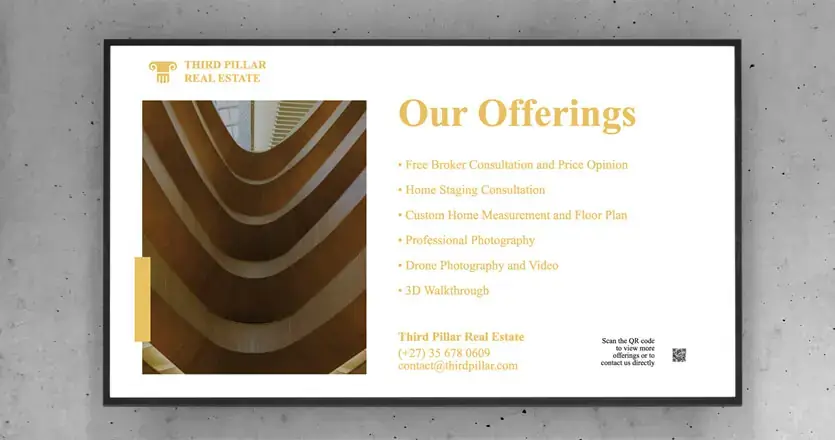
Real estate window displays should show a rotating mix of current listings, recent sold results, one market data slide and a contact slide with a QR code, cycling every 10 to 15 seconds. That mix serves the two audiences a window actually has: buyers scanning for property and sellers judging whether your agency moves inventory. Sold results speak to the second group, and most agencies forget them.
Time of day should shape the rotation. Morning commuters respond to market data and rates. Evening browsers are in discovery mode and want photography, so weight the after-work loop toward your best listings and video. Scheduling by daypart takes minutes in any modern signage platform.
Readability rules are stricter behind glass. Text must be legible from across the street, which means one property per slide, a price in large type and no paragraph text. The fundamentals in this digital signage design guide apply doubly to windows, where viewing distance is long and attention is short.
Hardware matters most here. A consumer TV runs around 300 nits of brightness and washes out behind sunlit glass, while window-rated commercial displays start near 700 nits and stay readable at noon. If the screen faces direct afternoon sun, budget for high-brightness hardware from the start. Buying twice is the most common window display mistake.
Interesting insight: Estate agents in the UK have treated the window display as the primary marketing surface for decades, long before screens. The digital version wins for the same reason the printed version existed: property is one of the few purchases people still shop for on foot.
Digital signage for property developers and sales suites
Digital signage gives property developers a way to sell homes that do not physically exist yet. In a sales suite or show home, screens carry the entire off-plan story. CGI renders and fly-through videos present unbuilt phases, interactive site plans show live plot availability and milestone updates reassure buyers between reservation and completion. Finish and upgrade options belong on the same screens, where a touch display lets one buyer configure a unit while the negotiator handles another.
Availability is the operational win. Plot status in a development changes weekly, and printed site plans go stale the day the first corner unit reserves. A screen tied to the sales team’s availability sheet shows live status, which prevents the conversation every sales negotiator dreads: walking a buyer through a plot that sold on Tuesday.
Developers running multiple sites get the same centralization benefit agencies get from multiple offices. Head office pushes the master brand and campaign content, each sales suite adds its own site plan and pricing, and every location stays current without anyone driving USB sticks between portacabins.
Is digital signage worth it for a small real estate agency?
Digital signage is worth it for a small real estate agency because the entry cost is one screen and the software can be free. A single-office agency does not need a network rollout. One display in the window or reception, running listings and reviews, delivers most of the value described in this article, and the TV can be one you already own.
The time cost is lower than the paper process it replaces. Digital signage for real estate offices runs on templates: the office manager updates a listing in the browser in the same minutes it used to take to find the laminator. There is no design skill involved and no IT department required, which matters in an agency where everyone’s job is selling property, not managing screens.
Yodeck’s free plan covers one screen with no credit card required, which makes the trial risk exactly zero for a small agency. Start with the window, measure QR scans and walk-ins for a month and let the numbers decide whether screen two happens. More than 65,000 organizations across 135+ countries run their screens this way, most of them small businesses rather than enterprises.
What does real estate digital signage cost?
A basic real estate digital signage setup costs a few hundred dollars in one-time hardware plus a small monthly software fee per screen, and a full breakdown by component sits in our guide to digital signage costs. The three components are the display, a media player and cloud software. An existing TV brings hardware cost near zero for indoor screens, while a high-brightness window display is the one purchase worth specifying properly.
Mounting a screen behind glass or overhead is usually a simple job, and the digital signage installation guide covers when a professional install makes sense and what it runs. Against a recurring print budget for window cards, flyers and reprints, most agencies find the screen pays for itself within the first year, and the content never sits outdated in the window.
Running real estate screens with Yodeck
Yodeck is digital signage software built for teams without technical staff, which describes almost every real estate agency. Listings update from any browser, playlists schedule themselves by time of day and the platform includes 700+ free templates alongside a Canva integration for offices that already design there.
Two features solve the multi-office problem directly. Branded templates let head office define layouts once, so every branch produces on-brand listing slides without a designer. Lockable layouts protect the structure while letting local staff edit only the content fields, which means a franchisee can change a price but cannot change the logo. Yodeck holds a 4.7 out of 5 rating across 3,000+ verified reviews on G2, and ease of use is the most mentioned point of praise, cited in 659 of those reviews.
The window is empty after 6PM either way. Put a screen in it, load your listings and see what a month of after-hours marketing produces. Your first screen is free on Yodeck, sign up and go live today.
Stop reprinting property cards
Use Yodeck’s award-winning digital signage to keep every listing current.
Start for free