DIGITAL SIGNAGE TV DASHBOARD

Maximize performance & improve office organization

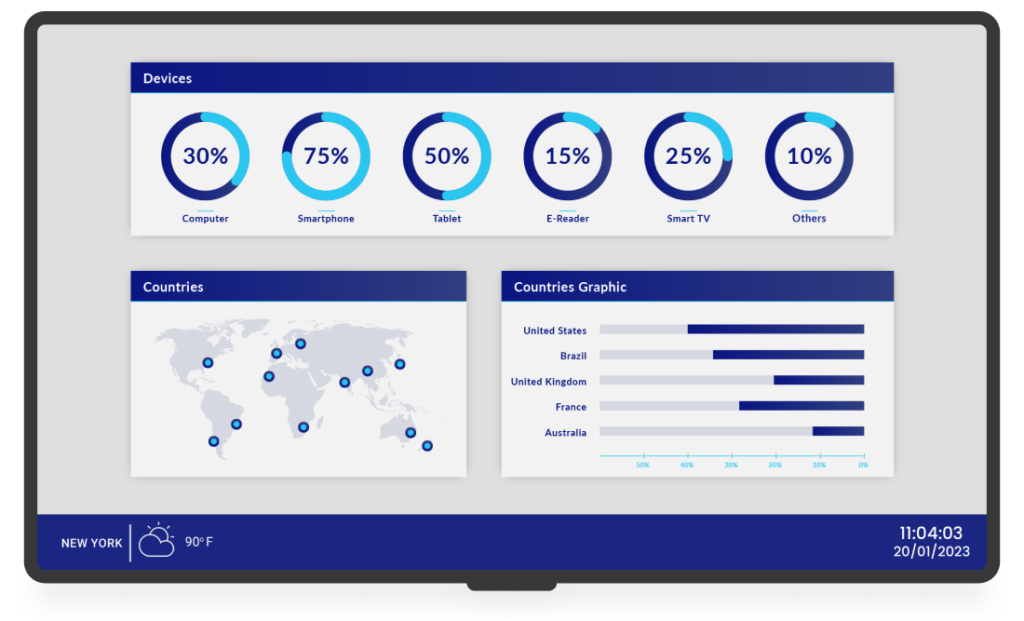
Enhance collaboration and achieve key performance indicators (KPIs) by dynamically visualizing mission-critical data and analytics in real-time. Elevate performance and boost engagement.


Yodeck Voted as the best digital signage on Captera with 4.9 stars our of 5.

Yodeck Voted as the best digital signage on G2 with 4.8 stars our of 5.

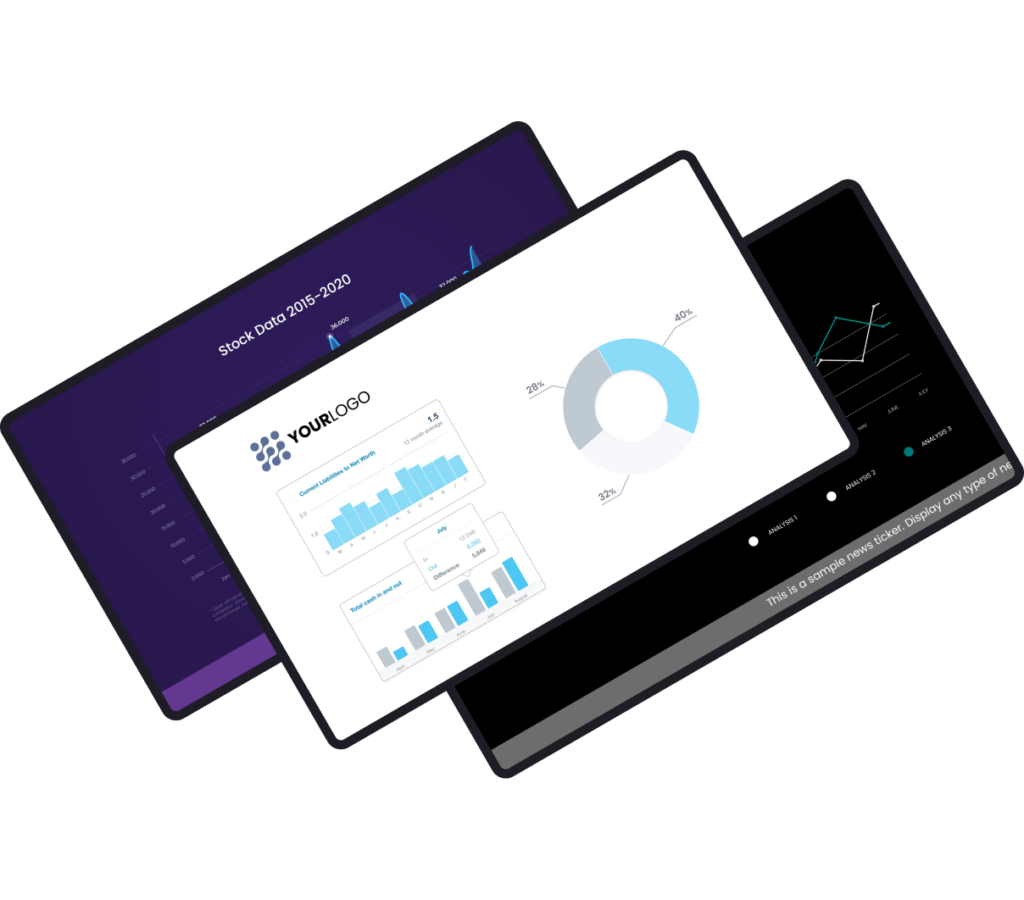
Customize free dashboard templates for effective data visualization

Benefits of TV dashboard displays

Improve employee productivity

Nothing motivates team members more than public recognition of their accomplishments. A KPI dashboard on a TV screen will not only enhance their commitment but also foster a sense of pride, inspiring them to excel even further.

Maximize performance

Leverage digital signage TV dashboard software to provide your employees with real-time access to important data. A TV dashboard display will empower your team to perform their tasks efficiently and align with strategic objectives.

Show real-time analytics

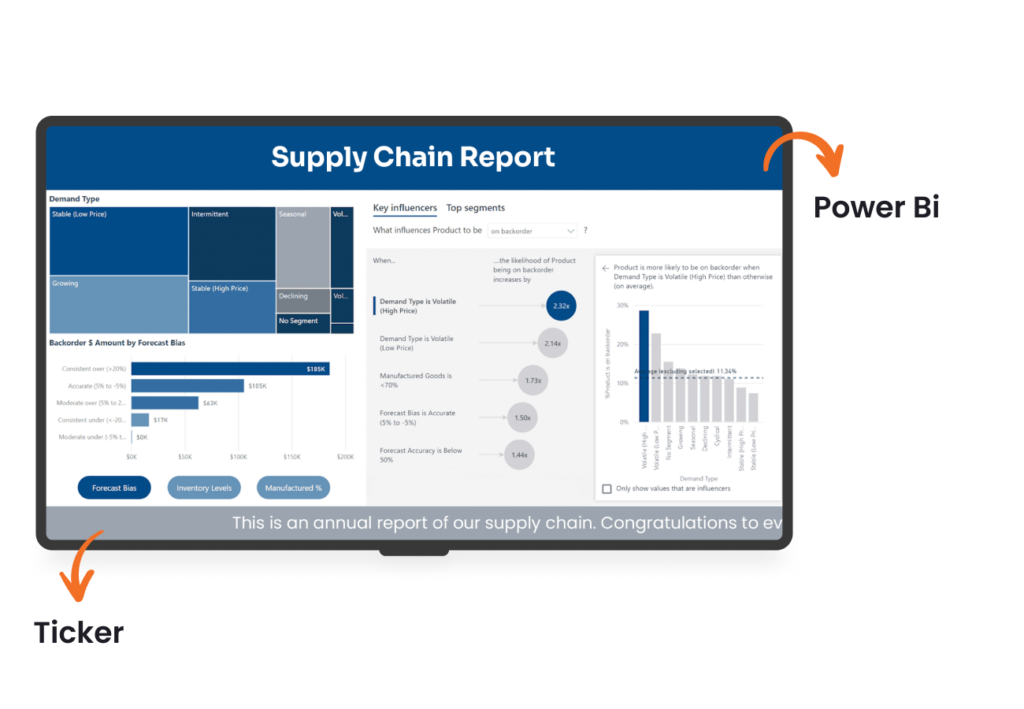
Whether you go with ChartMogul, Google Analytics, Trello, Xero, or any other preferred tool, you can effortlessly showcase any KPI dashboard on a smart TV display.

Strengthen team collaboration

Prevent essential data from getting lost in email inboxes. Instead, harness the power of a TV display dashboard to ensure everyone is aligned and actively working toward common goals.

YODECK APPS

Create engaging content

Use our free and user-friendly apps to effortlessly display a variety of critical information on a smart TV screen, keeping your team informed, motivated and engaged.
CUSTOMER INTERVIEWS

What our clients say

TV Dashboard: FAQs

That’s easy. To create a custom tv dashboard display, connect your data source (Power BI, Google Analytics, Sheets, etc.) to a dashboard display software, choose a layout, and publish it to a screen. With Yodeck, you can combine live KPIs, announcements, and widgets in one layout, schedule updates, and manage everything centrally.

A dashboard screen can display sales KPIs, marketing analytics, HR metrics, customer support stats, financial dashboards, project timelines, and operational performance data. With the right dashboard solution, you can pull information from tools like Power BI, Google Analytics, Trello, or Xero and present it clearly on a shared screen.

It’s really easy. To display a Power BI dashboard on a Yodeck screen, add the Power BI app from the Yodeck App Gallery and sign in with your Microsoft account. Paste the URL of the report or dashboard you want, set the refresh interval & save. Then assign it to a playlist or set it as the screen’s default content.

To display announcements on a TV with Yodeck, you have two simple setup options depending on your hardware:

1) Dedicated player: Connect your TV to a Yodeck Player via HDMI, then publish announcements from the cloud dashboard

2) Smart TV app: Install the Yodeck app on compatible Smart TVs and push announcements remotely, without adding hardware.

Yes, you can use a Smart TV as a dashboard display screen with the Yodeck app on supported models. However, for complex data visualizations and always-on environments, a dedicated Yodeck Player is the more reliable option. It delivers stronger processing performance, smoother playback, centralized remote management, and automatic resume after power loss or reboot.

Absolutely. With a centralized tv management software like Yodeck, organizations can control screens across multiple offices, floors, or regions from one account. You can group screens, localize content, and push global updates instantly. This makes TV dashboards scalable for enterprises that need consistent data visibility across distributed teams.

  • Offices KPI Dashboards: Company KPIs, OKRs, project status, HR updates
  • Manufacturing KPI Dashboards: Output, downtime, safety, shift targets
  • Healthcare KPI Dashboards: Service levels, operational metrics
  • Education KPI Dashboards: Campus operations, IT status, enrollment metrics
  • Transportation KPI Dashboards: Service uptime, Incidents, Operational KPIs
  • Hospitality KPI Dashboards: Occupancy, staffing, guest experience metrics
  • Bank KPI Dashboards: Branch performance, daily targets, compliance alerts

A TV dashboard for office environments improves performance by making goals, KPIs, and progress visible in real time. When teams see live metrics on a shared screen, accountability increases and decisions happen faster. With office dashboard software like Yodeck, you can automate updates from data sources, reduce status meetings, and keep priorities front and center throughout the workday.

TV dashboard software cost depends on how many screens you run and what data you display. Yodeck uses straightforward per-screen pricing at $8, so you can start with one dashboard screen and scale to departments or sites. Annual plans typically deliver the best value & include free players. You can also sign up for free, then upgrade as you expand later.

TV dashboard displays work best where teams need shared, real-time metrics. Common industries include:

In each case, a shared dashboard screen reduces status meetings and keeps priorities visible all day long term.