Key takeaways
Templates remove the design bottleneck. Most retail teams do not have an in-house designer, so a template provides a professional starting point without adding extra design work.
Choose templates that fit your retail setting. A grocery deal board and a dealership showroom display need different layouts, so starting with an industry-specific design saves time and keeps content relevant.
The most useful templates are easy to update. Changing an image, price, or headline should take seconds, especially when promotions and stock levels change often.
A digital sign should support the sale happening now. When retail digital signage still shows yesterday’s promotion or a low-resolution product image, it can make an otherwise well-run store feel neglected.
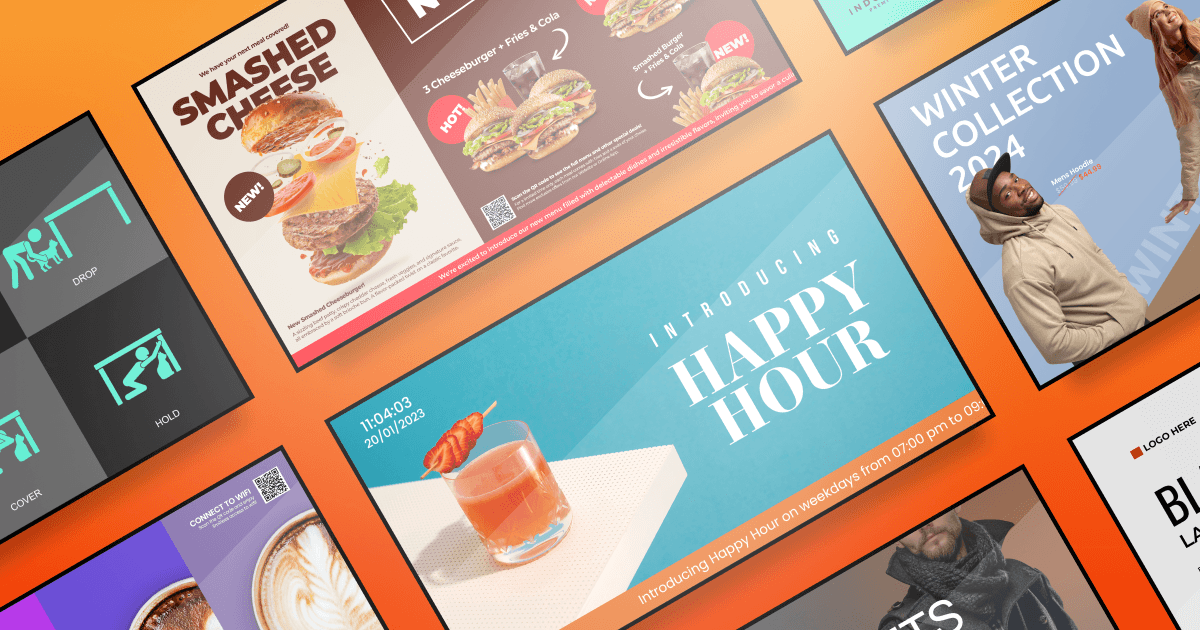
Retail teams often need to update offers, product messaging, and seasonal campaigns quickly, without asking a designer to rebuild every screen. Retail digital signage templates provide a practical starting point: reusable layouts that help teams publish consistent, on-brand content across in-store displays.
This guide covers the templates retailers use most, ideas broken down by store type, eight design rules worth following and how to get a template live on a screen.
5 top digital signage templates for retail stores
Retail teams usually reach a practical question after installing their first screens: What should appear on them each day? The hardware may be ready, but creating new layouts every week is difficult when employees are already managing customers, stock, and daily operations.
A template gives the team a usable starting point. With Yodeck’s free digital signage templates, retailers can choose a layout, replace the sample image and copy, adjust the colors, and prepare content without designing every screen from a blank canvas. Yodeck currently lists more than 800 editable templates across 15-plus industries, including retail.
The sections below focus on the formats retailers are most likely to use in everyday store operations.
#1 Black Friday Deals template
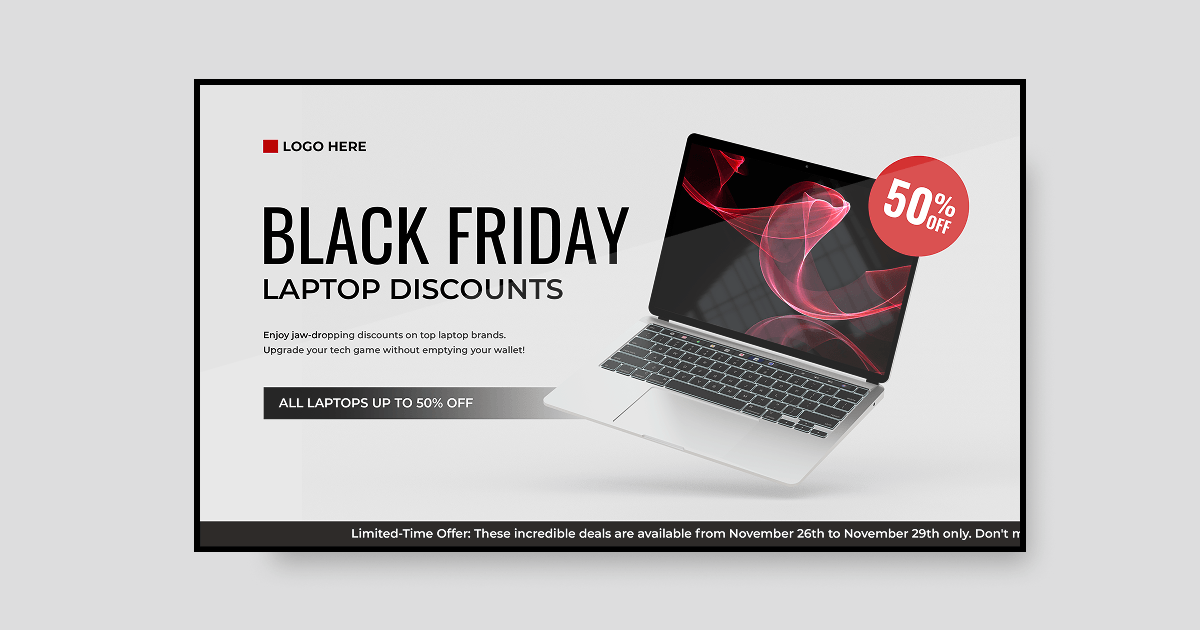
Black Friday messaging has to work in a crowded environment. Shoppers are moving through the store, comparing offers, and looking for the next deal, so the screen needs to communicate its main point almost instantly.
The National Retail Federation reported 80.3 million in-store Black Friday shoppers in 2025, making it the year’s busiest in-store shopping day. That level of traffic calls for a simple layout: one prominent offer, strong contrast, large type, and minimal supporting copy. Place the screen where people can see it before entering or as they approach the relevant department.
#2 Summer Sale retail template
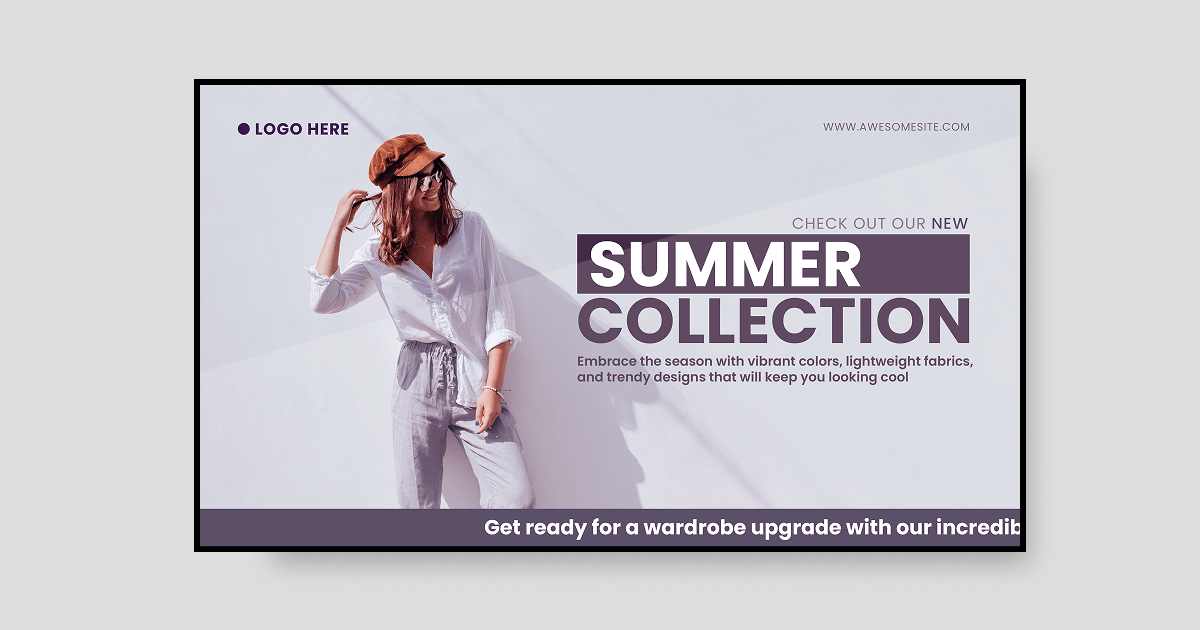
Seasonal promotions are a regular part of retail. When summer stock needs to move, a digital sign keeps the offer visible without requiring shoppers to stop and read a long message.
The layout can stay simple: a bright product image, a short headline such as “Summer sale,” and the discount. Nothing more is needed at first glance.
Most shoppers see a screen while walking past it, not while standing in front of it. Clear, concise messaging therefore works better than a design crowded with details.
#3 Retail New Collection template
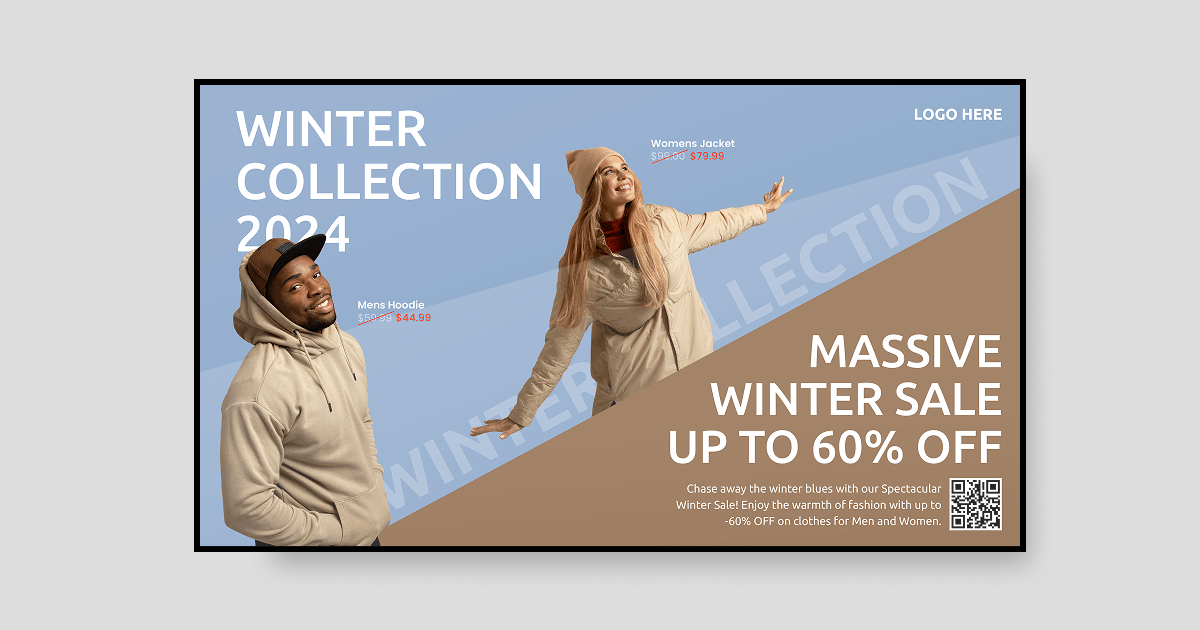
New arrivals are among the easiest products to promote on in-store screens. Shoppers are naturally drawn to what’s “new”, even when they did not come in looking for it.
This template keeps the focus on the product, pairing a strong image with a short, clear message. While it is widely used in fashion retail, it works just as well for electronics, cosmetics, and specialty stores.
#4 Wayfinding template for large retail spaces
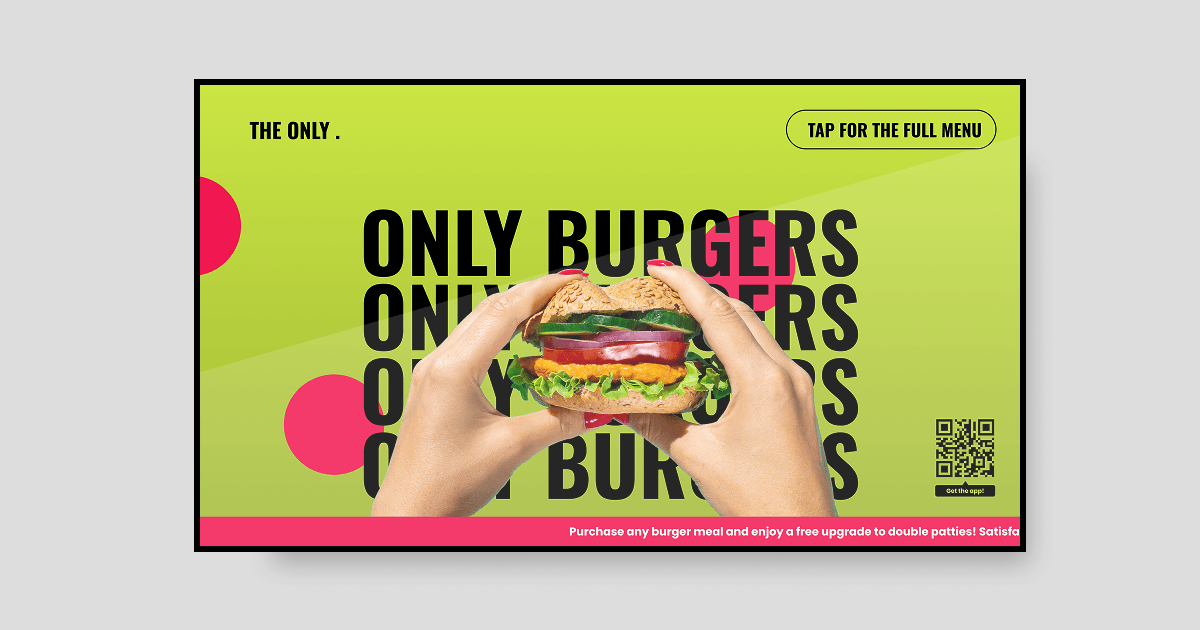
If you have ever entered a large mall and struggled to find a specific store, you already understand the value of wayfinding digital signage. These templates can display maps, directories, and simple on-screen directions, making them especially useful in multi-floor stores and shared retail spaces.
Helping shoppers find what they came for is essential. When a department or destination is difficult to locate, visitors may leave instead of asking for help.
#5 Safety and information template
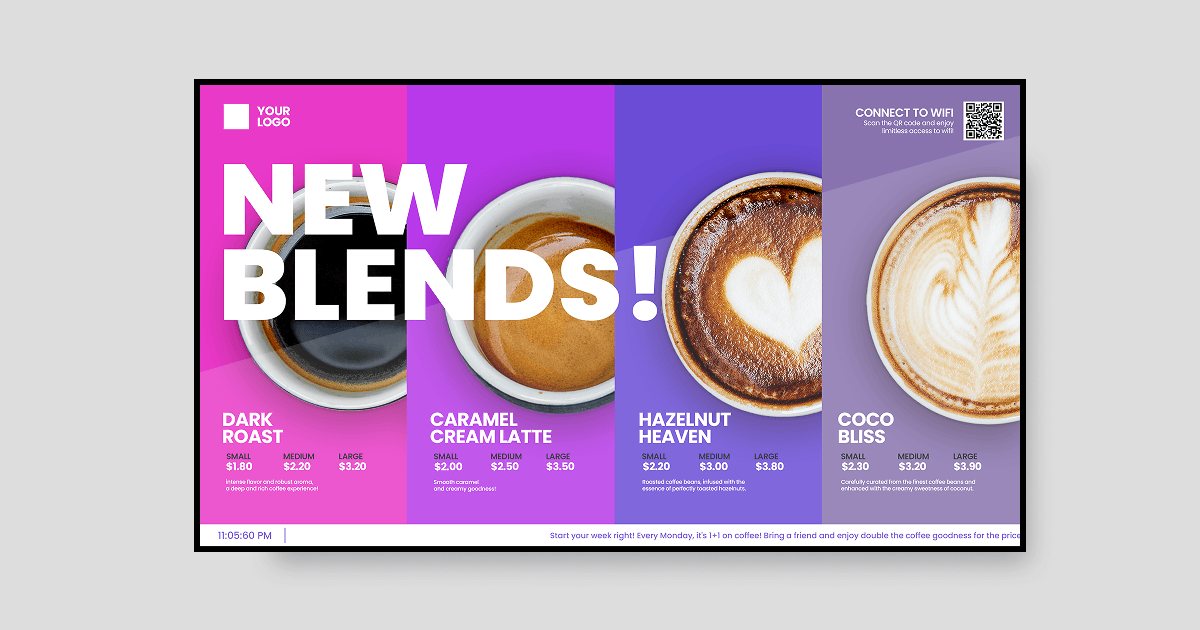
Not every screen in a retail environment is customer-facing. Screens in stockrooms and staff areas can share safety reminders, shift information, and operational updates.
This gives floor teams a simple way to stay informed throughout the day without relying on multiple messages. Once the screens are in place, staff communications can be updated at no additional cost.
Retail digital signage template ideas by industry
The right template depends on what your store sells and how often your content needs to change.
A grocery store and a car dealership have very different needs. Grocery retailers may update prices several times a day, while a dealership may feature the same vehicles for weeks. Starting with a template designed for your environment means less time removing elements that do not apply.
With Yodeck’s digital signage software, retailers across industries can choose a template that fits their needs, then tailor it for promotions, products, and announcements. Here is how templates support seven different retail settings.
#1 Grocery store digital signage template
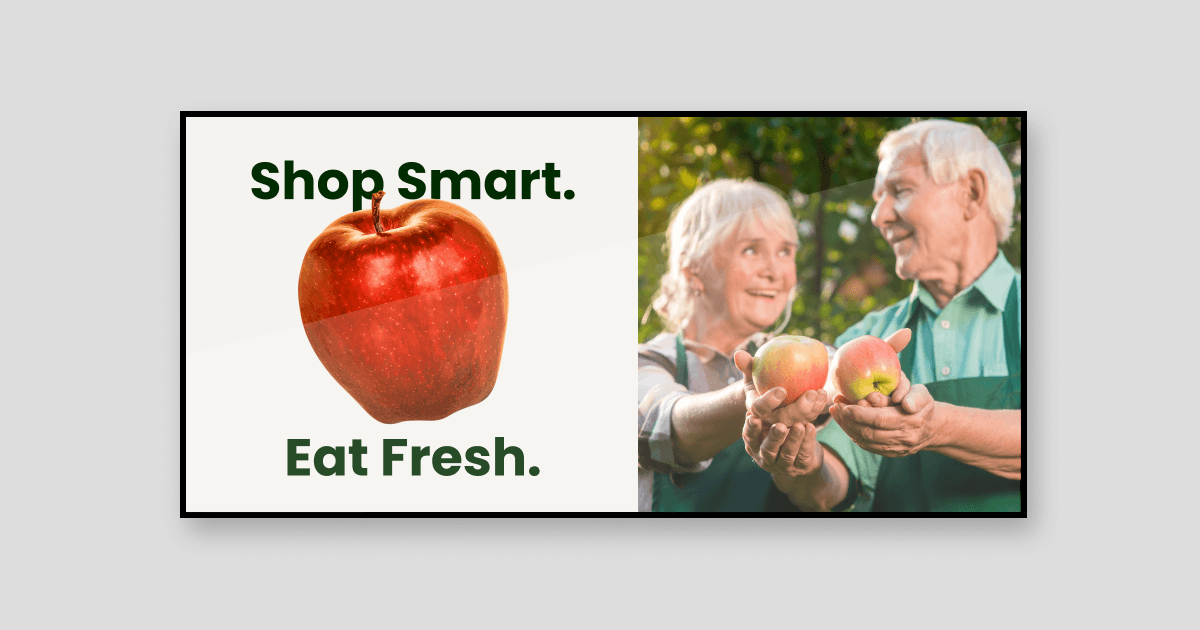
Grocery digital signage is built around freshness, daily deals, and impulse purchases. Templates can highlight meal offers, seasonal produce, and bundle deals, while allowing teams to update content throughout the day to reflect available stock.
An entrance screen may promote today’s meal deals, while aisle displays can spotlight products that need attention. These timely prompts work because shoppers are already in buying mode.
#2 Supermarket digital signage template
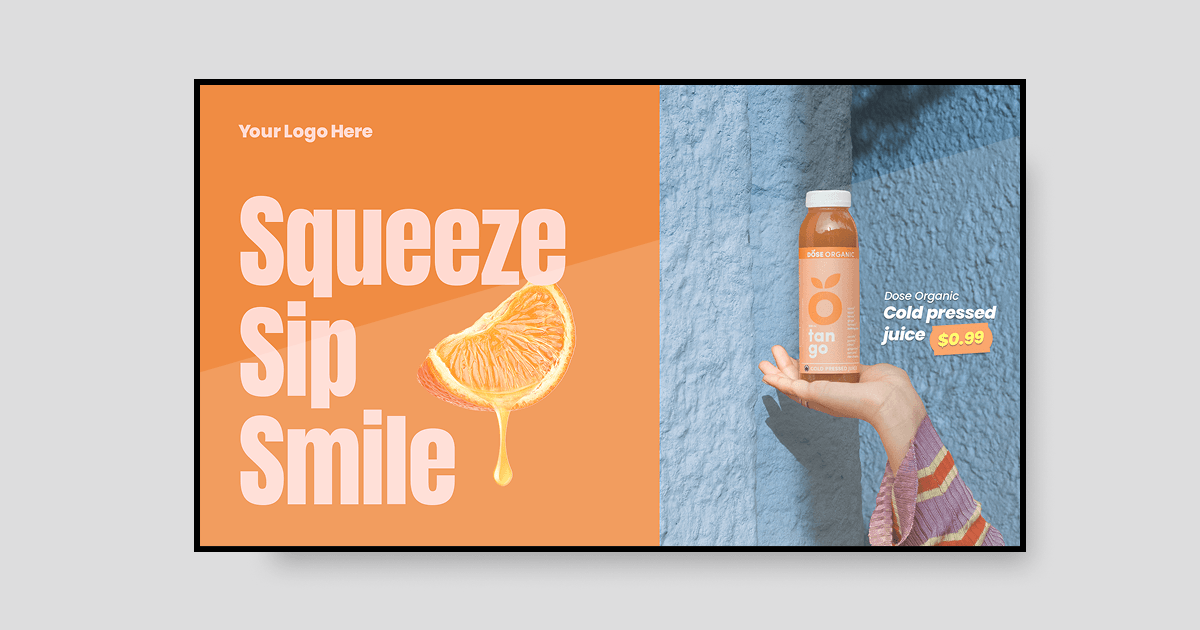
Supermarkets serve a steady flow of shoppers, so supermarket digital signage often focuses on weekly promotions, loyalty offers, and store announcements. Templates help keep messaging consistent across a large store with clear prices, large product images, and short, easy-to-scan text.
Entrance and checkout screens are especially effective because they reach shoppers at natural pause points.
#3 Convenience store digital signage template
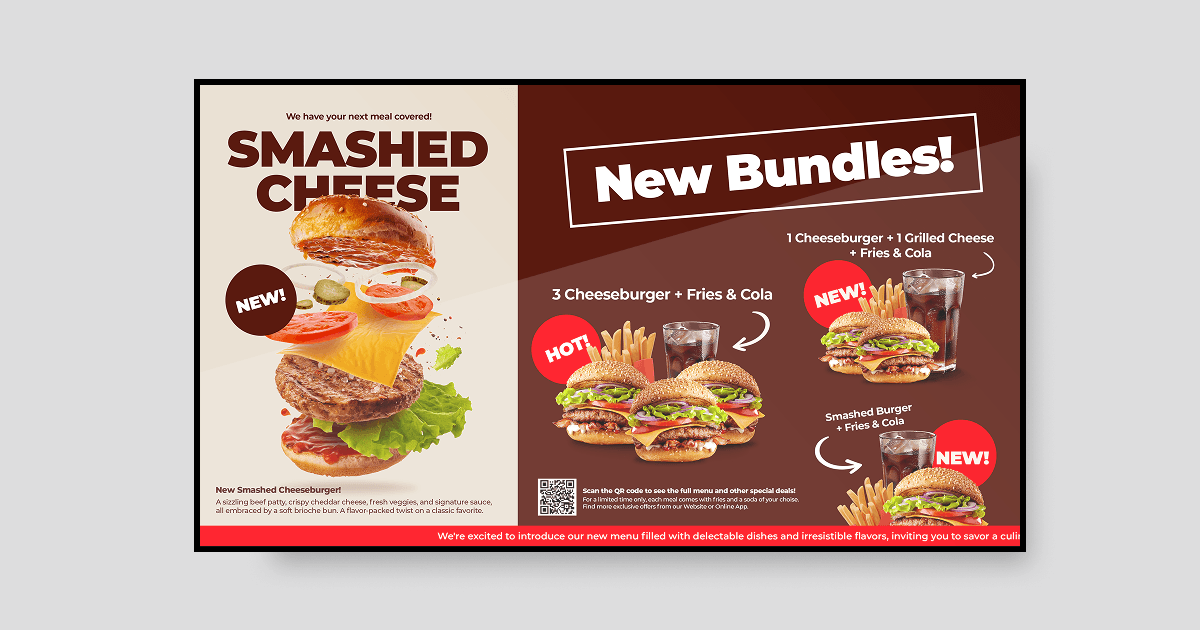
Convenience stores depend on quick decisions. Since many customers arrive for a single item, templates work best when they promote add-ons such as coffee, snacks, and combo deals rather than detailed product information.
The counter is a key placement. While customers wait to pay, a screen featuring a simple bundle offer can encourage an extra purchase.
#4 Liquor store digital signage template
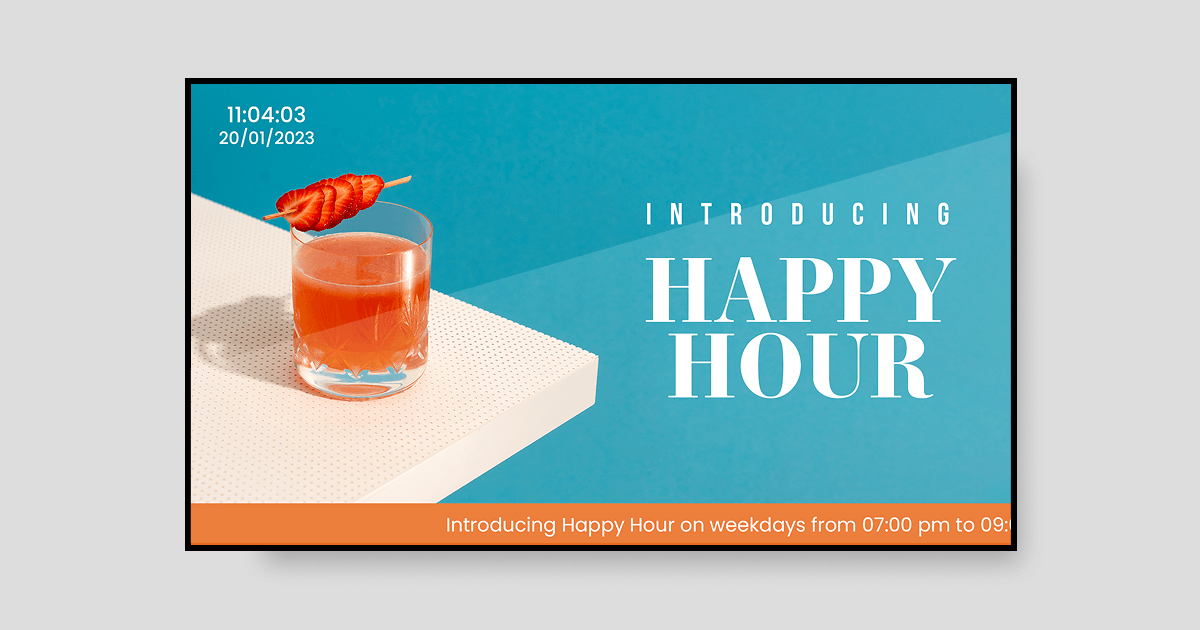
Liquor stores often manage a broad product range and seasonal inventory changes. Digital signage templates make it easy to rotate new arrivals, seasonal selections, and limited-time offers without repeatedly replacing printed shelf cards.
Screens near entrances or tasting areas can also suggest food and drink pairings, helping customers discover ideas they may not have considered.
#5 Dispensary digital signage template
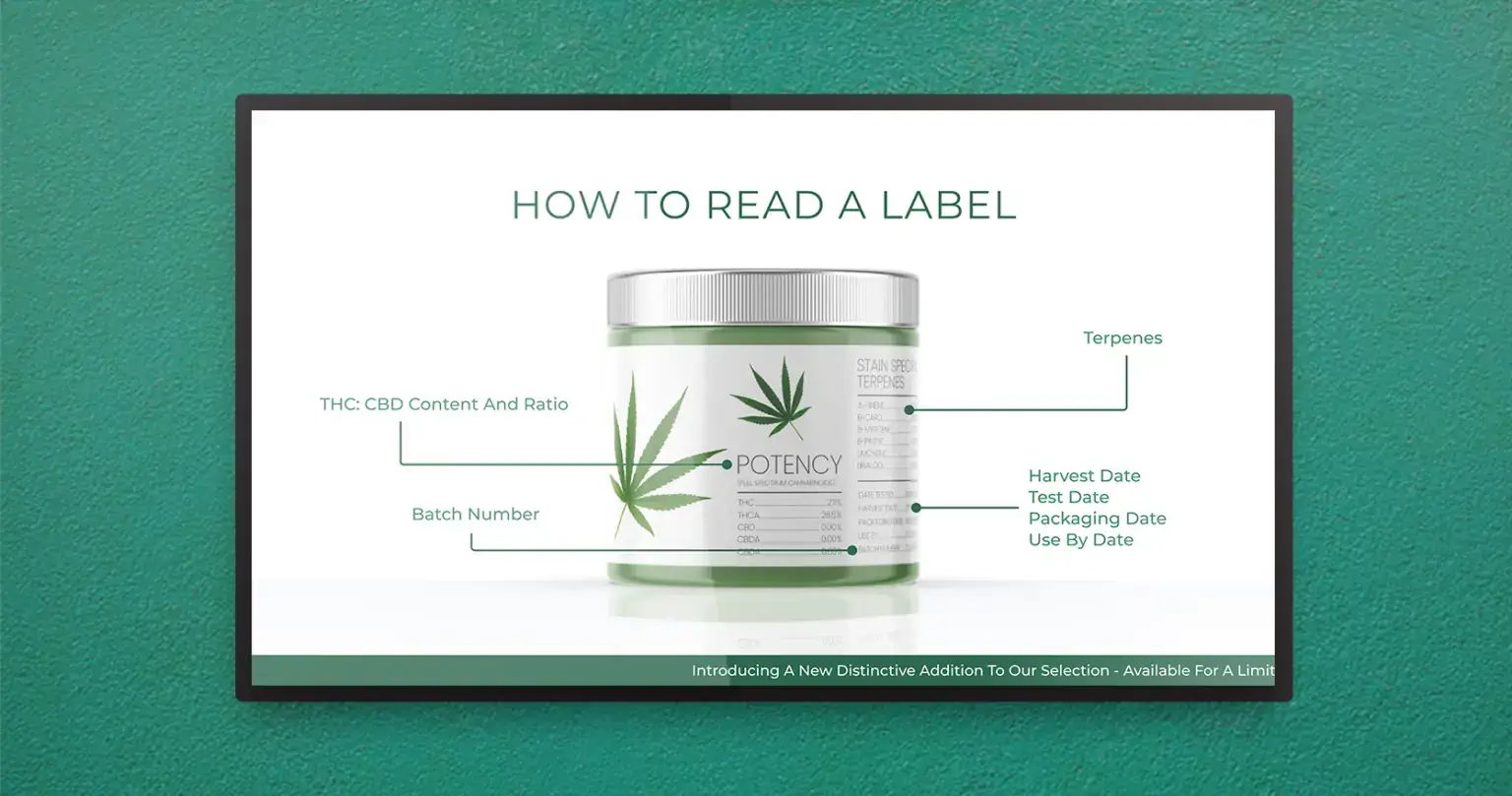
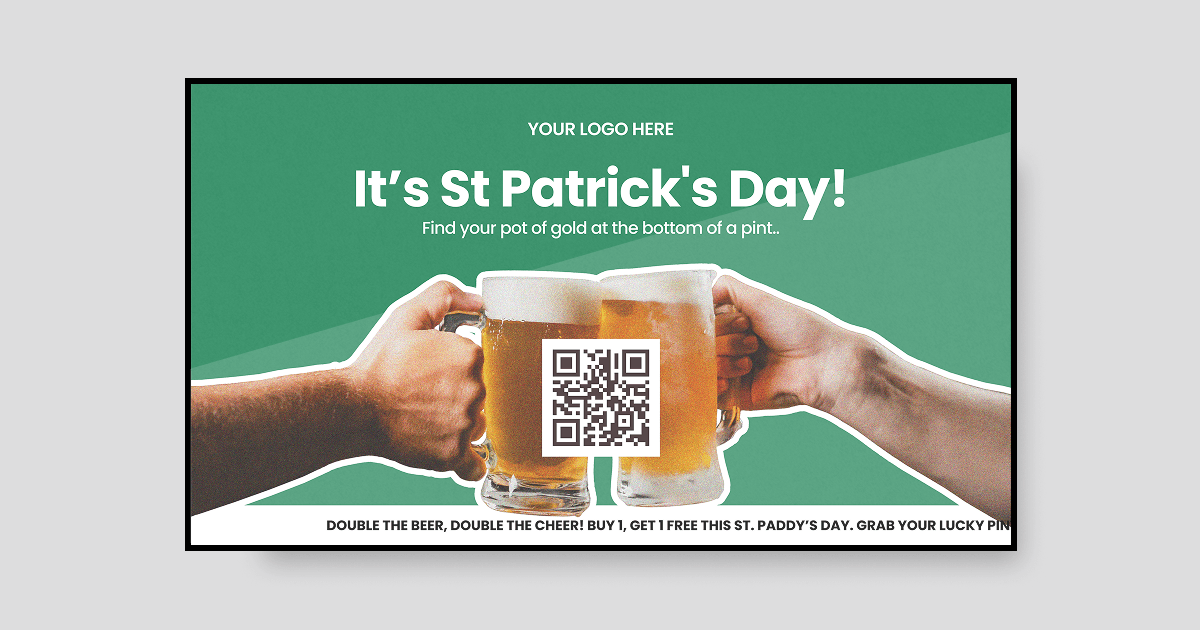
Dispensaries regularly update product lines while operating under strict rules about what can be shown. Templates help teams keep product details, specials, and required information current without printing new materials every day.
Consistency is especially important in regulated settings. Using approved templates across every screen helps ensure the correct version of content is displayed throughout the location. Always review local requirements before publishing product or pricing information.
#6 Automotive digital signage template
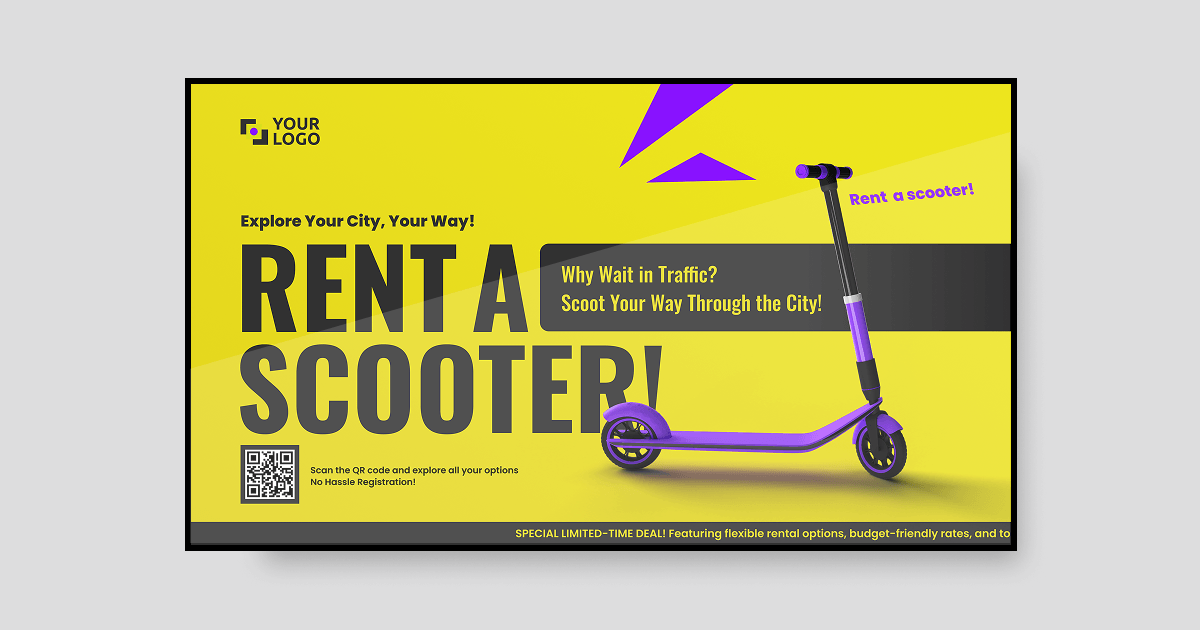
In dealerships and service centers, screens can promote vehicles, financing offers, and seasonal service campaigns while keeping visitors informed and engaged in waiting areas. Templates make it easier to refresh this content without requiring ongoing design support.
Even a small screen using automotive digital signage at the service desk can highlight a relevant offer while customers wait for their vehicles.
#7 Shopping mall digital signage template
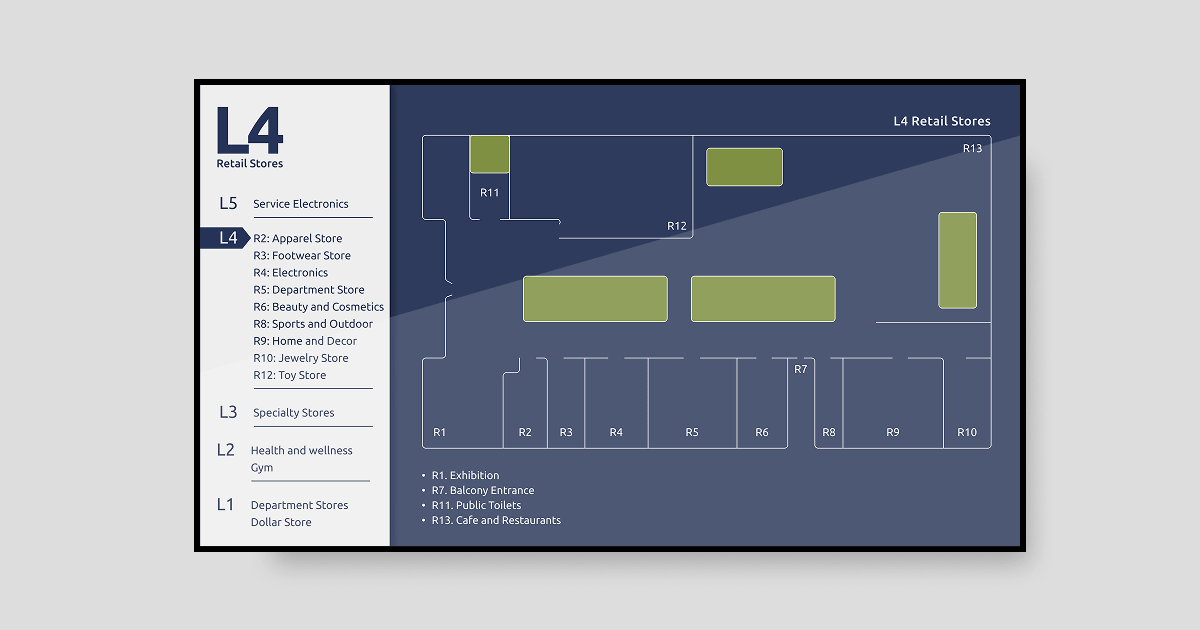
Shopping malls use screens to help visitors navigate the space and discover tenant promotions. Templates can combine directories with promotional content, allowing a single display to support navigation and store announcements.
Clear directions help visitors reach their intended destination faster, leaving more time to explore the wider mall.
6 best practices for designing a retail digital signage template
1. Set consistent branding zones
Keep your logo, offers, and main promotion in the same place on every screen. Consistent placement makes the store feel organized instead of cluttered. With Enterprise, approved layouts can be locked as Branded Templates so every location starts with the same design.
2. Create a clear hierarchy
The discount or the product goes front and center, everything else gets smaller. Shopify makes the same point about retail signage generally: short messages placed along the store’s natural flow beat detailed ones.
3. Use high-quality visuals
Low-resolution images can undermine an otherwise strong promotion. Use sharp, high-quality photos and let one visual lead rather than competing for attention with several images.
4. Keep text short
Aim for a headline and the essential detail, such as a price or offer. For example, replace a long description with: “Today only: burger combo, fries, and drink.”
5. Prioritize color and contrast
Use color to draw attention to key information, such as discounts, and make sure text stands out from its background. Light text on a dark background—or dark text on a light background—usually remains clear under varied in-store lighting.
6. Design for different screen sizes
Wall displays, kiosks, and window screens all use different formats. Choose templates that work in both landscape and portrait orientations without losing their structure.
For more inspiration, explore the most popular retail digital signage apps.
How easy it is to build a retail digital signage template with Yodeck
Step 1: Create your free account
Sign up for free and open the Yodeck Portal. No credit card, and you do not need a screen connected to start building.
Step 2: Find a retail template
Go to Layouts, open the Discover Templates tab and type “retail” into the search field. Check the orientation filter first: it defaults to Horizontal, so switch it to Vertical for a portrait window screen or kiosk. Click a template to preview it, then Import Template.
Step 3: Customize the content
Rename the layout from the top left, then click any element to edit it. Swap the image, change the price, adjust the colors.
Step 4: Save it, publish when you are ready
Click the arrow next to Save and choose one of the options in the drop-down menu. You can save it as a draft template for now and take your time navigating the portal before you set your first screen.
5 features that make Yodeck easy for creating custom retail designs
These five Yodeck features help retail teams create, update and manage screen content without relying on design specialists.
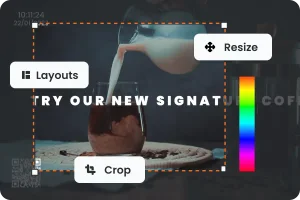
Drag-and-drop designer: Move elements, replace images and preview changes as you work. No coding or separate design software is required, which is helpful when store managers need to update screens between customers.
Free stock image and video library: Searching for photos? You can pull them straight from the Media section. Images come from Unsplash, Pexels and Pixabay, video from Pexels and Pixabay, all free.
Magic Layout: When no existing template fits, describe the screen you need and Magic Layout generates two editable designs within minutes. Include details such as the headline, featured products and offer end date for more relevant results.
Magic Write: Select any text box in the Layout Editor to translate, check the grammar, shorten or adjust the tone of your copy. Review each suggestion before applying it, and revert to the original when needed. Available on every plan, which helps most when a team writes content in a second language.
Canva app: If your team designs in Canva, copy a Smart Embed link into Yodeck’s Canva app to display the design on your screens. Later edits in Canva update automatically. You can also use the Yodeck app in Canva to pull media from your Yodeck library and send completed designs back.

You have screens in your store? We have the templates!
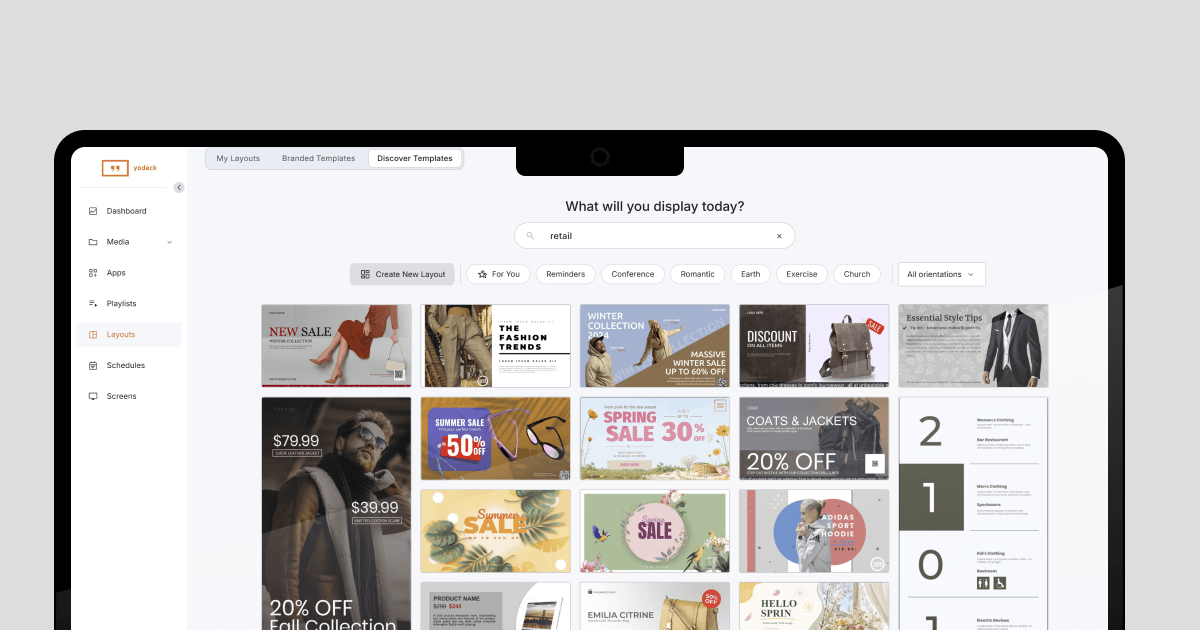
If your store already has screens, there is no need to start from a blank canvas. Choose a template that suits your setting, adapt it to your brand, and publish it.
By using templates consistently, retail teams can reduce design time and get more value from the screens they already have in place. This ease of use is one reason Yodeck has earned a 4.7 out of 5 rating from more than 3,000 verified reviews on G2.
Stop designing screens from scratch
Get started free and pick a retail template that already looks the part.
Create a Layout