Seven apps that turn a store screen from a slideshow into something customers actually use.
Key Takeaways
Apps are the content layer. A digital signage app pulls live information onto a store screen automatically, so the screen changes without anyone editing a file.
Different apps solve different store problems. Social feeds build trust, kiosks reduce staff interruptions, QR codes shorten the path to purchase.
Setup is a portal task, not an IT project. Adding an app to a screen takes six steps in the Yodeck portal and no code.
Custom apps cover the gaps. When no ready-made app fits, a Web Widget displays any public URL and Custom Widgets let developers build their own.
Running a retail store today means earning attention at every step of the customer journey. The good news is that retail digital signage apps can do the job for you.
They help retail managers, store owners and marketing teams display real-time content on their screens. With social media feeds, interactive kiosks, QR codes and live RSS news, Yodeck’s digital signage software gives retailers a flexible toolkit to go way beyond static images.
It is no coincidence, after all, that Yodeck apps are trusted by more than 65,000+ active accounts in the retail industry. Retail digital signage is what takes a store past static posters and printed signs, to content that updates the moment it needs to.
Keep reading for the seven apps worth starting with, how to add them to your screens, and what to do when none of them fit.
What is a retail digital signage app?
A retail digital signage app is a small content module that runs on a store screen and pulls live information from a source such as a social account, a weather service, a news feed or your product database. The app refreshes the screen on a schedule you set, so nobody has to edit or re-upload anything.
Templates control how a screen looks. Apps control what it knows.
That difference shows up at the till. The 2026 In-Store Retail Display Influence Report, a survey of 1,119 US shoppers covered by Retail Customer Experience, found that 76% of shoppers have discovered a new product or brand from a retail display and 63% said displays influenced their choice between similar products.
A screen still running last month’s promotion is not neutral. It is working against you.
Top 7 digital signage apps used by retail stores
Yodeck’s growing app library has more than 160+ apps that serve different purposes inside a store. Some drive impulse purchases, some build brand trust, and others make shopping more interactive and convenient.
Below are the most popular digital signage apps used by retail teams on Yodeck, ordered by relevance and retail impact.
1. Social media feed
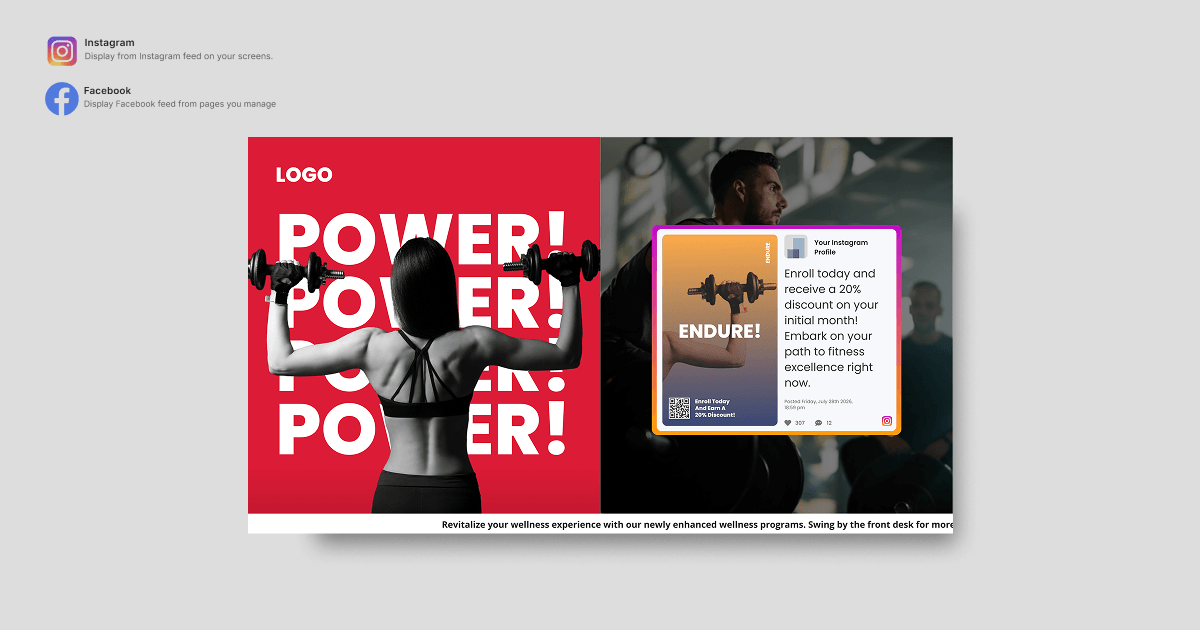
Shoppers trust other shoppers more than they trust brands. That is why a social media feed is one of the most useful things you can put on a store screen.
The Social media feed app displays live posts from a connected Instagram, Facebook or X account, refreshing on its own as new posts publish. Nielsen’s 2021 Trust in Advertising study, which surveyed more than 65,000+ consumers across 135+ countries, found that 88% of global respondents trust recommendations from people they know above any other channel. Your screen borrows a little of that trust every time it shows a real customer instead of a product shot.
In Practice: Picture a clothing brand running its tagged Instagram posts on a screen near the fitting rooms. Shoppers waiting to try something on see real people wearing the same pieces, styled in ways nobody on the merchandising team planned, and they decide faster. Fresh, trusted content, with almost no effort from you.
2. Daily weather
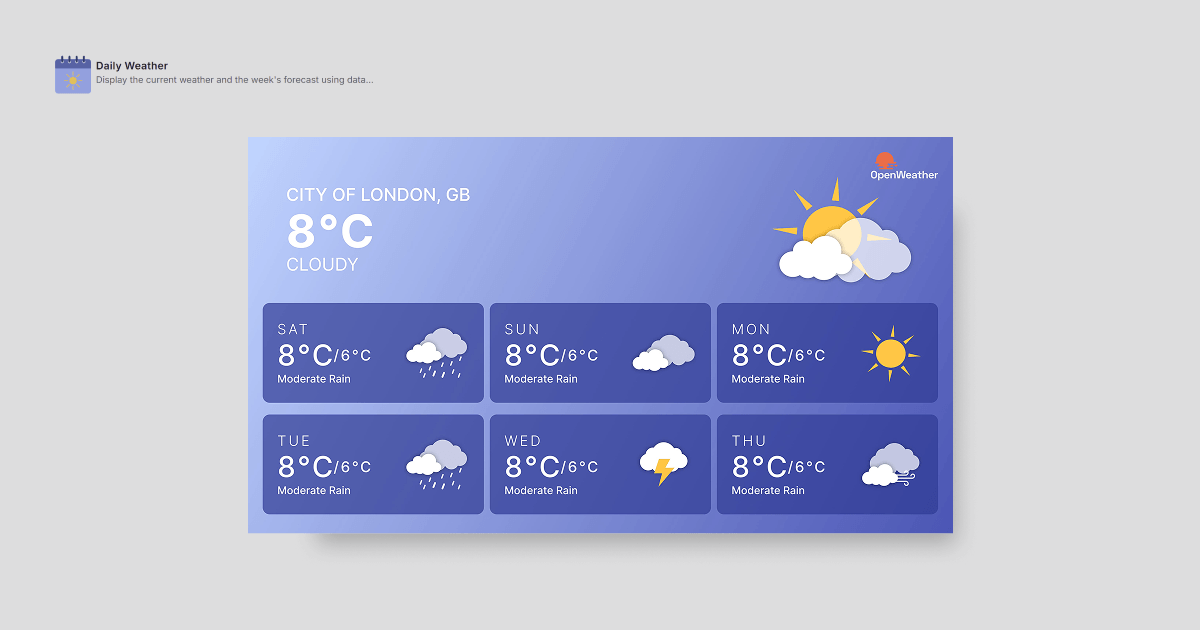
Retailers use Weather apps to show live conditions and forecasts, which makes the screen feel connected to what is actually happening outside.
Weather is one of the few live variables that tells you what people will buy in the next hour.
In Practice: Imagine a sports and outdoor retailer displaying the forecast beside a rotating product zone: waterproof jackets and hiking boots on a rainy morning, sun protection when it clears. For a store manager, having the content adjust itself to the weather removes a decision you would otherwise be making twice a day.
3. Date and time
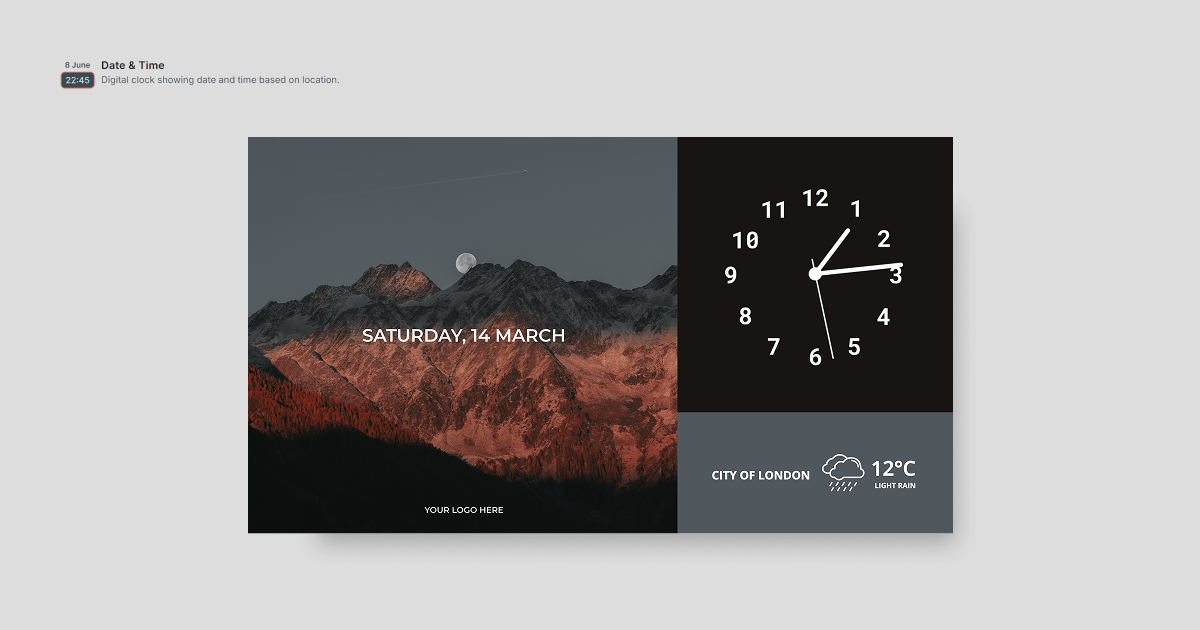
Walk into a store today and you might notice screens doing more than showing ads. Plenty of retailers now use a Date and Time app, and the point is not the clock. It is what the clock lets you schedule.
The Date and Time app displays the current date and time and lets you trigger content against them, which is what makes dayparting possible. Staff find it easier to plan around real times, too.
It is also the app that gets used more than almost any other. Yodeck’s Digital Signage Impact report no.1, built on anonymized app adoption across the network, found clocks and world time apps to be the single most commonly displayed content category on corporate screens.
In Practice: Take grocery digital signage as an instance. The same screen promotes fresh breakfast items in the morning, meal deals at midday and dinner solutions at five, because the schedule reads the clock instead of waiting for someone to swap the playlist.
4. Interactive kiosk
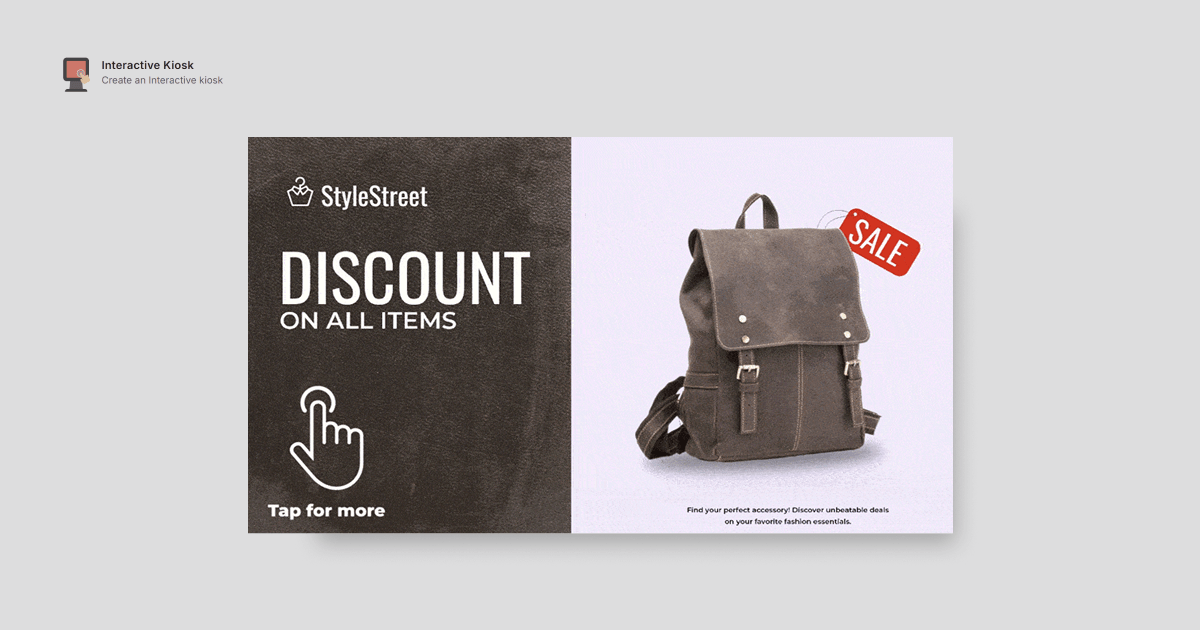
The Interactive Kiosk app turns a simple screen into a touchpoint where customers can browse products, check availability or find their way around your store. Retailers use it to give shoppers a faster, more independent way to shop.
Speed is why people walk up to it in the first place. PwC’s Experience is Everything study found that nearly 80% of American consumers name speed, convenience, knowledgeable help and friendly service as the most important parts of a good experience. A kiosk covers the first two outright, and it frees your staff for the conversations that actually need a person.
In Practice: Take a large franchise store. A customer is looking for one specific laptop. They walk up to the kiosk, search for it, see the price and whether it is in stock, and find where it sits on the floor, without waiting for the one staff member who knows the stockroom.
5. QR code
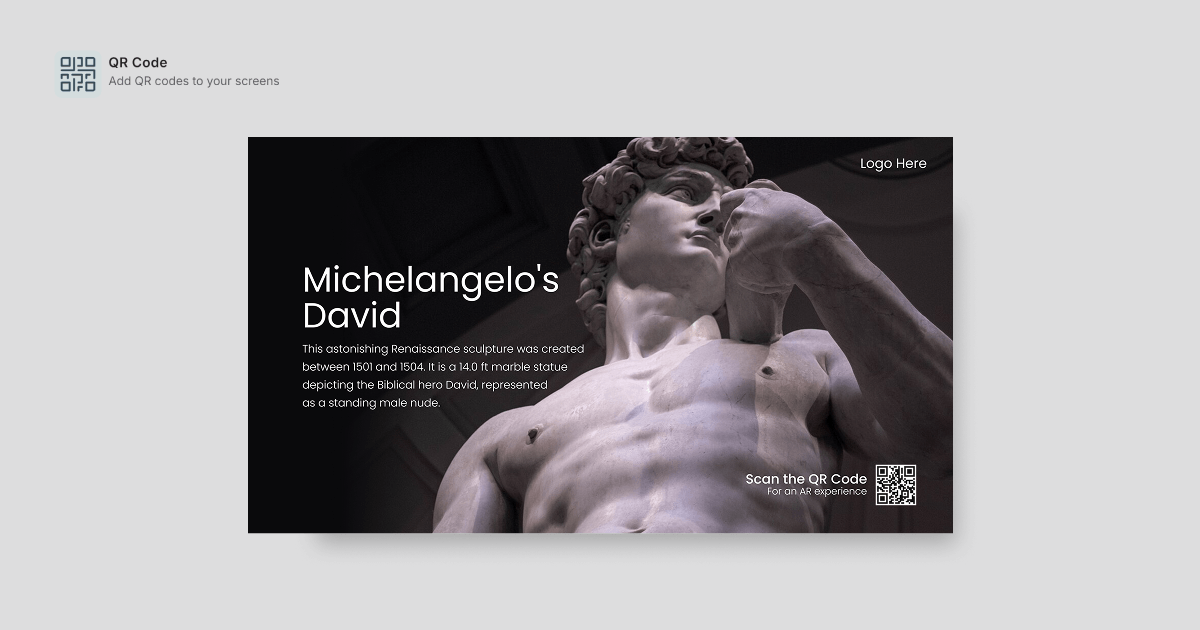
Shoppers are impatient, and most of them want to walk in, get what they need, pay and leave. A QR Code app gives them exactly that.
The QR Code app puts a scannable code on screen that connects customers to product details, promotions, loyalty programs or online checkout, which makes it the shortest bridge you have between sales signage and an actual sale. Deloitte reported that 4% of consumer transactions globally use QR codes, and forecast that share to grow at a compound annual rate of 16.1%. Scanning is a familiar gesture now, so a code on your screen no longer needs explaining.
In Practice: Take a liquor shop. A customer standing in front of a wall of whiskeys scans the code and gets tasting notes, food pairings and prices, instead of standing there for ages trying to work out which one to pick.
Pro tip by Yodeck Team: Point the code at a page you can edit, not a fixed PDF. The code stays the same, the destination changes, and you never have to reprint or reschedule anything.
6. Custom RSS
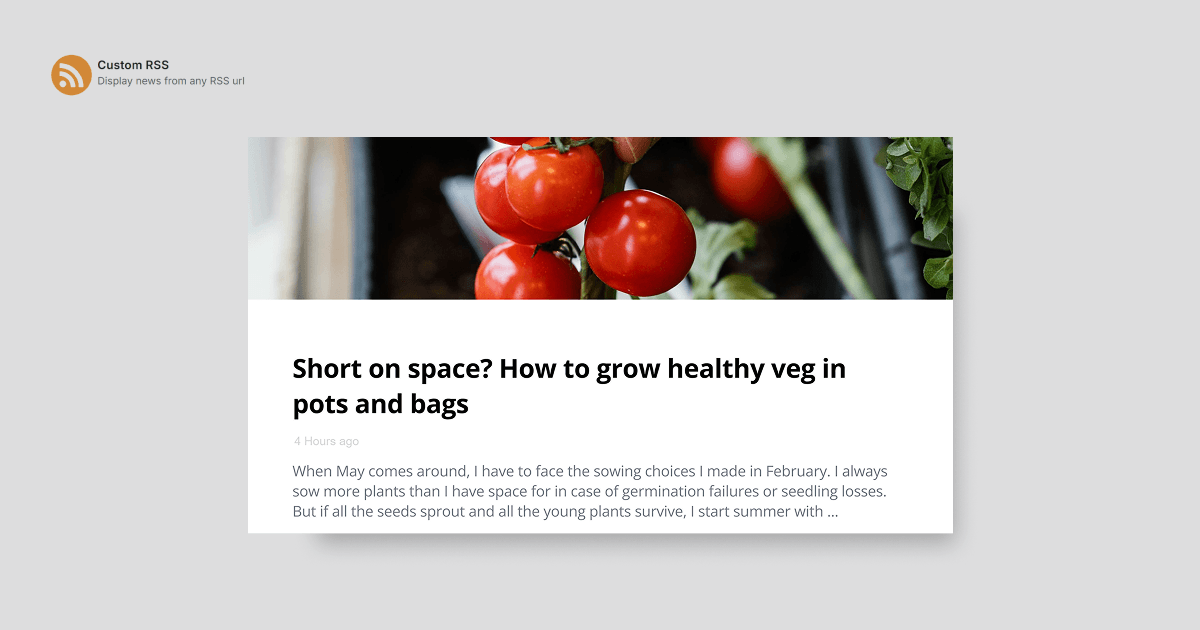
Most store managers have a long list of things to get through every day, and updating the screens is usually the task that slides to the bottom of it. A Custom RSS app handles that one for you.
The Custom RSS app pulls live news, updates and headlines from any feed straight onto your screens, and refreshes them automatically. Once the feed is set, there is always something new on the screen and nobody had to put it there.
In Practice: Think of a coffee shop. The screens pull in local news, sports results or transport updates through an RSS feed. Customers waiting for an order have something to read, the room feels more alive, and it costs nothing extra to run.
7. Interactive library
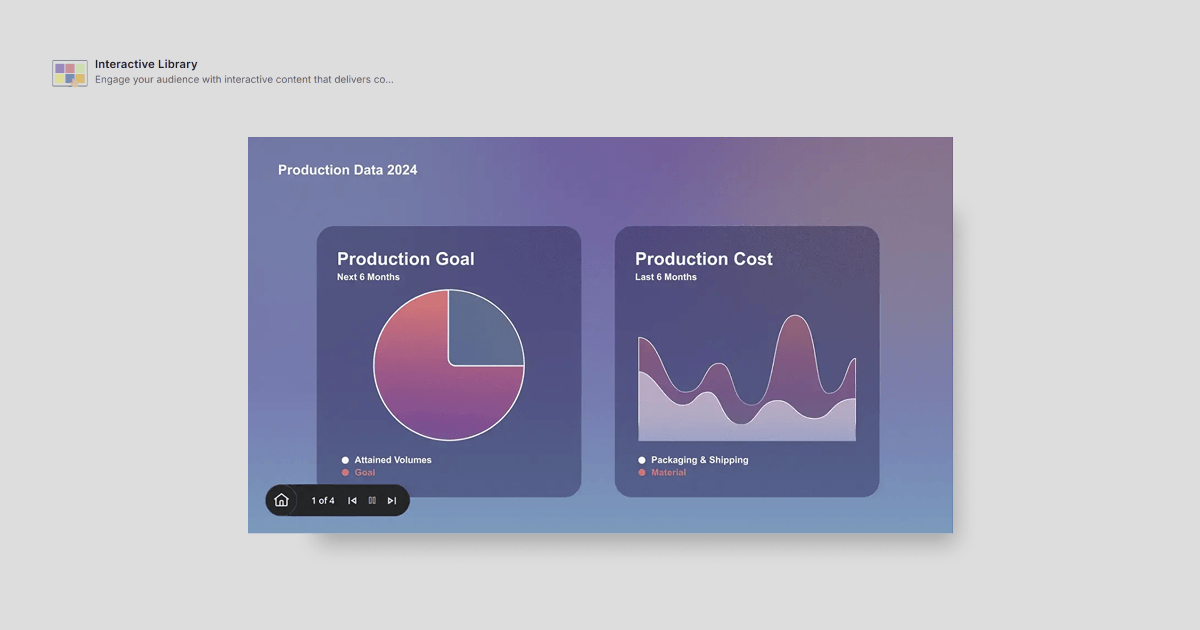
Most shoppers walk into a store knowing roughly what they want, but not which one to pick. An Interactive Library app makes that decision easier.
The Interactive Library app works like a digital catalog, with products sorted into categories so customers can browse, read descriptions and compare options without having to track down a member of staff. It is the app that most directly replaces a conversation, and some shoppers prefer that. They get to take their time without feeling watched.
In Practice: A pharmacy is a good example. A customer looking for a vitamin supplement can tap through the categories, read what each one does, check the ingredients, and work out which is right for them.
Which retail app should you use for which job?
| App | Retail job it does | Content refreshes | Needs customer input |
|---|---|---|---|
| Social media feed | Builds trust with customer proof | Automatic, on new posts | No |
| Interactive kiosk | Answers product and stock questions | On database update | Yes, touch |
| QR code | Moves shoppers to phone or checkout | Static code, editable destination | Yes, scan |
| Custom RSS | Fills dwell time with fresh content | Automatic, on feed update | No |
| Interactive library | Replaces a browsing conversation | On catalog update | Yes, touch |
| Weather | Matches merchandising to conditions | Automatic, hourly | No |
| Date and time | Triggers dayparted content | Automatic, continuous | No |
The pattern worth noticing: the four apps that need no customer input are the ones that keep a screen alive on their own. The three touch-based apps do more, but only work where customers will actually walk up to a screen. Put the passive apps anywhere. Put the interactive ones where people are already standing still.
What Richard Mille does with in-store video
Richard Mille, the Swiss ultra-luxury watchmaker, runs Yodeck across its boutiques in New York, Boston, London, Paris, Dubai and Tokyo. The screens show high-resolution product videos, watch movements being assembled, materials and craftsmanship, with no price callouts and no promotions.
The operational detail is the useful part. Richard Mille’s video manager updates content for every boutique from headquarters, and boutique staff only plug in the player. The company moved to Yodeck from a previous provider specifically because it needed centralised remote management of screens across every market.
The lesson transfers below the luxury tier. The most effective retail content is not always the most promotional. Showing why a product is worth its price can persuade better than the price does. For more of this, see Yodeck’s digital signage ideas for retail.
How to add apps to your retail screens with Yodeck
Adding an app to a Yodeck screen takes six steps in the portal and requires no code.
- Log in to your Yodeck account. Go to app.yodeck.com and sign in. The free plan covers one screen with no credit card required.
- Open Media and select Apps. From the main navigation, choose Media, then Apps. This opens the full app library.
- Choose your app. Search or browse the categories, then click the app you want on your retail screens.
- Configure the settings. Each app has a short setup form. The Social media feed app asks for your account URL. The QR Code app asks for a destination URL. Fill in the fields and save.
- Add the app to a playlist or layout. The saved app appears in your Media Library. Drag it into a playlist, or use the Layout Editor to place it beside video, images or another app in a split-screen zone.
- Assign it to screens. Select which screens should run the playlist or layout and push the change. Updates go live across all assigned screens at the same time.
Retailers running several locations can group screens into Workspaces and control timing with Schedules, so a promotion launches at the same local hour in every store rather than at the same absolute time.
Building custom apps for your retail store
When no ready-made app fits, Yodeck supports two ways to build your own.
- A Web Widget displays any publicly accessible URL or custom HTML page directly on screen. This is the faster option, and it covers most gaps: an internal dashboard, a booking page, a live order queue, a supplier feed.
- Custom Widgets go further. Developers build an app with its own interface and data connections, which suits retailers who want screen content driven by their own stock, pricing or loyalty systems.
Pair either with Yodeck’s free digital signage templates so custom content still matches the rest of your screens.
Retail digital signage apps: common questions
What is the best free digital signage app for a retail store?
For a single screen, the strongest free option is a full digital signage platform with an app library included, rather than a standalone app. Yodeck’s free plan covers one screen with no credit card required, and the app library, templates and scheduling come with it. A first sign-up also includes 30 days of unlimited feature access for up to five screens, which is long enough to test several apps across a shop floor before deciding.
The trap with free standalone signage apps is that they usually run on one device with no remote management. That is workable for one screen and unworkable for three.
Can you use Canva for retail digital signage?
Yes. Canva is a supported Yodeck integration, so designs made in Canva can be pushed to store screens without exporting and re-uploading files by hand. This suits retail teams who already design in Canva and want the screen to be another output channel rather than a separate workflow.
Canva handles how content looks. Apps handle content that has to stay current on its own. Most retail screens end up running both.
Do digital signage apps cost extra?
On Yodeck, apps are part of the platform rather than separate purchases. Plan tier affects which features are available overall, so confirm availability for your plan before building a rollout around a specific app.
How many apps should one retail screen run?
One or two. A screen running five apps in rotation reads as clutter and none of them register. Pick the app that solves your most annoying manual task, run it for a fortnight, and add a second only once the first is earning its place.
Start building smarter retail screens today
The difference between a screen that works and a screen people walk past is rarely budget or hardware. It is whether the content changes on its own. Apps are what make that happen, and the seven above cover most of what a retail floor needs.
Start with one app on one screen. See whether customers look at it, whether your staff stop being asked the same question ten times a day, whether anything shifts. Then build from what you actually saw rather than from a plan.
Stop letting static screens go to waste
Get started free and see what your retail screens can do.
Get started free