


Everything you need to plan, launch and run a reception screen that works for visitors and employees alike.
Key takeaways
What it is: digital lobby signage uses screens in reception areas to welcome visitors, share directions and display live company information
Three components: a screen, digital signage software and a media player are all you need to launch
Content decides success: welcome messages, wayfinding, live feeds and employee updates keep a lobby screen useful instead of decorative
Waiting feels shorter: visitors who have information in front of them experience waits differently, and a lobby screen is the channel for that information
Low barrier to entry: an existing TV works, and free software plans let you test with a single screen
Most lobbies communicate nothing. A printed sign that was accurate last quarter, a logo on the wall, and visitors staring at their phones until someone collects them. The space every single visitor and employee passes through, often the most expensive square footage in the building, sits silent. Digital lobby signage fixes that.
A screen at reception can welcome visitors by name, point them to the right floor, and keep employees up to date on company news, all managed remotely from one dashboard. A lobby screen is one of the fastest wins in office digital signage, because the audience is guaranteed: everyone walks through the lobby. This guide covers what digital lobby signage is, what to put on the screen, how to set it up, and what it costs.
What is digital lobby signage?
Digital lobby signage is the use of screens in a reception or entrance area to display welcome messages, directions, announcements and live information, managed remotely through software. Instead of printing and swapping posters, you update content from a dashboard and it appears on the screen within minutes. The same screen can rotate through several types of content on a schedule, so one display does the work of a directory board, a notice board and a branding wall.
The lobby earns this attention because of how fast judgments form there. Research published in Psychological Science found that people form impressions in as little as a tenth of a second of exposure, and that longer exposure does not significantly change those impressions. The Princeton study behind that finding looked at faces, but the mechanism applies to spaces too: by the time a visitor reaches your front desk, they have already decided something about your organization. A current, well-designed screen shapes that judgment. A faded poster shapes it too, just not in your favor.
Here is how the digital version compares with the printed signs it replaces:
| Digital lobby signage | Printed lobby signs | |
|---|---|---|
| Updating content | From a dashboard, live in minutes | Reprint, reframe, rehang |
| Content types | Video, live feeds, dashboards, slideshows | Static text and images |
| Cost over time | Software subscription, hardware once | Recurring print and installation costs |
| Scheduling | Different content by hour, day or audience | One message until replaced |
| Multiple locations | Update every lobby from one place | Coordinate printing per site |
| Outdated information risk | Low, content expires automatically | High, depends on someone noticing |
What should you display on a lobby screen?
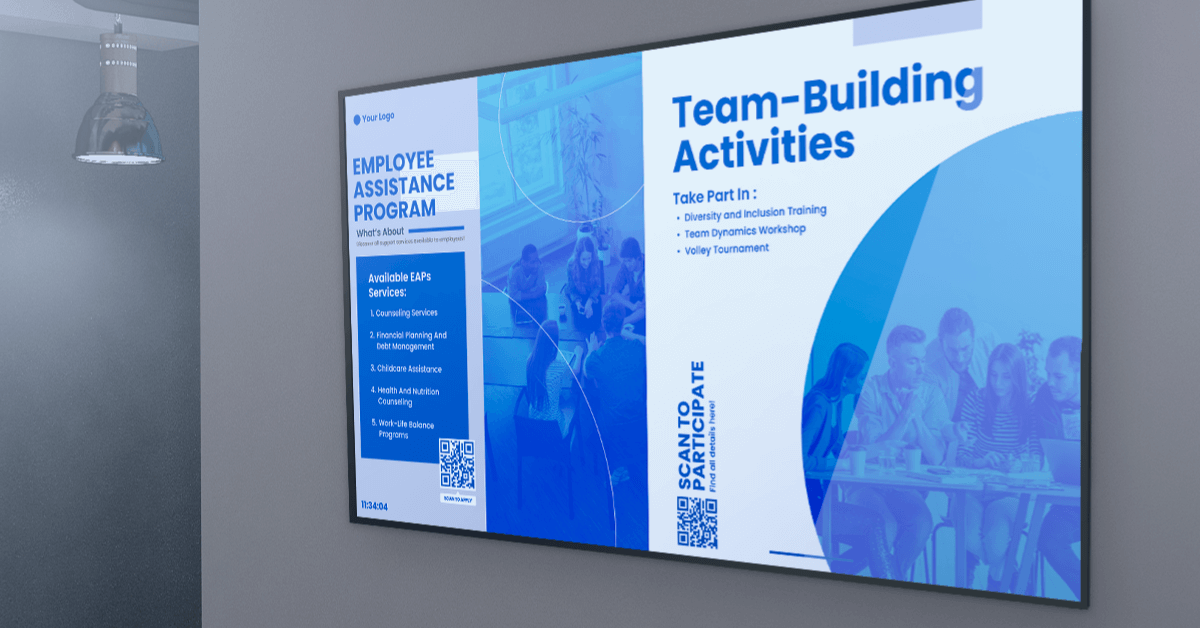
A lobby screen should display a rotation of visitor-facing content (welcome messages, directions, company story) and employee-facing content (announcements, metrics, recognition), scheduled by time of day. The mix matters because a lobby serves two audiences at once: visitors passing through occasionally and employees passing through daily.
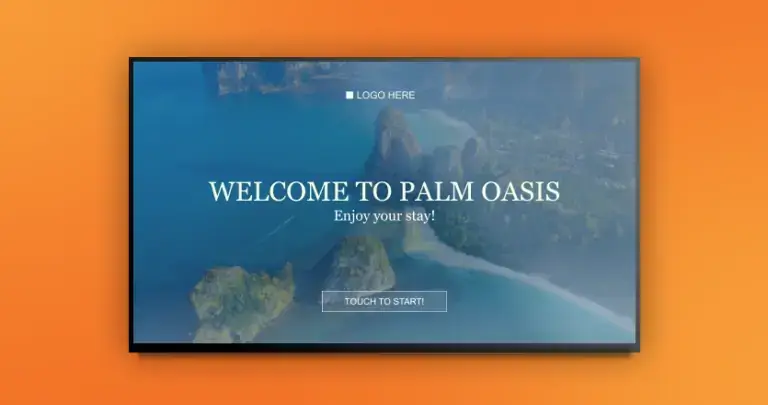
Welcome messages and branding
Start with the basics: a greeting, your logo, and rotating visuals of your work, products or team. If you host scheduled visitors, greet them by name or company on arrival day. A welcome message costs nothing to set up and is the single most noticed piece of content on a lobby display. One line of caution: a hotel lobby is a different animal, with guest services and multilingual needs that belong to hospitality signage rather than the reception use case covered here.
Wayfinding and building directories
The most common question at any front desk is “where do I find…”. A screen answers it before it gets asked. Wayfinding digital signage shows floor maps, meeting room directions and department locations. Buildings with multiple tenants or departments can run a dedicated digital building directory as part of the lobby rotation, listing occupants and suites the way a static directory board used to, minus the little plastic letters.
News, weather, traffic and social feeds
Live content keeps a screen worth glancing at twice. News tickers, weather forecasts and social media walls update themselves, so the screen stays current without anyone touching it. Traffic apps earn their place near the exit: employees and visitors leaving the building can see live road conditions before they commit to a route. For more rotation ideas, our guide to digital bulletin board ideas covers content that works on shared screens.
There is a documented reason to run this kind of content in any lobby where people wait. A study in BMC Emergency Medicine examining how patients perceive waiting found that the feeling of being forgotten and the lack of information were among the significant factors making waits feel longer. A screen that shows queue status, expected times or simply engaging content addresses both: people have information, and the space feels attended to. That is the mechanism behind the common claim that signage shortens perceived waits.
Employee communications and live dashboards
Your employees see the lobby screen more often than any intranet page. Gallup found in Q2 2025 that only 47% of employees strongly agree they know what is expected of them at work. A lobby screen will not fix that alone, but it is a broadcast channel that cannot be buried in an inbox: company announcements, safety reminders, birthdays and new-hire welcomes reach everyone who walks in. Digital signage for internal communications treats the lobby as the first stop of that network. Teams that live on data can add business intelligence dashboards to the rotation, putting KPIs where everyone passes rather than where nobody looks.
Pro tip by Yodeck Team: schedule employee-facing content for early morning and end of day, when foot traffic is mostly staff, and keep visitor-facing content in business hours. Yodeck’s scheduling lets you assign different playlists to different time slots on the same screen.
How to set up digital lobby signage
A digital lobby signage setup needs three components: a display, signage software and a media player. Most reception areas are running within an afternoon, because none of the three requires specialist hardware.
Choose the lobby TV display
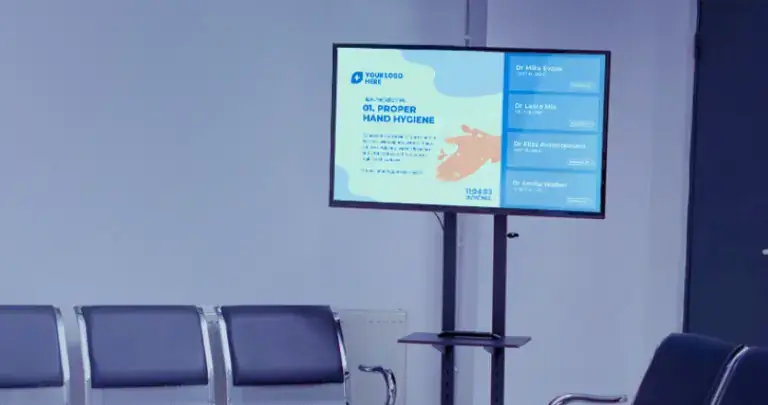
Any TV or monitor with an HDMI port works, including one you already own. If you are buying new, two decisions matter. First, size relative to viewing distance: a lobby screen viewed from 15 feet away needs to be substantially larger than a desk monitor, so measure from where people actually stand, not from the wall. Second, orientation: portrait screens suit directories and menus of information, landscape suits welcome visuals and video. Commercial-grade displays are built for long daily runtimes, but for a single reception screen with defined working hours, a consumer TV holds up fine.
Pick the lobby display software
The software is where lobby display setups succeed or fail, because the software determines who can update the screen and how often they will bother. Look for four things: remote management from a browser, scheduling by time and day, support for the content types you plan to run (feeds, dashboards, video, documents), and permissions so reception staff can update the welcome screen without access to everything else. Cloud-based digital signage software covers all four and removes the need for a PC wired to the screen.
Connect a media player
The media player is the small device that runs the software’s playback on the screen. Options range from purpose-built players to devices you may already have: Raspberry Pi units, Amazon Fire TV Stick, Android boxes, or the built-in system on Samsung Tizen and LG webOS displays. For a lobby, prioritize a player that stores content locally, so the screen keeps playing through internet outages instead of greeting visitors with an error message.
Design and place the screen
Placement decides whether the screen gets seen. Put it in the natural sightline from the entrance, at or slightly above eye level, on a clean background wall, and away from windows that throw glare across it during the day. For the content itself, high contrast and short text win: a lobby screen gets three-second glances, not careful reading. Our guide to digital signage design covers layout and readability rules, and ready-made free digital signage templates skip the design work entirely for standard layouts like welcome screens and directories.
Interesting insight: the most common failure mode of lobby signage is not technical, it is editorial. Screens launch with a strong content plan and quietly fossilize. Decide at setup who owns the screen and how often content rotates. A monthly 15-minute refresh keeps a lobby screen alive indefinitely; no owner means a dead screen by summer.
How much does digital lobby signage cost?
A single-screen lobby setup starts at zero software cost and scales to $8 to $16 per screen monthly as you add screens and features. The hardware is a one-time purchase, and the screen itself is often free because most offices already have a spare TV.
| Component | Typical cost | Notes |
|---|---|---|
| Screen | $0 if reusing a TV | Any display with HDMI input works |
| Media player | $0 with Yodeck annual plans | Yodeck Player included per screen; or use a Fire TV Stick, Raspberry Pi or compatible smart display you own |
| Software, 1 screen | $0 | Yodeck’s free plan runs one screen with Basic features |
| Software, multiple screens | $8–16 per screen monthly | Basic $8, Premium $12, Enterprise $16, billed annually |
| Content | $0 and up | Free templates cover standard lobby layouts; custom design optional |
Two cost notes before you compare vendors. First, entry pricing across the industry clusters in the $10 to $30 per screen monthly range, so the bigger differences sit in what each tier includes rather than the sticker price. Second, hardware bundling varies a lot: Yodeck includes the media player free on annual plans, which removes the largest one-time cost from the table above. A reception area can start at $0 with an existing TV, a free single-screen plan and a device you already have.
Ready to test that?
Create a free Yodeck account and have a lobby screen running the same day.
Start for free
Touchscreen and interactive lobby signage
Interactive lobby screens let visitors pull the information they need instead of waiting for it to rotate past. On a touchscreen, a visitor can browse the building directory, open a floor map or check in for a meeting on their own, which cuts repetitive questions at the front desk to near zero.
Touchscreen lobby software works in two modes. Kiosk mode locks the screen to a defined set of content and actions, turning the display into a self-service station. Browsing mode offers a curated menu of content, so a visitor can flip between the directory, company information and practical details like transit schedules. In Yodeck, the Interactive Kiosk App covers the first mode on every paid plan, and the Interactive Library App covers the second on Premium and Enterprise plans, letting you group playlists, documents and apps into sections that viewers navigate directly on the screen. Reception digital signage does not require touch to work, but in buildings with heavy visitor traffic and a busy front desk, interactivity is the difference between a screen that informs and a screen that actually offloads work.
Why Yodeck for lobby signage
The lobby is a low-tolerance environment: the screen is public, visitors see failures instantly, and the person managing it is usually an office manager, not an IT team. Yodeck was built for exactly that profile. Screens are managed from one browser dashboard, content updates push in minutes, players keep playing offline for up to a month, and screens power on and off automatically with your working hours.
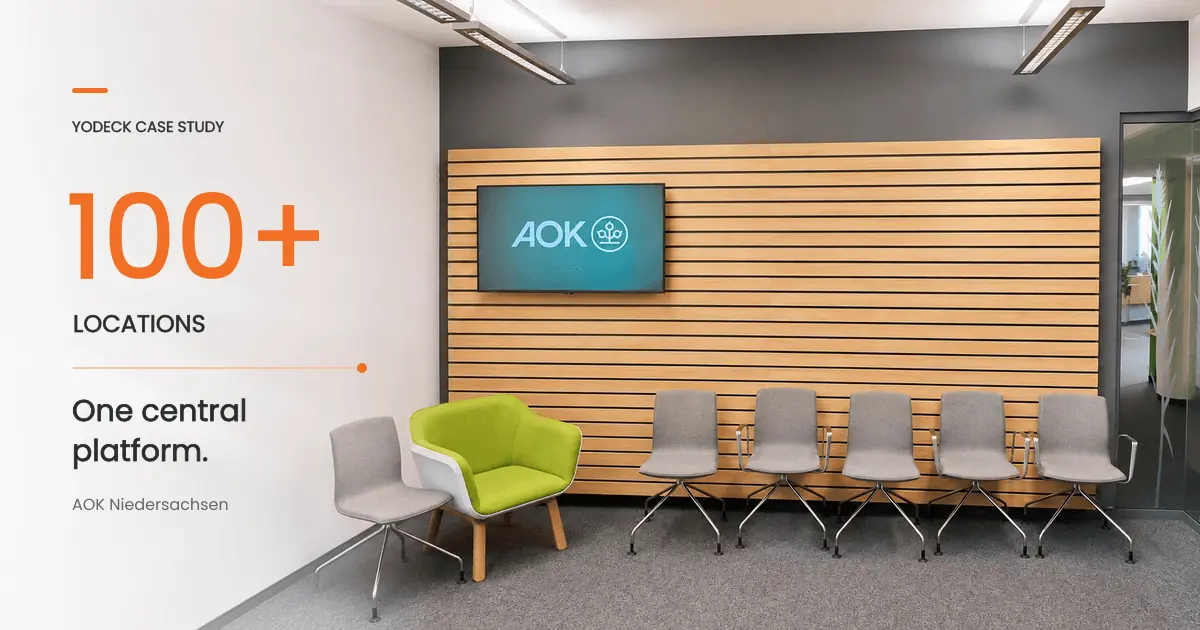
Yodeck scales the same way. AOK Niedersachsen, one of Germany’s largest health insurers, runs Yodeck with Sharp/NEC displays across 100+ locations to manage its visitor and waiting area experience from a central point, with each site keeping its content current without local technical staff.
On the review side, Yodeck holds a 4.7 out of 5 rating across 3,000+ verified reviews on G2, with ease of use and easy setup the two most-mentioned strengths, which is what you want from a screen the front desk will run day to day.
Your lobby already has 100% reach of visitors and employees. Putting a managed screen there converts that guaranteed audience into a working communication channel for the cost of a TV you probably own.
No credit card required