


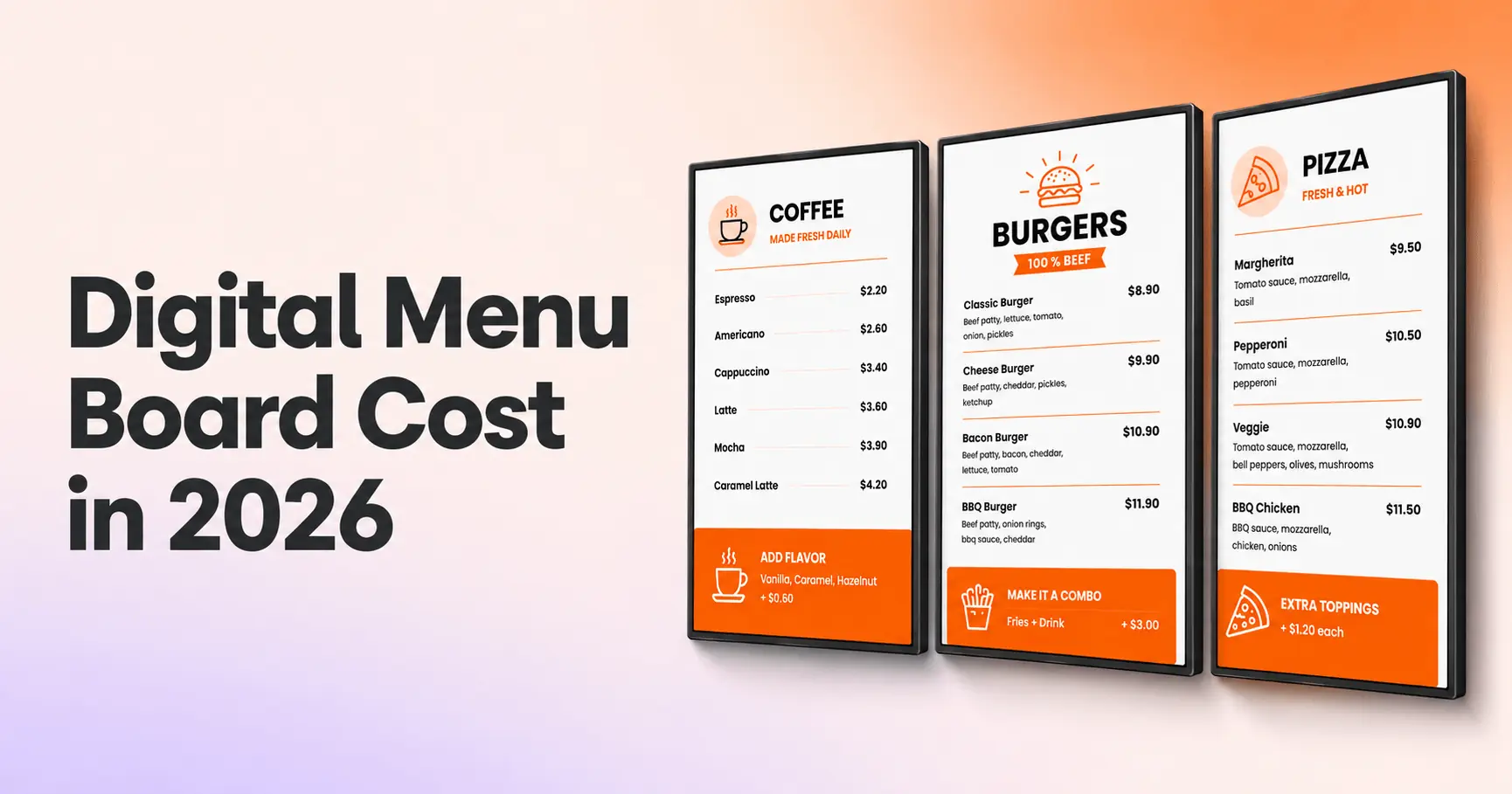
Every line item in a digital menu board setup, real 2026 price ranges, and the fastest ways to bring the total down.
Key takeaways
The screen drives the budget: displays account for most of the upfront spend, while software is a modest monthly fee
Free paths exist: free software plans, free media players on annual subscriptions and TVs you already own cut the total sharply
Hidden line items add up: installation, content design and electricity rarely appear in vendor quotes but shape the real cost
Venue size changes the math: a single-screen cafe and a multi-location chain are paying for very different things
Payback comes from print and promotions: eliminated reprint costs and better promotion visibility recover the investment
Printed menus cost money every time your prices change. That math is what pushes restaurants toward a digital menu board, and the first question is always the same: what does a digital menu board actually cost? The short answer: a complete digital menu board cost, covering screen, software and media player, lands between $500 and $2,000+ per screen, and drops sharply if you already own a TV.
The long answer depends on five line items that most vendor quotes never fully spell out. This guide breaks down every component with 2026 price ranges, shows what different venue sizes actually pay, and covers the costs nobody puts on the quote: installation labor, content design and electricity. By the end, you’ll know exactly where the money goes and where you can cut.
How much do digital menu boards cost?
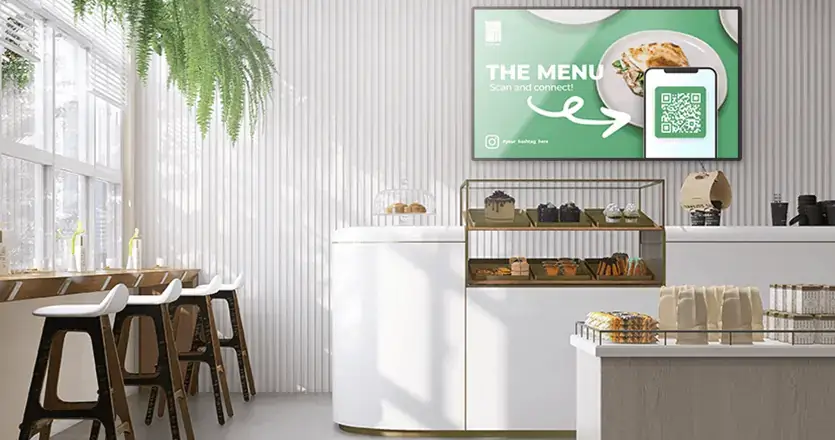
A complete digital menu board costs between $500 and $2,000+ per screen upfront, plus software that runs from $0 to around $80 per screen per month. If you already own a TV, the upfront cost can fall below $100.
Here is the full picture, line by line:
| Component | Typical 2026 price range | One-time or recurring |
|---|---|---|
| Screen or TV | $300-$1,400 (indoor) | One-time |
| Media player | $0-$500 | One-time |
| Signage software | $0-$80 per screen/month | Recurring |
| Installation | $100-$300 per screen | One-time |
| Content and design | $0 (templates) to $2,500 (custom) | One-time or ongoing |
| Electricity | $7-$9 per screen/month | Recurring |
How much does a digital menu board cost for your venue specifically? Three decisions set the number: whether you buy commercial displays or reuse TVs, whether your software plan is free or paid, and whether you install the boards yourself. Drive-thru boards play by different rules entirely, and this guide covers those separately below.
One reference point for the software line: Yodeck runs a free plan for single-screen setups, with paid plans starting at $8 per screen per month. That price is the floor of the market, and the software line deserves the most scrutiny because software is the only cost you keep paying forever.
Digital menu board cost breakdown by component
Each line item has a budget path and a premium path. The breakdown below shows both, so you can decide where spending more actually pays off and where the extra money buys nothing. If you haven’t picked your setup yet, our digital menu board setup guide walks through each component in the order you’ll install it.
Screens and displays
The screen is the biggest single cost, and the decision comes down to consumer TV versus commercial display. The difference is not picture quality. The difference is duty cycle, brightness and warranty terms.
| Factor | Consumer TV | Commercial display |
|---|---|---|
| Price (43-55 inch) | $250-$600 | $700-$1,400 |
| Brightness | 250-350 nits | 450-700+ nits |
| Rated usage | 6-8 hours/day | 16-24 hours/day |
| Warranty | Often excludes business use | Commercial warranty, typically 3 years |
| Best fit | One screen, standard hours, controlled lighting | Bright rooms, long hours, multi-screen setups |
A consumer TV is a legitimate choice for a single menu board in a cafe that runs 8 hours a day away from direct sunlight. Where a consumer TV falls apart: long operating hours degrade consumer panels faster, and most manufacturer warranties exclude commercial use, so a failure in month 14 is on you. If your screens run open-to-close in a bright room, the commercial display earns its price difference in lifespan alone. Our guide to the best TVs for digital signage goes deeper on specific models.
Interesting insight: The screen is the biggest cost in the project but the least differentiating decision. Two competing restaurants can run identical panels. What customers actually notice is the content, and content quality is decided by the software and design line items further down this list.
Digital menu board software pricing
Cloud digital signage software typically runs from free plans up to about $80 per screen per month, with operator-grade enterprise platforms charging more. Digital menu board pricing at the software level is a subscription, so small monthly differences compound: a $30 gap per screen adds up to $1,080 over three years on a single screen, and $10,800 on ten.
The digital menu board price you pay for software should map to four capabilities. First, the software lives in the cloud, so you update menus from any laptop without touching the screen. Second, content schedules by daypart, so breakfast switches to lunch automatically. Third, the platform includes menu templates, so you’re not paying a designer for layout basics. Fourth, playback continues when the internet drops, so a router hiccup during lunch rush doesn’t blank your menu.
Any software missing one of those four is a slideshow tool with a subscription fee.
Media players
A media player is the small device that pushes your content to the screen, and a media player costs anywhere from nothing to about $500. The options, cheapest first:
a web player uses the browser already inside your smart TV, at no hardware cost, and works well for simple single-screen menus
an Amazon Fire TV Stick runs signage software for under $50, a practical budget route covered in our Fire TV Stick digital signage guide
a DIY Raspberry Pi build starts around $35 for the board, though a complete kit with case, power supply and SD card lands closer to $80-100
commercial-grade dedicated players run $300-$500 and make sense for demanding multi-screen installs
A fourth path removes the line item entirely. The Yodeck Player, a preconfigured Raspberry Pi 4 device, ships free with every screen on Yodeck annual plans. If you’d rather use hardware you already own, the same plans discount $20-$70 per screen instead.
Get players for FREE
That’s right! Select any Annual Plan and we will give you all the players you need for your monitors, preconfigured and for free. Just plug them in and you’re good to go!
Get the offer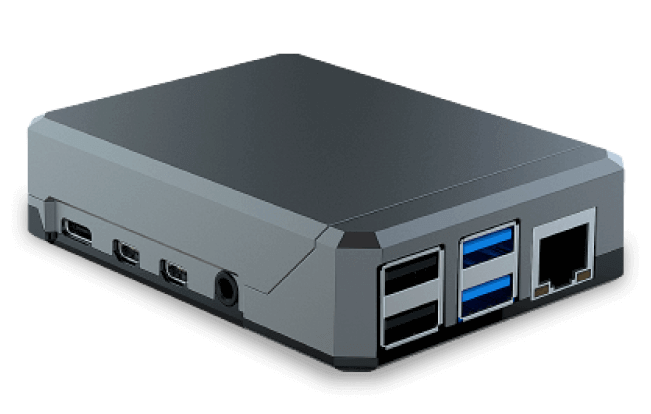
Installation costs
How much does it cost to install digital signage? For a single indoor menu board, professional mounting typically runs $100-$300. Multi-screen clusters above a counter, with brackets, cable runs and a network drop, run several hundred to over a thousand dollars depending on the wall and wiring situation.
The DIY threshold is simple: one screen, counter-adjacent, with a power outlet already at the wall is an afternoon job with a $30 mount. Three screens in a row above head height, needing hidden cabling and in-wall blocking, is a professional job. Budget for one surprise: most walls have power where you need it, but few have an Ethernet drop, and adding one can cost more than the mounting itself. WiFi or a cellular dongle usually solves the connectivity gap cheaper than pulling cable.
Content and design costs
Content is the forgotten line item, and content spend moves the budget more than any hardware choice. The ranges: menu templates cost nothing, a designer building custom branded layouts runs $500-$2,500 one-time, and outsourcing ongoing menu updates costs a monthly retainer that can quietly exceed your software subscription.
The realistic middle path for most restaurants is a template customized with your branding, photos and prices. A customized template costs nothing and takes an afternoon. If you want to design from scratch, our guide on how to make a digital menu board walks through the design side, which this guide deliberately leaves out.

Electricity and running costs
Nobody puts electricity on a digital menu board quote, but power is a real recurring cost roughly equal to a budget software subscription. The math: a 55-inch commercial display draws around 130 watts. Running 14 hours a day, that display uses about 55 kWh a month. At the average US commercial electricity rate of 13.51 cents per kWh reported by the EIA for April 2026, that usage costs $7-$9 per screen per month, and more in high-rate states like California.
Across ten screens, power adds roughly $900-$1,100 a year, a line item that deserves a place in any honest total.
Pro tip by Yodeck Team: Yodeck’s Working Hours feature powers screens on and off automatically on your schedule, over the same HDMI cable. A menu board that sleeps 10 hours a night cuts its power draw by roughly 40% without anyone touching a remote.
Total cost scenarios: what different venues actually pay
Line items only become a budget when you total them for a real venue. Here’s what the first year looks like for three common setups, using the ranges above:
| Cafe: 1 screen | QSR counter: 3 screens | Multi-location: 10 screens, 3 sites | |
|---|---|---|---|
| Screens | $0 (existing TV) | $2,100-$4,200 commercial | $7,000-$14,000 commercial |
| Media players | $0 (web player) | $0 (free with annual plan) | $0 (free with annual plan) |
| Software, year 1 | $0 (free plan) | $288 | $960-$1,440 |
| Installation | $0-$50 DIY | $500-$1,000 | $1,500-$3,000 |
| Content | $0 templates | $0 templates | $500-$1,500 one-time design |
| Year-1 total | Under $100 | $2,900-$5,500 | $10,000-$20,000 |
Restaurant digital signage prices scale with screens, but not linearly. Hardware gets modest volume discounts, software is flat per screen, and installation logistics grow with every additional site. The lesson from the table: the cafe scenario is nearly free because the setup reuses hardware and free software, while the chain scenario is dominated by displays and rollout labor, which is exactly where negotiation and phasing help.
Running a multi-location rollout in digital signage for restaurants and want the numbers for your specific footprint? Book a demo and walk through the math with a specialist.
How much does a digital drive-thru menu board cost?
A digital drive-thru menu board costs $3,500-$8,000 per outdoor display, before installation. The drive-thru premium comes from the enclosure, not the panel. Outdoor boards need sealed weatherproof housings, brightness of 2,500 nits or more to stay readable in direct sunlight, and temperature control to survive summer and winter.
Installation compounds the cost. A drive-thru board needs a structural mount or pole, weatherproof electrical and often a permit, which together can add several thousand dollars per lane. A two-lane drive-thru refresh routinely lands in five figures, which is why chains phase drive-thru screens lane by lane rather than all at once. If your operation is indoor-only, none of the drive-thru math applies to you, and the indoor numbers above are your budget.
How to lower your digital menu board cost
The total is more controllable than vendor quotes suggest. Five levers, in order of impact:
- Reuse screens you own. A TV already on the wall is a $0 line item, and paired with a web player you’ve skipped the two biggest hardware costs.
- Start on a free plan. Yodeck’s Free plan runs one screen with no time limit and no credit card, and every new account gets 30 days of full feature access on up to 5 screens.
- Take the free hardware. Annual Yodeck plans include a free player per screen, or a $20-$70 per-screen discount if you bring your own device.
- Use templates before hiring a designer. Free digital menu board templates get you a professional layout in an afternoon, and a designer can come in later when revenue justifies the spend.
- Schedule screens off overnight. As covered above, off-hours scheduling cuts the electricity line by roughly 40%.
How to make digital menu boards free, in one sentence: existing TV, web player, free single-screen plan, free template. That combination is a complete working menu board for $0.
Are digital menu boards worth the cost?
Digital menu boards are worth the cost for most restaurants because the two payback mechanisms start on day one.
The first is print elimination: every menu change stops costing a reprint, a laminate and a staff hour.
The second is promotion visibility: digital boards put your highest-margin items and limited-time offers in front of every customer at the moment they decide, and 86% of restaurants report a sales increase after adopting digital signage for exactly this reason. A board that lifts average ticket by even a few percent recovers a $3,000 install within months in a busy QSR.
Compliance adds a third mechanism for growing brands. The FDA menu labeling rule requires chains with 20 or more locations to display calorie information on menus and menu boards. On print, every calorie or price correction is a reprint across every location. On digital, one edit pushes everywhere at once.
This is the model Domino’s Pizza runs with Yodeck: centrally managed digital menu boards that keep menus consistent and promotions current across stores without location-by-location updates. For a sense of how the platform holds up in daily use, Yodeck holds a 4.7 out of 5 rating across 2,852 verified reviews on G2.
How long do digital menu boards last?
A commercial display lasts 5-7 years in menu board duty, and a consumer TV lasts 3-5, which makes lifespan a bigger cost factor than the sticker price. Many commercial panels are rated around 50,000 hours of operation, which at 14 hours a day is nearly a decade. A consumer TV running the same schedule operates far beyond its designed duty cycle, so failures come earlier and, as noted above, usually outside warranty.
Media players outlast their usefulness more often than they fail. Budget for a possible replacement around year 4-5, or remove the risk contractually: the Yodeck Player carries a 1-year warranty, extendable with Yodeck Assurance coverage at $1 per player per month.
The takeaway for your budget: a commercial display costing 60% more than a consumer TV but lasting 60% longer is the same annual cost with fewer mid-service failures. Total cost of ownership, not purchase price, is the number to compare.
The cost question has a clear answer in 2026: hardware is a one-time decision, software is the lever you control and the hidden line items are only hidden if nobody itemizes them. Start with the screens you have, prove the sales impact, and scale the spend when the boards have paid for themselves.
No credit card required.