DIGITAL CALENDAR DISPLAY

The interactive way to display schedules

Use a smart wall calendar to show dates, days of the week, and scheduled events. Add and edit information interactively, within seconds.


Yodeck Voted as the best digital signage on Captera with 4.9 stars our of 5.

Yodeck Voted as the best digital signage on G2 with 4.8 stars our of 5.

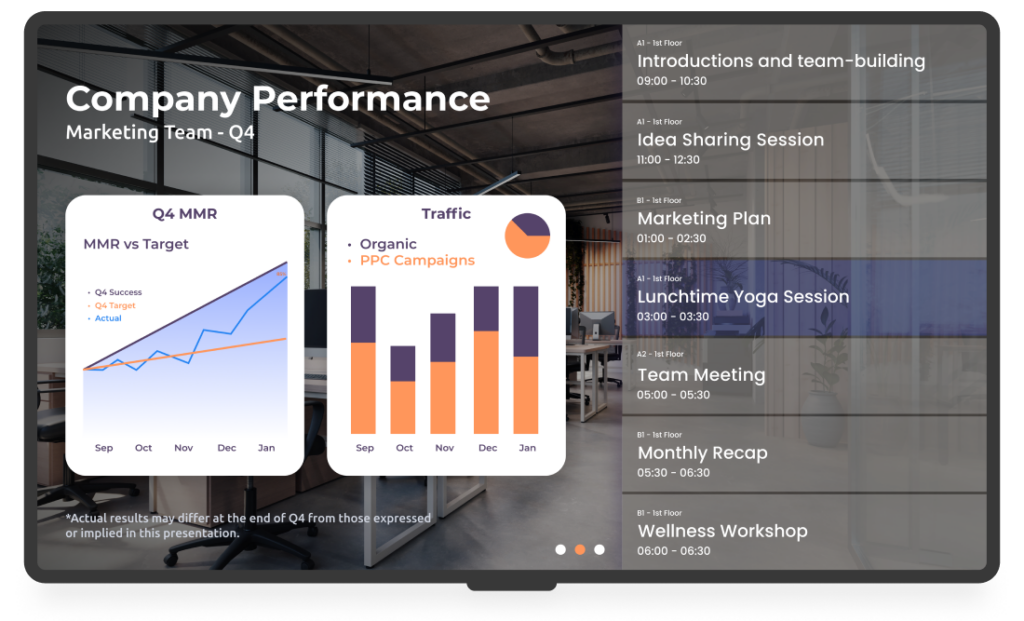
Screen showing a company schedule
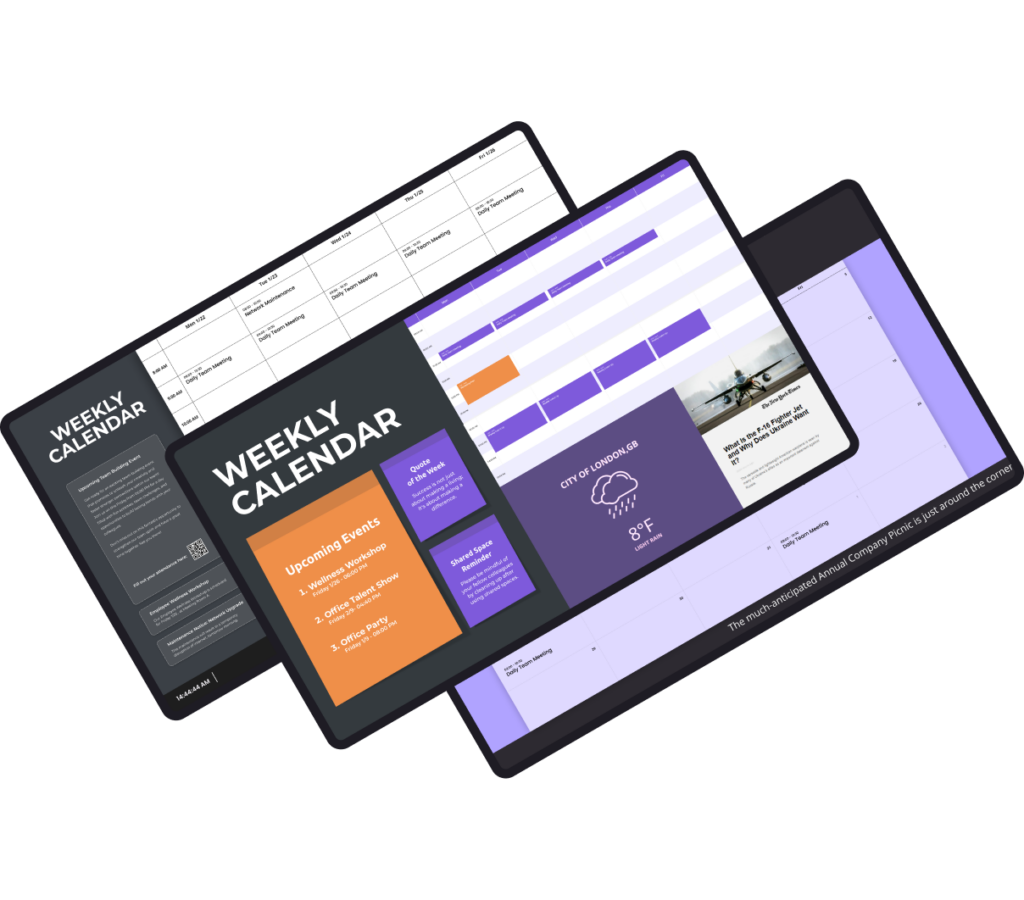
Screens with calendar templates
Free templates for a wall digital calendar

Benefits of a digital calendar display

Real-time updates

An electronic wall calendar allows for real-time updates. Any changes or additions to the calendar are instantly reflected on the digital signage.

Adaptable content

Digital schedule boards are adaptable to various contexts and industries, from corporate offices to retail stores. Make information sharing easy.

Customization

Make your digital calendar display the way you like it. Add colors and special elements that represent your brand. Utilize our free & customizable templates to create an engaging touchscreen calendar.

Interactivity

A digital wall calendar can be interactive. Let users touch the screen to access more detailed information about specific events, check availability, or even make reservations!

YODECK APPS

Communicate effectively

Use our free calendar apps, like Google Calendar or monthly and weekly calendars to communicate upcoming events and schedules with your audience.
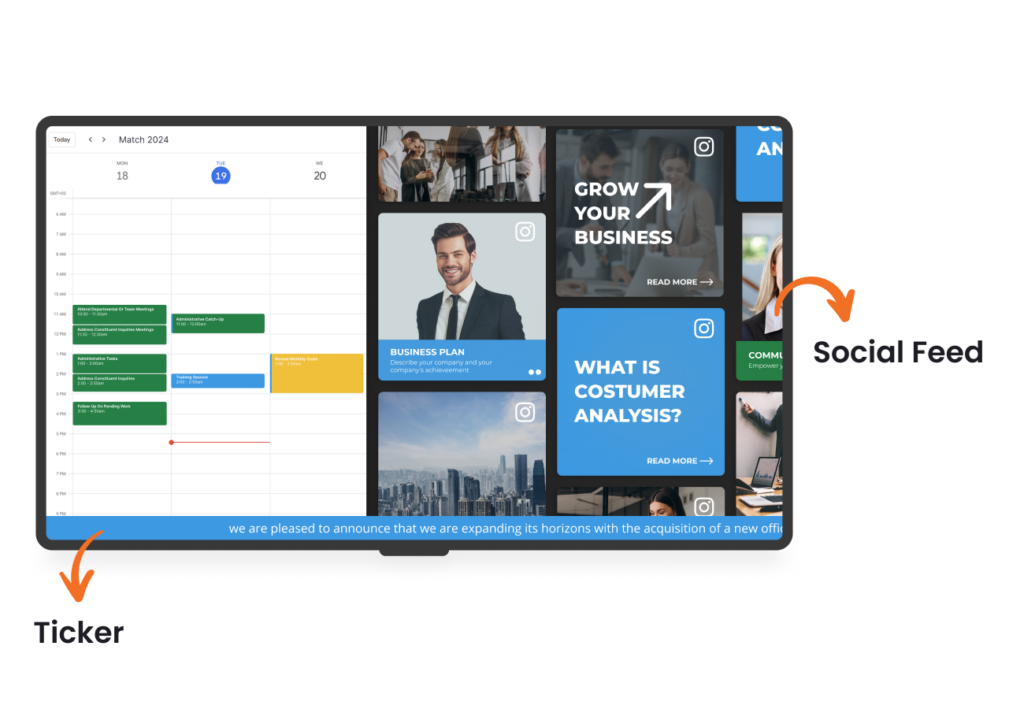
Screen showing a combination of calendar and social media apps

A STEP-BY-STEP GUIDE

Transform any screen into a

digital wall calendar with Yodeck
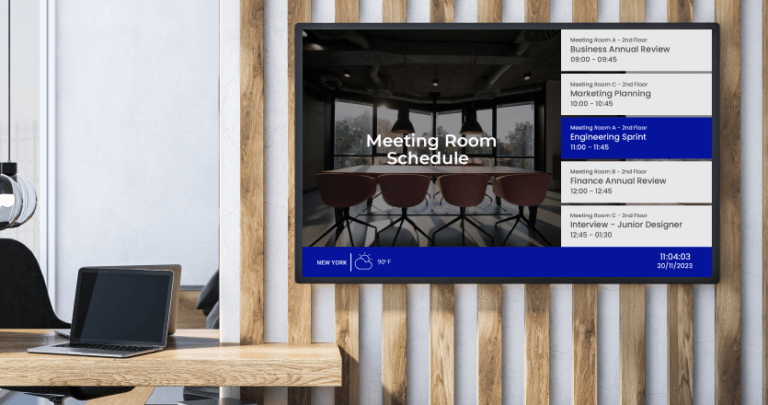
Screen displaying a meeting room calendar

Digital Calendar Display: FAQs

Printed schedules become outdated quickly and require constant reprinting. A digital calendar display updates automatically when meetings or events change, reducing confusion and admin work. Teams always see the latest information, which improves coordination and saves time. Over time, it also reduces printing costs and presents a more professional, organized environment.

Digital calendar displays deliver the most value when placed where schedules are checked naturally, including:

  • Office entrances and reception areas
  • Outside meeting and conference rooms
  • Hallways near shared workspaces
  • Break rooms and cafeterias
  • Lobbies in education or healthcare facilities
  • Event venues and multipurpose rooms

These locations ensure schedules are visible at a glance, reducing confusion and interruptions.

  • Meeting room schedules and availability
  • Office-wide event planning and key dates
  • Class timetables and exam schedules
  • Shift planning and staff rota visibility
  • Visitor information (today’s meetings, agendas)
  • Deadline reminders for projects and campaigns
  • Digital wall calendars for event planning (holidays, milestones, launch dates)
  • Office: Meeting room schedules, team events, deadlines
  • Schools: Bell schedules, exams, assemblies, club calendars
  • Manufacturing: Shift rosters, maintenance windows, safety briefings
  • Healthcare: Clinic schedules, staff rotations, appointment reminders
  • Events: Run-of-show, session times, speaker schedules
  • Church: Service times, volunteer rosters, weekly programs
  • Banks: Branch appointments, customer event calendars
  • Museum: Exhibit schedules, guided tours, workshops
  • Library: Room bookings, classes, community programs

Yes. A digital Google Calendar display syncs directly with shared or individual calendars, showing real-time updates on screen. When meetings are added, moved, or canceled, the display updates automatically. This makes it one of the easiest ways to keep schedules accurate without manual edits, spreadsheets, or printed updates.

Yodeck’s digital calendar software allows multiple calendars to be combined into a single view, so you can display multiple calendars (such as team, meeting room, or department) on a single screen or split into zones. Calendars from Google Workspace or Microsoft 365 update automatically, making this ideal for digital schedule boards in meeting rooms, offices & shared spaces.

Yes. Many organizations start with free digital software to test scheduling workflows and screen layouts. This allows teams to validate the value of a digital calendar display before expanding. Free options are ideal for small offices, pilot projects, or shared spaces that need clear scheduling without upfront costs. You can also start with Yodeck’s free starter plan & scale when ready.

The cost of a digital calendar display depends on how many screens you need. Yodeck offers a free plan, so you can sign up for free and test the platform at no cost. When you’re ready to scale, paid plans start at $8 per screen per month. By switching to a digital display calendar, you can also reduce printing costs and save administrative time.

Digital calendar displays are most valuable anywhere schedules change often and visibility matters. They’re widely used in:

If teams or visitors rely on shared schedules, a digital wall calendar display keeps everyone aligned without constant manual updates.

Create a connected screen network that keeps people informed, on time, and moving smoothly with: