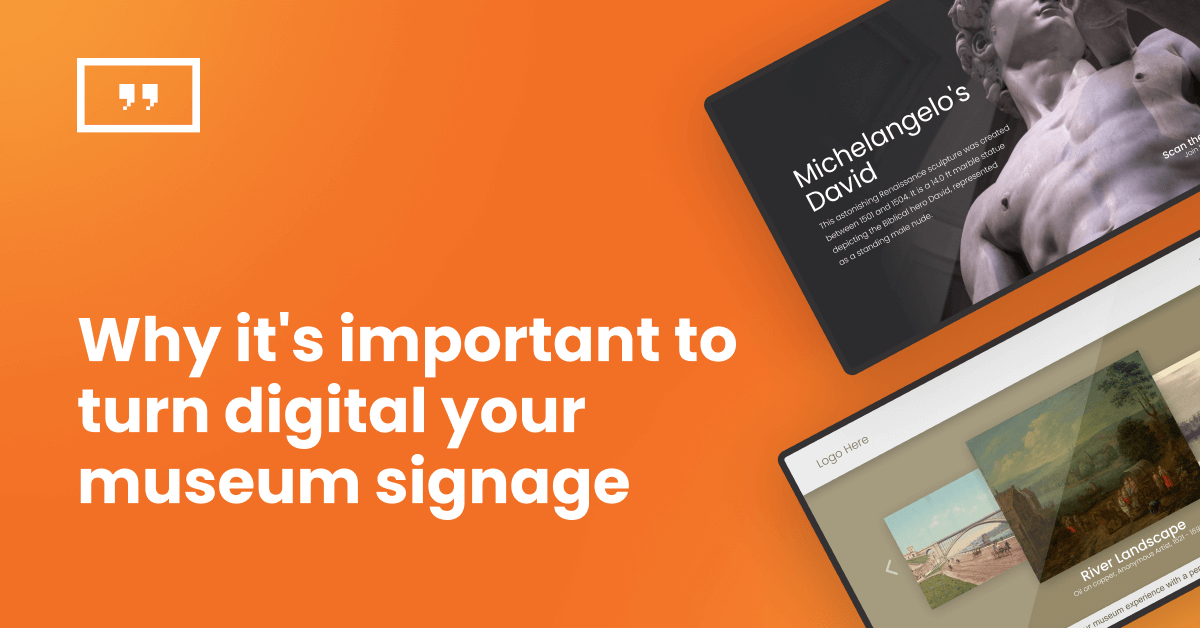
How museums use digital screens to welcome, guide and inform visitors, and how to run them without adding staff workload.
Key takeaways
Digital signage is operational infrastructure, not exhibit tech: it handles welcome screens, wayfinding, event promotion and visitor information, and is a separate decision from interactive exhibit installations.
Wayfinding and orientation are the highest-impact starting point: clear digital direction reduces staff interruptions and helps visitors find what they came for.
Content operations decide success: scheduling around exhibition dates, automatic screen power management and multilingual support matter more than screen count.
Budget rarely blocks adoption: museums can start with existing TVs and scale one screen at a time.
Local repeat visitors are the growth audience: screens promoting rotating exhibitions, events and membership give people a reason to come back.
Visitors form an opinion about a museum within minutes of walking in. Can they find the ticket desk? Do they know what’s on today? Is the temporary exhibition upstairs or in the west wing? Museum digital signage answers these questions before anyone has to ask a staff member.
This guide covers what digital signage does in a museum setting, the most useful placements, which screens suit gallery conditions, how a small team keeps content current and what a realistic budget looks like. It’s written for visitor experience and communications teams first, with practical notes for the IT and facilities people who keep the screens running.
What is museum digital signage?
Museum digital signage is a network of screens, managed from one central museum digital signage solution, that displays visitor information across a museum: opening hours, exhibition announcements, directions, exhibit context and event promotion. Whether you call it digital signage for museums or museum digital displays, the idea is the same. A staff member updates content from a laptop, and every screen in the building reflects the change within minutes.
It helps to be clear about what digital signage is not. Digital signage is not the printed exhibit labels and directional plaques that curators produce for individual objects, and it is not the custom interactive exhibit installations that agencies build for a single gallery. Those are exhibit design decisions. Digital signage in museums is the communication layer around them: the screens that welcome, orient and inform.
| Printed signage | Digital signage | Custom exhibit installations | |
|---|---|---|---|
| Purpose | Object labels, permanent directions | Visitor information, wayfinding, promotion | One-off interactive exhibit experiences |
| Update cycle | Reprint and reinstall | Minutes, from a dashboard | Redevelopment project |
| Cost profile | Low per sign, recurring print costs | Screen + player + software subscription | High, project-based |
| Who manages it | Curatorial and design teams | Communications or visitor experience staff | External agency or dedicated AV team |
| Best for | Exhibit interpretation that never changes | Everything that changes weekly or seasonally | Signature gallery moments |
This article covers the middle column. If you’re evaluating exhibit installations or kiosk software, that’s a different buying process with different vendors and budgets.
Benefits of digital signage for museums
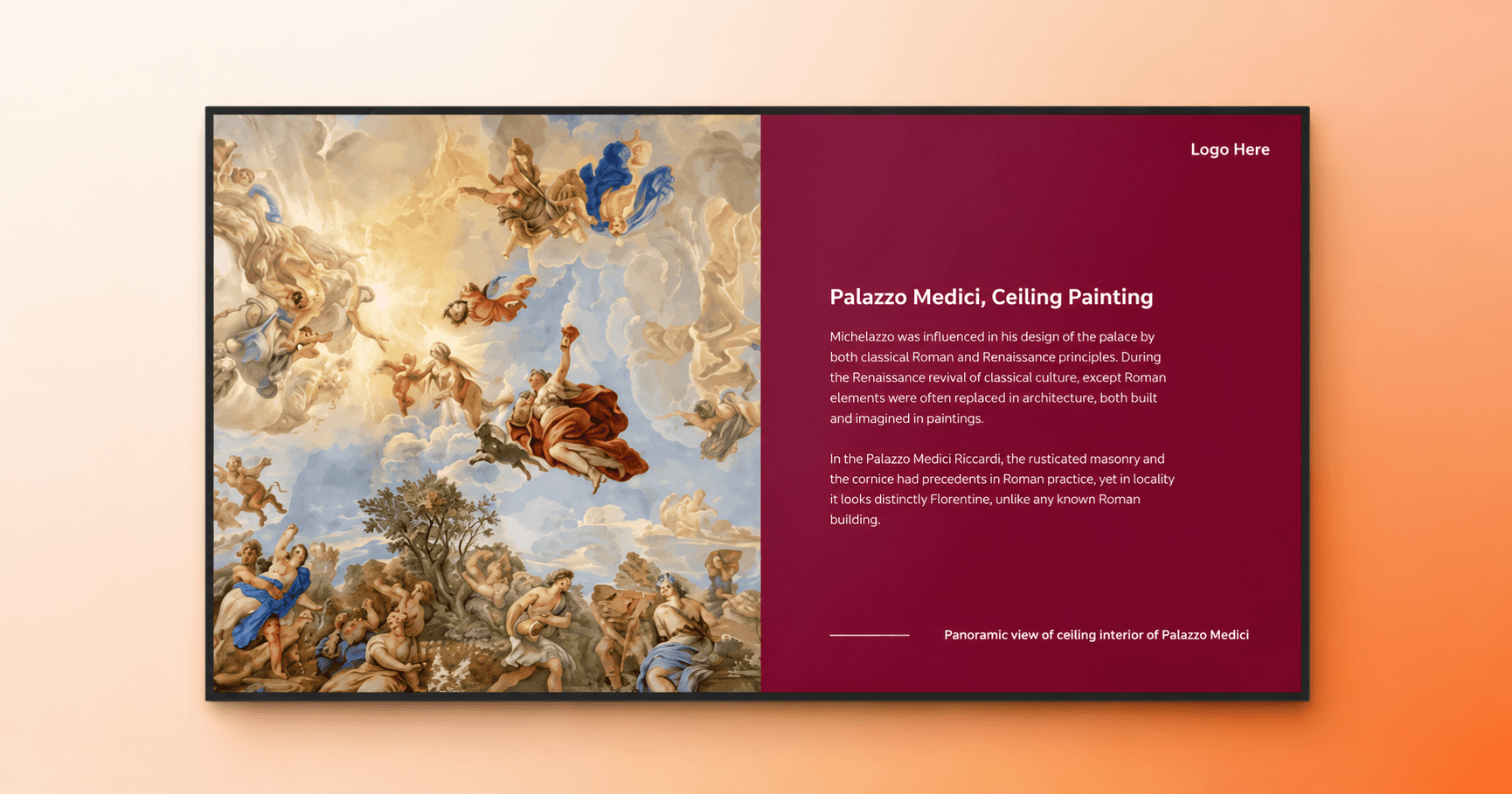
The strongest case for digital signage in museums right now is economic, not aesthetic. According to the American Alliance of Museums, 55% of US museums report attendance below 2019 levels and 29% saw attendance drop in 2025 alone, driven by weaker tourism and economic uncertainty. For most institutions that means doing more visitor communication with fewer resources, and screens that update themselves are one of the few tools that reduce workload rather than add to it.
Three practical gains stand out.
1. First, print costs and print delays disappear for anything that changes: exhibition schedules, event calendars, ticket pricing, holiday hours.
2. Second, communication becomes consistent across buildings and floors because everything runs from one dashboard instead of a stack of laminated A4 sheets.
3. Third, screens absorb the repetitive questions that otherwise interrupt front-of-house staff dozens of times a day: where the bathrooms are, what time the tour starts, whether photography is allowed.
There’s also a quieter benefit: meeting expectations. Visitors who spend their evenings with streaming services and their commutes with polished retail environments notice when a museum’s communication feels dated. Digital screens won’t carry an exhibition on their own, but they remove the small frictions that make a visit feel harder than it should be.
How do museums use digital signage?
Museums use digital signage in six main placements: welcome and admission screens, exhibit and gallery displays, wayfinding, exhibition and event promotion, membership and donor communication and commercial areas like gift shops and cafés. Most museums start with one or two and expand as the team gets comfortable.
Welcome and admission screens
Museum screens at the entrance do the heaviest lifting. A single display beside the ticket desk can rotate today’s exhibitions, admission pricing, tour times, accessibility information and photography rules. That’s five printed signs replaced by one screen that never goes out of date. Entrance screens also set the tone: a well-designed welcome display signals that the institution pays attention to the visitor’s experience from the first step inside.
Exhibit and gallery displays
A museum digital display inside a gallery adds context without competing with the collection. Common uses include artist and curator interviews on loop, archival footage beside historical objects, rotating background information for large or complex exhibits and content in multiple languages for international visitors. The discipline that matters here is restraint. Gallery screens should support the objects, not fight them for attention, which usually means muted motion, no audio bleed and brightness matched to the room.
Museum wayfinding
Museum wayfinding is where digital signage earns its keep fastest. Interactive or static maps at decision points, floor directories at stairwells and elevators and simple directional screens at gallery junctions reduce the two most common visitor frustrations: getting lost and missing something they came to see. Wayfinding digital signage also adapts in ways print can’t. When a gallery closes for installation, every affected map updates at once. A digital building directory works the same way for museums with multiple wings or buildings.
Exhibition and event promotion
Screens near exits and in transition spaces are the natural place to answer the question every museum wants visitors asking: what’s next? Upcoming exhibitions, evening lectures, family programs and school holiday activities all belong here. Timing matters. A visitor leaving an exhibition they loved is at the exact moment of highest intent to plan a return visit.
Membership, donor and fundraising screens
This placement is underused and increasingly valuable. Reporting in The Art Newspaper shows US museums offsetting weak tourist numbers by growing local and regional audiences, and local visitors are exactly who membership and annual-pass promotion reaches. Screens in cafés, lobbies and queue areas can present membership pricing, donor recognition and fundraising campaign progress to the people most likely to respond: those already in the building. A screen that converts even a handful of visitors to members each month pays for itself.
Gift shop, café and outdoor screens
Commercial areas follow retail logic: featured products, seasonal promotions and café menus that update without reprinting. Outdoor-rated screens extend the same system to courtyards, sculpture gardens and grounds, which is why digital signage for museums and parks often runs on a single shared platform, one dashboard covering indoor galleries and outdoor visitor areas alike.
Ready to see how this works on your own screen? Start with one display for free.
Interactive signage for museums
Interactive signage for museums means letting visitors control what a screen shows, and it sits deliberately below full exhibit installations in complexity and cost. The evidence supports the effort: a study in the Journal of Geoscience Education observing over a thousand visitor interactions with a digital museum exhibit found that most hands-on engagement showed signs of cognitive or emotional involvement, the conditions under which learning happens.
The practical entry points are modest. Touchscreen digital signage lets visitors browse a floor map, flip through an exhibition guide or choose a language. QR codes on any screen link to audio guides, extended object information or ticket purchase on the visitor’s own phone, which keeps hardware costs at zero. Yodeck’s Interactive Library app takes this further by turning a touchscreen into a browsable content hub, where visitors pick from curated playlists, maps and documents on their own. For a deeper look at where visitor-controlled screens fit, see our guide to interactive displays.
If your plans run toward gesture-driven installations or multi-touch exhibit tables, that’s exhibit technology territory and worth a separate procurement conversation.
What screens work best for museum exhibits?
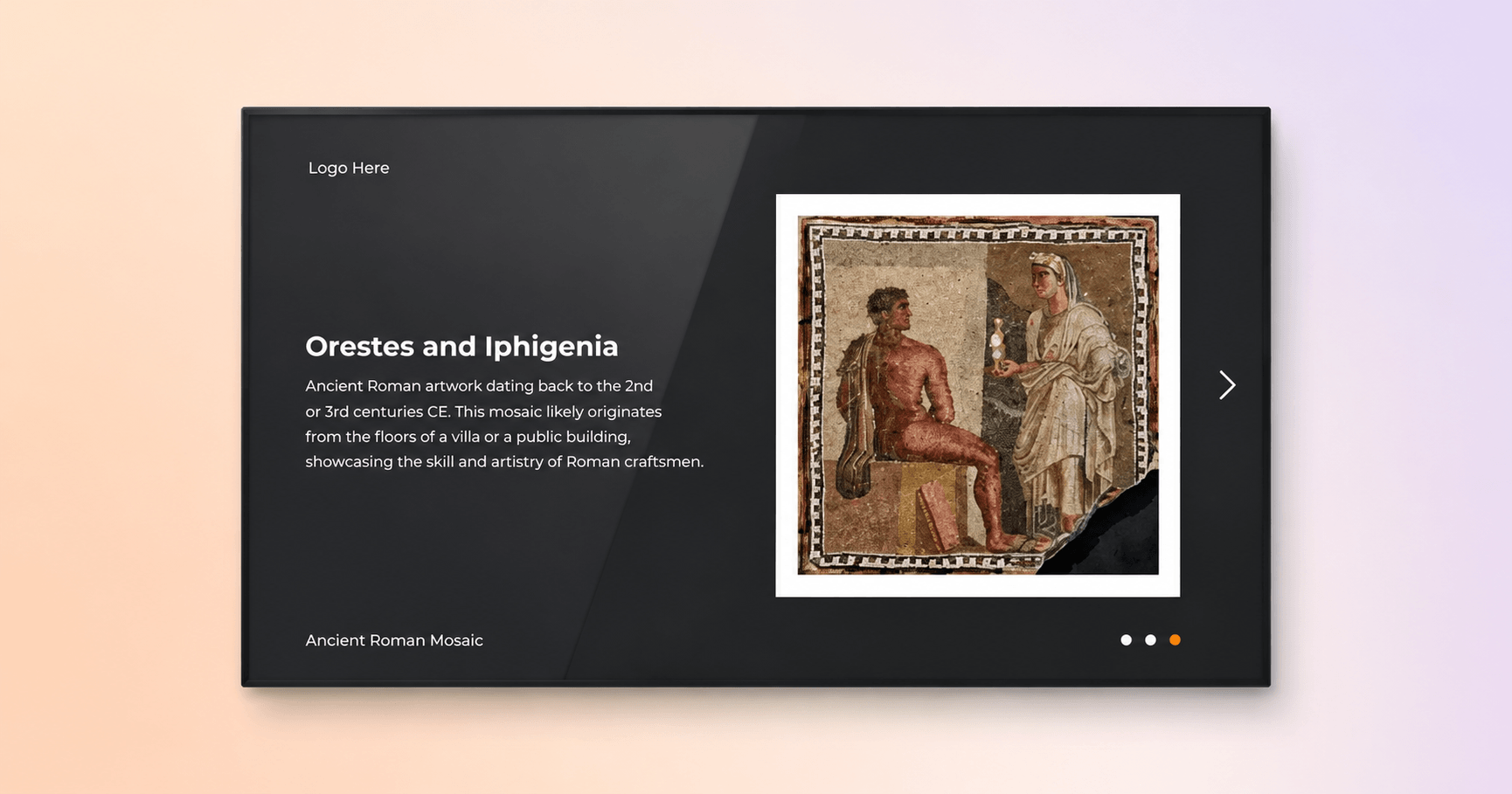
The best screens for museum exhibits are commercial-grade displays matched to each room’s light conditions, with portrait orientation for label-style content and landscape for maps and promotion. That single sentence covers most decisions, but the details are worth knowing because museums have display conditions almost no other industry shares.
Galleries are dark by design, often for conservation reasons. That works in your favor: a screen in a dim gallery needs far less brightness than one in a sunlit atrium, so mid-range commercial panels perform well where retail environments would demand premium high-brightness hardware. Entrance halls and glass-fronted lobbies are the opposite case and justify brighter displays. Consumer TVs are a legitimate starting point for protected indoor spots and pilot projects, though commercial displays are built for the 8 to 12 hours of daily runtime a museum schedule demands and usually carry longer warranties.
Orientation should follow content. Portrait screens read as digital labels and directories, a form language museum visitors already understand. Landscape suits maps, video and promotional loops. Placement follows conservation sense: keep screens and their heat away from light-sensitive works and let sightlines favor the collection.
Every screen also needs a media player, the small device that stores and plays content. Compact players mount invisibly behind displays, store media locally and matter more than they look like they should: local storage means a gallery screen keeps playing even if the building’s network drops. For a fuller checklist of what to look for in the software layer, our digital signage features guide breaks down which capabilities matter and which are safe to ignore.
Interesting insight: Museums are one of the few environments where a dim room is a hardware advantage. Conservation lighting that would frustrate a retail deployment lets museums buy less expensive displays and still get excellent visual results.
How do museums keep display content updated?
Museums keep display content updated by scheduling it around exhibition dates rather than editing screens manually. Scheduling is the operational habit that separates signage networks that thrive from those that quietly go stale, and it’s what makes museum digital signage content manageable for a two-person communications team.
The playbook looks like this. Content for a temporary exhibition is scheduled once, with a start date matching the opening and an end date matching the close, so nothing advertises an exhibition that ended last week. Recurring items like tour times and café menus live in templates that staff edit in minutes; free digital signage templates mean nobody needs design skills to keep screens presentable. Multilingual content rotates on a schedule or sits behind a language picker on touchscreens, which matters for institutions where international visitors are a meaningful share of attendance.
Two operational details deserve attention. Screens should power themselves on and off with the building: Yodeck’s Working Hours feature switches displays off at closing time automatically, cutting energy costs and sparing facilities staff a nightly walkthrough. Reliability during opening hours is the other non-negotiable, which is why local playback matters. Yodeck players store content on the device and keep playing for weeks through an internet outage, so a router problem in the back office never blanks a gallery screen mid-visit.
Pro tip by Yodeck Team: Build one schedule per exhibition, not per screen. When the exhibition moves or extends, you change one date in the dashboard and every related screen across the building follows.
How much does museum digital signage cost?
Museum digital signage costs break into three parts: screens, media players and software, and only the software is a true recurring cost. A realistic pilot uses a TV the museum already owns, a low-cost player and a software subscription of a few dollars per screen per month. Yodeck starts at $8 per screen per month, includes the first screen free forever and provides players free with annual plans, which keeps the entry cost close to zero for a single-screen trial.
That structure matters in the current climate. With the American Alliance of Museums reporting that only about half of museums are performing better financially than before the pandemic, few institutions can fund a building-wide AV project in one budget cycle. Digital signage doesn’t require one. The sensible path is a phased rollout: start at the entrance where impact is highest, add wayfinding screens next and extend into galleries and commercial areas as each phase proves itself. Screens purchased for a temporary exhibition redeploy to the next one, which exhibit-specific installations can’t do.
Compare that against the recurring cost it replaces: design, printing, laminating and installing every schedule change, price update and event poster across a season. For most museums the crossover point arrives within the first year.
Museum digital signage solutions: how Yodeck works
Yodeck is digital signage software built around the two people who actually run museum screens. For the communications manager, updating content is drag and drop from any browser, with 800+ templates, scheduling tied to calendar dates and support for images, video, web pages and social feeds; our digital signage content guide has ideas to start from. For the IT or facilities manager, everything is centralized: screen health monitoring, user roles so volunteers can edit only their own screens, offline playback and automatic power scheduling across every display from one dashboard.
The visitor-experience results show at scale. When AOK Niedersachsen modernized its waiting-area communication across 100+ service locations, the organization deployed 90 displays managed centrally through Yodeck. Content stayed consistent across every location, and local teams kept their time for visitors instead of screens. Yodeck holds a 4.7 out of 5 rating across 3,000+ verified reviews on G2, where it is recognized as a Leader in digital signage.
Museums have always been careful adopters of technology, and that instinct is right: nothing on a screen should compete with the collection. Digital signage clears that bar because it improves the parts of the visit that happen between the exhibits, the arriving, the finding, the planning to return. Start with a single screen at your entrance and let the results argue for the next one.
Create your first museum screen free with Yodeck.
Start for free