LIBRARY DIGITAL SIGNAGE
Screens & stacks attract more students
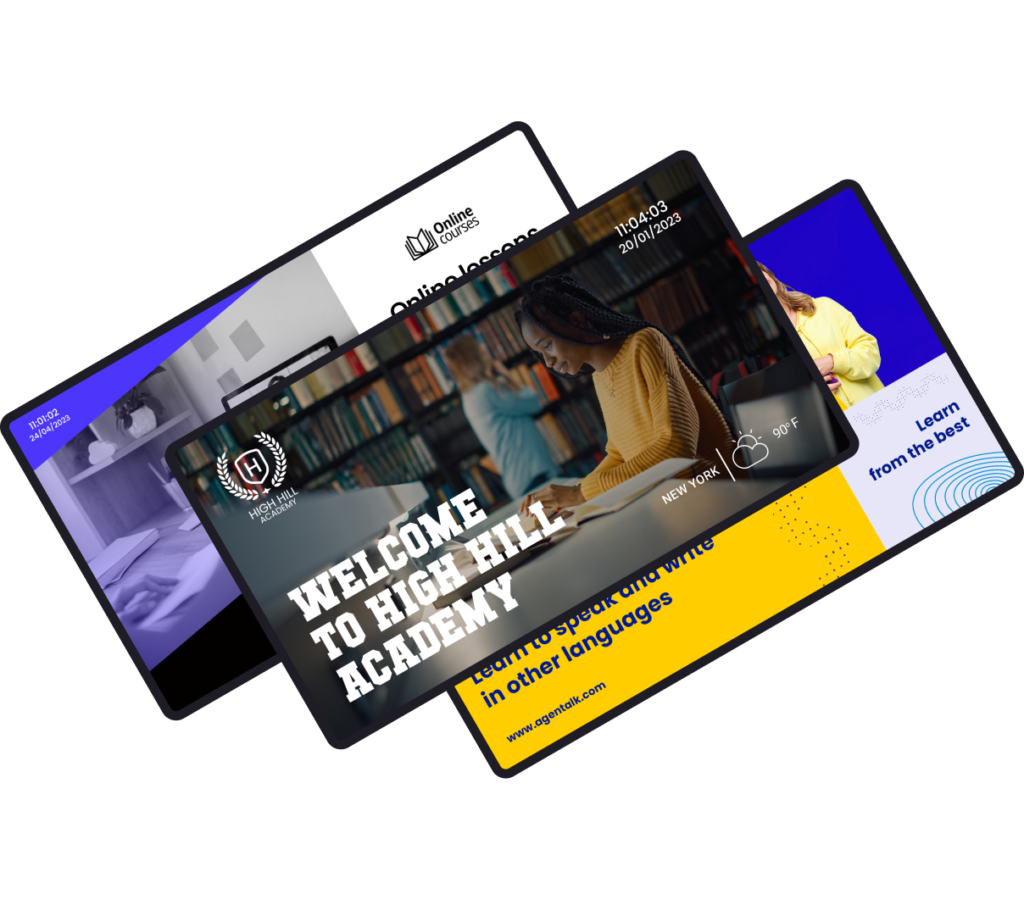
Transform your library into a vibrant experience that engages students. Use library digital signage to advertise new books, events, support services & education resources.


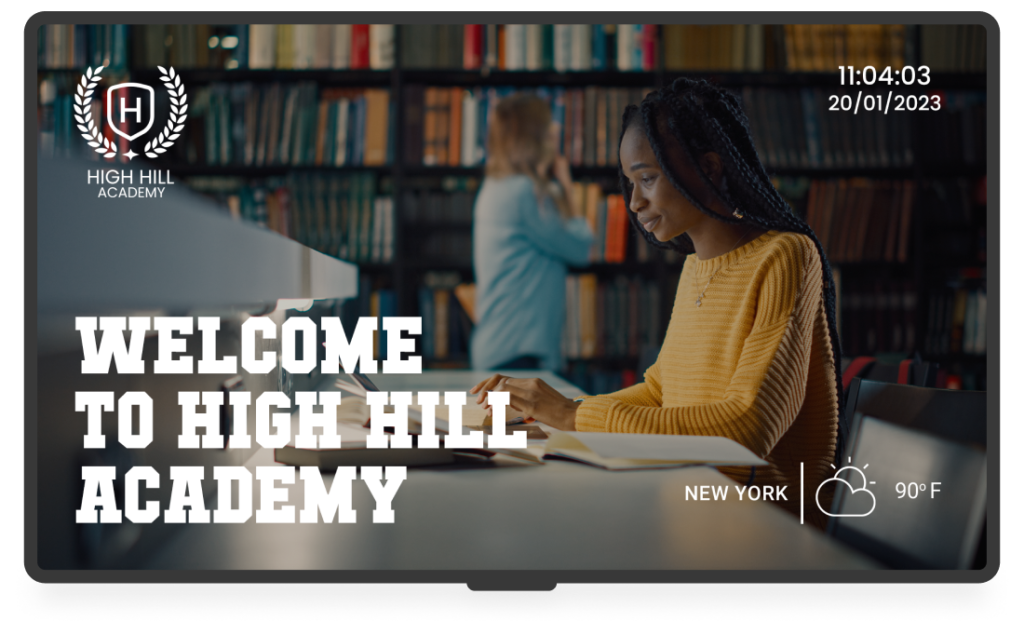
Benefits of easy & affordable library digital signage

Inform students
Update students and visitors about services, opening hours and study room bookings with playlists on library display signs.
Promote events
Advertise art exhibitions, book presentations and lectures you’ll host. Use QR codes to give interested students more info.
Cultivate curiosity
Display fun facts about authors and books. Use gamification for weekly library scavenger hunts to encourage reluctant readers.
Nurture book-lovers
Promote advanced book recommendations & off-campus lectures. Use easy layouts for library signage ideas.
Real-time schedules
Update schedules of events in real time. From speaker series to special collection tours, keep students and visitors on-time.
Save money
Cut printing costs and help the environment by going digital. Go from paper flyers to up-to-date media that engages.
YODECK APPS
Tech & tradition go hand-in-hand
Yodeck’s free, easy-to-use apps level up your screens and attract attention. Use useful and fun apps, from time & date and calendars to social media walls and news tickers from trusted sources.

Library Digital Signage: FAQs
- Entrance welcome screen (hours, key rules, “Ask Us” info)
- Events, talks, workshops, and guest speaker promos
- Quiet-zone reminders and space-use etiquette
- Library Café Menus with Menuboards to update “daily specials”
- “Today in the library” agenda (programs & deadlines)
- Research help tips (databases, librarian hours)
- Accessibility info (elevators, quiet rooms, inclusive services)
- Interactive kiosk or Touchscreen directory for finding resources
Digital signage improves the library experience by making information easy to find without overwhelming visitors. Students, professors, researchers and guests know where to go, what’s available, and what’s happening, reducing confusion and repetitive questions. By replacing paper notices, library digital signage keeps spaces organized, modern, and welcoming while maintaining a quiet, academic tone.
#1 Public libraries for community programs, hours, announcements – often part of Public Sector digital signage
#2 School libraries (K–12) for schedules, rules & events – aligned with School digital signage
#3 University and college libraries for wayfinding & service updates – aligned with University digital signage
#4 Academic and research libraries for workshops & resources – part of broader Education digital signage ecosystems
Yes. Libraries can turn any regular TV into digital signage by adding a digital signage media player. Yodeck also supports common smart TV from manufacturers like Samsung (Tizen) or LG (webOS). Many libraries start by testing layouts on a single screen, then expand to a larger network when they’re ready, keeping setup flexible and low-risk. Sign up for free to start powering your library displays today.
Yes. Libraries can use interactive digital displays like touchscreens or kiosks to help visitors navigate floors, search resources, explore event calendars, locate collections, view program details on demand, and access self-service information. Interactive screens can also reduce staff interruptions while creating a more engaging and accessible experience for students, researchers, and community visitors.
Libraries can run multiple Playlists across different screens, each with its own schedule. Events and announcements can auto-expire, so outdated content never lingers. Screens can also turn off outside library hours or switch to closure notices, then automatically return to normal programming.
Staff can design content quickly using ready-made library Digital Signage Templates built for announcements, events, rules, and guidance. Instead of starting from scratch, teams can reuse layouts from a centralized digital signage content library, update text or visuals, and publish instantly. This keeps screens consistent, professional, and easy to maintain, without design skills or technical expertise.
Absolutely. Yodeck features a direct Canva integration, making it the most user-friendly digital signage for library staff. Marketing, academic, or library staff can create visuals in Canva and send them directly to displays without reassembling playlists. It’s ideal for frequent program and event updates, so students and visitors see accurate information instead of outdated posters.
Yes. Yodeck lets you manage multiple library locations or floors from a single dashboard. Administrators can assign roles and control content centrally, while giving local teams limited access when needed. This makes scaling simple while ensuring consistent communication across branches or buildings.
Library digital signage pricing with Yodeck starts at $8 per screen per month. This simple per-screen model makes budgeting predictable and allows libraries to start small and scale as needed across entrances, floors, or service desks. You can see full plan details and options on the Yodeck pricing page and start with free digital signage today!