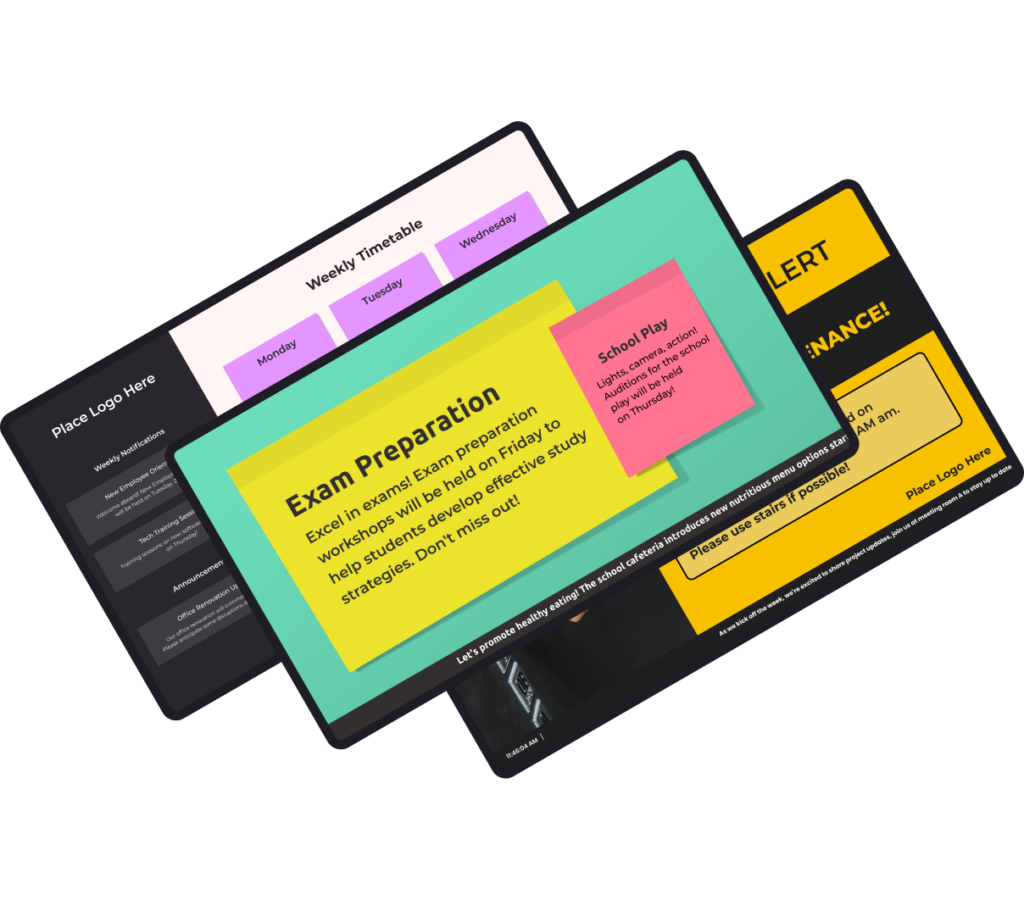
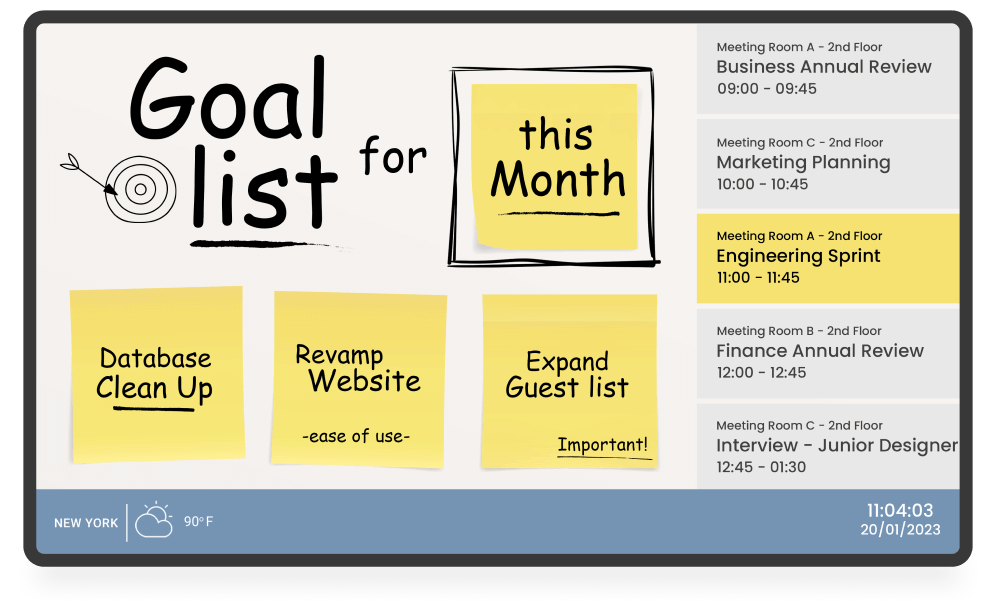
DIGITAL NOTICE BOARD
Convey information dynamically
Transform how you share crucial information and updates with your audience with a digital notice board. Ensure your messages are not only seen but also impactful.


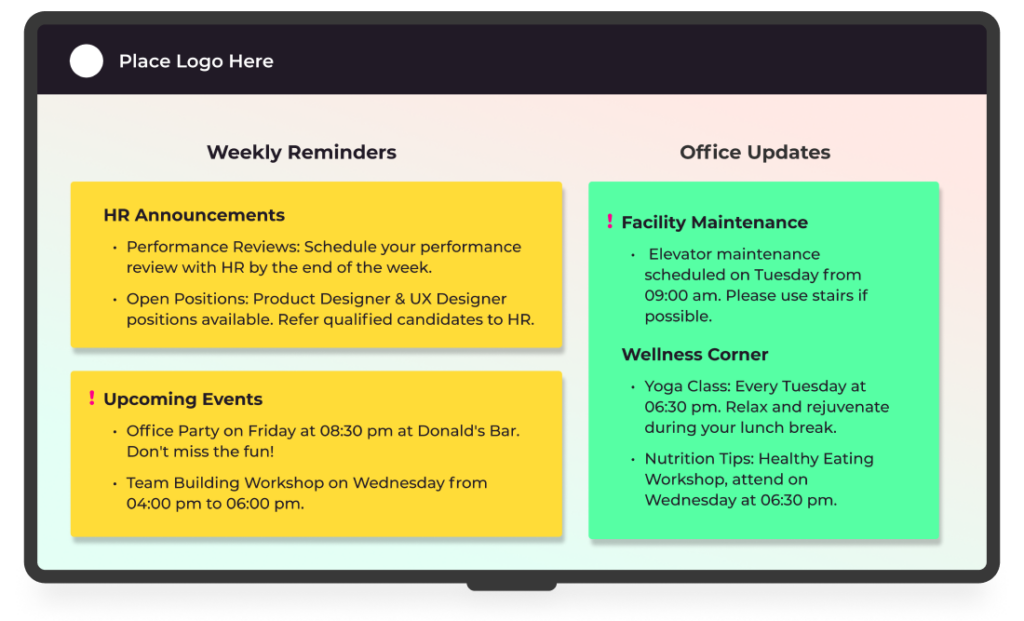
Benefits of digital notice board
Dynamic content
An electronic notice allows for dynamic content updates. Unlike static bulletin boards, information on digital notice boards can be easily updated to meet the specific needs of the audience.
Emergency alerts
An electronic notice board can be utilized for emergency alerts, ensuring crucial information is swiftly disseminated to guarantee your audience’s safety promptly.
Customization
Customize the digital information board’s layout, colors, and design to seamlessly align with your organization’s unique branding or theme, creating engaging displays.
Interactivity
Use touchscreens or interactive displays and enable users to engage with the content, providing a more immersive and personalized experience.
YODECK APPS
Communicate effectively
Showcase essential information where timely communication is vital and inform your audience in education spaces, businesses, healthcare facilities, and other environments through our free notice board app.
Digital Notice Board: FAQs
You probably wonder, what is a digital notice board used for? Simply put, it replaces paper notices and whiteboards with a screen that shares announcements, schedules, news, and reminders. Using digital notice board software, staff can update one or multiple displays in real time from a single cloud dashboard, keeping information clear, current, and easy to manage across the organization.
- Instant updates: change messages in seconds instead of reprinting and reposting
- Smarter scheduling: show notices only when relevant (by time or date)
- Cleaner spaces: remove clutter from walls and boards
- Lower effort: reduce staff time spent printing and replacing notices
- More professional presentation: consistent formatting instead of mixed posters
- Location-based messaging: different content per building or department
- Event schedules and “what’s on today” programming
- Meeting sensitive times, room locations, and training calendars
- Welcome messages for visitors, vendors, or new staff
- Staff recognition (employee milestones, achievements)
- HR and corporate communications (benefits, compliance, internal news)
- Safety protocols and operational notices (procedures, reminders)
- Live dashboards and key metrics (KPIs, targets, status boards)
- Digital notice board for Schools: daily announcements, bell schedule changes, club promos
- Digital notice board for Offices: HR updates, policy reminders, visitor welcome messages
- Digital notice board for Events: session times, speaker highlights, sponsor slides
- Digital notice board for Public Spaces: service hours, safety notices, transit updates
- Digital notice board for Retail: promos, new arrivals, pricing highlights
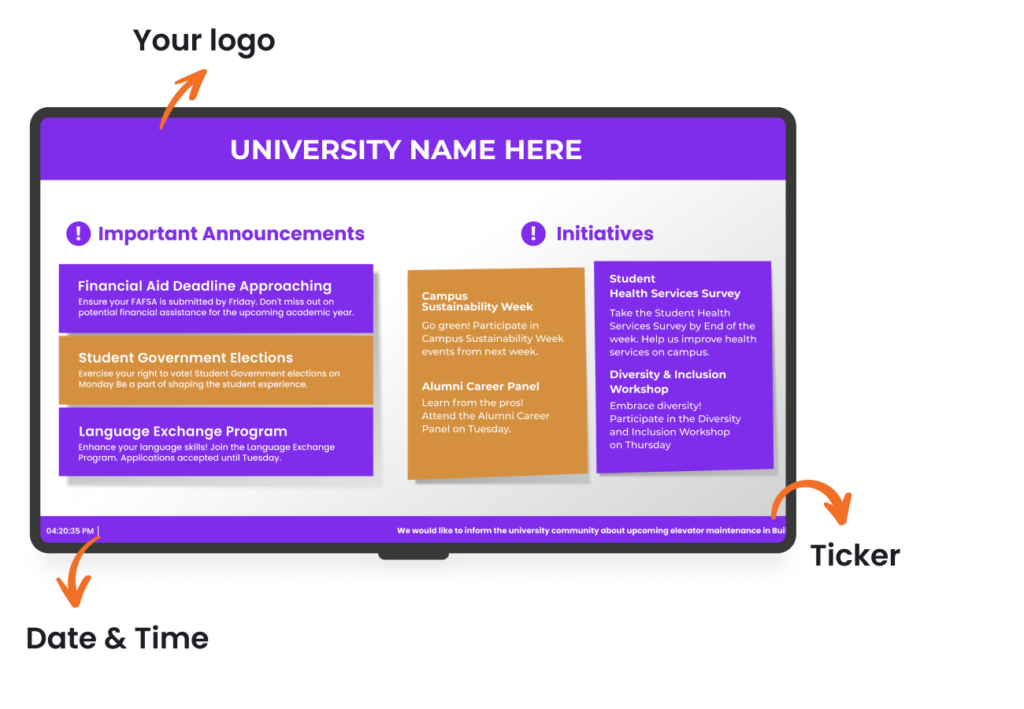
A strong digital notice board design is clean, readable, and built for quick scanning. Use large fonts, high-contrast colors, and one message per slide. Keep layouts consistent with Branded Templates, add simple icons for faster comprehension, and limit text to essentials. Rotate content in short loops and schedule by relevance so screens stay fresh, useful, and easy to follow.
Yes. A digital notice board is designed to be easy for non-technical staff to use. With Yodeck, teams update content through a simple cloud-based digital signage dashboard using templates, drag-and-drop uploads, and scheduling tools. No IT skills are required. This allows office admins, teachers, or store staff to publish announcements quickly while maintaining consistency and control across every screen.
Top digital notice board software options focus on simplicity, reliability, and control. Key features include cloud-based management, easy scheduling, ready-made templates, screen grouping, user permissions, and stable playback, even during connectivity issues. With platforms like Yodeck, it’s not difficult to build a reliable digital notice board: you get centralized control, scalable deployments, and an interface designed for non-technical teams.
Yes. A digital notice board using Raspberry Pi is a popular, cost-effective setup. With Yodeck’s cloud-based digital notice board solution, Raspberry Pi becomes a fully managed player controlled from a single dashboard, delivering reliable, high-performance playback. Yodeck Player is a very cost-effective option for multi-screen rollouts. Sign up for any annual plan, and get a free Yodeck Player for each screen in your network.
Yes. Yodeck is an affordable notice board solution for retail, offices, schools, education, transportation, government, and organizations of all sizes. Whether you’re posting small business announcements or coordinating updates across multiple locations, Yodeck offers straightforward per-screen pricing starting at $8, so costs stay predictable while scaling stays simple. Sign up for free to test the platform before expanding.
Digital notice boards work best as part of a connected screen network. Pair them with:
- Internal Communications for employee communication
- Digital Bulletin Boards for rotating community messages
- Digital Calendar Display for schedules
- Wayfinding for visitor guidance
- TV Dashboards for performance metrics
Together, these solutions keep communication clear, timely, and consistent across shared spaces.