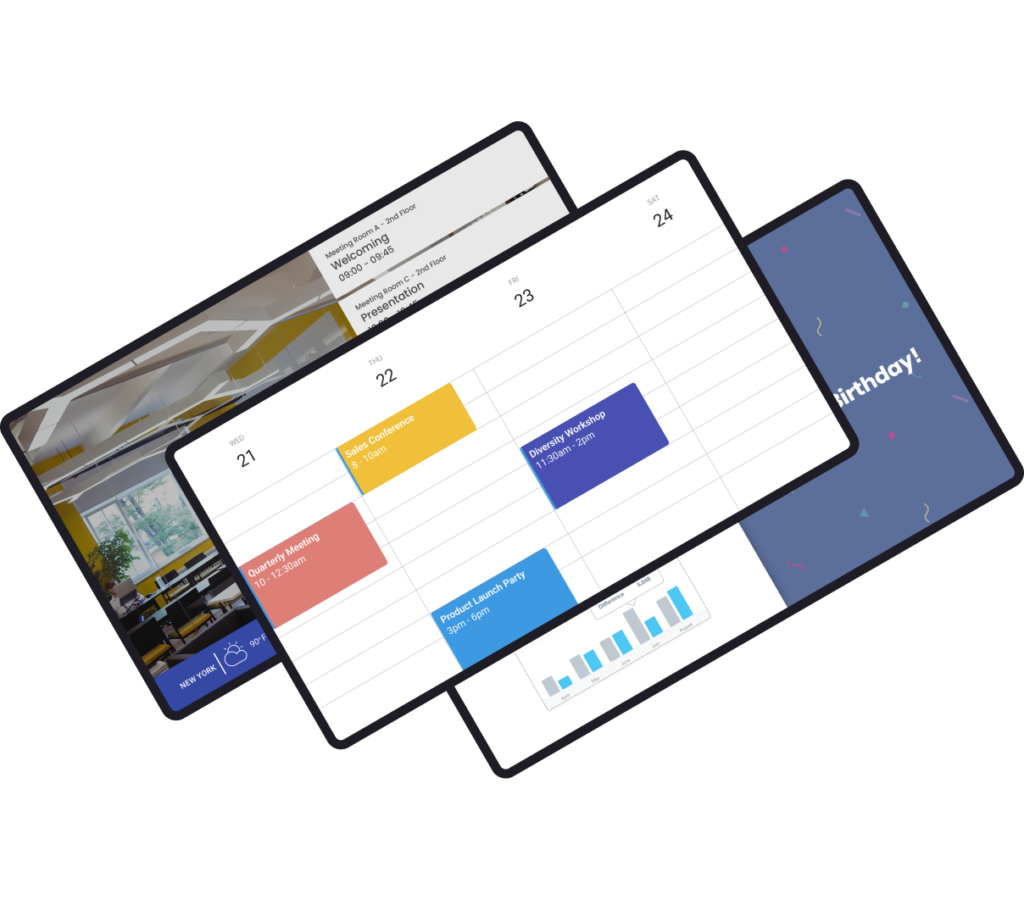
CONFERENCE ROOM DIGITAL SIGNAGE
Elevate your conferences and empower your team
Streamline room bookings, keep teams informed, and make navigation easy for guests through the use of conference room digital signage.


Benefits of conference room signage
Enhance office organization
Empower your teams using conference room signage and keep everyone well-informed about room availability, bookings, and scheduled meetings.

Maximize cooperation
Improve team concentration during meetings and maintain a quieter environment by using digital signage screens placed outside meeting rooms.
Engage employees
Harness the potency of visual communication to swiftly convey crucial information in seconds, ensuring swift and impactful message delivery.
Save the environment
Digital signage eliminates paper use, making it an environmentally friendly choice. Plus, it saves on paper and print costs.
YODECK APPS
Create engaging content
Transform your meetings with our user-friendly apps, such as Zoom Rooms and Microsoft Teams Rooms, designed to elevate your presentations and keep your team engaged.
Conference Room: FAQs
Conference room digital signage eliminates manual room checks, paper schedules, and last-minute interruptions. Real-time visibility improves space utilization, keeps meetings on schedule, and creates a more organized workplace. By showing accurate room status at a glance, teams spend less time searching for space and more time focusing on productive meetings.
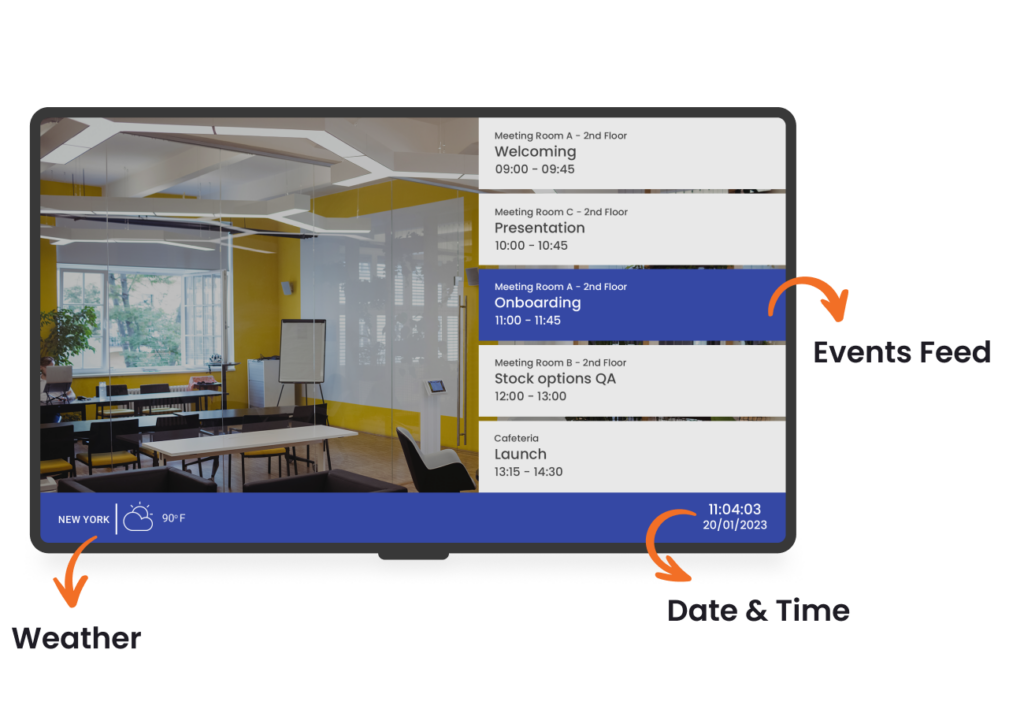
- Showing real-time room availability (free/occupied) and upcoming meetings
- Displaying daily agendas pulled directly from calendar systems
- Allowing quick check-ins and reducing no-shows
- Keeping meetings uninterrupted by clearly indicating occupied rooms
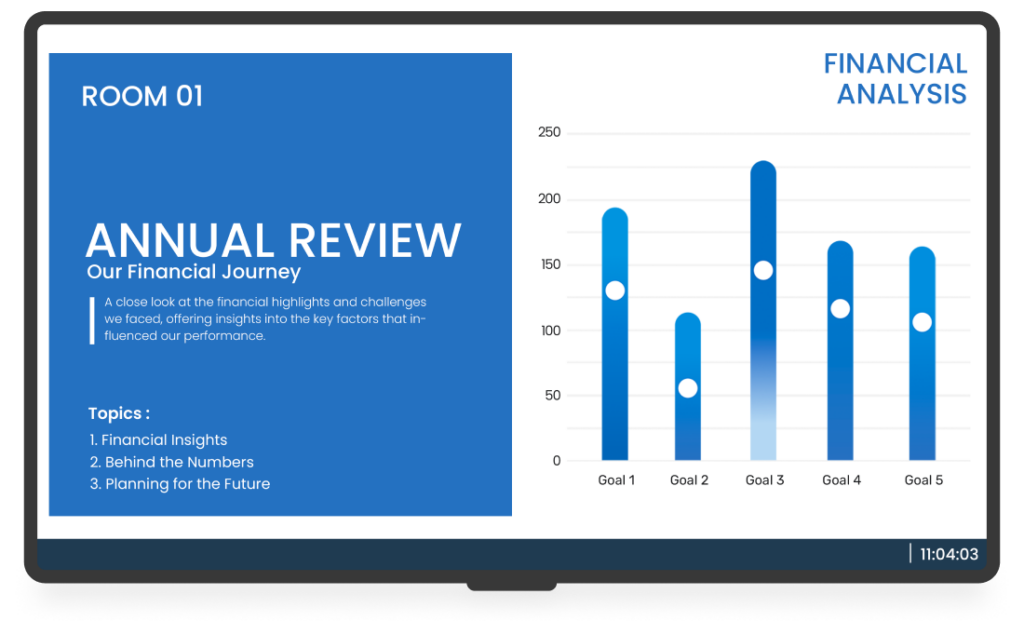
- Using in-room screens for presentations, video calls, and KPIs
- Helping visitors & employees navigate faster
Conference room digital signage displays work best when mounted outside each meeting room, at eye level (around 60 inches from the floor), so availability and schedules are clear. In busy areas, add a summary screen near elevator lobbies or corridors showing nearby rooms. If guests visit often, include signage at reception to welcome and guide them.
Unlike static signs, conference room digital signage stays accurate without manual updates. Printed schedules and whiteboards quickly become outdated, causing confusion and interruptions. Digital signs update automatically, reflect real-time changes, and scale across multiple rooms. Over time, they reduce administrative effort while delivering a more professional, organized meeting room experience.
Yes. Digital signage for meeting room status is designed to be user-friendly for non-technical teams. Office managers or admins can manage all conference room displays from a single cloud dashboard using templates, playlists, and simple scheduling. No coding or complex setup is required, and IT involvement is minimal, even when managing multiple rooms or office locations.
Of course. Yodeck supports centralized management across multiple offices, floors, or buildings. Screens can be grouped by location, department, or region, allowing shared content with local adjustments. This makes it easy to maintain consistent conference room signage while supporting different schedules or policies per office.
Yes. Modern digital signage for conference rooms connects to calendar systems to display live schedules, current meetings, and upcoming reservations. Screens update automatically when meetings change or end early. Yodeck is among the best platforms for conference room digital signage because it integrates with calendars through simple setup, automatic syncing, and centralized cloud control, without manual edits.
The cost to run digital signage for conference rooms depends on how many meeting spaces you want to cover and whether you use displays outside rooms, inside, or both. Yodeck offers straightforward per-screen pricing from $8 per month, so you can start with one room and scale. Sign up for free today to pilot workflows before expanding.
Digital signage for meeting rooms is essential in environments where space is at a premium and scheduling is frequent. It is widely used in:
- Office digital signage
- Education digital signage
- Event digital signage
- Hospitality digital signage
- Government digital signage
So if you manage busy rooms across teams or locations, you can keep availability and schedules clear at a glance.
- Internal Communications: Broadcast company-wide messaging across all screens
- Digital Wayfinding Signage: Help guests and new hires navigate buildings confidently
- Digital Notice Board: Replace paper posters with scheduled office updates
- Digital Calendar Display: Publish agendas in lobbies, hallways, and break rooms
- Video Wall: Make large reception or collaboration areas feel modern