


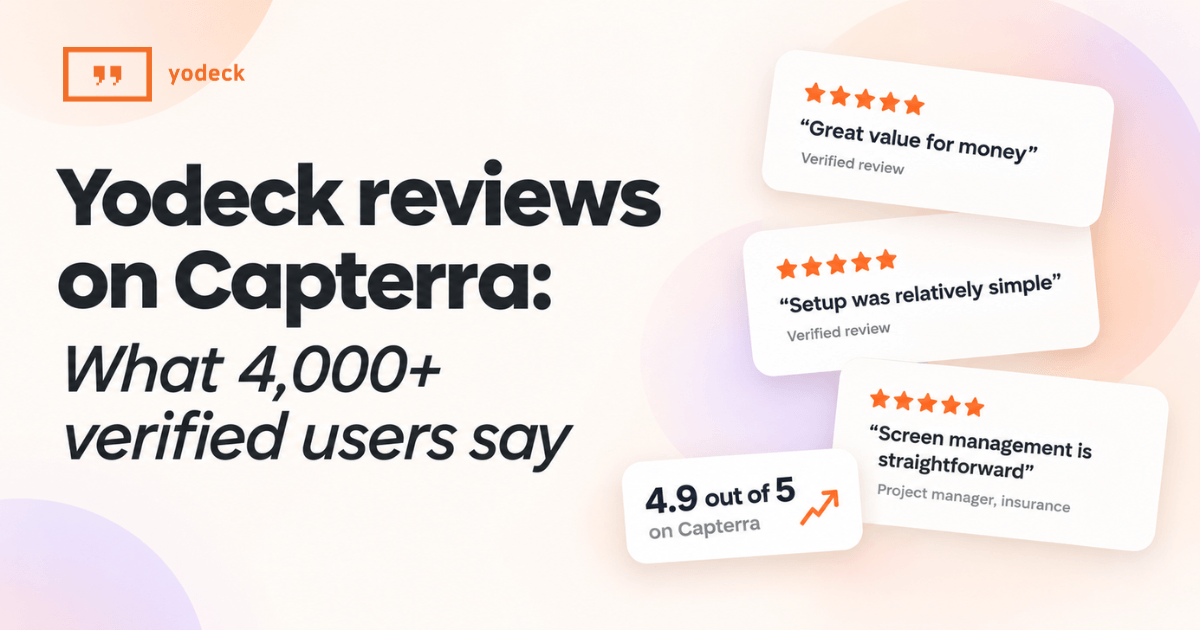
An analysis of Yodeck reviews on Capterra, covering ratings, top-rated features and how Yodeck compares with other digital signage software.
Key takeaways
Highly rated: 4.9 out of 5 across 4,883 verified Capterra reviews, with 99% positive sentiment.
Widely recommended: 97% of verified Capterra reviewers in the first half of 2026 would recommend Yodeck, against 93% across the category.
Strongest where buyers need it: Remote display management, the capability buyers rank as most critical, is Yodeck’s top-rated feature at 4.8 out of 5 across 3,241 reviews.
Worth the money: In Capterra’s all-time profile snapshot, verified reviewers rate Yodeck 4.8 out of 5 for value for money, across 4,399 reviews.
Loved by its users: Yodeck’s 2026 promoter score of 81 is 12 points above the category average of 69.
Recognized in 2026: Yodeck holds a 2026 Capterra Shortlist place in digital signage.
Picking a signage platform is easy on day one. The real test is whether it still feels simple once you’re running screens across several locations.
Capterra’s verified reviews put Yodeck at 4.9 out of 5 across 4,883 reviews, with 99% of reviewers expressing positive sentiment. In the first half of 2026, 97% of verified Capterra reviewers said they would recommend Yodeck’s digital signage software, against 93% across the category. If you’re weighing your options, that recommendation rate is the signal to watch: people who chose Yodeck are happy to point others toward it.
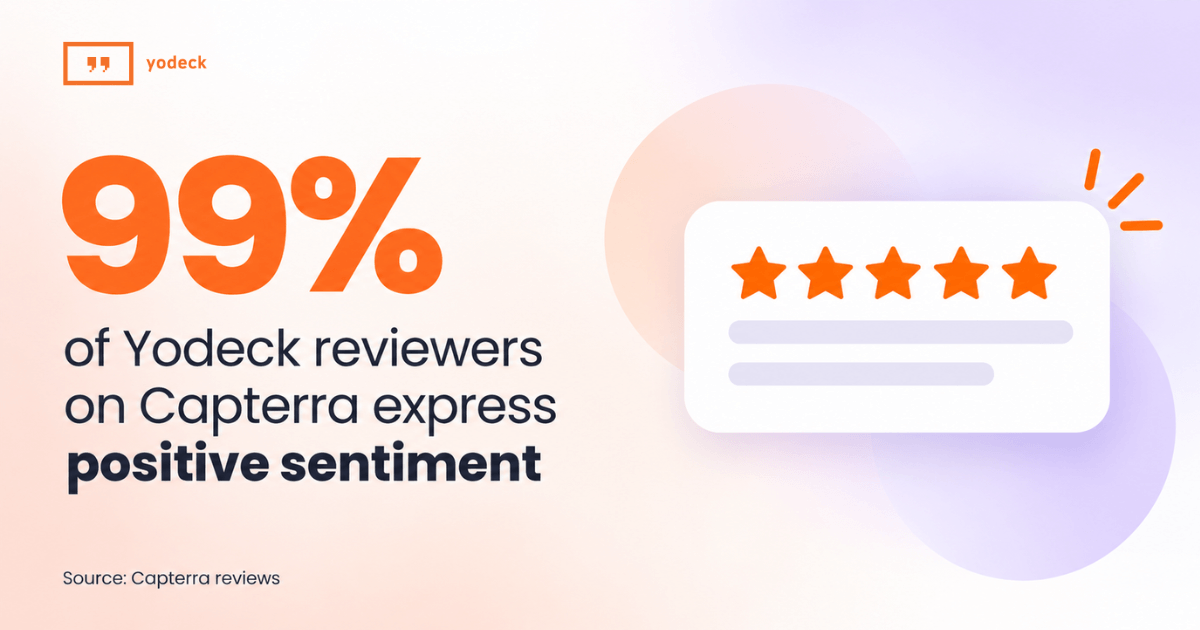

Based on 4,883 verified Capterra reviews. Positive sentiment is drawn from verified Capterra user reviews and reflects live data that continues to update as new reviews are published.
What do reviewers like most about Yodeck?
Most teams worry that digital signage will become one more tool to manage. Yodeck’s reviewers say the opposite. According to verified reviews on Capterra, platform versatility is the most frequently mentioned theme in Yodeck’s all-time profile summary. Of the 681 reviews that mention it, 97% express positive sentiment.
In the first half of 2026, ease of use was the most common theme, appearing in 232 reviews. Reviewers also highlight value for money, straightforward setup and responsive support. One project manager in insurance put it this way in their Capterra review:
“Having looked at a number of solutions, covering functionality, scalability and technical options we found the Yodeck solution to tick all of our requirements. The solution was great value for money and offered us the opportunity to deploy digital signage for our sites.“
How do reviewers rate Yodeck compared with other digital signage software in 2026?
Here’s how Yodeck compares with the 33 actively reviewed digital signage software products on Capterra, based on verified reviews from the first half of 2026. Yodeck comes out ahead on overall rating, ease of use and value for money:
| Rating, January to June 2026 | Yodeck | Category average |
|---|---|---|
| Overall | 4.9 | 4.8 |
| Ease of use | 4.8 | 4.7 |
| Value for money | 4.8 | 4.7 |
| Promoter score | 81 | 69 |
| Would recommend | 97% | 93% |
The clearest signal is the recommendation rate. According to verified reviews on Capterra, 97% of Yodeck reviewers in the first half of 2026 would recommend it, against 93% across the category. Its promoter score of 81 sits 12 points above the category’s 69. Put simply, nearly everyone who chose Yodeck in the first half of 2026 would tell a colleague to do the same.
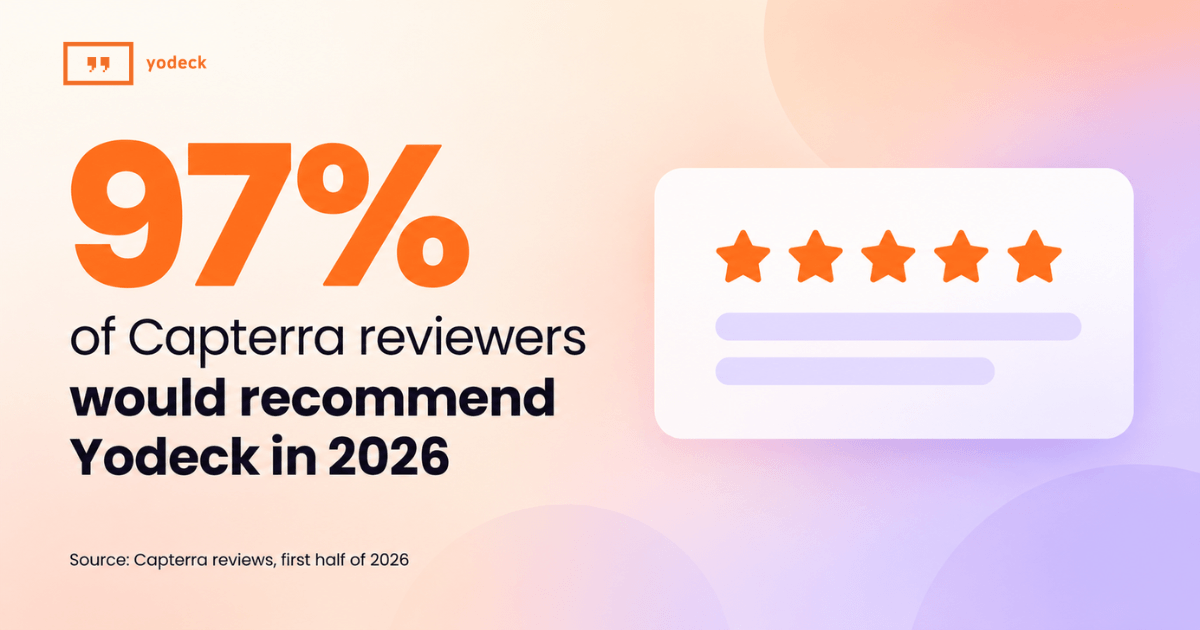
Based on verified Capterra reviews published January to June 2026.
What problems does Yodeck solve?
Think about the last time a screen showed last week’s menu or an event that already happened. Someone had to walk over with a USB stick, or the screen just stayed wrong. That’s the everyday problem Yodeck reviewers say it solves.
According to verified reviews on Yodeck’s Capterra profile, teams use Yodeck to run content on screens across rooms, buildings and sites, and to update it without sending anyone to the screen. Static boards and manual updates give way to scheduled playlists, managed remotely from one place.
Those are exactly the capabilities buyers care about most. Capterra ranks remote display management, multi-location and playlist management as the three most critical for digital signage buyers, based on 10,803 reviews across the category.
Yodeck is rated on all three:
| What buyers need most | Yodeck’s rating on Capterra | Verified reviews |
|---|---|---|
| Remote display management | 4.8 out of 5 | 3,241 |
| Multi-location | 4.7 out of 5 | 727 |
| Playlist management | 4.7 out of 5 | 3,124 |
One marketing manager in insurance summed it up in their Capterra review pros:
“The ability to manage multiple digital signs in different geographic locations all remotely with playlist functionality to allow global content as well as location/screen specific content.“
In practice, that means you can manage content across locations from one dashboard and update connected screens remotely.
How reviewers rate Yodeck’s other core features
The strong ratings don’t stop at the top three. Reviewers on Capterra rate Yodeck’s other key capabilities just as highly:
| Feature | Rating | Verified reviews |
|---|---|---|
| Content scheduling | 4.7 out of 5 | 2,766 |
| Data security | 4.7 out of 5 | 2,108 |
| Multi-screen support | 4.7 out of 5 | 873 |
Which teams use Yodeck most?
Yodeck is used by many teams across the business, and it doesn’t need a dedicated signage specialist to run. Among reviewers on Capterra over the past year, the most represented job functions are:
| Job function | Share of reviewers |
|---|---|
| Administrative | 34% |
| IT and software development | 23% |
| Marketing | 12% |
| Creative and design | 9% |
That spread makes sense once you look at how Yodeck is built. As an intelligent digital signage platform, it makes it simple for different teams to create, manage and update content.
You don’t need a design team to create good-looking screens. Yodeck comes with 800+ ready-made templates and a built-in Canva integration. If you’d rather start from a description, Magic Layout turns a plain-language prompt into two editable layout designs. Choose the one you like, then add your own details before it goes live.
Setup stays simple too. Annual plans include a free player, and every screen is managed from one web dashboard, so getting a new display live doesn’t turn into an IT project.
And each team gets the access it needs. User roles and permissions let IT look after setup and security, while admin or marketing teams handle the day-to-day updates. Some organizations split the work that way, others keep it with one person. Yodeck works for both.
Who uses Yodeck?
Yodeck is used by organizations of every size, and small businesses make up the largest group. According to Yodeck’s live Capterra profile, small businesses account for 80% of reviewers, midsize businesses 14% and enterprises 7%. *Percentages are rounded.
Scaling up? Here’s what the Enterprise plan adds
Compare plans- Workspaces to manage each location or team separately
- Single sign-on (SSO) through SAML
- Custom user roles and permissions for every team
- Branded templates that keep every screen on brand
- Player lockdown and storage encryption for secure devices
- Audit logs to track who changed what
- 24/5 support
Company size is only half the picture. The other half is industry, and no single sector dominates. Education is the most represented at 7%, followed by information technology and services and retail at 5% each. Reviewers also run Yodeck in restaurants, offices, manufacturing, healthcare and hotels.
What do reviewers say about Yodeck?
A few voices from verified reviews on Capterra, published January to June 2026:
“We maintain multiple retail locations, with at least 2 screens broadcasting various messages across a state-wide network. This has all but eliminated the need for a traveling “tv person” to keep our messaging consistent.“
“We haven’t had any issues with Yodeck. The setup was relatively simple and hasn’t needed changes since it was first set up. We update the media and schedules about twice a month, and it has worked as expected every time..“
“Screen management is straightforward, and it includes all the features you need without adding unnecessary extras. Last but not least, the support team is really responsive and quick and helped me resolve a few issues.“
Browse every review on the Yodeck reviews page and leave a review on Capterra to help other buyers make a confident choice.
What recognition has Yodeck received?
Yodeck is on the 2026 Capterra Shortlist for digital signage software on Capterra, among Capterra’s top picks in the category.
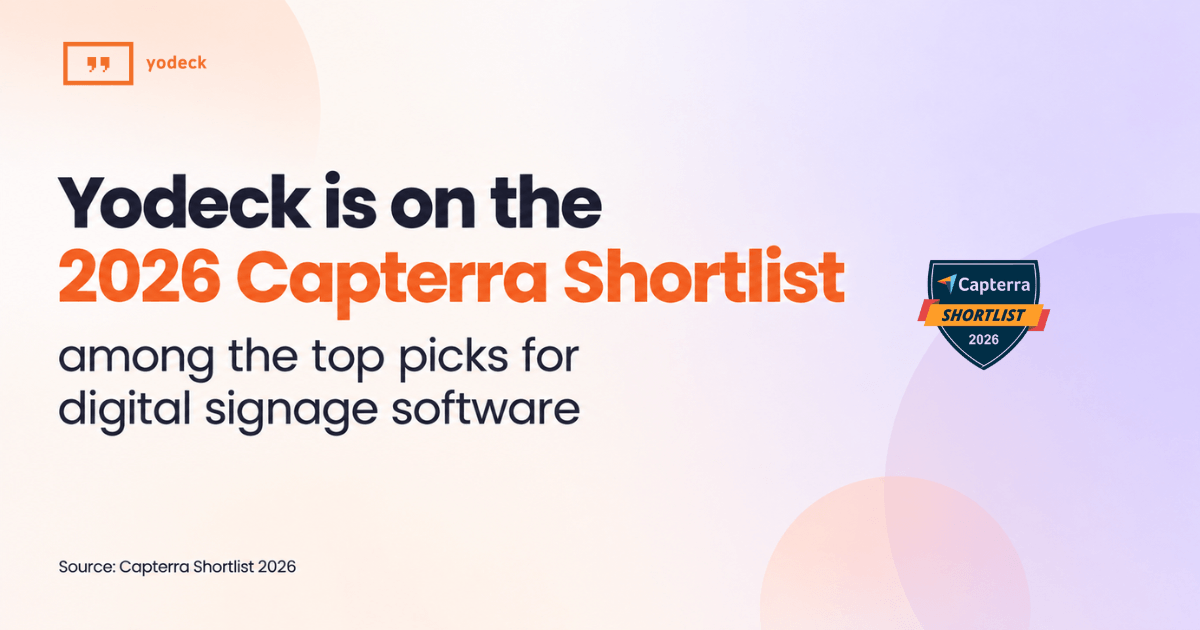
Capterra Shortlist reports constitute the subjective opinions of individual end-user reviews, ratings and data applied against a documented methodology; they neither represent the views of, nor constitute an endorsement by, Capterra or its affiliates.
If you’re comparing digital signage tools, that’s a useful shortcut. The Shortlist narrows a crowded category down to the products that are both well rated and widely considered.
Integrations and support
Good software still needs good people behind it. According to verified reviews on Capterra, reviewers rate Yodeck’s customer service 4.7 out of 5 across 4,023 reviews. Support and onboarding is also the second most common theme in Yodeck’s 2026 reviews, appearing in 141 of them.
So what’s behind those ratings? Here’s what you get when you run Yodeck:
Real people: a dedicated team with clear escalation paths
A reliable player: designed for reliable playback
Quick answers: fast responses when you need help
Guidance from day one: onboarding, guides and a knowledge base
On integrations, Yodeck’s Capterra profile lists 56. Yodeck’s own app library goes further, with more than 160 digital signage apps, including Canva, Power BI, Google Drive and Microsoft Teams. So your screens can show content from the tools your team already uses, without extra uploads.
What our customers want next
We read every review, including the ones that tell us where we can do better. On Capterra, the most common requests are:
More depth in specific features (77 reviews)
More from the mobile experience (57 reviews)
An easier start with advanced features (43 reviews)
Customer feedback shapes what we build next. For advanced features, our step-by-step guides, webinars and knowledge base walk teams through every setup, and our support team is ready to help along the way.
What buyers ask before choosing Yodeck
How much does Yodeck cost as I add screens?
Yodeck offers a free plan for one screen. Paid plans are priced per screen, with features depending on the plan. In USD, Basic costs $8€8£7CA$12AU$13, Premium $12€11£10CA$18AU$18.5 and Enterprise $16€15£13CA$24AU$25 per screen per month. Annual paid plans include a free Yodeck player for each screen license. Paid add-ons and optional services are available.
How quickly can I get my screens running?
Fast. Yodeck players ship preconfigured, so you plug one in, connect to the internet and it starts playing. On Capterra, 99% of the 197 reviews that mention Yodeck’s deployment process are positive.
What happens if the internet goes down?
Your screens keep playing. Content is stored locally, so screens work for up to a month offline. You just can’t change content, or show live web pages and streams, until you’re back online.
How long does it take to learn Yodeck?
The basics take minutes. Capterra’s review summary notes that nontechnical users can learn setup, playlists and content updates in minutes, while advanced features take admins longer. Guides, webinars and a knowledge base cover the rest.
What should I consider before switching to Yodeck?
Start with your screen count, existing hardware and the features your team needs. Compare plans, check the apps you want to connect and test how you will create, schedule and update content.
Switching to Yodeck? We’ll help you make the move.
Speak to an expert to get started with:
15 hours of free transition support for a smooth rollout
Free Yodeck Assurance: lifetime warranty for your Yodeck Players
Talk to sales
About Capterra
Capterra helps businesses find the right software by making it easy to explore, compare and choose products. Part of the G2 ecosystem, it turns millions of verified reviews into insights software buyers and AI agents can trust. To learn more, visit capterra.com
Methodology note: This article is based on verified user reviews on Capterra, pulled in September 2026, and figures may change as new reviews come in. All-time and past-year figures come from Yodeck’s live Capterra profile. The 2026 findings, covering the recommendation rate, promoter score, category comparisons and rating themes, were compiled by Capterra from reviews published January to June 2026. They compare Yodeck only with digital signage products reviewed in the same period, not every product in the category, and come from Capterra’s underlying review data rather than the live profile. Product details and pricing come from Yodeck.