


How airports, train stations, bus terminals, and logistics hubs use digital screens to inform passengers, streamline operations, and unlock new revenue.
Key Takeaways
A delayed flight. A platform change. A security alert that needs to reach 10,000 people in under a minute. Transportation hubs handle high-stakes communication at a scale most businesses never face. Static signs and printed posters simply cannot keep up when schedules shift in real time and passengers need answers now.
That is the core problem digital signage solves for the transportation industry, and it is why transit operators worldwide are investing heavily in screen-based communication networks. This guide breaks down the key use cases, the measurable benefits, what to look for in a software platform, and how to get a deployment off the ground.
What is transportation digital signage?
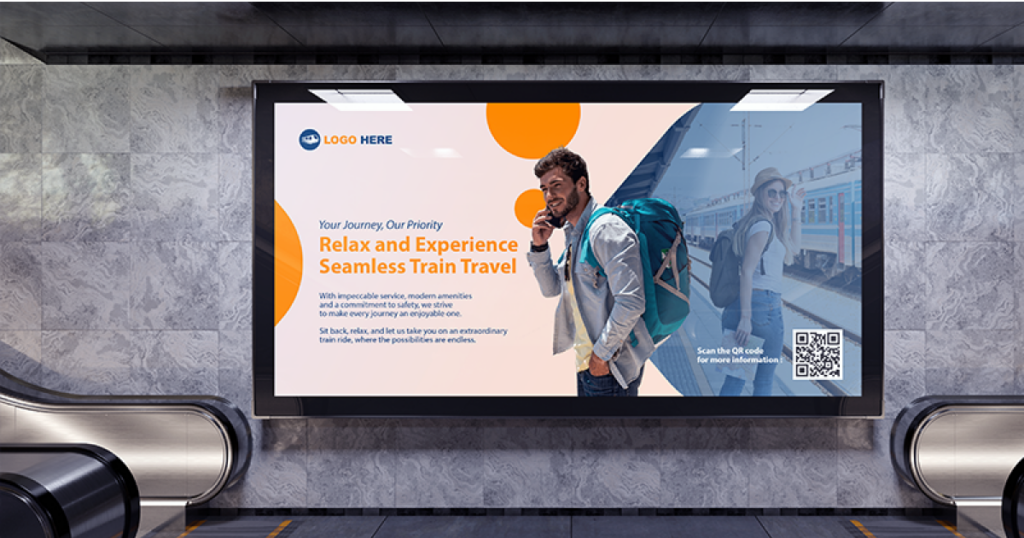
Transportation digital signage refers to networked digital screens used across transit environments to display real-time information, directions, safety messages, advertising, and operational content. It covers every type of facility where people or goods move through: airports, train and metro stations, bus terminals, ferry ports, freight and logistics warehouses, and even onboard vehicles.
The concept started with Flight Information Display Systems (FIDS) showing arrivals and departures. What has changed is the infrastructure behind those screens. Today’s solutions run on cloud-based content management systems that let a single operator control hundreds of displays across multiple locations, push updates in seconds, and pull in live data feeds. That shift from standalone displays to centrally managed networks is what makes every screen a flexible communication channel for passengers, staff, and advertisers at the same time.
How transportation hubs use digital signage: 7 core use cases

1. Real-time schedules and passenger information
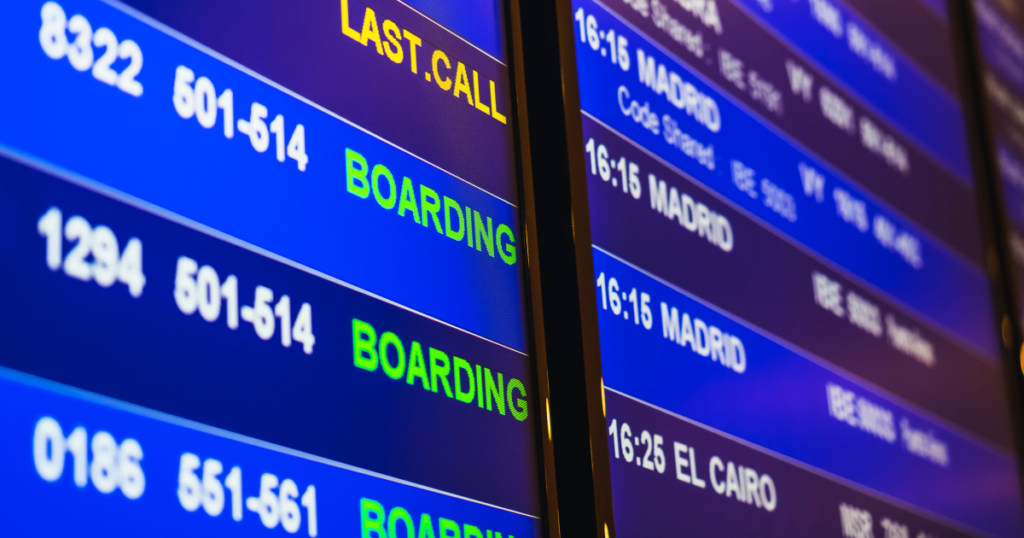
Digital screens display live arrivals, departures, platform assignments, gate changes, and delay notifications, all updated automatically through integrations with scheduling systems. When a gate changes ten minutes before boarding, every affected screen in the terminal updates simultaneously.
That kind of speed is not optional in transit. It is expected.
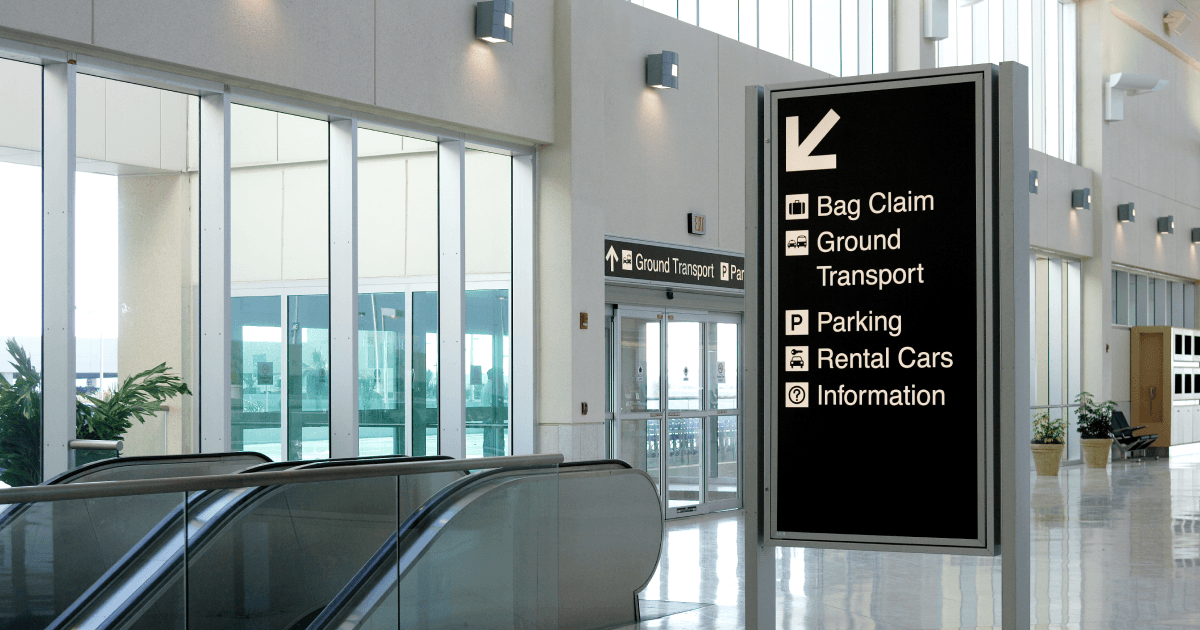
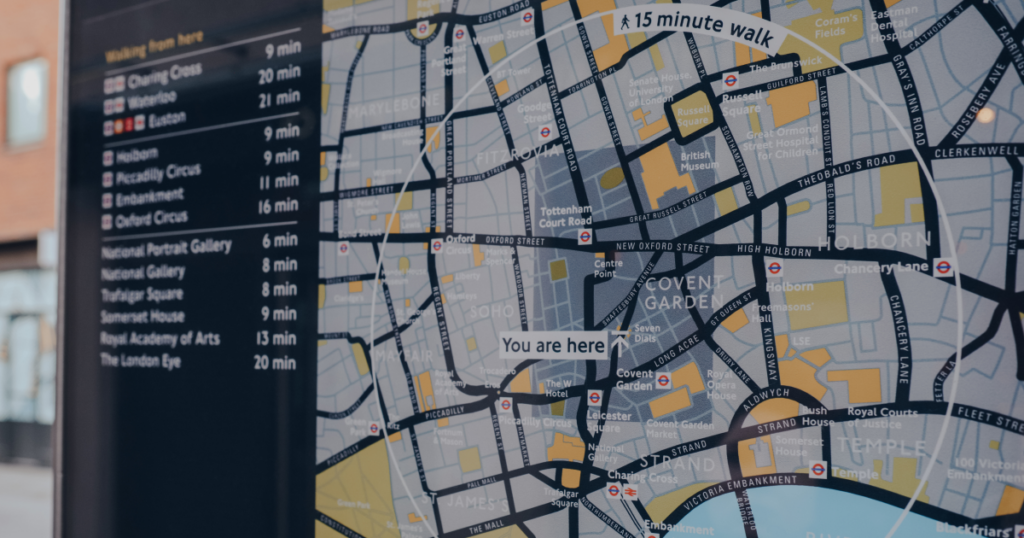
Airports with multiple terminals, metro systems with intersecting lines, bus stations with dozens of bays. These spaces are inherently confusing. Digital wayfinding screens provide directional content, interactive maps, and routing to gates, platforms, exits, or amenities. Content updates instantly when a section closes for maintenance or traffic needs rerouting, and multilingual support keeps international hubs accessible to every traveler.
3. Emergency alerts and safety messaging
When an emergency hits, a transit hub needs to reach every person in the building within seconds. Digital signage can switch from regular content to evacuation instructions or severe weather warnings with a single push. Systems supporting Common Alerting Protocol (CAP) or NWS integrations trigger these messages automatically, removing human delay from the equation.
4. Advertising and revenue generation
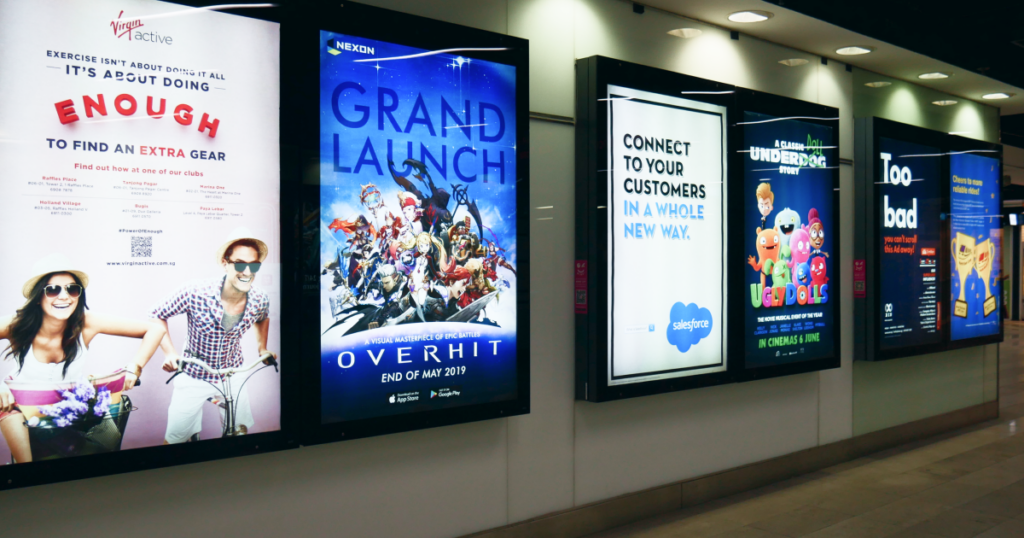
High-traffic transit environments are prime real estate for digital out-of-home or DOOH advertising. Screens in waiting areas, baggage claim zones, and boarding gates command captive attention from travelers with time to spare. Transit operators can monetize this network through programmatic ads, local business partnerships, or retail promotions, turning a communication tool into a profit center.
💡 The global airport digital signage market was valued at approximately $1.68 billion in 2024, with advertising and promotions as the fastest-growing application segment. (Dataintelo, 2025)
5. Queue management and crowd flow
Digital signage displays real-time wait times at security checkpoints, directs passengers to less congested lanes, and signals when boarding zones are active. The result is smoother foot traffic distribution without adding extra staff. Screens act as silent traffic controllers that work around the clock.
6. Passenger entertainment and experience
Travel involves waiting. Screens in lounges, gate areas, and platforms reduce perceived wait times with news feeds, local attraction highlights, weather updates, or curated video content. Passenger satisfaction directly affects how travelers rate a hub, and higher scores help airports attract airline partners and retail tenants.
7. Staff and employee communication
Not every screen faces passengers. Deskless workers like cargo handlers, ground crew, and gate agents often cannot check emails or apps on the job. Digital signage in break rooms, operations centers, and back-of-house areas keeps them informed with safety protocols, shift schedules, KPI dashboards, and company updates. It is one of the most underutilized applications of transportation digital signage, and one of the most impactful.
Benefits of digital signage in transportation
1. Operational efficiency
A single content update from a central dashboard can reach every screen in a facility within seconds. Compare that to printing, distributing, and manually replacing signs across a multi-terminal airport or a metro network with dozens of stations. Cloud-based digital signage eliminates that manual labor and ensures every location shows the same accurate information at the same time.
2. Passenger satisfaction and trust
Travelers who know what is happening feel in control, even during disruptions. A delay with a clear explanation on screen is far less frustrating than silence. Real-time updates on schedules, wait times, and alternatives reduce confusion and the volume of questions directed at staff.
💡 A 2023 study in the Journal of Public Transportation found that sharing real-time transit information reduced average passenger wait times by three minutes and increased perceived network coverage by 37%. (Wavetec, 2025)
3. New revenue streams
Every screen in a high-traffic transit zone is a potential advertising surface. Airports, bus terminals, and train stations can sell programmatic ad placements, partner with local businesses, or run sponsored content alongside operational displays. For many operators, DOOH revenue offsets a significant portion of the signage infrastructure cost.
4. Accessibility and multilingual reach
Transportation hubs serve diverse populations. Digital signage supports multilingual content, high-contrast visuals for low-vision travelers, and ADA/WCAG-compliant design, all adjustable from the CMS without replacing physical assets. For international airports and border-area transit stations, this is not a feature. It is a requirement.
💡 Approximately 15% of the world’s population lives with some form of disability, according to the World Health Organization. (WHO)
What to look for in transportation digital signage software
Not all digital signage platforms are built for the demands of transit environments. Before committing to a solution, run it against these criteria.
You need to update screens across terminals, stations, or even cities without being on-site. A cloud dashboard is non-negotiable for any deployment beyond a single location.
Large transit operations involve multiple teams managing different screen groups. Look for workspaces, role-based permissions, and the ability to push content to specific locations or screen clusters.
Schedule feeds, weather APIs, news tickers, and alert systems should plug directly into your signage. If the platform cannot pull live data, your screens will always lag behind reality.
Transit content changes by time of day, day of week, and situation. The software should support automated scheduling so morning commute content differs from off-peak or weekend rotations.
Network outages happen, especially in underground stations or remote terminals. The media player should cache content locally and keep screens running even when connectivity drops.
Transit environments handle sensitive operational data. Look for encryption, firewall protections, player lockdown, and compliance certifications relevant to your region (ISO 27001, GDPR, CCPA).
Pre-built transportation templates for schedules, alerts, wayfinding, and announcements accelerate deployment and reduce design bottlenecks for non-technical teams.
Hardware considerations for transit environments
Transportation hubs put hardware through conditions that a typical office or retail setup never faces. Getting the screen and player right from the start saves costly replacements later.
Indoor vs. Outdoor displays: Outdoor screens at bus shelters, ferry terminals, or airport curbsides need high brightness (2,500+ nits), weatherproofing (IP65 or higher), and wide operating temperature ranges. Indoor screens in climate-controlled terminals can use standard commercial displays, but still need to handle 24/7 operation without overheating.
💡 Why it matters: Outdoor displays without sufficient brightness quickly become unreadable in sunlight.
Commercial-grade vs. Consumer TVs: Consumer televisions are not designed for always-on use. Commercial displays are built for it, with longer lifespans, better heat management, and no auto-sleep features that interrupt content.
💡 Why it matters: Consumer TVs may fail early when used continuously.
Media player reliability: The player is the engine behind every screen. It needs to run continuously without crashing, support local content caching for offline resilience, and be compact enough to mount behind a display or inside an enclosure. Plug-and-play setup matters at scale, because configuring hundreds of players individually is not practical.
💡 Why it matters: When managing large networks, manual setup for every player simply doesn’t scale.
Connectivity: Underground metro stations, concrete parking structures, and sprawling terminal buildings all create connectivity challenges. Plan for wired Ethernet where possible and ensure your player can fall back on cached content during outages.
💡 Why it matters: Passengers still need information even when the network drops.
Durability and security: High-traffic public spaces mean exposure to dust, vibration, and tampering. Vandal-resistant enclosures, locked mounting hardware, and player lockdown features protect your investment in environments where thousands of people pass through daily.
💡 Why it matters: Transit signage operates in spaces where thousands of people pass through daily.
How Yodeck powers transportation digital signage
Delta Airlines needed to replace outdated analog bulletin boards at crew bases across the United States. Flight attendants and ground staff were missing critical updates because printed notices went stale the moment they were posted. With Yodeck, Delta now displays KPI dashboards, operational updates, and internal communications on digital screens across multiple locations, all managed centrally.
Swissport, the world’s largest aviation ground services provider, faced a different challenge. With 60,000 employees across nearly 300 airports, their cargo handlers and ground crew cannot access phones during shifts. Swissport deployed Yodeck on 30+ screens at its Brussels cargo operations to deliver safety alerts, performance data, and company announcements to these deskless workers. Each airport location manages its own Yodeck workspace while maintaining company-wide standards.
Getting started with digital signage in your transportation hub
You do not need to overhaul an entire facility at once. Most successful deployments start small and scale.
Transportation hubs operate at a speed and scale that static signage cannot match. Digital screens give you the flexibility to inform passengers in real time, keep staff aligned on safety and operations, and generate revenue from every high-traffic zone. The technology is proven, the infrastructure is affordable, and getting started takes less time than most operators expect.
Sign up free. No credit card required.
Getting started with transportation digital signage
You do not need to overhaul an entire facility at once. Most successful deployments start small and scale.
- Audit your locations. Identify the highest-impact screen placements: arrivals/departures areas, security queues, boarding zones, staff break rooms, and wayfinding chokepoints.
- Define your content types. Separate what needs real-time data (schedules, alerts) from what can be pre-scheduled (promotions, entertainment, staff announcements). Yodeck integrates with live schedule feeds, weather APIs, news tickers, Canva, and CAP-based emergency alert systems, plus free transportation templates out of the box.
- Plug in and pilot. Yodeck’s Raspberry Pi-based media player arrives preconfigured with local storage that keeps screens running if the network drops. Deploy in a single zone first, manage everything from your browser, and gather feedback before expanding.
- Scale with confidence. Adding a screen means plugging in a player and assigning it to a workspace. Role-based permissions let each location manage its own content while headquarters keeps global consistency, exactly how Delta Airlines and Swissport run their multi-site deployments.
💡 Pro tip by Yodeck Team: Use Yodeck’s Broadcast Groups to push an emergency alert to every screen instantly, or target specific zones like a single terminal or gate area.
Static signage cannot keep up with the speed and scale of modern transit operations. Digital screens can. The technology is proven, the infrastructure is affordable, and getting started takes less time than most operators expect.