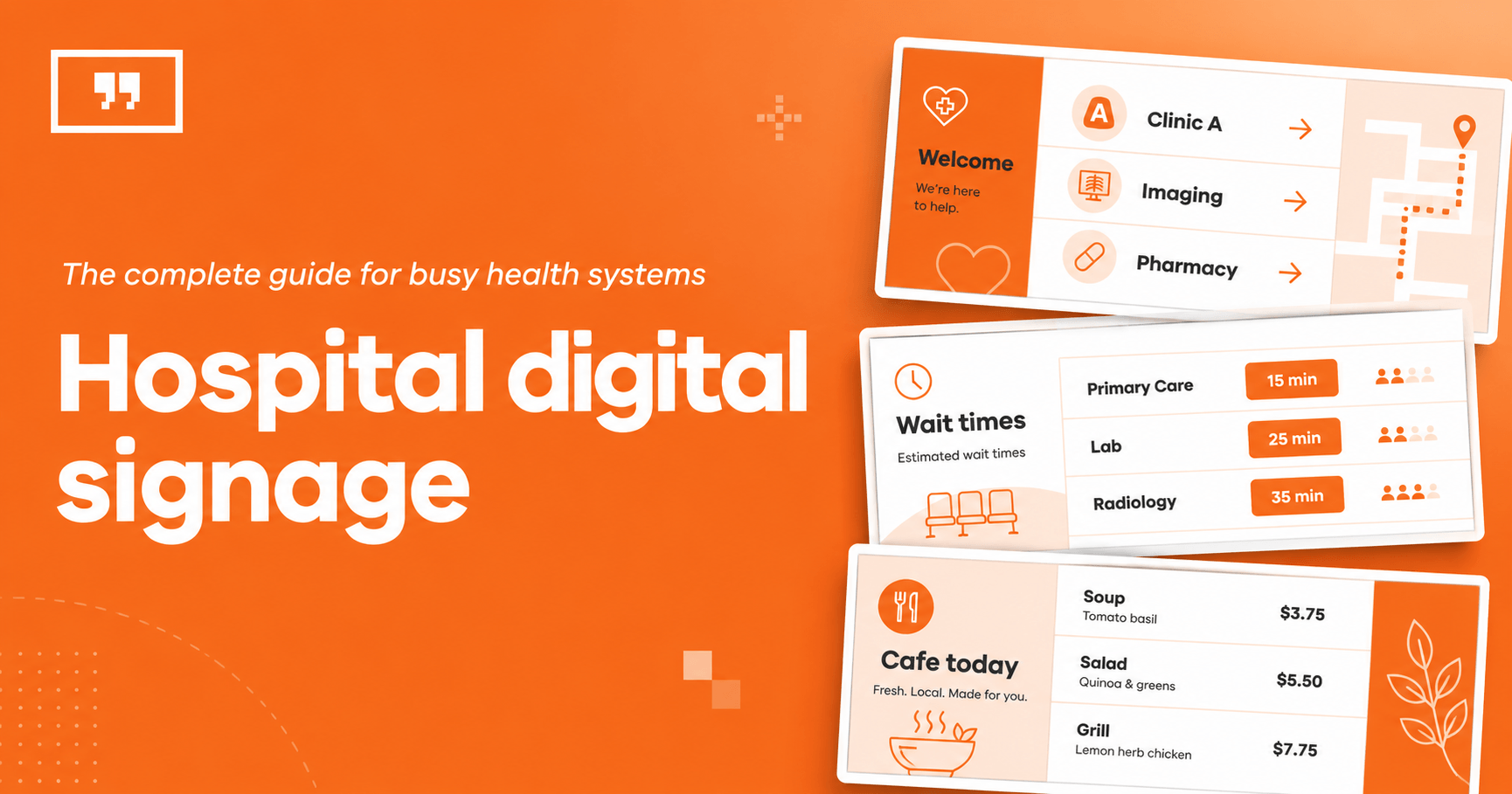
What hospital digital signage does, where it goes, what to display, what it costs, and how to run every screen across every campus from one place.
Key Takeaways
One connected network. Hospital digital signage links your lobby, waiting room, wayfinding, staff and cafeteria screens under a single cloud dashboard.
Built for outcomes, not decoration. The payoff is calmer waits, fewer repeat questions at the front desk and content that stays current.
HIPAA is narrower than most teams fear. Keep patient identifiers off public screens and most of your content is fair game.
Emergency readiness should be a baseline. A capable setup can take over every screen for a code or evacuation in seconds.
Multi-campus control is the real test. Central branding with local freedom helps separate a smooth rollout from a daily headache.
A 200-bed hospital can run dozens of screens across its lobbies, waiting rooms, wayfinding points, nurse stations and cafeteria. Hospital digital signage is how you manage all of them from one place instead of walking a USB stick floor to floor, and it is a focused use of healthcare digital signage built around the way a care setting works.
✓ Done well, it makes a wait feel shorter, takes routine questions off the front desk and updates every screen the moment something changes.
✗ Done poorly, it becomes a wall of stale posters nobody reads.
The difference is usually the system behind the screen and the plan you start with. This guide covers what hospital digital signage is, where it goes, what to display, what it costs and how to run it reliably and compliantly across one campus or twenty.
What is hospital digital signage?
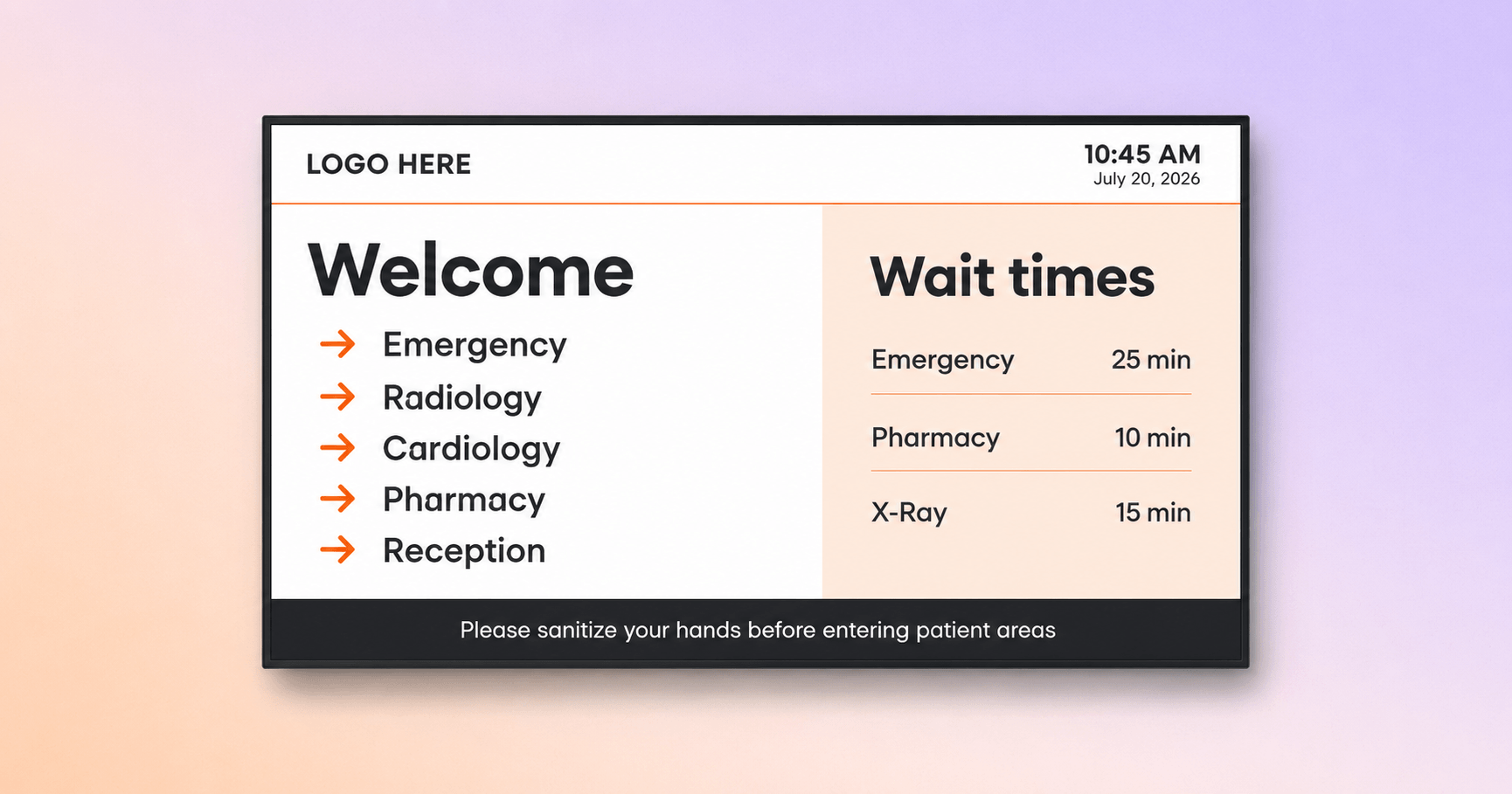
Hospital digital signage is a network of internet-connected screens across a hospital, managed from one cloud dashboard instead of updated by hand. It swaps printed posters and USB slideshows for a single control panel that runs the lobby welcome screen, corridor wayfinding, check-in queues, nurse-station dashboards and cafeteria menus, all on the same digital signage software.
And if you are wondering whether hospitals actually use this, plenty do, and the market backs it up. The healthcare digital signage market is projected to reach 15.21 billion dollars by 2030, according to Grand View Research. The same analysis found wayfinding and navigation to be the largest use, which lines up with what we see: helping people find their way is usually the first job a hospital hands to a screen.
Where hospitals use digital signage
Patient-facing zones:
Entrance and reception. The first thing people see when they walk in. A welcome screen greets arrivals, points them to the right department and doubles as the hospital information screen for the day’s notices.
Waiting rooms. Screens here fill the wait with something useful: estimated wait times, health education and calm, low-key content that eases the tension.
Corridors and wayfinding points. Maps and directional screens at corridor intersections help visitors find their way without stopping staff. Arrows, clear symbols, color-coded zones and more than one language make them easy to follow.
Check-in and self-service kiosks. Touch kiosks let patients check in and get directions, which shortens the line at the front desk.
Inpatient rooms. In-room screens can show the care team, the day’s schedule, meal options and recovery tips, keeping to general information rather than anything that identifies a patient.
Staff and operational zones:
Nurse stations. Shift information, census and safety reminders.
Break rooms and corridors. The place to reach people who rarely open email during a 12-hour shift.
Cafeteria. Menus, hours, allergen and nutrition information.
Donor and recognition walls. A digital hospital donor wall and staff-recognition screens you can update in minutes, not months.
Research note. In a 2024 study of 970 hospital outpatients in Heart, Vessels and Transplantation, 41 percent struggled to find emergency exits and other facilities, and patients who could read the signs were far more satisfied. That is why Yodeck supports signage in more than one language, with built-in apps in 16 languages including Spanish, French, Arabic and Greek.
What to display on hospital screens: 8 content ideas
Good digital signage content for hospitals balances what patients need to know, what calms them and what your organization wants to communicate. For many teams it begins as a simple way to put lobby announcements on hospital screens, then grows across the building.
| Content idea | What to show |
|---|---|
| 1. Patient communication | Real-time wait estimates, queue status, appointment and department info, a personalized welcome |
| 2. Patient education and population health | Preventative-care tips, condition explainers, vaccination and screening drives, blood drives, QR codes |
| 3. Operational and temporary notices | Visitor restrictions, construction detours, holiday hours |
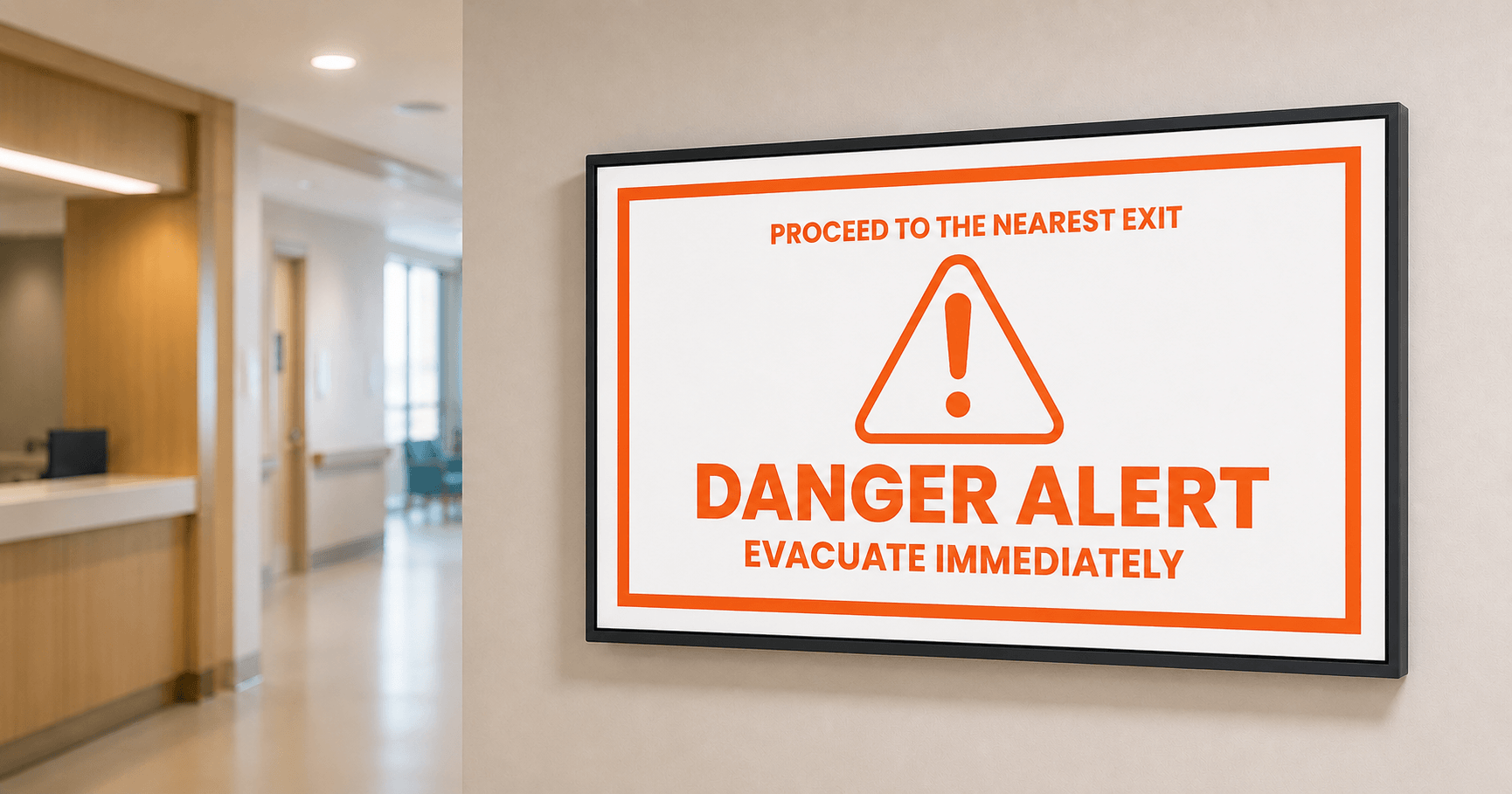
| 4. Emergency messaging | Codes, evacuation, severe weather, to all screens or one wing |
| 5. Staff communication and recognition | Shift and policy updates, recognition, streamed town halls |
| 6. Ambience and comfort | Nature footage, calming visuals, positive distraction |
| 7. Cafeteria and services | Digital menu boards, hours, allergen and nutrition info |
| 8. Donor and brand | Digital donor walls, leadership welcomes, accreditations, patient stories |
Pro tips by Yodeck Team:
For accessibility, keep text legible and controls reachable. The ADA’s formal sign rules for character height, contrast and mounting apply mainly to permanent room signs, but the same legibility principles carry over to digital displays, and interactive kiosks should also meet reach and screen-reader guidance. See the U.S. Access Board’s guidance on accessible signs.
On any queue or check-in screen, show a ticket number or initials, never a full patient name, to stay on the safe side of privacy rules.
To create content fast, design it right in Yodeck’s drag-and-drop Layout Editor, bring a ready-made graphic in from Canva or Adobe Express, or write, refine and translate the copy with the Magic Write AI assistant, then push it to the right screens in a few clicks, no designer required.
To keep screens current, use playlist scheduling for hospital information displays that changes content by time of day, day of week and screen, so each shift and department sees the right thing automatically. You can also sync a playlist to a Google Drive, Dropbox or SharePoint folder, so any file your team updates there appears on the screens with no manual re-upload.
The top benefits of digital signage in hospitals
Digital signage pays off in a hospital when it turns everyday communication into something faster, calmer and more consistent. Here are the advantages of digital signage in hospitals that come up most.
| Benefit | What it delivers for the hospital |
|---|---|
| Calmer, better-informed waits | Education and queue status give patients something useful to focus on, so a wait can feel shorter |
| Easier navigation | Digital wayfinding helps visitors self-serve, freeing staff from constant directions |
| Stronger patient communication | Service details, updates and health education delivered in the moment |
| Better patient-experience scores | Clearer communication supports the survey results funding depends on |
| Faster internal and emergency comms | Reaches staff on the floor and can take over every screen in seconds |
| Lower long-term cost than print | Change content once in the cloud instead of reprinting at every site |
| Consistency across every site | Central templates keep branding and required messaging aligned |
Several of these advantages point back to patient experience, which is one of the clearest wins for patient communication. The Centers for Medicare and Medicaid Services ties hospital HCAHPS patient-experience scores to value-based reimbursement. Clearer communication can lift those scores, which in turn affects hospital funding.
How hospitals use digital signage
Hospitals use digital signage for a handful of jobs that repeat across almost every facility. Below are the ones we see most often.
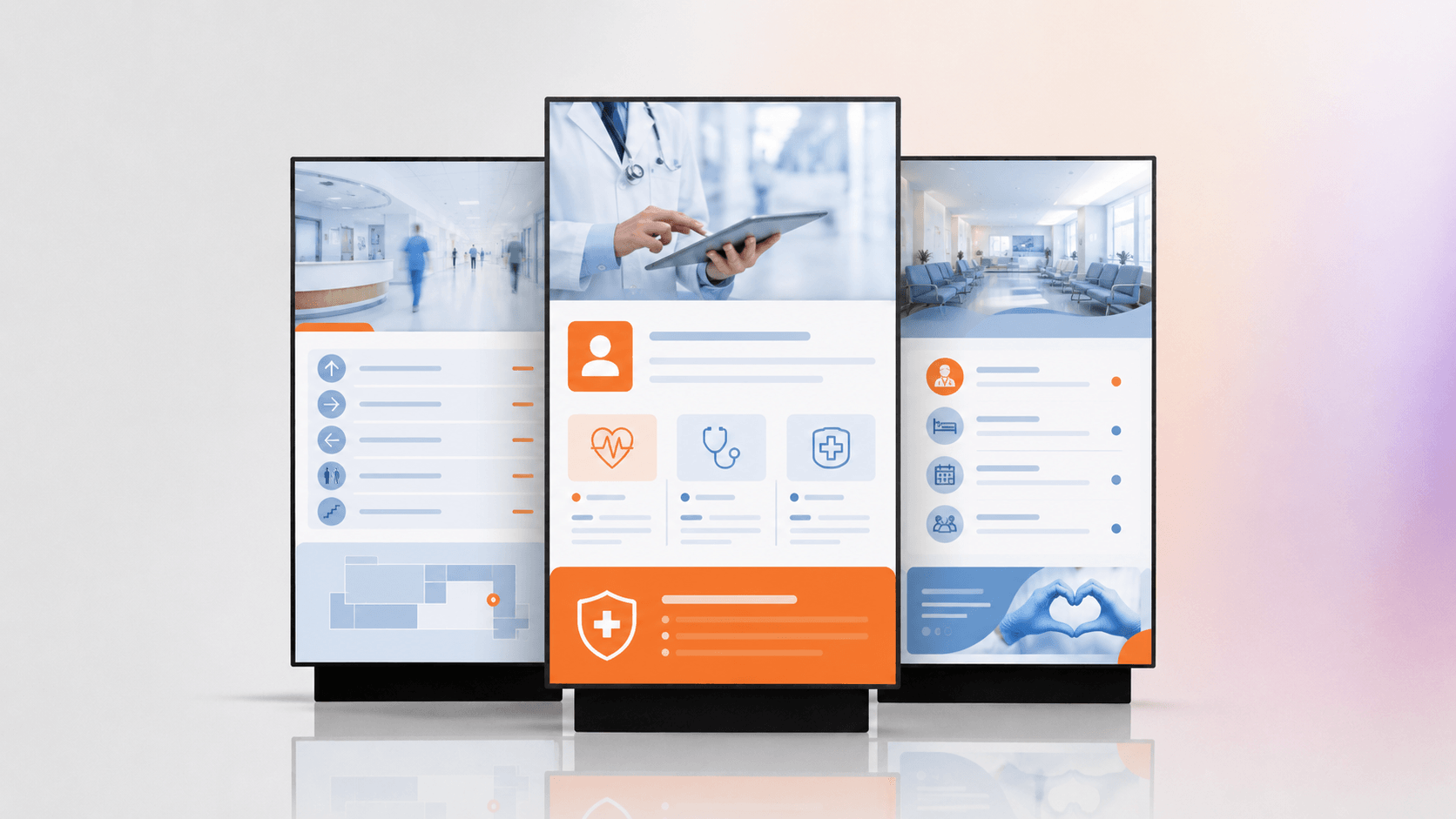
How hospitals use digital signage for visitor navigation
Digital wayfinding helps visitors reach the right department without stopping staff. Screens at entrances, elevators and corridor intersections show maps and directions, and they update the moment a department moves. Fewer lost visitors means fewer interruptions at the desk and fewer late arrivals.
How hospitals use digital signage to improve patient communication
Screens turn the wait into useful time. A waiting-room display can show estimated wait times, next steps, provider details and health education, so patients feel informed rather than forgotten. Seasonal campaigns like flu clinics can be scheduled to appear on the right dates on their own.

How hospitals reach staff who are never at a desk
Clinical staff are on their feet all day, so email passes them by. Digital signage turns the break room, nursing station and staff corridor into an internal communications channel that reaches them where they are, with shift changes, policy reminders and safety alerts. It also eases a constant pressure in healthcare, high staff turnover: as new staff cycle through, the screens keep onboarding basics and policies on repeat, so no one has to re-brief every new face. Night shift can see different content than day shift, and a facility-wide alert can take over every screen when it matters.
How hospitals serve patients in more than one language
Facilities serving diverse communities can rotate content in several languages on one screen, and add sign-language video for patients who are deaf or hard of hearing. For organizations covered by Section 1557 of the Affordable Care Act, which requires meaningful language access, multi-language signage is a practical way to reach more patients without an interpreter for routine information.
The biggest hospital digital signage pain points (and how to solve them)
The problems that stall hospital signage usually have little to do with the screens themselves. Based on our work with hospital and healthcare clients, with more than 1,500 active healthcare clients, the same operational issues come up again and again.
| Pain point | How a good hospital signage system solves it |
|---|---|
| Updating screens by hand with USB sticks or reprinted posters | One cloud change updates every screen at once, with expiry dates so nothing lingers |
| Keeping every campus on-brand without micromanaging it | Central templates that lock the brand, plus site-level permissions so each location self-serves |
| A dark screen in a patient area | Players that keep playing stored content locally if the network drops, plus remote monitoring |
| Reaching staff who rarely open email | Break-room and corridor screens carrying the same updates as the intranet |
| Emergency readiness | Instant takeover of every screen or one zone, wired into the facility alert process |
| Passing IT security and HIPAA review | Single sign-on, role-based access, audit logs and no patient identifiers on public screens |
Good news. The problems above are the ones we hear most from multi-site systems, and they share a pattern: almost none of them is really a screen problem. Each one comes down to the system behind the screens and the plan you start with, which means the fix is in your control, not in the hardware on the wall.
Pain points by stakeholder
| Stakeholder | What they are trying to solve | What Yodeck offers |
|---|---|---|
| IT / Systems Manager | PHI risk, single sign-on, audit logs, review load | Role-based access, SSO, audit trail, no extra player hardware |
| Facilities Manager | Uptime, wayfinding, emergency alerts, accessibility | All-screen takeover, reliable players, ADA-aligned wayfinding |
| Internal Comms Manager | Reaching deskless staff, town halls, recognition | Break-room screens, streamed town halls, recognition content |
| Patient Experience Manager | Waiting-room calm, education, HCAHPS | Tone-matched content, shorter perceived wait |
| Operations Manager | Central control with local autonomy | One console, Workspaces, predictable rollout |
Why hospital signage projects fail (based on what new clients tell us when they switch vendors)
When teams move to Yodeck from another system, they tend to describe the same reasons the last one let them down:
Vendor support that faded after the sale, leaving a broken display dark for months.
Content that went stale because the person who built the loop moved on.
Recognition that never reached the floor because it only lived in an app.
An IT review that never cleared, because the platform could not answer basic security and privacy questions.
Interesting insight. Yodeck is built to reverse each of these: a dependable service commitment, templated content with expiry dates, recognition on the screens staff actually pass, and a security posture that clears hospital IT review. And because reliability is more than the vendor’s servers, Yodeck players keep showing stored content locally for up to a month if the internet drops, so a Wi-Fi hiccup does not have to turn your lobby dark.
The HIPAA myth: does hospital digital signage have to be compliant?
HIPAA applies to protected health information, not to general education, wayfinding, cafeteria or donor content. It is usually simpler to satisfy than teams expect, and projects stall more often from over-caution than from the actual rules. A quick myth check:
| The myth | The reality |
|---|---|
| “We can’t put a TV in a waiting room because of HIPAA.” | You can. HIPAA only restricts protected health information on public screens, not education or wayfinding. |
| “Every signage screen needs a full security build.” | Most screens show no PHI at all, so they need sensible basics, not a clinical-grade build. |
| “Queue boards break privacy rules.” | A queue board that shows a number or initials, not a full name, stays on the safe side. |
The rule is short: keep protected health information off public screens. Show a queue number or initials, not a name and department, and run any clinical-system link over an encrypted connection under a business associate agreement. That is what HIPAA compliant digital signage and PHI safe digital signage come down to.
The HIPAA Privacy Rule enforced by the HHS Office for Civil Rights, expects reasonable safeguards in waiting areas. The same platform can also post required notices reliably, which is where the benefits of digital signage for regulatory compliance in healthcare hospitals show up.
Everything we know you should know about hospital digital signage
This section pulls together the practical details buyers ask about most: the terminology, the hardware and software, the cost, and how it scales across sites.
Key terms
A few terms come up constantly in hospital signage. Here is a quick reference.
| Term | What it means |
|---|---|
| PHI | Protected health information, data that identifies a patient and their care |
| BAA | Business associate agreement, a contract governing how a vendor handles PHI |
| RBAC | Role-based access control, limiting who can change what by job role |
| CAP | Common Alerting Protocol, a standard for pushing emergency alerts across systems |
| HCAHPS | The federal patient-experience survey tied to hospital reimbursement |
| SoC | System on a chip, a media player built into a commercial display |
The hospital IT checklist
Confirm the platform can pass a hospital IT review before you buy. Yodeck covers the controls IT usually asks about:
Role-based access and single sign-on through SAML, on the Enterprise tier
SCIM user provisioning with Okta, Azure Entra ID and OneLogin
Audit logging and player storage encryption
Bank-grade encryption across the service
ISO 9001 and ISO 27001 certification, with GDPR and CCPA compliance
Hardware and software for hospital screens
In short: commercial-grade screens paired with a media player that fits your IT, all run from one cloud platform.
A hospital screen setup has two parts: a commercial-grade display and a media player that drives it. In most cases you can reuse the screens you already have. Adding a small player or streaming device to an existing TV turns it into a managed display, so you rarely need to buy new hardware to start.
The player is the choice that saves the most grief. There are four common paths:
A display with a built-in system on a chip, such as webOS or Android.
A small dedicated player, such as a Raspberry Pi.
A plug-in stick, such as an Amazon Signage Stick.
A commercial player, such as BrightSign.
Which one fits comes down to your security posture: a built-in player means fewer external devices for IT to review, while a low-cost dedicated player is quick to swap. The safest bet is a platform that runs on all of them, so IT keeps the hardware it already trusts.

Why Yodeck fits hospital IT
This is where Yodeck stands out as hospital digital signage software. It runs on Raspberry Pi, LG webOS, Samsung Tizen, Amazon Fire TV, BrightSign, Android, Windows and ChromeOS, includes a free digital signage player with annual plans, and gives a non-technical coordinator simple software for hospital digital signage: one place to build, schedule, monitor and publish without a manual. That is what teams are really after when they compare solutions: hospital grade digital signage they can actually run.
Hospital digital signage costs
Hospital digital signage cost breaks into four parts: the display, the media player, the software subscription and installation. Software is usually the smallest line, while displays and installation drive the bigger swings. Buyers shopping for hospital digital signage usually want a platform under $20 per screen per month that includes free hospital templates, which is where most mid-market tools sit.
Yodeck lets a cautious buyer start even smaller:
A free plan for a single screen, with no credit card.
30 days of unlimited feature access for up to five screens on sign-up, so you can pilot in a real multi-screen setup.
More than 160 apps and integrations, so the screens connect to the tools you already use, from Canva and Google Drive to Power BI and Microsoft Teams.
More than 800 free, editable templates, including healthcare-ready layouts, so you are not designing from a blank screen.
A free Yodeck Player per screen on annual plans, which removes the hardware cost that often stalls a first purchase.
Get players for FREE
That’s right! Select any Annual Plan and we will give you all the players you need for your monitors, preconfigured and for free. Just plug them in and you’re good to go!
Get the offer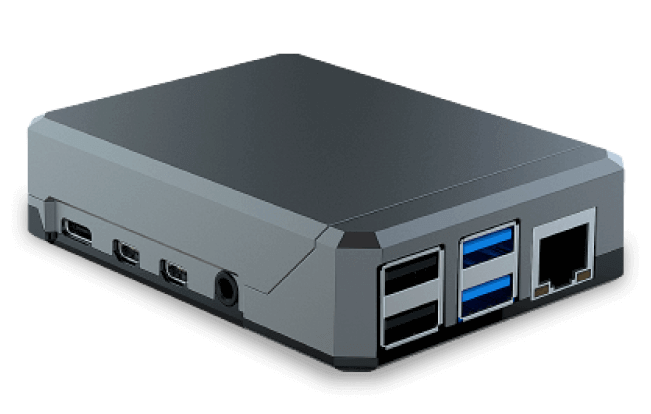
Managing digital signage across a multi-campus hospital
One dashboard runs the whole fleet while each site keeps local control. As you move from one lobby to dozens of screens, the question shifts from “what do we show” to “who can change what, where, and how do we stay on-brand and secure.” The answer is a layered setup: central templates and brand rules at the top, scoped permissions per campus and department, one console for everything.
That is what a scalable screen management platform for a large hospital network looks like. Yodeck delivers it through Workspaces that mirror your org chart, single sign-on, role-based permissions and an API for automation, so multi-campus hospital signage behaves like one system rather than fifty.
The same central control powers emergency readiness. From one place, Yodeck can take over every screen or a single wing to broadcast an alert on any plan, and integrate with Common Alerting Protocol systems so a code or evacuation reaches the right screens automatically, the backbone of hospital emergency alert signage and built on the CAP standard FEMA maintains for public alerting. The same reach streams Teams town halls and staff recognition to every building at once.
Example: a 480-screen rollout across 350+ clinics
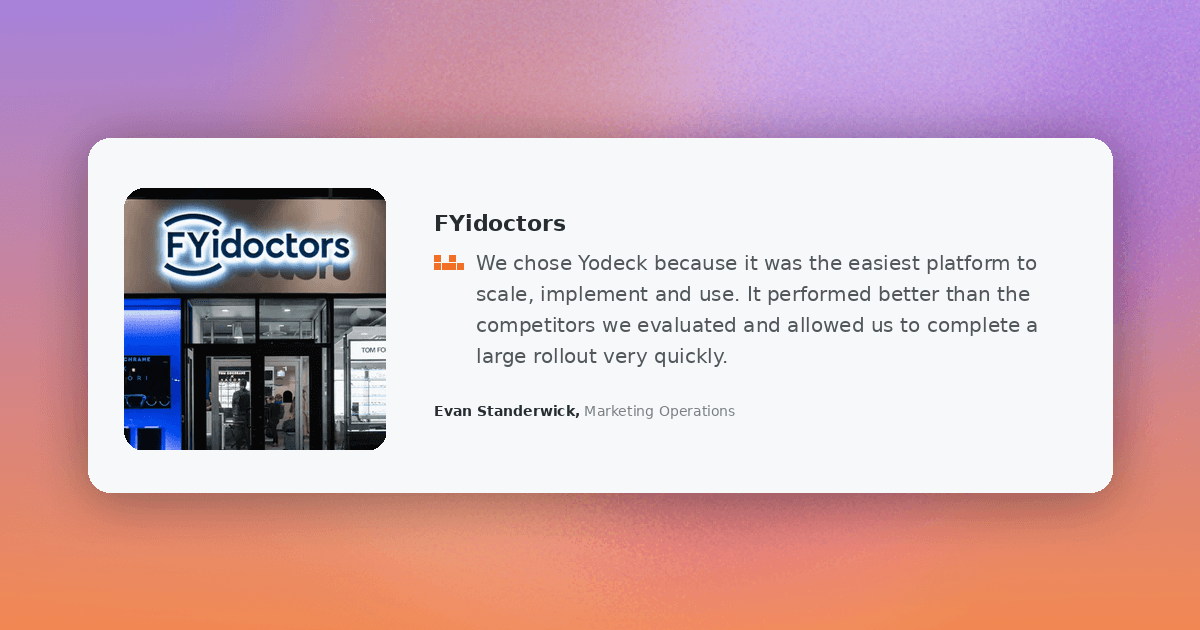
A large multi-site rollout is workable with the right structure. This digital signage case study for hospitals and multi-site clinics shows it in action. FYidoctors, a Canadian eye-care group, moved off an aging on-premise system to the cloud and now runs 480 screens across more than 350 clinics. Preconfigured players, with Wi-Fi and playlists set in advance, made it a plug-and-play rollout, and the team manages every screen from one place, updating playlists instantly and tailoring content by location.
The most asked questions we receive about hospital digital signage
How easy are the top cloud signage platforms for medical environments to use?
Across the cloud signage platforms used in medical environments, Yodeck tends to come out ahead on ease of use in three ways: staff learn the interface in minutes rather than days, non-technical coordinators can run it without help from IT, and it works on the screens and players a facility already owns.
On G2, verified reviewers score Yodeck highly on exactly these points:
Ease of Use: 9.3 out of 10
Ease of Setup: 9.3 out of 10
Ease of Admin: 9.4 out of 10
For teams running many sites, Yodeck adds an AI agent that connects your screens to an AI tool like Claude or ChatGPT through MCP. Bulk actions that used to take ten minutes of clicking, deploying a campaign across locations, standing up a new site with its users and permissions, or auditing the account, run from a single plain-language request, within your existing Yodeck permissions and on Premium and Enterprise plans.
Does hospital digital signage work on the TVs we already have?
Usually, yes. If your waiting rooms and lobbies already have screens, a small streaming device turns each one into a managed display, so you rarely need to buy new TVs to get started. Yodeck runs on Raspberry Pi, LG webOS, Amazon Fire TV and BrightSign, so most facilities can reuse what they own. And in fact, one of the most common needs that brings people to Yodeck is looking for simple programs for running notices on hospital lobby TVs. The setup is the same either way: connect the device, then schedule announcements, wait times and wayfinding from one dashboard, no technical skills needed.
What makes Yodeck a budget-friendly digital signage option for hospitals?
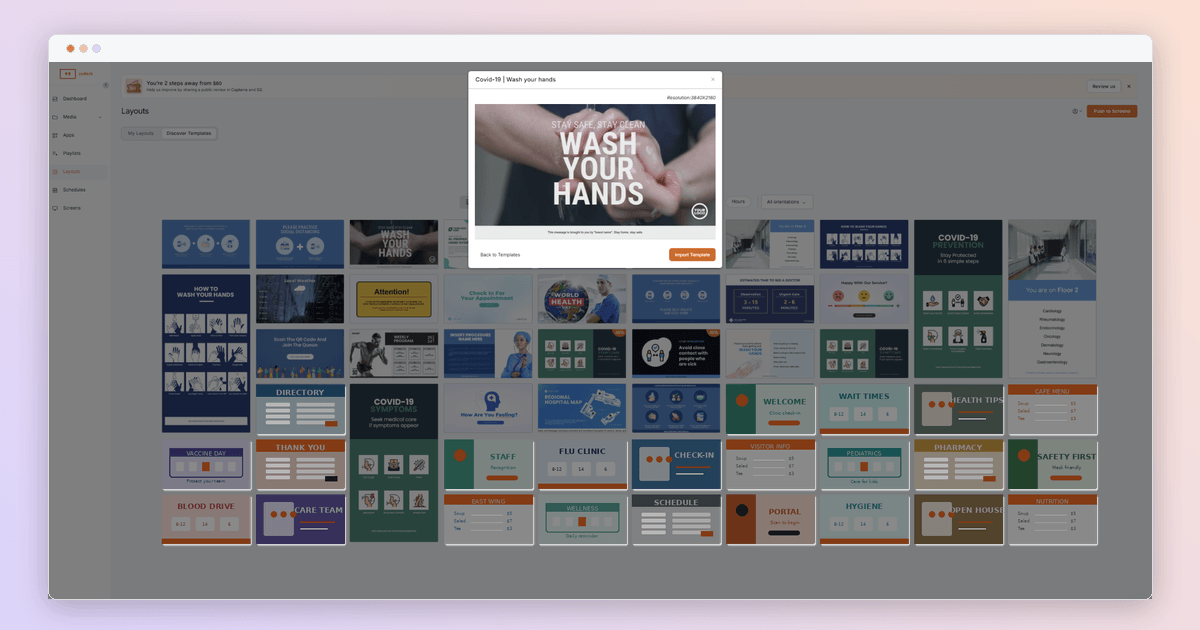
Yodeck keeps both the upfront and ongoing costs low, which is what makes it a budget-friendly digital signage option for hospitals. It includes a free Yodeck Player per screen on annual plans, so there is no separate hardware bill. New sign-ups also get 30 days of full feature access on up to five screens with no credit card, so you can prove it out in a real multi-screen setup before you commit. More than 800 free templates mean you are not paying a designer to get started. From there you pay per screen and add only what you use, so the cost scales with the rollout instead of landing all at once.
Can digital signage push emergency alerts to every screen?
Yes. Yodeck’s Screen Takeover instantly overrides whatever is playing and pushes an alert to every screen, or only the screens in one area. It also supports the Common Alerting Protocol, so it fits the emergency tools you already run
How does digital wayfinding help in large buildings like hospitals, malls and airports?
It lets visitors self-serve directions instead of stopping staff, which means less confusion, fewer missed appointments and less strain on information desks. Because the content is digital, you can update a route the moment a department moves.
Getting your first hospital screen live
Hospital digital signage works best as one connected system with a clear plan, not a set of separate screens. Get the zones, content and compliance right, choose hardware that fits your IT stack, and manage everything from one place. The payoff shows up in calmer waits, better-informed patients and staff who actually see the message. Whether you start with a single lobby screen or map an entire network, a sensible first step is to put one screen live and learn from it. Start for free and see how it fits your building.
Still reprinting hospital signs?
Try Yodeck’s award-winning digital signage solutions and update every hospital screen, across every campus, from one dashboard.
Start for free